
Young woman in white bunny ears hoodie leaning against distressed red wall
Prompt
A young woman with long wavy brown hair leans back against a distressed red wall, wearing white bunny ears on her hooded sweatshirt.

Subject: A young woman with long wavy brown hair and bangs, fair skin, and closed eyes looking upward in a relaxed expression.

Clothing: She wears a white zip-up hoodie with large bunny ears attached to the hood, a white ribbed crop top, white shorts, and white sneakers.

Action: Leaning back against the wall with her right hand resting on the surface and her left hand raised near her head, legs crossed at the ankles.

Environment: A textured red wall with peeling paint and vertical drips of darker red paint or grime.

Camera: Full body shot taken from a low angle looking up at the subject.

Lighting: Soft directional lighting illuminating the front of the subject against the darker background, creating gentle shadows that define her form.

Text/Graphics: The text "LOVE" is visible on the wall to the left of the subject's head.

Style Details: High-quality digital rendering with realistic textures and a cinematic color palette emphasizing the contrast between the white outfit and red background.
Description
This prompt is useful for creating edgy streetwear lookbooks, conceptual portraiture featuring props, and fashion editorials with high contrast backdrops. The combination of 'low angle looking up' and 'soft directional lighting' emphasizes the subject's verticality against the highly textured 'distressed red wall,' ensuring that the bright white outfit pops while the gentle shadows define her form rather than flattening it.
Suggestions
- Change 'white bunny ears on her hooded sweatshirt' to 'black mesh bunny ears' for a moodier feel.
- Swap 'distressed red wall' for 'weathered terracotta brick' to alter the texture.
- Adjust 'low angle looking up' to 'eye-level medium shot' if you want more intimacy.
Category
Tags
Brown HairFair SkinFemaleFull BodyLow AngleOutdoorsRealisticStreetwear
Date added
August 5, 2026
Added by
PromptDexter Team
Related Prompts
More prompts with similar categories and tags.
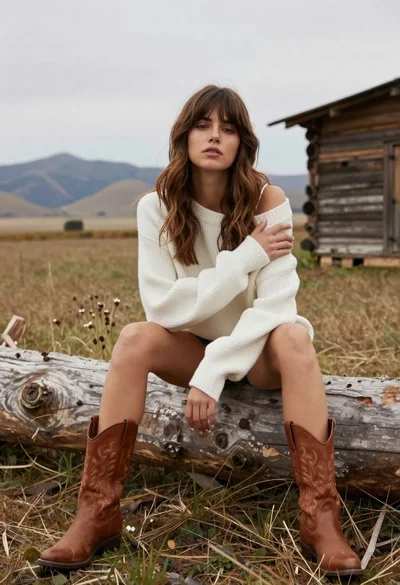
Young woman in white sweater sitting on log in grassy field
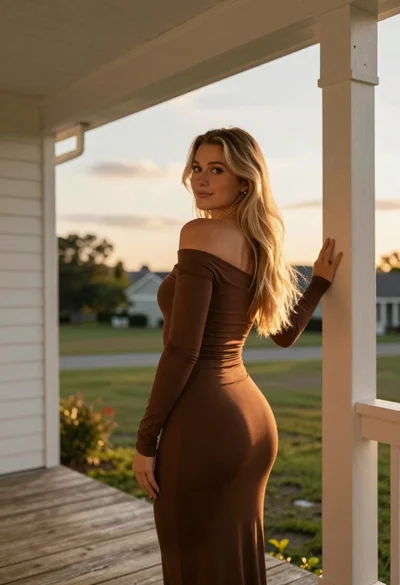
Young blonde woman on wooden porch looking back at sunset
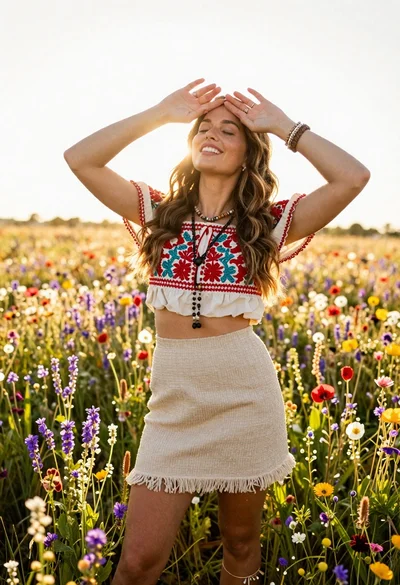
Smiling woman in embroidered top standing in field of wildflowers
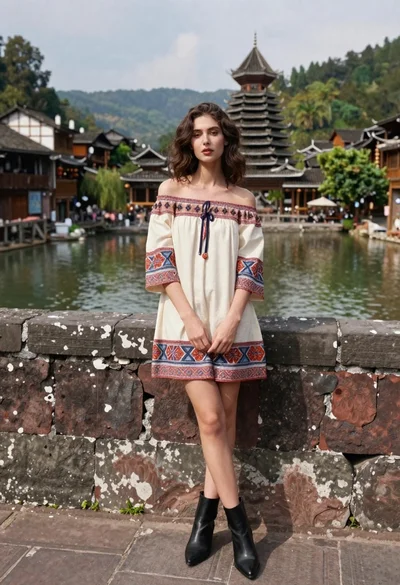
Young woman in patterned dress leaning against stone wall by river

Woman in rust dress looking back over shoulder on stone staircase at
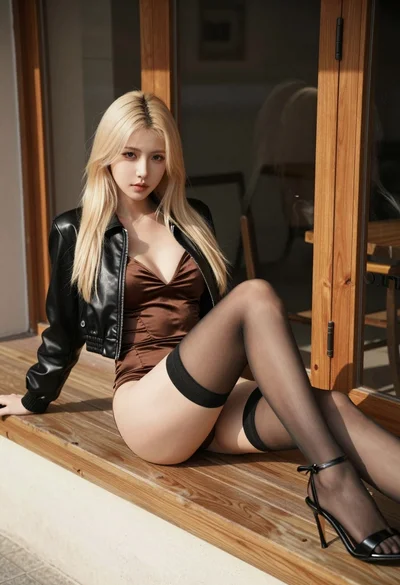
Blonde woman reclining on wooden bench outdoors near glass door

Young woman leaning against white wall with beige handbag under bright sunlight

Blonde woman in racing uniform holding umbrella at sunny pit lane

Young woman in brown bodysuit leaning against white wall by blue sea
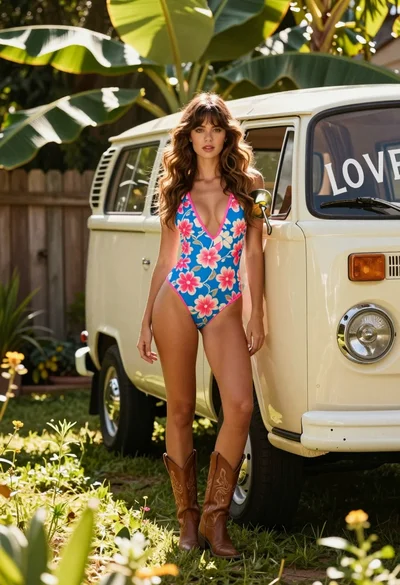
Young woman in floral swimsuit leaning on vintage van in lush garden