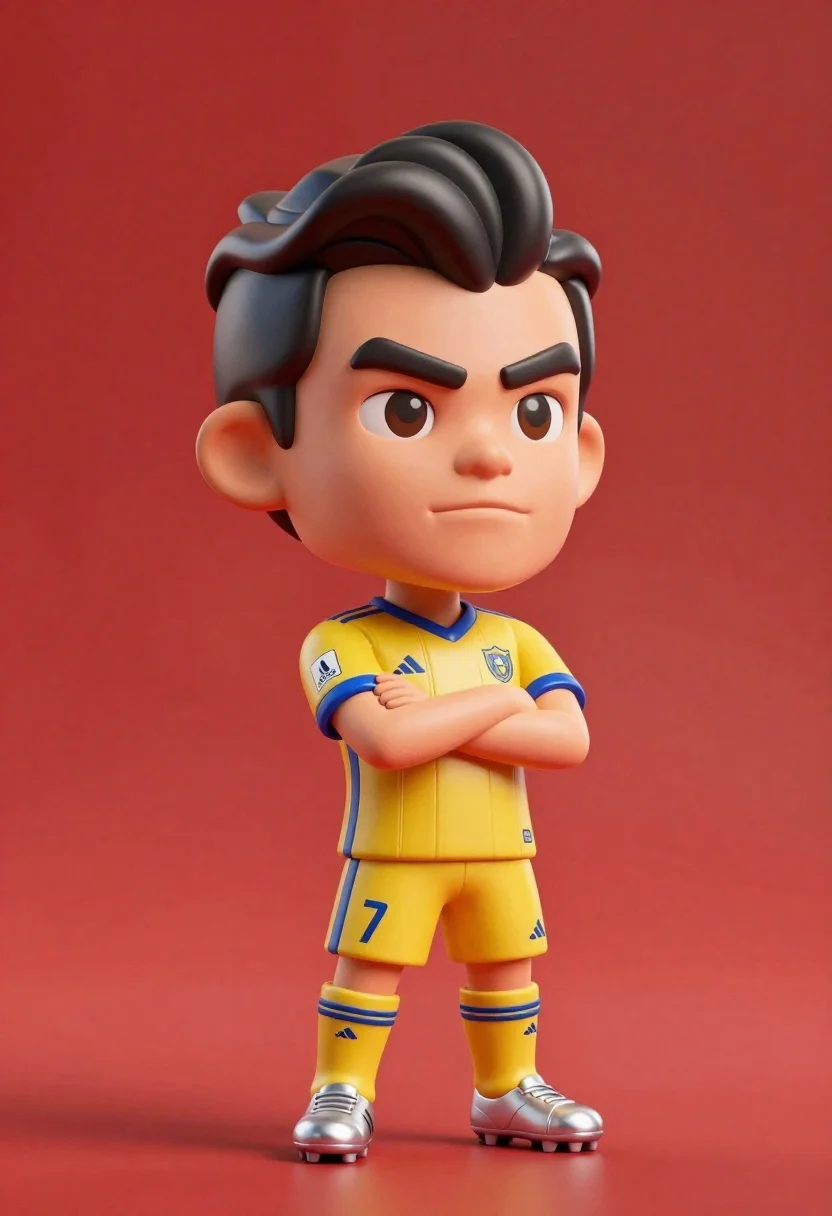
Stylized bobblehead soccer player in yellow jersey standing confidently against red background
Prompt
A stylized bobblehead figure of a soccer player standing confidently with arms crossed against a solid red background.

Subject: A caricatured male figure with exaggerated features including a large head, prominent dark eyebrows, and styled black hair swept to the side.

Clothing: The figure wears a yellow soccer jersey with blue trim on the shoulders and sleeves, featuring sponsor logos and a team crest, paired with matching yellow shorts displaying the number 7 in blue, yellow socks with blue stripes, and silver cleats.

Action: Standing upright with arms folded across the chest, exuding a confident and serious expression while looking slightly to the side.

Environment: A plain, vibrant red backdrop that fills the entire frame behind the figure.

Camera: Medium shot capturing the full body from head to toe, positioned at eye level with soft focus on the background to emphasize the subject.

Lighting: Even studio lighting that highlights the glossy texture of the bobblehead material and casts subtle shadows beneath the feet.

Style Details: 3D rendered aesthetic with smooth surfaces, vibrant colors, and a polished finish reminiscent of high-end collectible figurines.
Description
This prompt is useful for creating character merchandise mockups, stylized sports advertising campaigns, and novelty product packaging art. The combination of 'glossy texture' and 'even studio lighting' ensures the plastic material reads as a premium collectible rather than a matte toy, while the 'solid red background' isolates the figure to maximize brand visibility.
Suggestions
- Change 'yellow soccer jersey' to 'neon green soccer jersey' for higher contrast.
- Adjust 'blue trim' to 'black trim' for a more aggressive look.
- Replace 'silver cleats' with 'gold cleats' to suggest championship status.
Category
Tags
3dBlack HairFictional CharacterFull BodyMaleMedium ShotOutdoorsSportswearStudio
Date added
June 23, 2026
Added by
PromptDexter Team
Related Prompts
More prompts with similar categories and tags.
Young boy in blue soccer jersey standing confidently against red background

Three animated characters standing together against a solid blue background

Cheerful chibi pirate character standing on treasure chest in studio
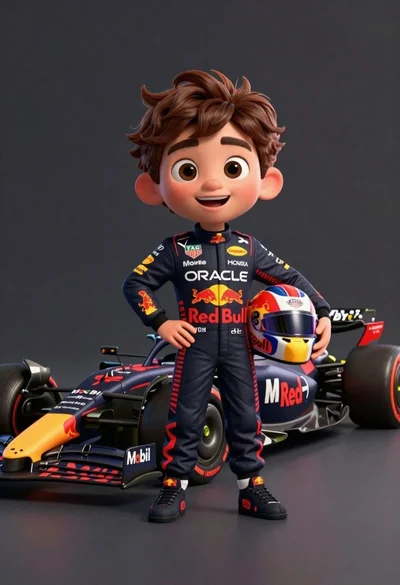
Cheerful cartoon boy in racing suit standing next to formula one car
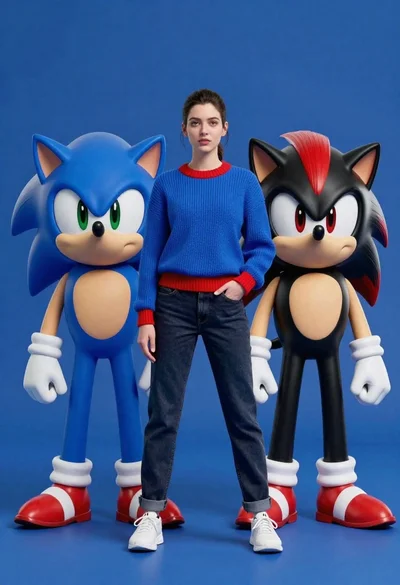
Young woman standing confidently between two large sonic the hedgehog characters
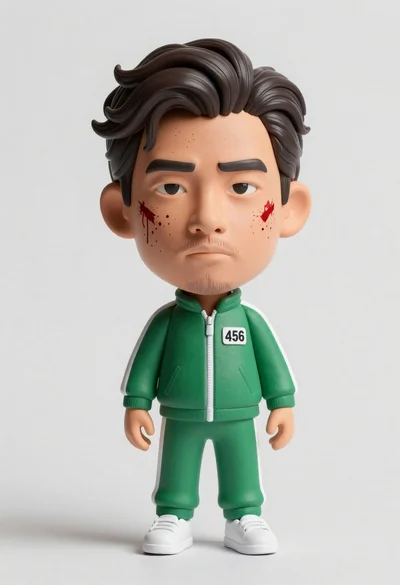
Hyper realistic 3d bobblehead figure of asian man in green tracksuit with
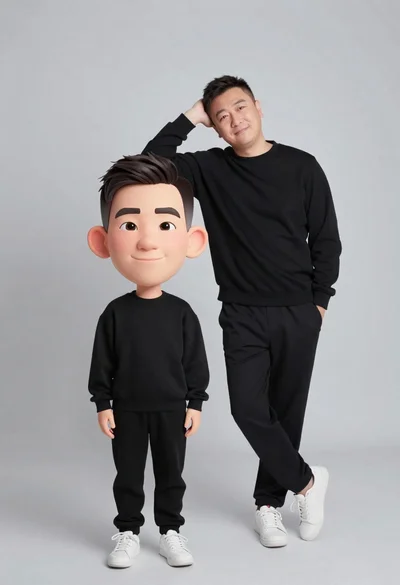
Large headed cartoon caricature standing in front of real life man in
Muscular man sitting on ledge against graffiti mural