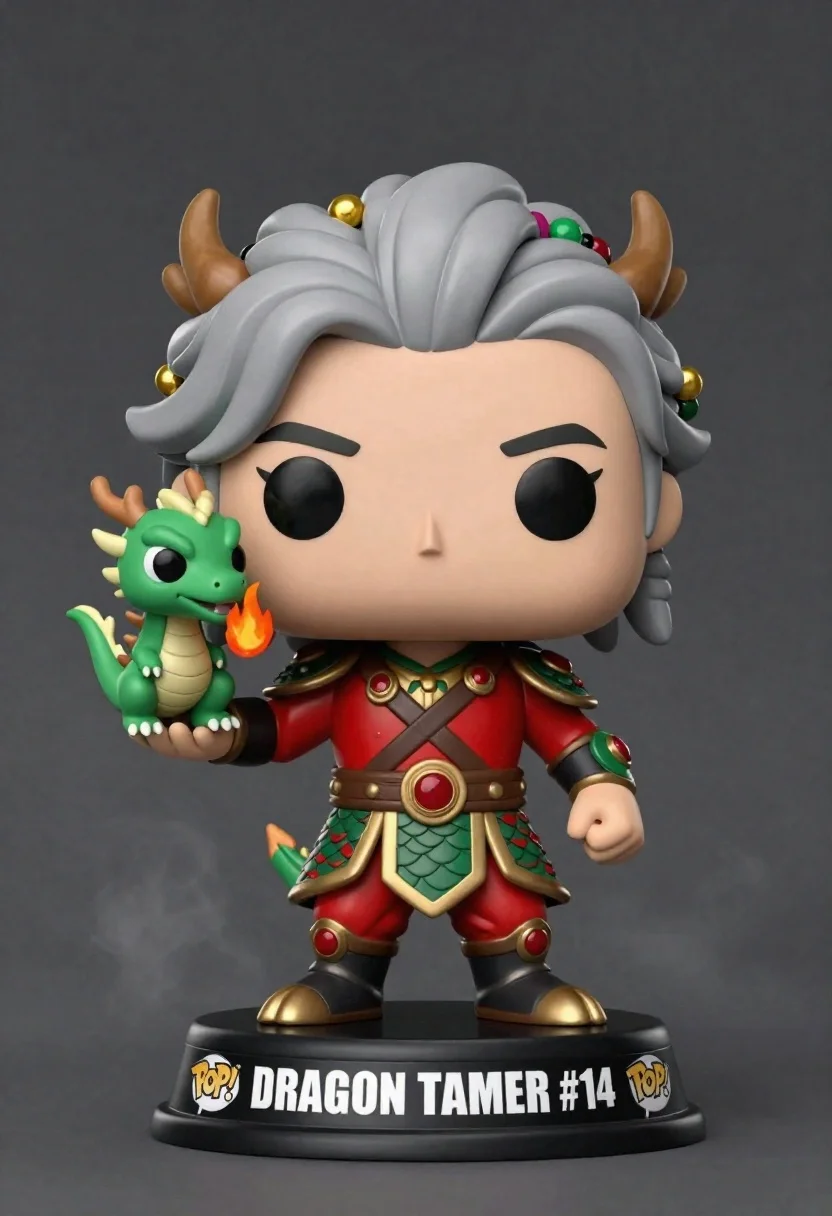
Stylized funko pop figure of dragon tamer holding small green dragon
Prompt
A stylized Funko Pop figure of a dragon tamer with long grey braided hair adorned with gold and green beads, standing confidently on a black base labeled "DRAGON TAMER #14" with POP logos.

Subject: A stylized Funko Pop figure of a dragon tamer with large expressive eyes, a confident smile, and voluminous grey braided hair decorated with colorful beads.

Clothing: The figure wears an ornate red and green armored outfit featuring scale-like patterns, gold trim, brown leather straps, and matching boots with red gem accents.

Action: The character stands with arms raised in a heroic pose, holding a small green dragon on their left hand while the right arm is clenched in a fist.

Environment: A dark grey studio background with soft atmospheric smoke or mist effects surrounding the figure.

Camera: A medium shot capturing the full figure from head to toe, centered composition with slight upward angle emphasizing the character's stature.

Lighting: Soft diffused lighting from the front and top, creating gentle highlights on the glossy surface and casting subtle shadows for depth.
Second

Subject: A small green dragon perched on the left hand, breathing a flame from its mouth.

Objects: The black circular base with white text reading "DRAGON TAMER #14" and two POP logos on either side.

Interaction: The character holds the dragon gently in one hand while displaying strength with the other arm raised.

Text/Graphics: The base features clear white lettering spelling "DRAGON TAMER #14" flanked by stylized POP logos.

Style Details: High-quality 3D render with smooth textures, vibrant colors, and a polished finish typical of collectible vinyl figures.
Description
This prompt is useful for creating character merchandise mockups, tabletop RPG promotional art, and fun, stylized collector's display pieces. The combination of 'stylized Funko Pop figure' aesthetics with specific details like 'ornate red and green armored outfit' ensures the output maintains a collectible vinyl look while the 'soft atmospheric smoke or mist effects' prevents the background from feeling too sterile for promotional use.
Suggestions
- Change 'red and green armored outfit' to include more metallic accents like 'bronze and emerald armor'.
- Swap 'black base labeled "DRAGON TAMER #14"' for a weathered, stone-textured base.
- Adjust 'Soft diffused lighting from the front and top' to 'dramatic rim lighting' for higher contrast.
Category
Tags
3dArmorFemaleFull BodyGray HairMedium ShotOutdoorsStudio
Date added
June 26, 2026
Added by
PromptDexter Team
Related Prompts
More prompts with similar categories and tags.

Full body studio shot of woman standing between large mario and luigi
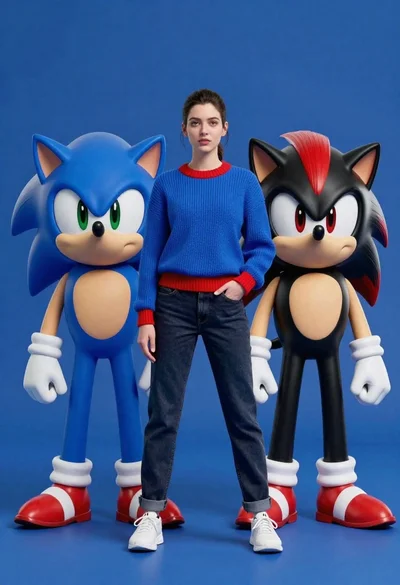
Young woman standing confidently between two large sonic the hedgehog characters

Full body studio shot of woman and anthropomorphic fox character
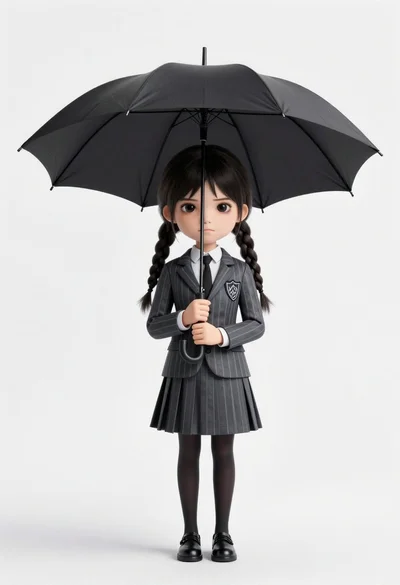
Chibi girl in grey pinstriped school uniform holding black umbrella against white

Woman in police uniform stands with fox wearing shirt against white studio
Stylized bobblehead soccer player in yellow jersey standing confidently against red background

Cheerful chibi pirate character standing on treasure chest in studio

Photorealistic portrait of woman in red gold armor holding shield studio shot