

Young woman with black hair tattoos sitting on bed in dimly lit
Prompt
A woman with black hair and bangs sits on a bed in a dimly lit bedroom.

Subject: A young woman with pale skin, dark eyes, and straight black hair cut with blunt bangs. She has extensive black ink tattoos covering her arms and shoulders, featuring roses and crosses.

Clothing: She wears a tight black latex bodysuit with thin straps and matching garter straps on her thighs. Around her neck is a spiked choker and a long chain necklace with a large cross pendant.

Action: She sits upright on the bed with her legs bent to the side, looking directly at the camera with a neutral expression. Her hands rest gently on her thighs and the bedsheet.

Environment: The setting is a bedroom with white rumpled sheets and pillows. A window with dark curtains is visible in the background showing rain streaks and blurred city lights outside. A framed picture hangs on the wall, and a bedside table holds an alarm clock and a book.

Lighting: The scene is lit by warm ambient light from a lamp on the right side, casting soft shadows and highlighting her skin against the darker room.

Camera: Shot with a medium close-up framing that captures her upper body and face, using a shallow depth of field to blur the background slightly.

Style Details: The image has a cinematic, moody aesthetic with high contrast between the warm interior light and the cool blue tones from the window.
Description
This prompt is useful for creating dark editorial portraiture, gothic fashion spreads, and mood-setting character concept art. The combination of 'warm ambient light' contrasting with the 'cool blue tones from the window' establishes a high contrast that emphasizes the subject's pale skin against the black latex bodysuit, while the 'shallow depth of field' ensures the viewer focuses intensely on her direct gaze.
Suggestions
- Change 'black latex bodysuit' to 'velvet slip dress' for a softer material.
- Adjust 'warm ambient light' to 'single overhead spotlight' for more dramatic shadows.
- Swap 'rain streaks and blurred city lights' for 'foggy window view' to maintain the moody atmosphere.
Category
Tags
BedroomBlack HairFemaleIndoorsRealistic
Date added
July 12, 2026
Added by
PromptDexter Team
Related Prompts
More prompts with similar categories and tags.

Glamorous blonde woman in black satin dress inside softly lit bedroom

Young woman in lavender crop top kneeling on bed with black glasses

Woman in black satin slip dress holding champagne flute in luxurious bedroom

Young woman in mustard yellow outfit looking over shoulder in bedroom

Woman in black embroidered blouse looking over shoulder in bedroom

Woman in burgundy satin dress sitting on bed looking over shoulder

Young woman in red satin dress sitting on bed looking over shoulder

Young woman in red satin dress and dark hair sitting on bed looking over shoulder
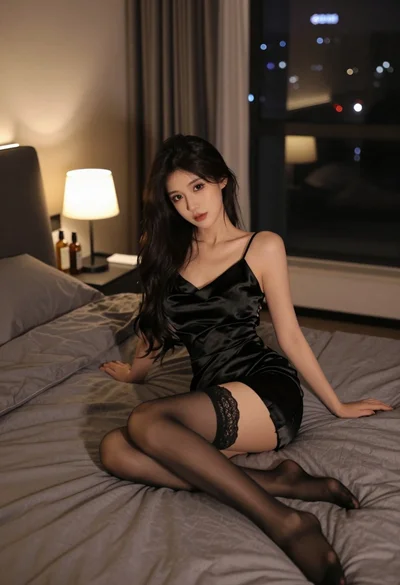
Young woman in black satin slip dress sitting on bed at night

Blonde woman in maid outfit standing in luxurious bedroom setting