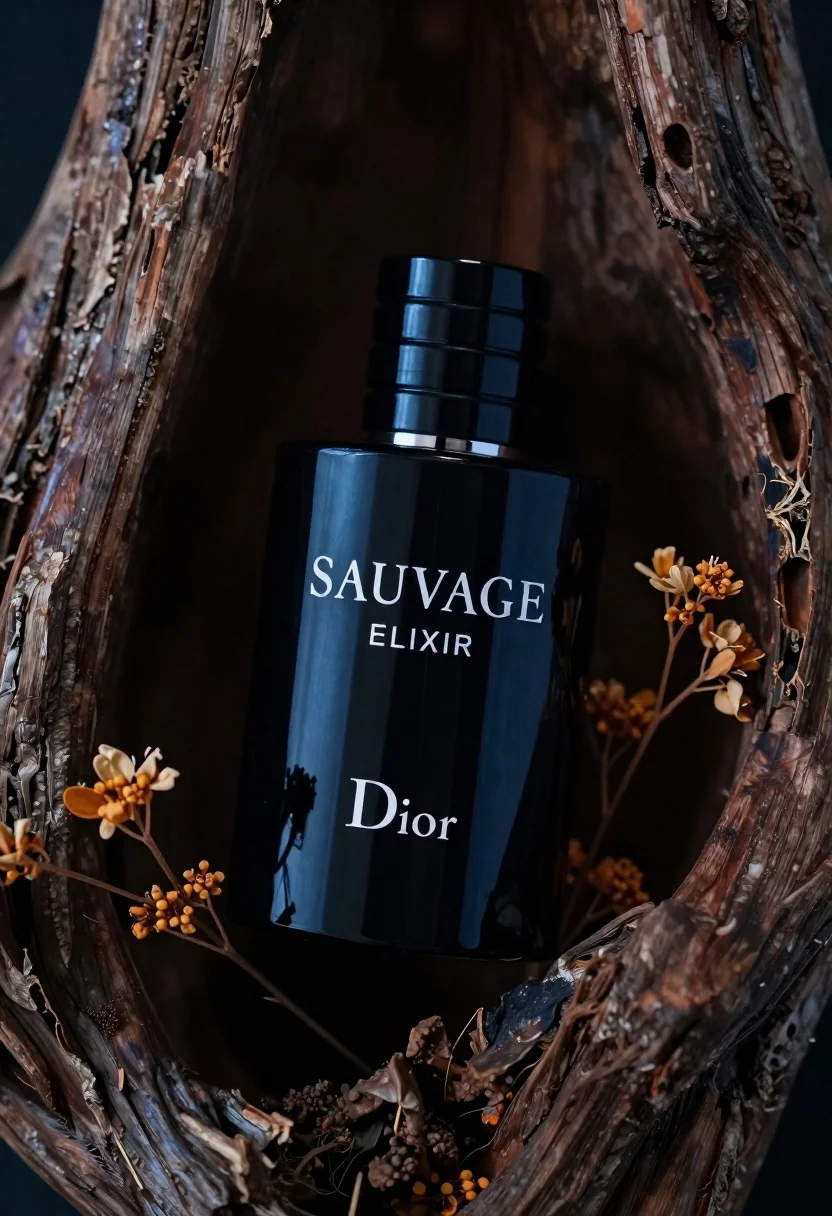
Glossy black dior sauvage elixir perfume bottle in dark wood hollow
Prompt
A sleek black perfume bottle rests inside a dark, textured hollow of weathered wood.

Subject: A glossy black rectangular perfume bottle with a ribbed cylindrical cap sits centrally within the frame.

Clothing: The bottle features white serif typography reading "SAUVAGE ELIXIR" and the brand name "Dior" on its front face.

Action: The bottle is tilted slightly to the right, nestled securely into the rough interior of the wood.

Environment: The setting is a dark, organic hollow formed by gnarled tree bark or driftwood with deep crevices and ridges.

Objects: Delicate sprigs of dried orange-brown flowers are arranged around the base of the bottle on both sides.

Lighting: Dramatic lighting highlights the glossy reflection on the bottle's surface while casting deep shadows in the surrounding wood.

Camera: A close-up shot with a shallow depth of field keeps the bottle sharp and blurs the background textures.

Style Details: High-contrast, cinematic color grading with rich blacks and warm amber accents against cool blue tones.
Description
This prompt is useful for creating high-end luxury product advertisements, niche cologne branding visuals, and editorial still life photography. The combination of 'glossy black' surfaces contrasted by the 'dramatic lighting' ensures that the bottle catches specular highlights, which is crucial for conveying premium material quality while the shallow depth of field isolates the subject from distracting background textures.
Suggestions
- Change 'dried orange-brown flowers' to 'dark moss and lichen' for a more mysterious feel.
- Adjust 'warm amber accents' to 'deep emerald green' for an unexpected color pop.
- Modify 'weathered wood' to 'polished obsidian rock' for a different material contrast.
Category
Tags
Close UpDark SkinNatureOutdoorsRealistic
Date added
June 23, 2026
Added by
PromptDexter Team
Related Prompts
More prompts with similar categories and tags.
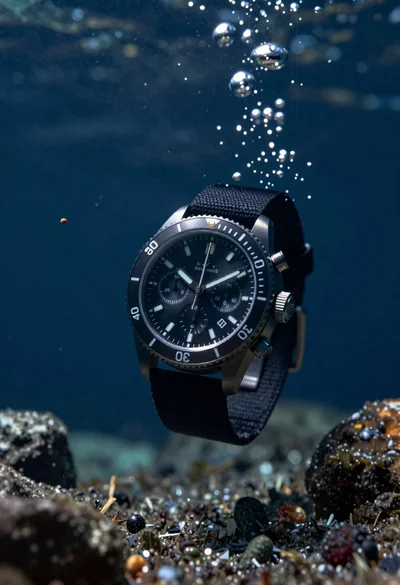
Black chronograph watch with fabric strap floating in deep blue underwater scene
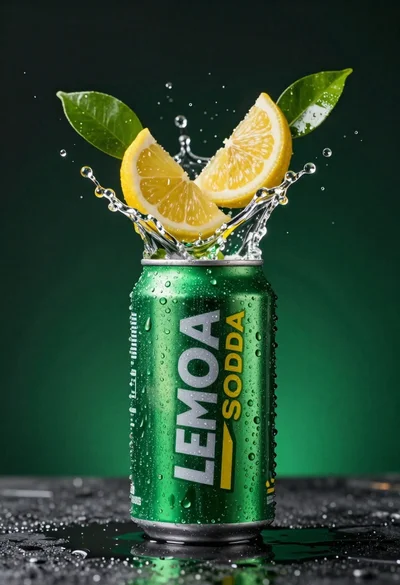
Green soda can erupting with citrus slices and liquid spray
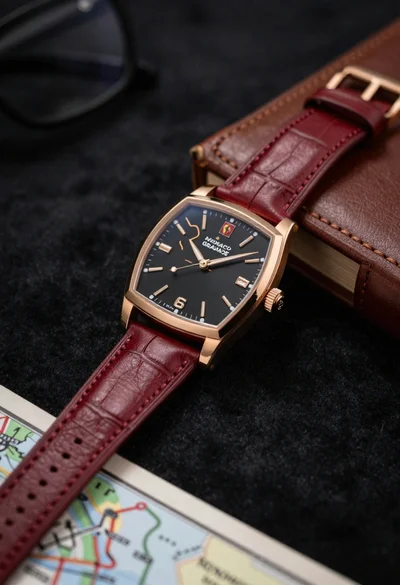
Closeup shot of luxury rose gold wristwatch on dark textured surface
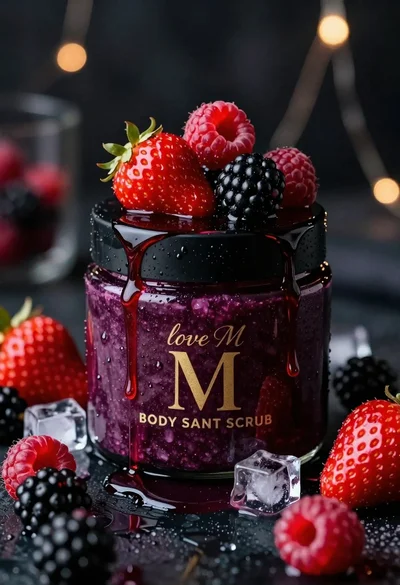
Luxurious dark berry body salt scrub jar with fresh strawberries and raspberries
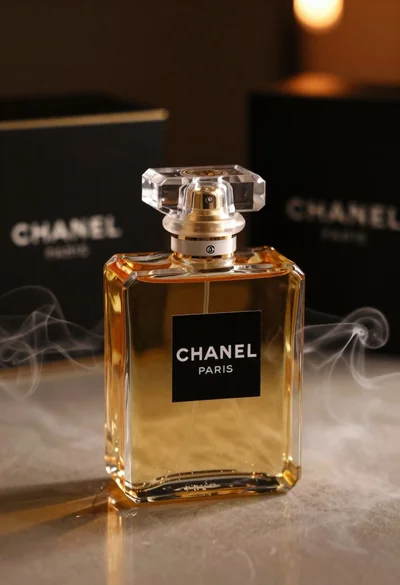
Luxurious chanel perfume bottle on reflective surface with swirling smoke
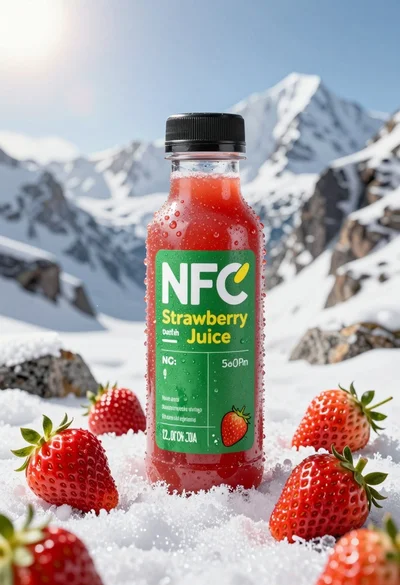
Close up product shot of strawberry juice bottle on snowy mountain rock
Abstract close up of glass vessel against teal background
Closeup of dark chocolate bar on brown surface with cocoa beans