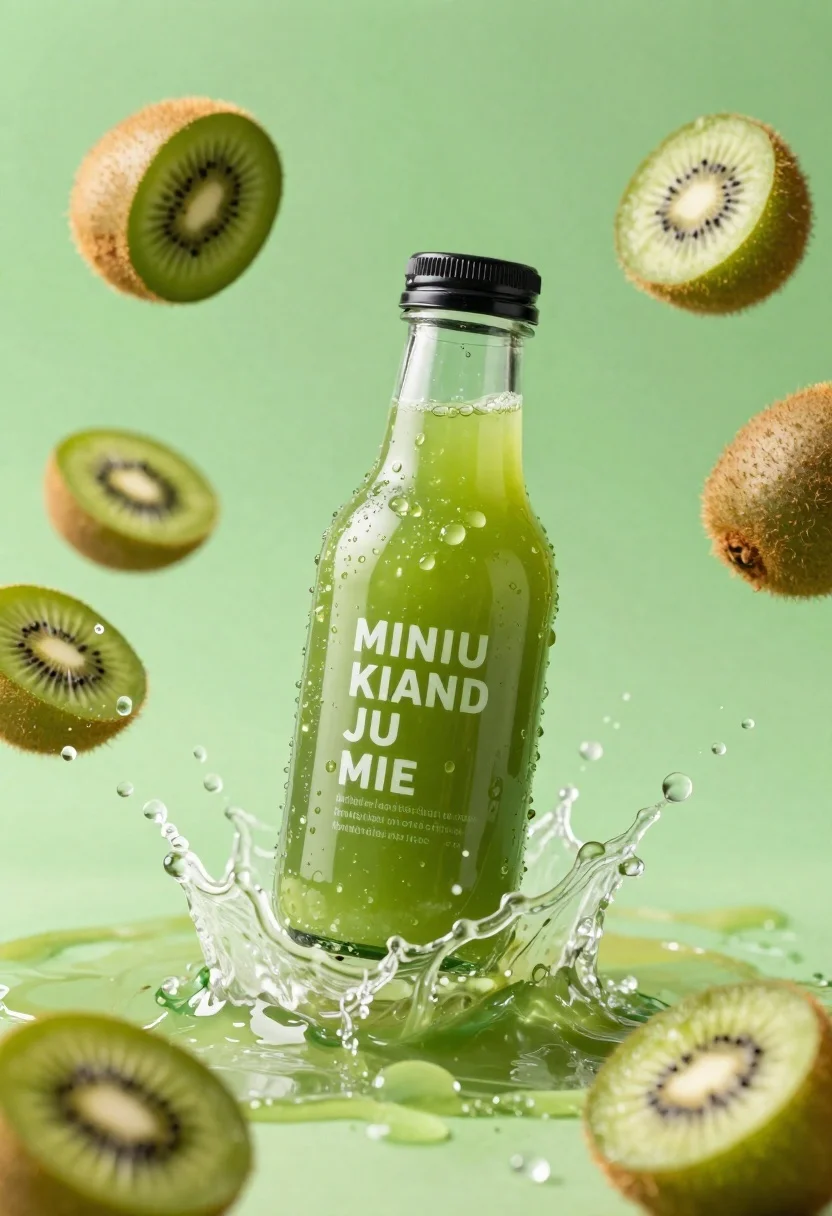
Clear glass kiwi juice bottle frozen in midair splash against green background
Prompt
A refreshing green kiwi juice bottle suspended in mid-air amidst a dynamic splash of liquid and floating fruit slices against a vibrant green background.

Subject: A clear glass bottle filled with bright green kiwi juice featuring a black screw-top cap.

Clothing: N/A.

Action: The bottle is captured in a frozen moment of high-speed motion, surrounded by an explosive splash of water and juice droplets radiating outward.

Environment: A solid, vibrant lime-green background that fills the entire frame to emphasize the freshness of the product.

Camera: High-speed photography with a shallow depth of field, focusing sharply on the bottle while blurring the distant spray slightly to enhance the sense of speed.

Lighting: Bright, high-key studio lighting that creates strong specular highlights on the wet glass surface and illuminates the water droplets for maximum clarity.
Second

Subject: N/A.

Objects: Several cross-sections of fresh kiwi fruit with fuzzy brown skin and black seeds are scattered around the bottle within the splash.

Interaction: The liquid from the bottle appears to be bursting outward, mixing with the surrounding water spray and fruit pieces in a chaotic yet energetic composition.

Text/Graphics: White text on the bottle reads "MINIU KIAND JU MIE" along with smaller illegible descriptive text below it.

Style Details: Commercial product photography style with hyper-realistic textures, high saturation, and a clean, refreshing aesthetic.
Description
This prompt is useful for creating vibrant commercial beverage advertisements, packaging mockups, and editorial food styling spreads emphasizing refreshment. The combination of 'bright green kiwi juice' against the 'vibrant lime-green background' with 'strong specular highlights on the wet glass surface' ensures the product looks intensely saturated and clean, which is crucial for conveying immediate thirst-quenching appeal.
Suggestions
- Change 'black screw-top cap' to 'silver metallic cap' for a more premium feel.
- Add 'macro lens perspective' to emphasize the juice droplets.
- Swap 'hyper-realistic textures' for 'glossy commercial photography style' to refine the finish.
Category
Tags
Close UpHigh AngleOutdoorsRealistic
Date added
June 26, 2026
Added by
PromptDexter Team
Related Prompts
More prompts with similar categories and tags.
Black pringles can floating in midair with chips and chili peppers against
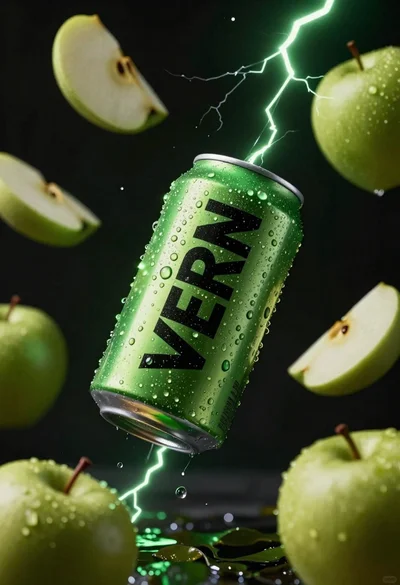
Hyper realistic green energy drink can floating with apples in dark void
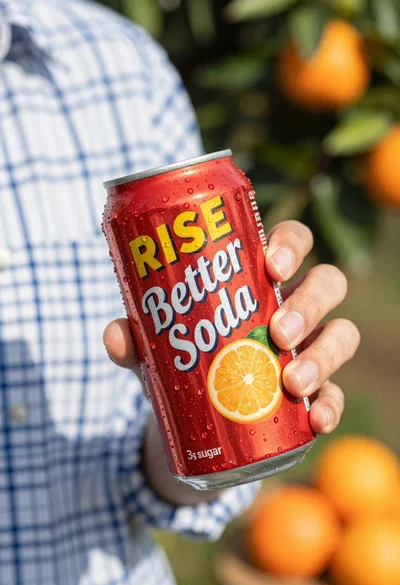
Closeup shot of hand holding red soda can with condensation droplets outdoors
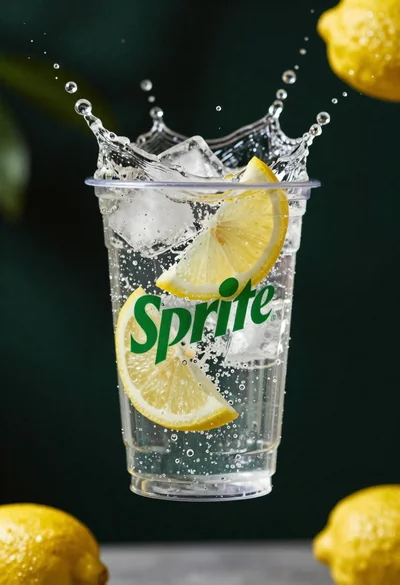
Clear plastic cup with fizzy liquid ice cubes and lemon slices suspended
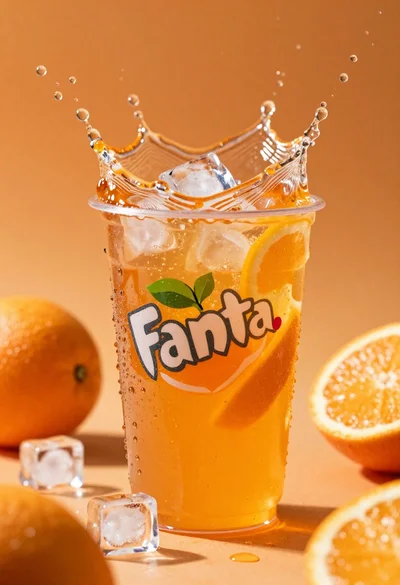
Closeup macro shot of a glass of orange soda splashing with ice
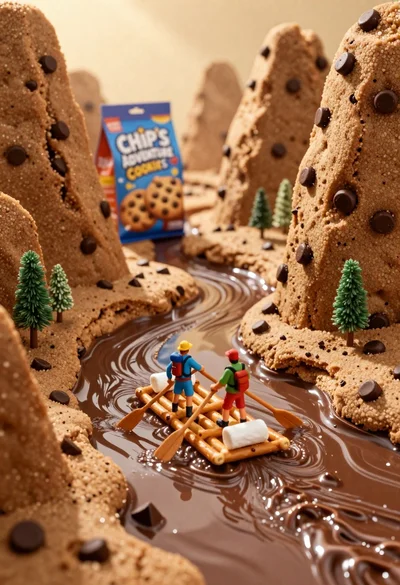
Tiny adventurers rowing a pretzel raft down a chocolate river between cookie
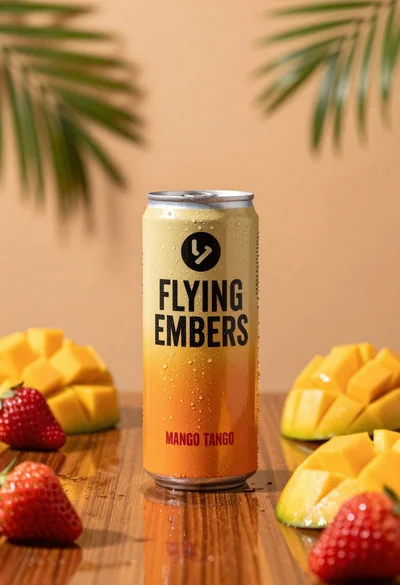
Refreshing beverage can with fruit slices on wooden table

Ginger cat dressed as fast food worker holding cheeseburger