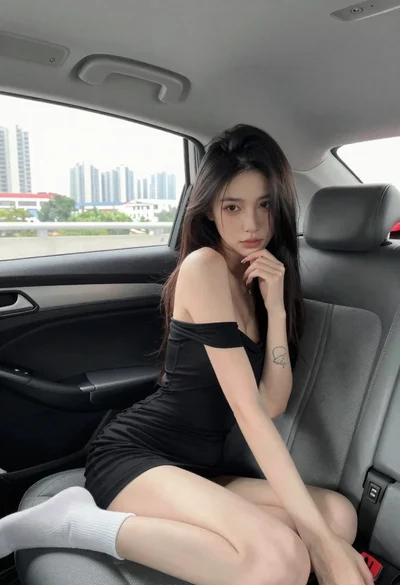
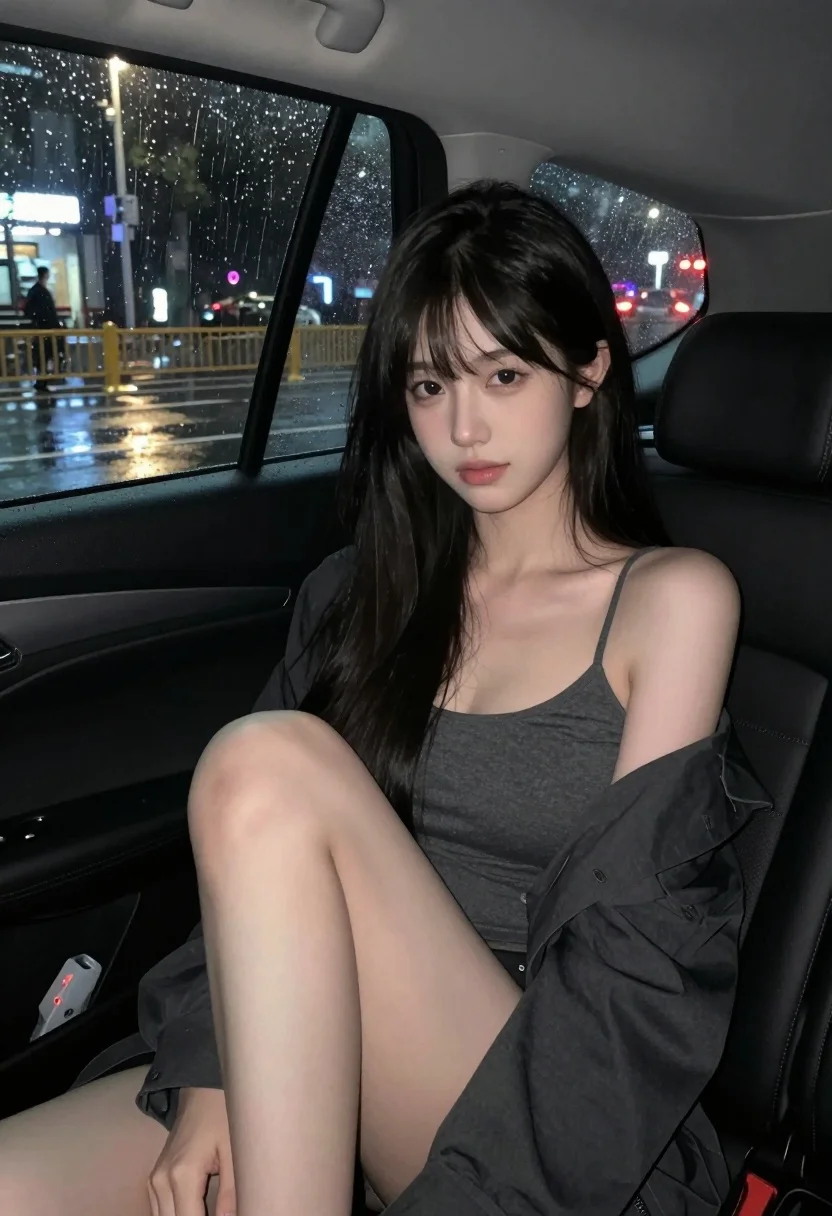
Young woman with black hair seated inside car at night rain scene
Prompt
A young woman with long black hair sits in the back seat of a car at night, gazing directly at the camera with a soft expression.

Subject: A young woman with long, straight black hair and bangs framing her face. She has fair skin and a gentle, neutral facial expression.

Clothing: She wears a dark grey spaghetti strap top and has a dark jacket draped over her shoulders. Her legs are bare.

Action: She is seated in the back seat of a car, leaning slightly against the door with one hand resting on her thigh.

Environment: The interior of a vehicle at night. Through the window, a rainy street scene is visible with blurred city lights reflecting on the wet pavement and raindrops speckling the glass.

Camera: Shot from a medium close-up angle inside the car, capturing the subject from the waist up with the car door frame visible on the left.

Lighting: Dim, moody interior lighting mixed with cool ambient light from the street outside, creating soft highlights on her skin and hair while keeping the background dark.

Style Details: The image has a cinematic, low-key aesthetic with a focus on atmosphere, featuring a shallow depth of field that blurs the rainy city lights in the background.
Description
This prompt is useful for creating moody cinematic stills, atmospheric character portraits, and narrative concept art evoking isolation. The combination of 'dim, moody interior lighting' with 'cool ambient light from the street outside' establishes a high-contrast, low-key aesthetic that prevents flat illumination on her 'fair skin,' while the specified 'shallow depth of field' ensures the rainy city lights remain abstract bokeh rather than distracting details.
Suggestions
- Change 'dark grey spaghetti strap top' to 'wet black turtleneck' for more texture.
- Add 'neon reflections' to the window view for more color contrast.
- Adjust 'medium close-up angle' to 'over-the-shoulder shot' to change the perspective.
Category
Tags
Black HairCasual WearFair SkinFemaleIndoorsMedium ShotRealisticStreet
Date added
July 3, 2026
Added by
PromptDexter Team
Related Prompts
More prompts with similar categories and tags.
Close up portrait of blonde woman in black top inside luxury car
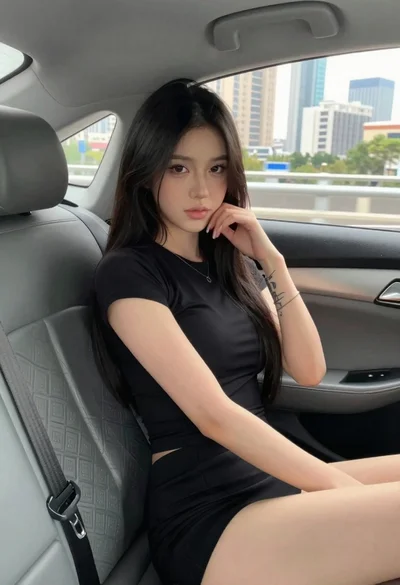
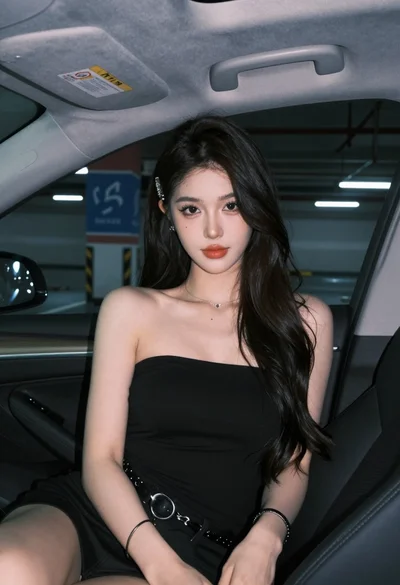
Young woman in black outfit sitting inside car looking at camera
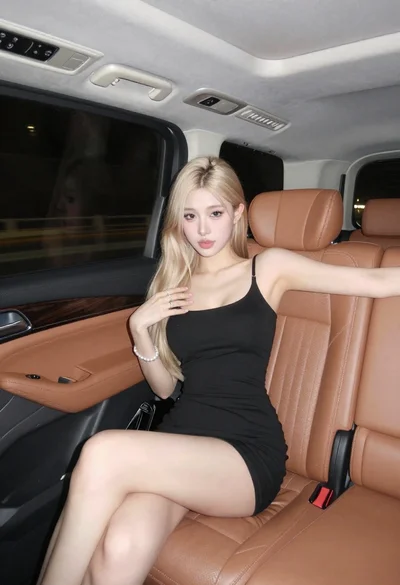
Blonde woman in black mini dress seated inside luxury car interior
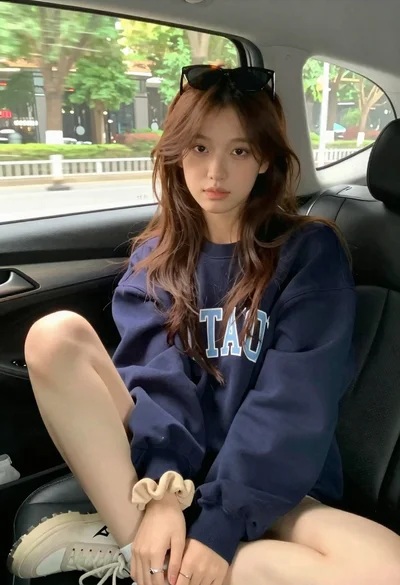
Young woman with brown hair sitting inside car looking at camera
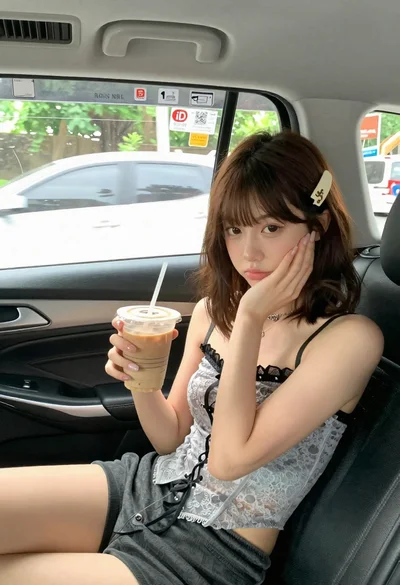
Young woman with brown hair in car seat holding coffee drink
Young woman in black jacket stands inside subway car looking back over

Fair skinned blonde woman in denim dress inside luxury car
Smiling blonde woman in black dress sitting in car back seat at
Woman in beige blazer sitting in vintage car driver seat
Young east asian woman winking on red motorcycle arcade game in neon