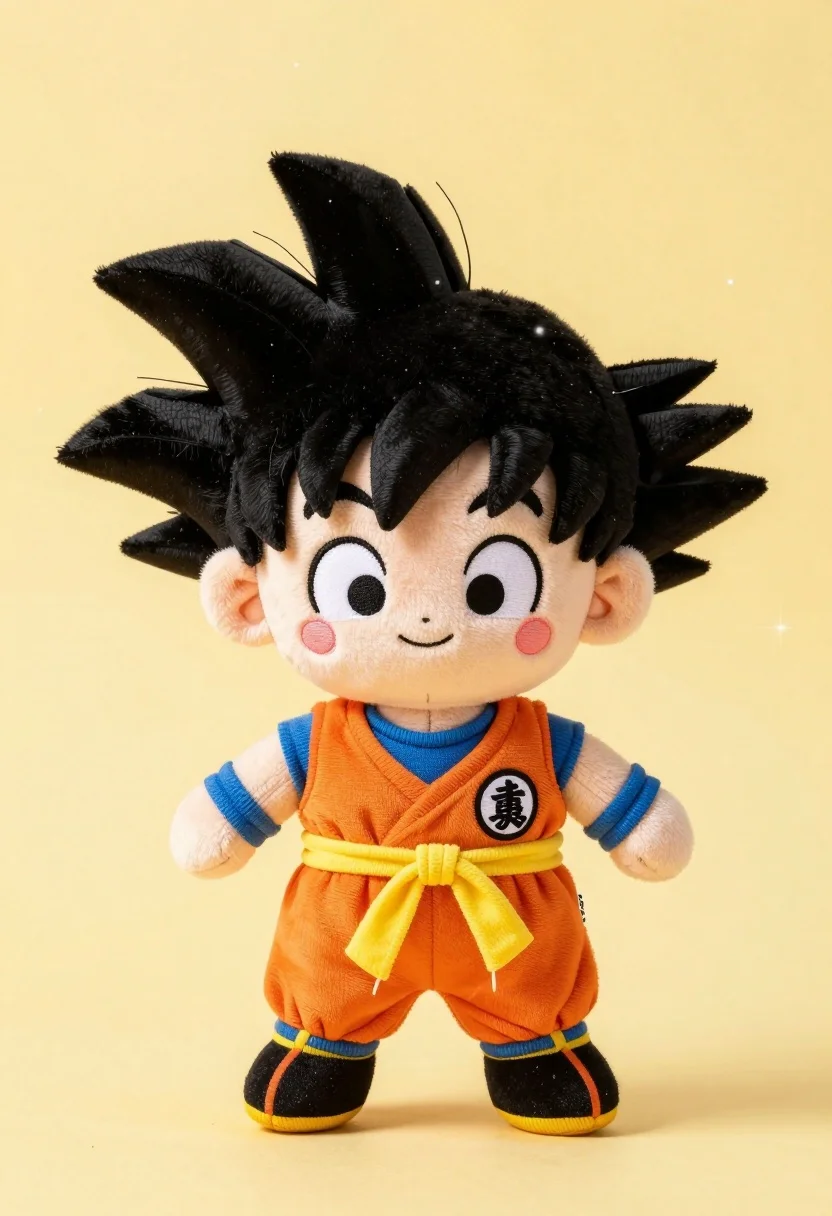
Chibi plush doll resembling goku standing against soft yellow background
Prompt
A cute plush toy of a young boy with spiky black hair and rosy cheeks standing against a soft yellow background.

Subject: A chibi-style plush doll resembling Goku from Dragon Ball Z, featuring large expressive eyes, a small smiling mouth, and distinctively spiky black hair made of soft fabric.

Clothing: The doll wears an orange martial arts gi with blue undershirt sleeves, a yellow sash tied in a bow around the waist, and black boots with yellow trim; a circular patch with a kanji character is visible on the chest.

Action: The plush stands upright facing forward with arms slightly away from the body and legs apart in a relaxed pose.

Environment: A solid pale yellow background with subtle white sparkles scattered across the surface to create a magical atmosphere.

Lighting: Soft, even studio lighting that highlights the texture of the plush fabric without creating harsh shadows.

Style Details: High-quality product photography with a clean aesthetic and vibrant colors emphasizing the toy's charm.
Description
This prompt is useful for creating collectible merchandise mockups, character concept art for toys, and stylized e-commerce listings. The combination of 'soft, even studio lighting' and 'high-quality product photography' ensures that the texture of the plush fabric remains visible without harsh shadows, which is crucial for making the toy look tangible rather than flat against the 'solid pale yellow background'.
Suggestions
- Change 'spiky black hair' to 'textured black yarn' for a different material feel.
- Swap 'soft yellow background' for 'pastel gradient background' to add more visual interest.
- Add 'bokeh effect' to the lighting description for a dreamier look.
Category
Tags
3dAnimeBlack HairFull BodyMaleStudio
Date added
July 12, 2026
Added by
PromptDexter Team
Related Prompts
More prompts with similar categories and tags.
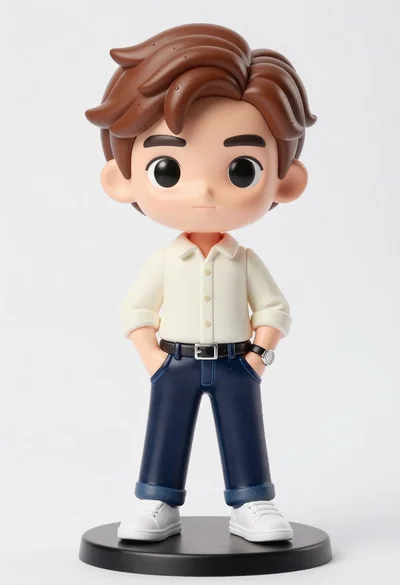
Vinyl figure of young man in cream shirt and jeans
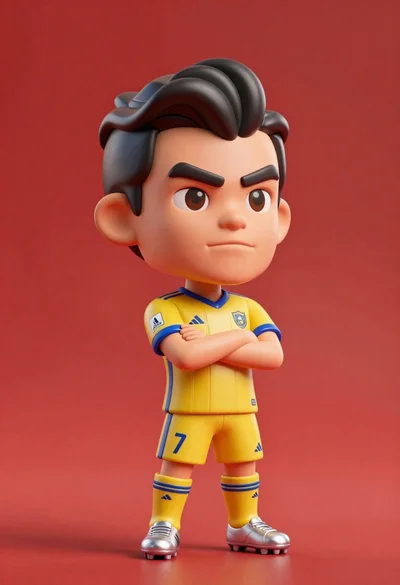
Stylized bobblehead soccer player in yellow jersey standing confidently against red background
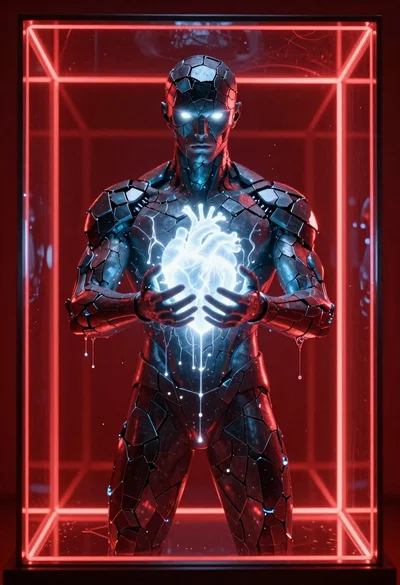
Obsidian humanoid in neon cube holding glowing heart
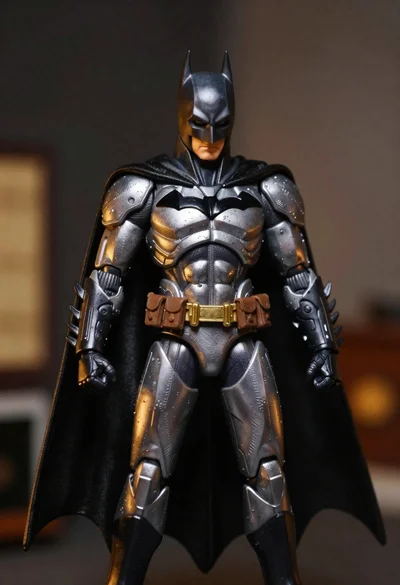
Batman action figure in silver and gold armor
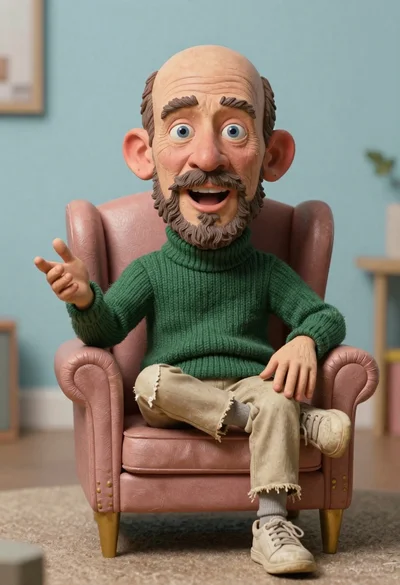
Hyperrealistic caricature sculpture of a man sitting
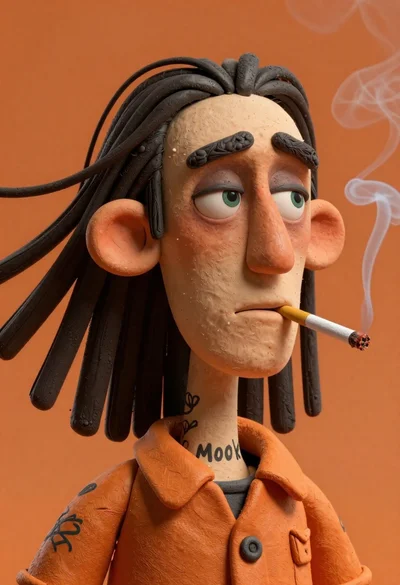
Stylized portrait of weary man with black hair

Sculpted illustration of an elderly captain at a ships helm
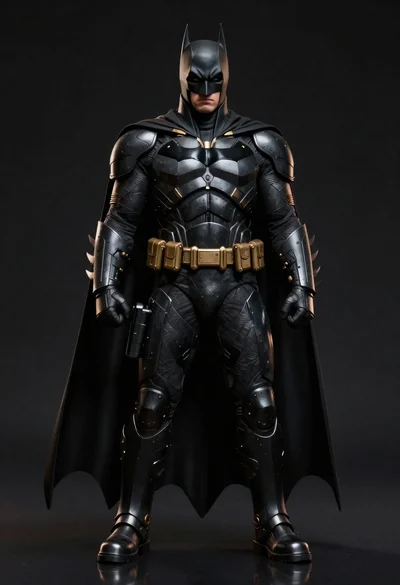
Batman in detailed armored suit against dark background
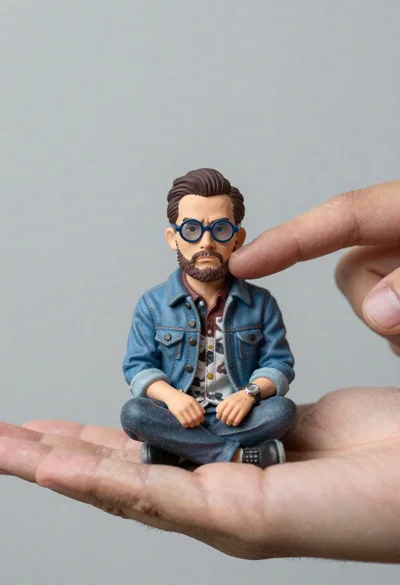
Macro photograph of miniature man seated in palm hand
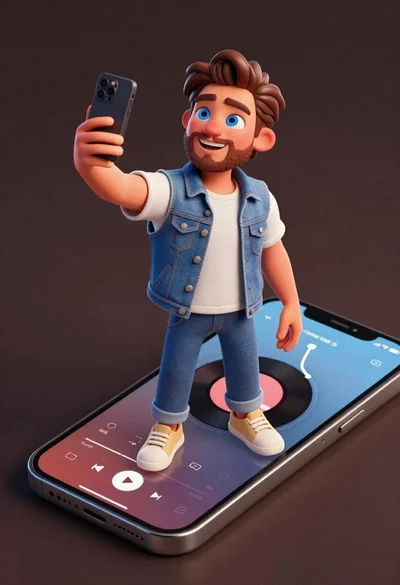
Cheerful young man taking selfie while standing on giant smartphone screen