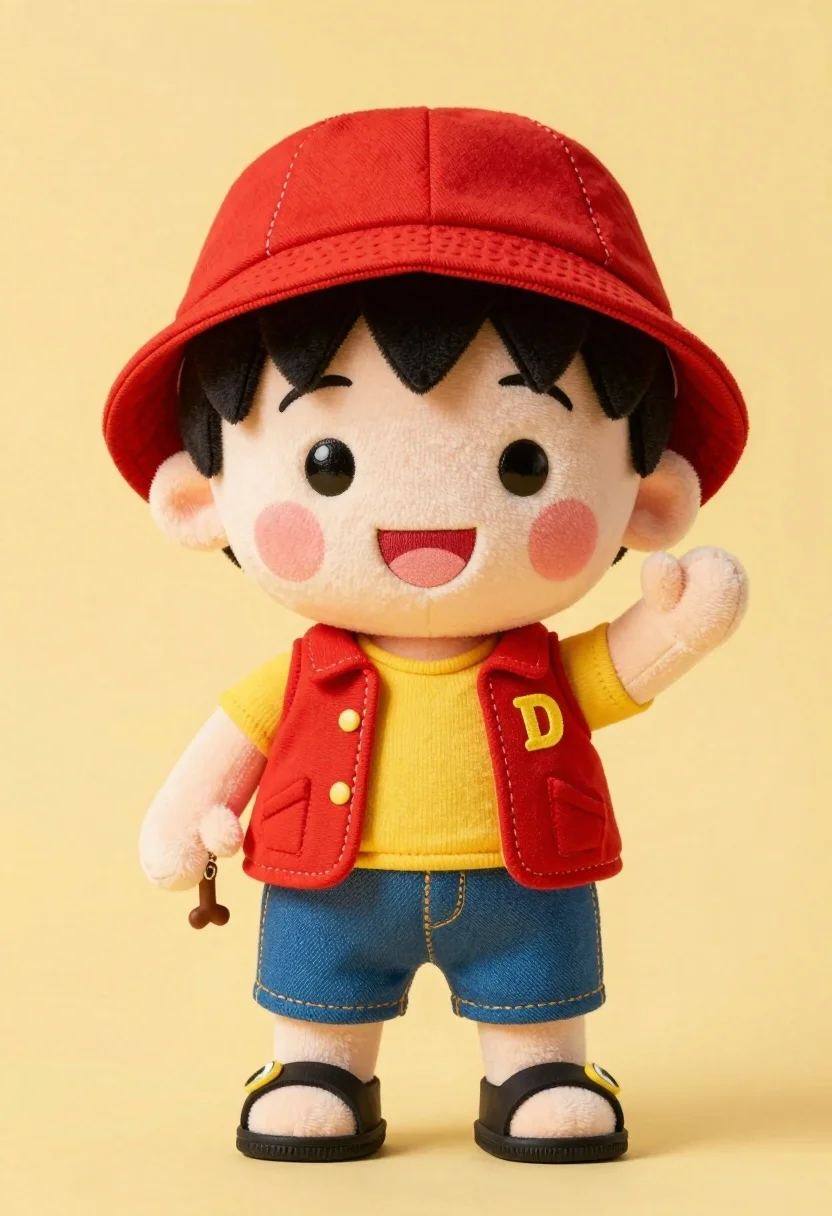
Cute plush toy boy in red hat yellow shirt standing against pale
Prompt
A cute plush toy of a young boy with black hair, rosy cheeks, and a stitched mouth wearing a red hat, red vest, yellow shirt, blue shorts, and sandals standing against a plain yellow background.

Subject: A soft plush doll resembling a young boy with spiky black hair, large black eyes, pink circular blush marks on the cheeks, and a wide stitched smile showing teeth.

Clothing: The figure wears a red bucket hat with white stitching details, a sleeveless red vest with a yellow letter D on the chest, a yellow undershirt, blue denim shorts, and black sandals with yellow straps.

Action: The plush stands upright with one arm raised in a waving gesture and the other hanging down holding a small accessory.

Environment: A solid pale yellow background that fills the entire frame behind the figure.

Camera: Frontal view with even lighting and a shallow depth of field keeping the subject sharp while the background remains uniformly smooth.

Lighting: Soft, diffused studio lighting from the front that minimizes harsh shadows and highlights the plush texture evenly.

Objects: A small brown bone-shaped charm attached to the left wrist of the figure.

Style Details: High-quality product photography with a clean, minimalist aesthetic emphasizing the soft fabric texture and vibrant colors.
Description
This prompt is useful for creating character merchandise mockups, children's book illustrations, and stylized toy catalog shots. The combination of 'soft plush doll' subject matter, 'even lighting,' and a 'plain yellow background' ensures the focus remains entirely on the figure's details, preventing distracting environmental elements that would undermine product clarity.
Suggestions
- Change 'red bucket hat' to 'navy blue beanie' for color variation.
- Swap 'yellow undershirt' for 'cream knit shirt' to alter the fabric appearance.
- Add 'bokeh effect' to the camera section for a more artistic depth.
Category
Tags
3dAnimeBlack HairFull BodyMaleStudio
Date added
July 12, 2026
Added by
PromptDexter Team
Related Prompts
More prompts with similar categories and tags.
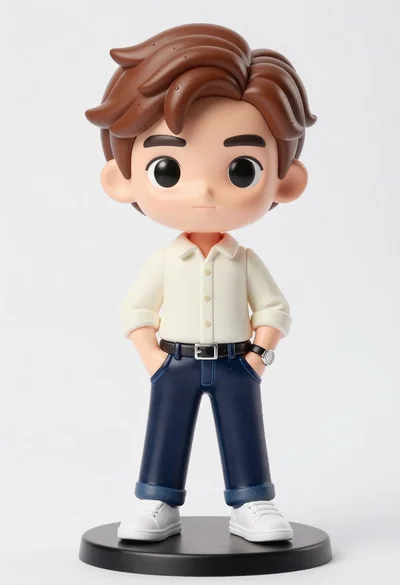
Vinyl figure of young man in cream shirt and jeans
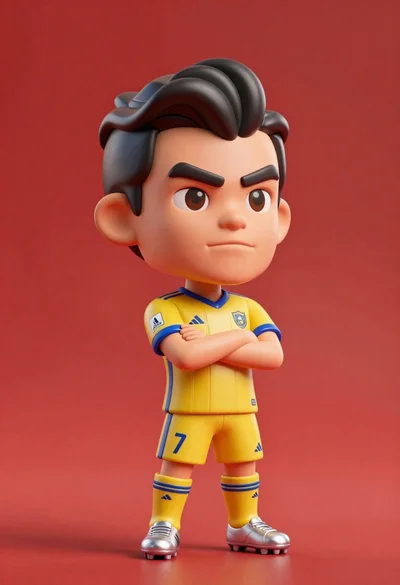
Stylized bobblehead soccer player in yellow jersey standing confidently against red background
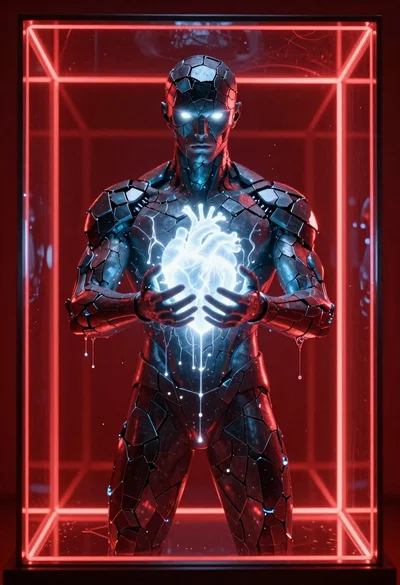
Obsidian humanoid in neon cube holding glowing heart
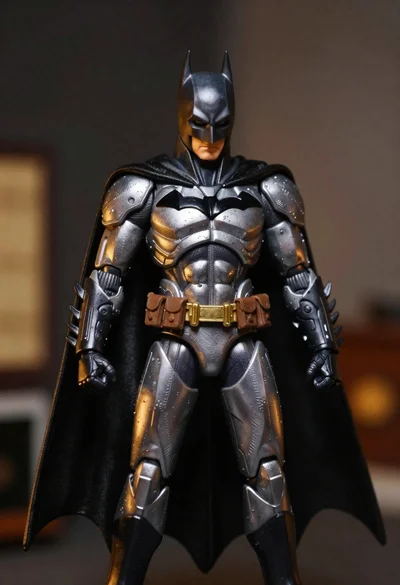
Batman action figure in silver and gold armor
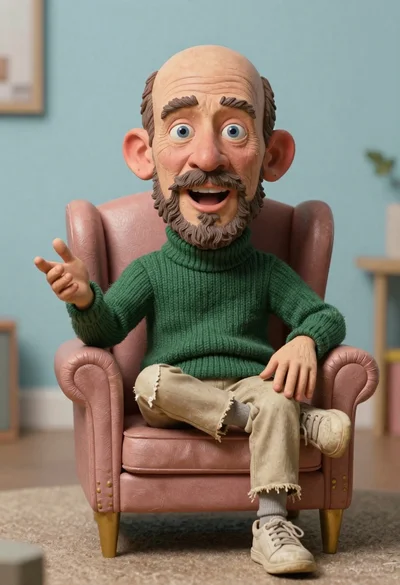
Hyperrealistic caricature sculpture of a man sitting
Stylized portrait of weary man with black hair

Sculpted illustration of an elderly captain at a ships helm
Batman in detailed armored suit against dark background
Macro photograph of miniature man seated in palm hand
Cheerful young man taking selfie while standing on giant smartphone screen