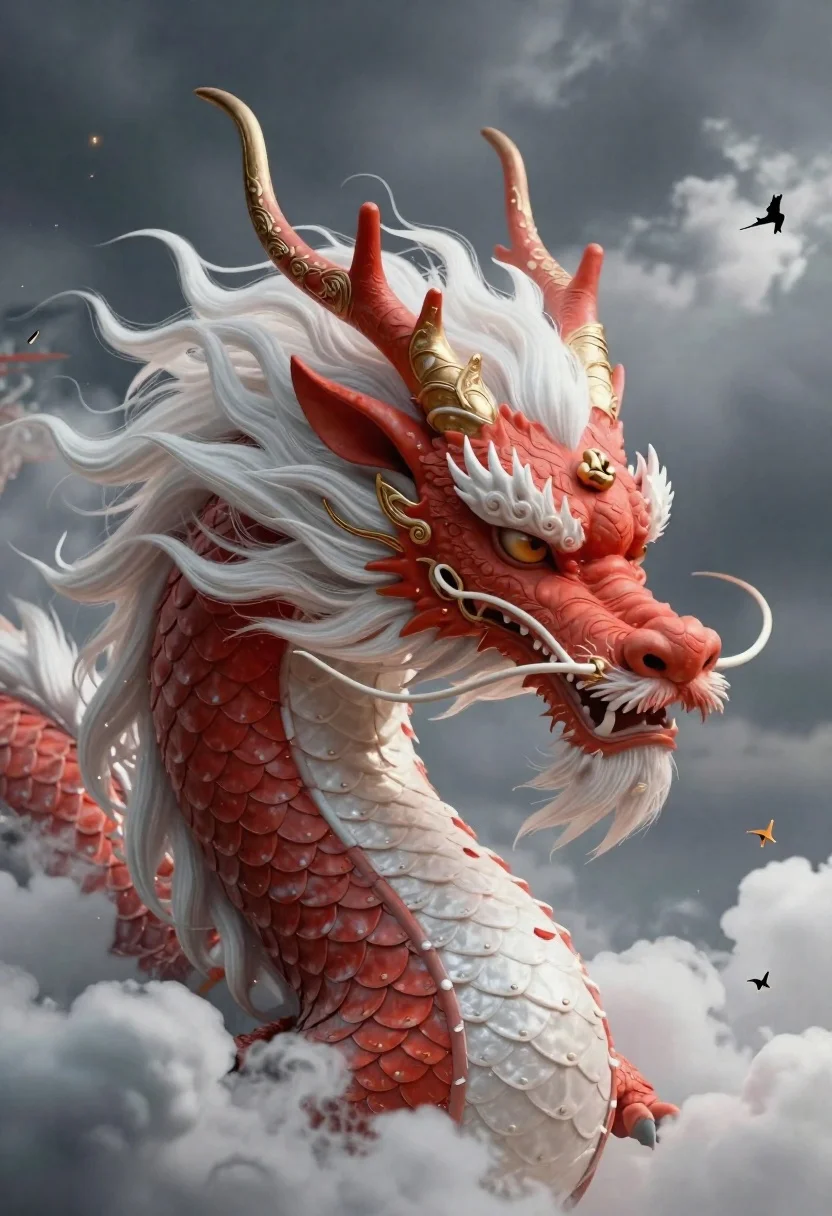
Chinese dragon head emerging from stormy clouds
Prompt
3d render of a majestic Chinese dragon head emerging from stormy clouds with intricate scales and swirling textures

Subject: A powerful eastern-style dragon featuring layered red coral-like horns adorned with gold filigree, voluminous white flowing mane resembling silk clouds, expressive amber eye reflecting the sky above, whiskers curling dynamically into space.

Environment: Dramatic cloudy backdrop of deep gray cumulus formations contrasting against soft illuminated cloud layers creating depth and scale; small stylized birds or spirits flying near its snout adding motion context to the scene. Adorned with ornate natural elements like flowing mane resembling fabric textures, intricate horn designs mimicking carved ivory patterns wrapped in golden threadwork.

Lighting: Soft directional light coming from upper left side casting gentle shadows across scales while highlighting curves of horns and facial features creating subtle contrast between warm red tones on face versus cooler whites along neck area; overall mood balanced with slightly dramatic atmosphere due to stormy sky background enhancing visual drama without harshness typical for fantasy creatures.

Style Details: Intricate detail work reminiscent of traditional Chinese dragon art mixed with modern digital rendering techniques emphasizing texture realism within fantastical composition, blending organic shapes like scales and feathers alongside geometric precision seen in horn carvings; color palette dominated by vibrant reds paired with clean whites creating striking visual separation while maintaining harmony through subtle gradients throughout entire figure.
Description
This prompt is useful for creating dramatic fantasy book covers, high-end concept art for video games, and mythological illustration pieces. The combination of 'soft directional light coming from upper left side' against the 'deep gray cumulus formations' ensures that the dragon's vibrant reds pop while the subtle contrast prevents the scene from becoming overly harsh, which is crucial for maintaining visual drama without losing detail in the scales.
Suggestions
- Change 'red coral-like horns' to 'obsidian-tipped horns' for a darker tone.
- Replace 'gold filigree' with 'verdigris patina' to suggest age.
- Adjust 'soft directional light' to 'rim lighting only' for maximum silhouette effect.
Category
Tags
3dAnimalsFull BodyRed Hair
Date added
June 19, 2026
Added by
PromptDexter Team
Related Prompts
More prompts with similar categories and tags.

Three disney characters on a tropical grassy rock
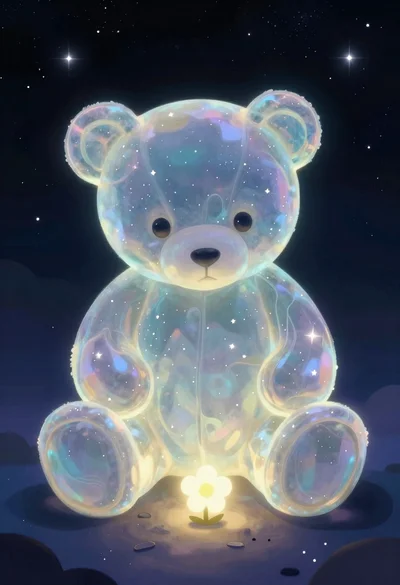
Translucent cosmic teddy bear in outer space
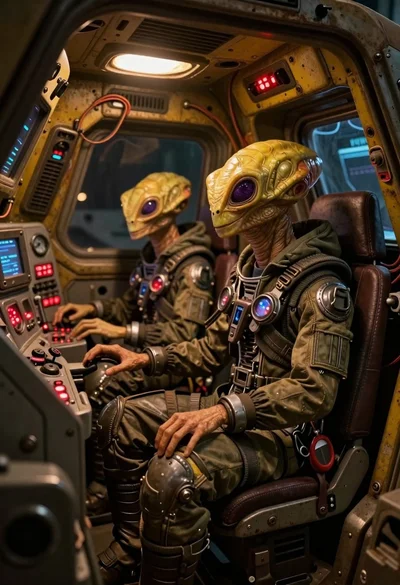
Two reptilian aliens in a worn spacecraft cockpit

Cat surfing on yellow board in tropical ocean waves
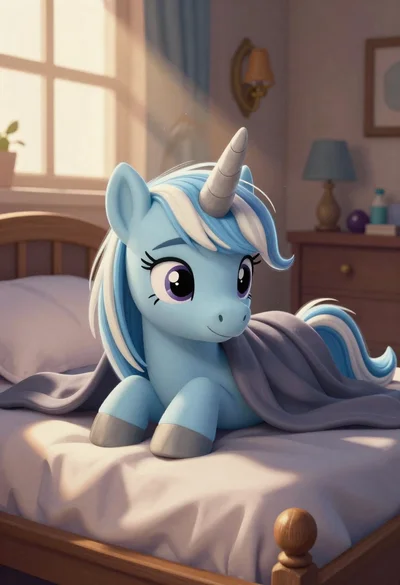
Blue unicorn resting on bed in sunlit bedroom
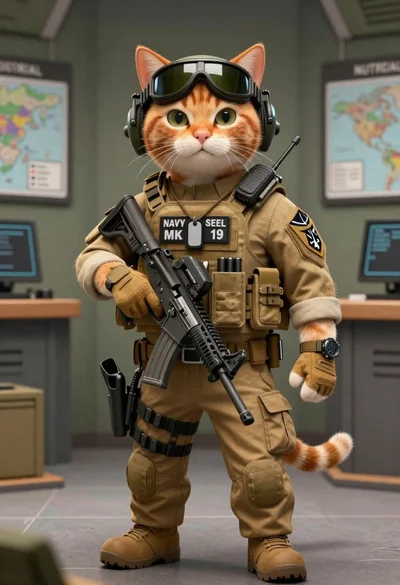
Tactical orange tabby cat in a military briefing room
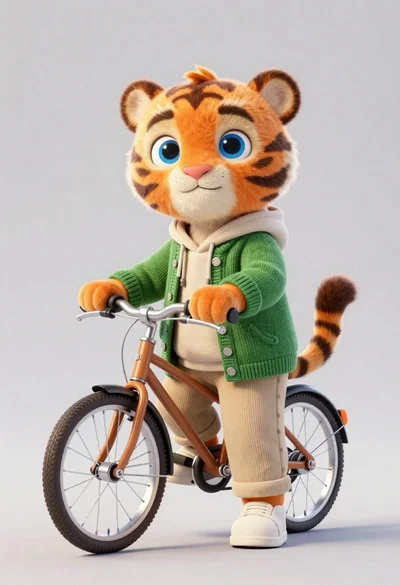
3d render of cute tiger cub with bicycle in studio
Two cats walking hand in hand through snowy train station