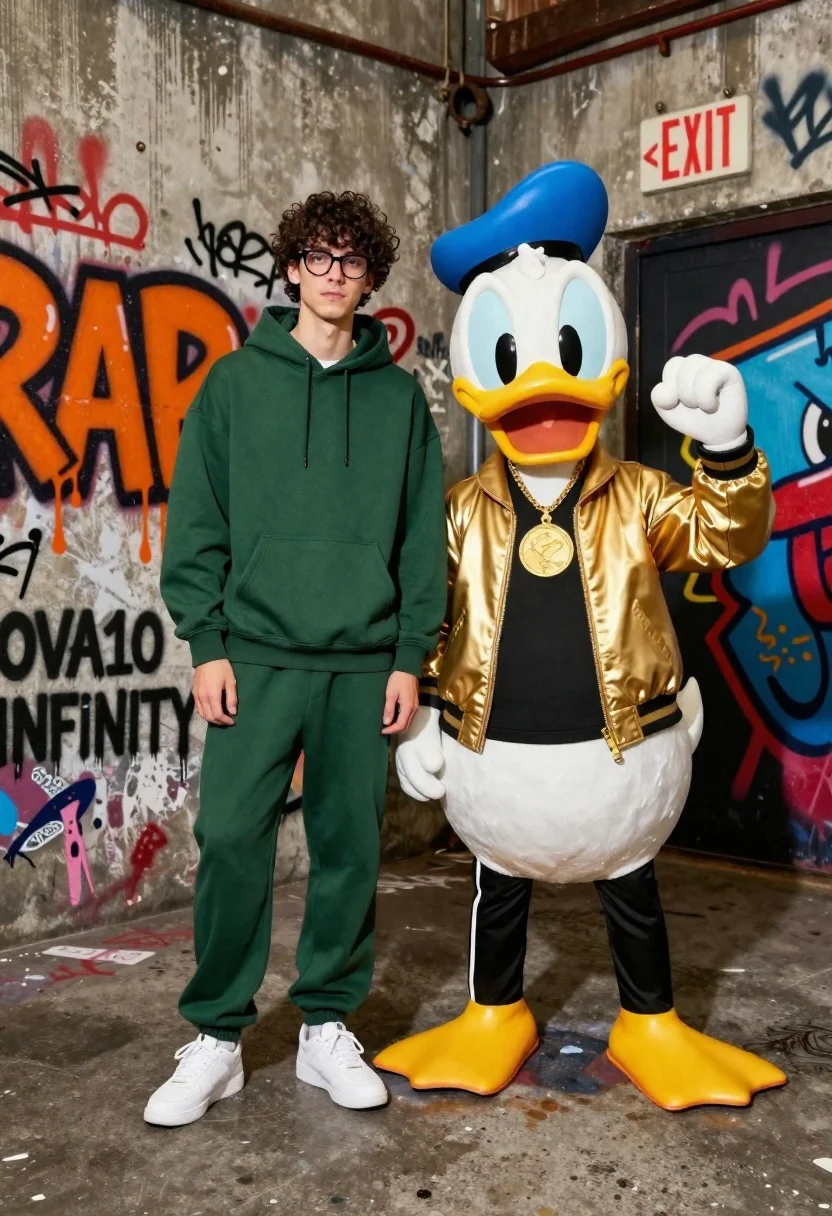
Young man in hoodie next to donald duck mascot in graffiti alleyway
Prompt
A young man with dark curly hair and glasses stands next to a life-sized Donald Duck character in a graffiti-covered urban alleyway.

Subject: A tall young man with dark curly hair and black-rimmed glasses standing beside a full-body Donald Duck mascot.

Clothing: The man wears an oversized dark green hoodie and matching loose-fitting sweatpants with white sneakers; the duck wears a shiny gold bomber jacket, black t-shirt, black track pants, and yellow high-top sneakers with a large gold medallion necklace.

Action: Both subjects stand facing forward in a relaxed pose, with the duck raising one gloved hand in a fist pump gesture.

Environment: A gritty concrete alleyway corner covered in vibrant graffiti art, featuring an orange "RAP" tag, black "OVA10 INFINITY" text, and a red and blue stylized character on the right wall.

Camera: Medium shot capturing both figures from head to toe with a straight-on angle that emphasizes their height difference against the textured background.

Lighting: Bright, even studio lighting illuminates the subjects clearly while casting soft shadows on the concrete floor.

Text/Graphics: Large orange dripping letters spelling "RAP" on the left wall, black text reading "OVA10 INFINITY", and a white rectangular sign with red text reading "<EXIT>" above a doorway.

Style Details: High-quality commercial photography with a modern streetwear aesthetic, sharp focus on the subjects, and vibrant color contrast between the green outfit and gold jacket.
Description
This prompt is useful for creating character concept art, humorous editorial spreads, or stylized advertising mockups for streetwear brands. The combination of 'bright, even studio lighting' against a 'gritty concrete alleyway corner covered in vibrant graffiti art' ensures that the subjects are clearly visible while the background provides necessary visual texture and high-contrast color pops.
Suggestions
- Change 'oversized dark green hoodie' to 'charcoal grey hoodie' for better contrast with the gold.
- Swap 'bright, even studio lighting' for 'harsh midday sun' to increase grit.
- Adjust the graffiti details by changing the orange tag to a neon pink spray paint effect.
Category
Tags
3dAlleyAnimalsFull BodyMaleMedium ShotRealisticStreetwear
Date added
June 19, 2026
Added by
PromptDexter Team
Related Prompts
More prompts with similar categories and tags.
Young man flanked by fox and rabbit at snowy train platform

Woman in police uniform stands with fox wearing shirt against white studio
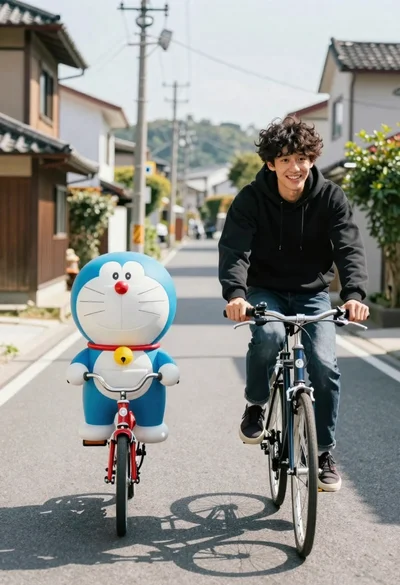
Young man and blue robotic cat riding bicycles down a sunny street
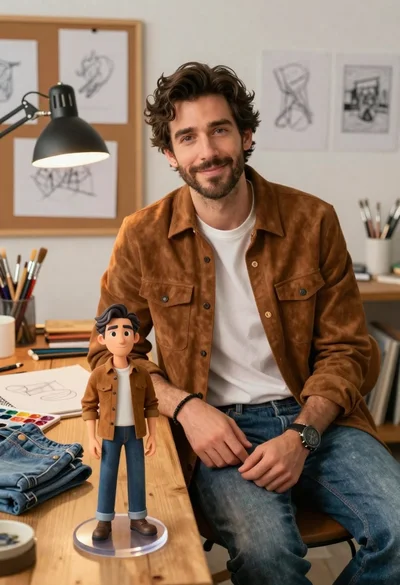
Handsome man in suede shirt sitting at desk in art studio
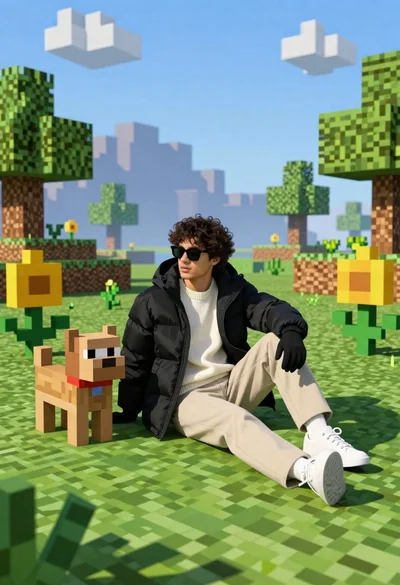
Young man in black puffer jacket sits on grass in minecraft style
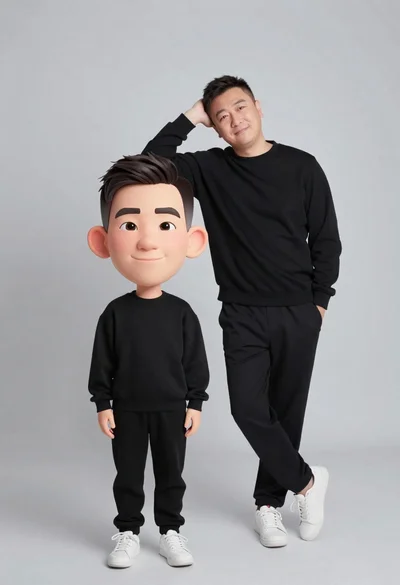
Large headed cartoon caricature standing in front of real life man in
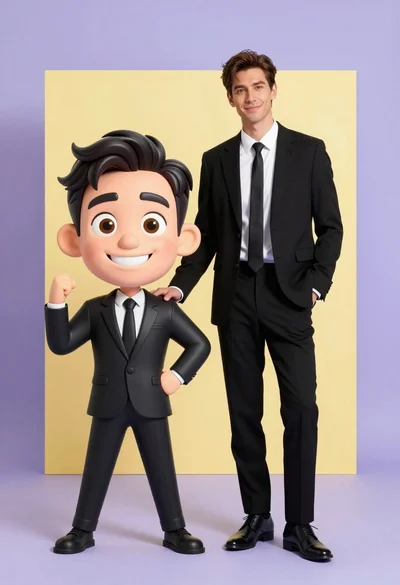
Photorealistic man next to large caricature in black suits studio setting
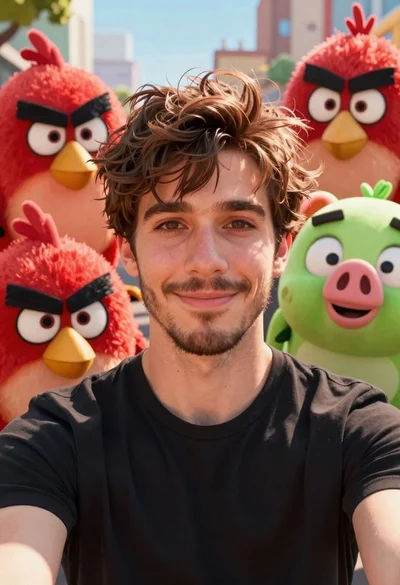
Young man smiling selfie surrounded by colorful angry birds characters
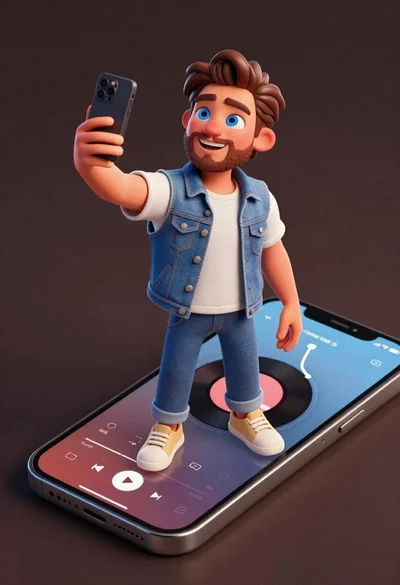
Cheerful young man taking selfie while standing on giant smartphone screen
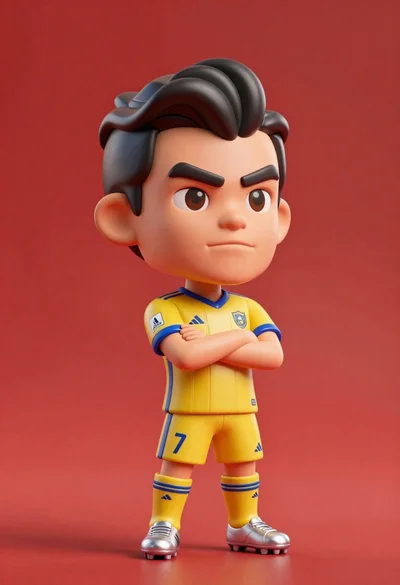
Stylized bobblehead soccer player in yellow jersey standing confidently against red background