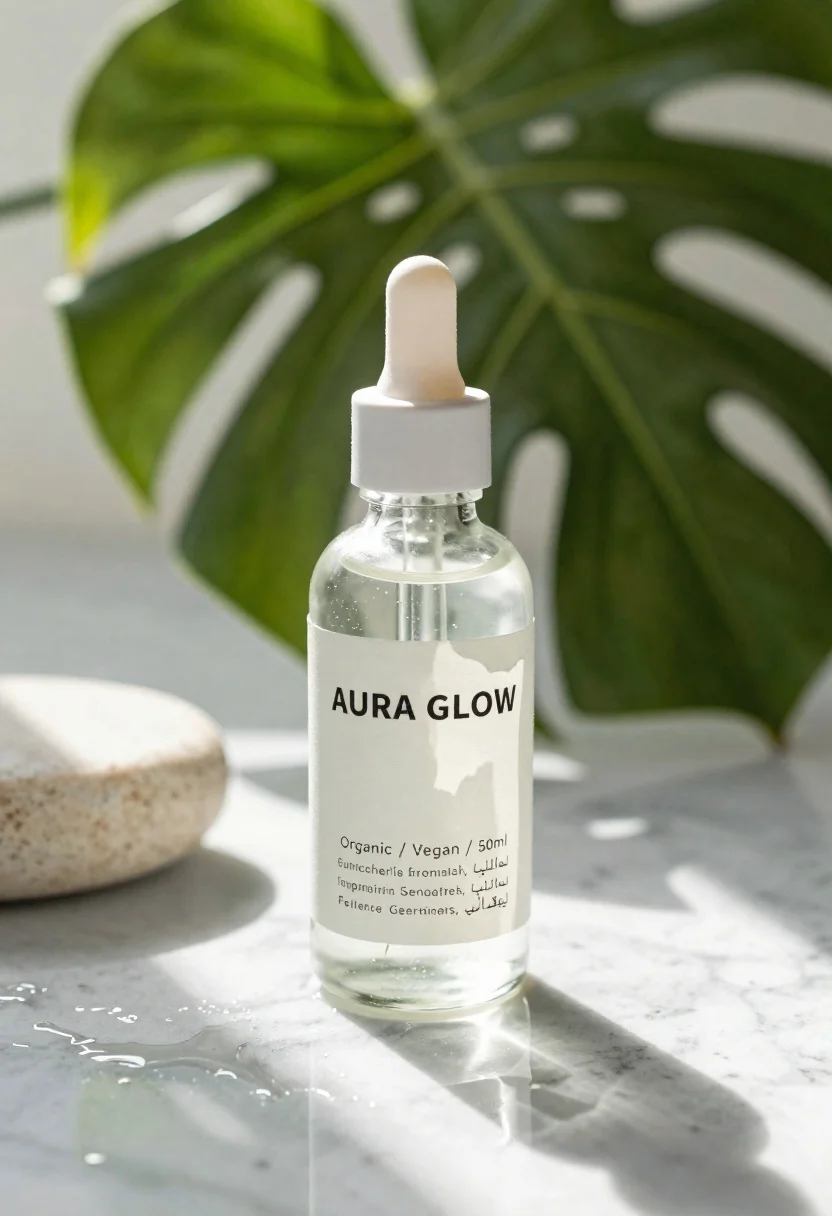
Clear glass dropper bottle with white cap on wet marble surface
Prompt
A clear glass dropper bottle with a white cap sits on a wet marble surface.

Subject: A transparent cylindrical glass bottle containing a clear liquid with visible suspended particles.

Clothing: The bottle features a minimalist off-white paper label with black sans-serif typography.

Text/Graphics: The label displays the brand name "AURA GLOW" in large bold letters, followed by smaller text listing attributes such as "Organic / Vegan / 50ml" repeated in multiple languages including English, Japanese, Spanish, French, German, and Arabic.

Action: The bottle is stationary, resting upright on a reflective surface.

Environment: The setting is a bright, sunlit indoor space featuring a large green monstera leaf in the background and a smooth stone object to the left.

Camera: A close-up shot with a shallow depth of field that keeps the bottle in sharp focus while blurring the background foliage.

Lighting: Bright natural sunlight streams from the side, creating strong highlights on the glass and casting dappled light patterns across the wet marble surface.

Style Details: High-key photography with a clean, minimalist aesthetic emphasizing organic textures and soft shadows.
Description
This prompt is useful for creating cosmetic product advertisements, wellness brand websites, and high-end skincare catalog spreads. The combination of 'bright natural sunlight' casting 'dappled light patterns across the wet marble surface' immediately grounds the product in a luxurious, fresh environment suitable for promoting purity, while the 'shallow depth of field' isolates the bottle against the blurred foliage to direct all viewer attention to the label and glass form.
Suggestions
- Change 'wet marble surface' to 'polished travertine' for a warmer stone tone.
- Swap 'green monstera leaf' for 'pale eucalyptus branch' for a more muted background.
- Adjust 'bright natural sunlight' to 'soft overcast light' if you want less harsh reflection.
Category
Tags
Close UpLight SkinOutdoorsRealistic
Date added
June 23, 2026
Added by
PromptDexter Team
Related Prompts
More prompts with similar categories and tags.
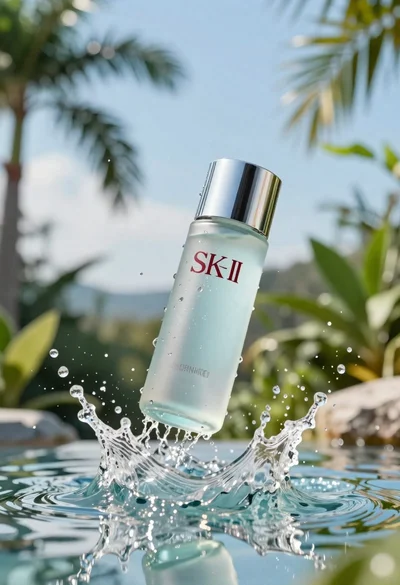
Clear glass skincare bottle suspended in water splash outdoors
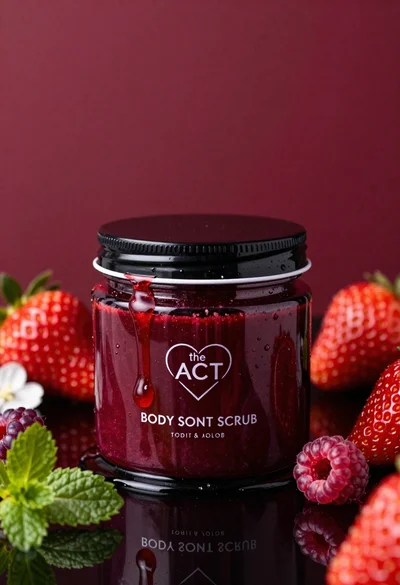
Glossy black jar of deep red body salt scrub surrounded by fresh

Closeup product shot of hand holding frosted glass spray bottle with colorful

Clear glass serum bottle with lemons and water splashes in studio
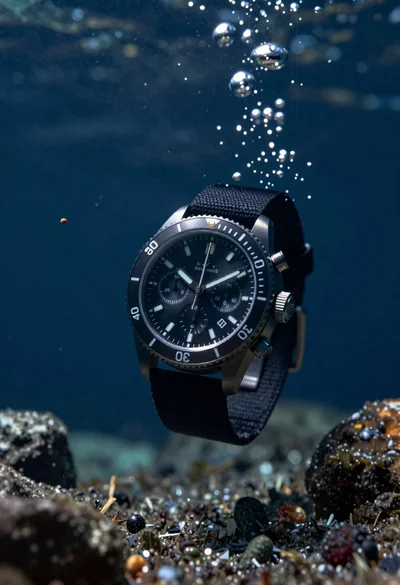
Black chronograph watch with fabric strap floating in deep blue underwater scene
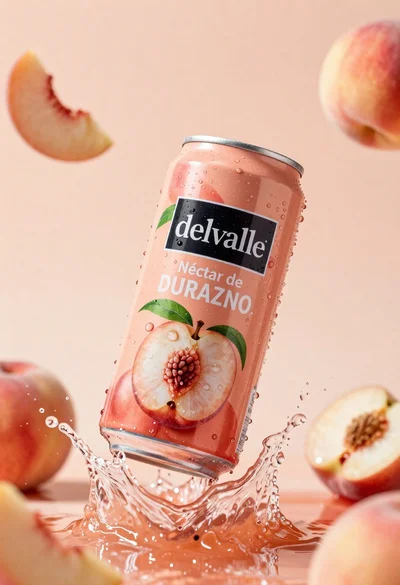
Refreshing peach nectar can suspended in midair with water splash
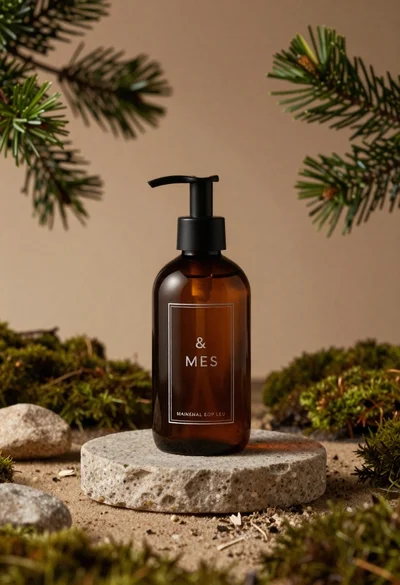
Dark amber glass bottle on stone pedestal surrounded by pine branches
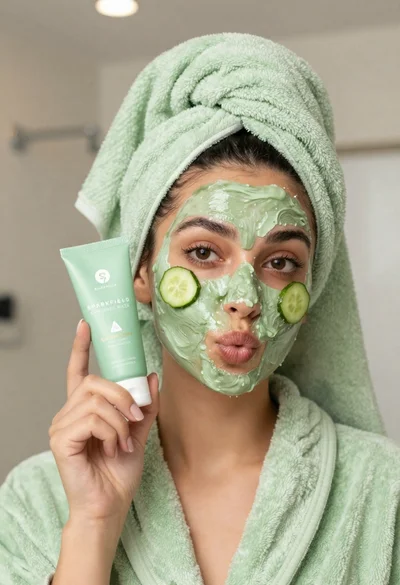
Woman in light green bathrobe holding cucumber face mask tube