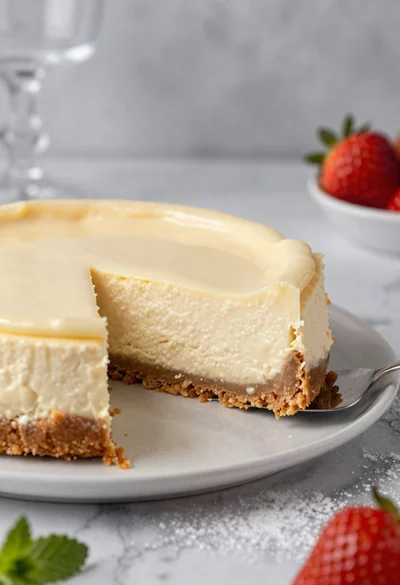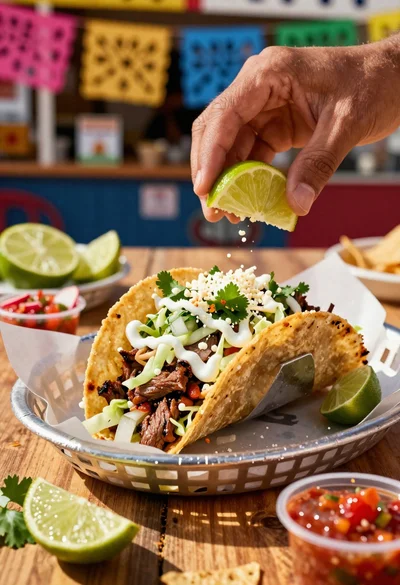
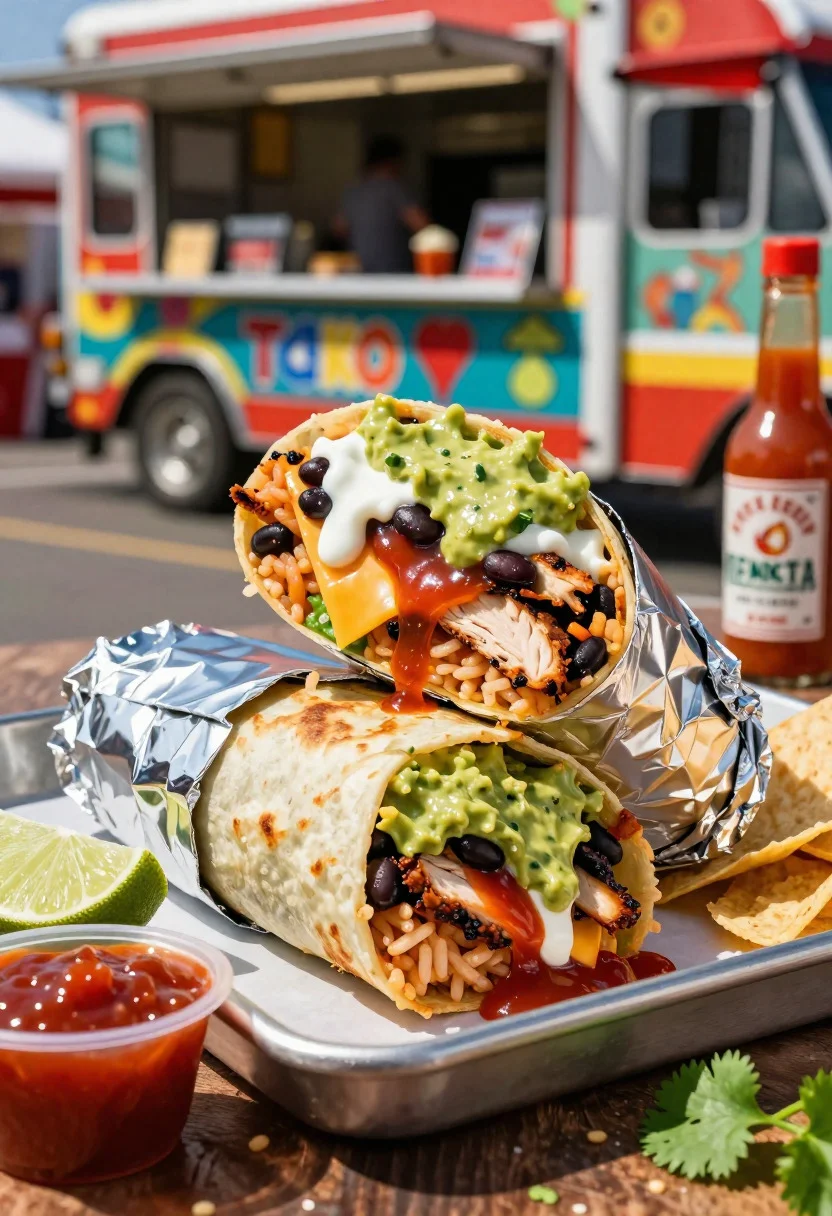
Close up of massive cross cut burrito with colorful tex mex fillings
Prompt
Food photography shot of a massive burrito with overflowing Tex-Mex appeal and hearty wrapped layers

Subject: foil-wrapped flour tortilla burrito stuffed with rice, black beans, grilled chicken, cheese, guacamole, salsa, and sour cream oozing out

Action: burrito partially unwrapped, cross-cut to reveal colorful fillings stacked high, with sauce dripping

Environment: vibrant food truck counter setting with a metal tray, street festival vibe, and blurred colorful market background

Camera: close-up three-quarter angle, tight dramatic composition focused on the filling cross-section, premium commercial food photography framing

Lighting: bold midday sunlight side angle, soft shadows, glossy highlights on guac and salsa, vibrant green-red pops

Objects: aluminum foil wrapper, lime wedge, extra salsa cup, tortilla chips, cilantro garnish, and hot sauce bottle

Style Details: ultra-realistic professional food photography, stuffed texture detail, bold fusion styling, fresh zesty tones, and polished street-food advertisement aesthetic
Description
This prompt is useful for creating vibrant menu advertisements, high-impact food blog features, and commercial advertising mockups for ethnic cuisine. The combination of 'bold midday sunlight side angle' with 'glossy highlights on guac and salsa' ensures the fillings appear fresh and wet enough to look appetizing, while the 'cross-cut to reveal colorful fillings stacked high' composition directs the viewer immediately to the product's core appeal.
Suggestions
- Change 'metal tray' to 'rustic wooden board' for a warmer feel.
- Add 'steam rising from the burrito' to suggest immediate heat.
- Swap 'vibrant green-red pops' for 'earthy terracotta and lime' to tone down saturation.
Category
Tags
3/4 AngleClose UpFoodMacro ShotRealisticStreet
Date added
June 19, 2026
Added by
PromptDexter Team
Related Prompts
More prompts with similar categories and tags.

Close up of sizzling fajitas on a rustic wooden restaurant table
Close up of loaded hotdog with slaw mustard ketchup and onions
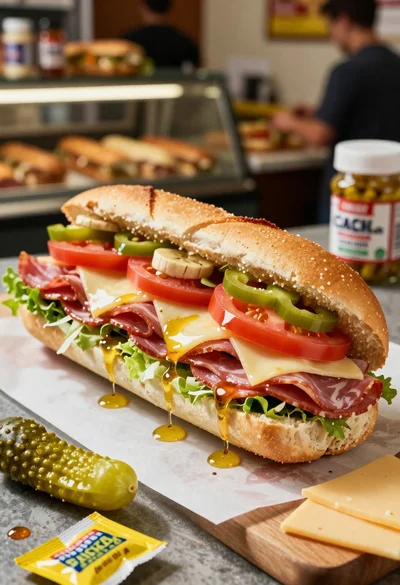
Close up of layered italian hoagie sandwich on butcher paper
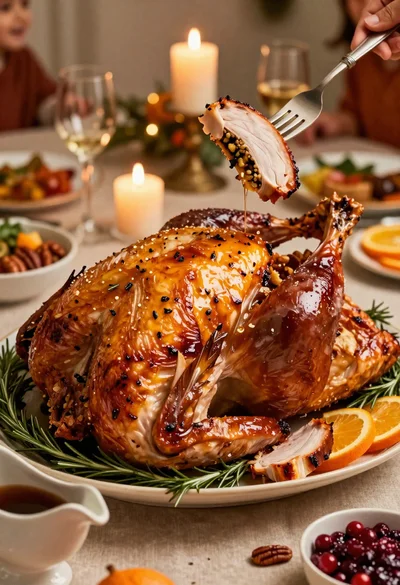
Close up of roasted turkey slice on elegant holiday dining table
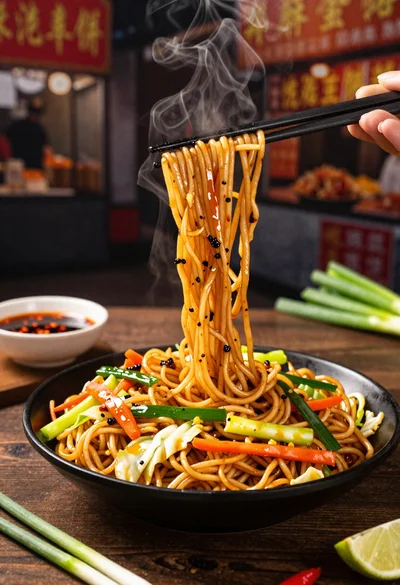
Close up shot of sizzling hakka noodles being lifted with chopsticks
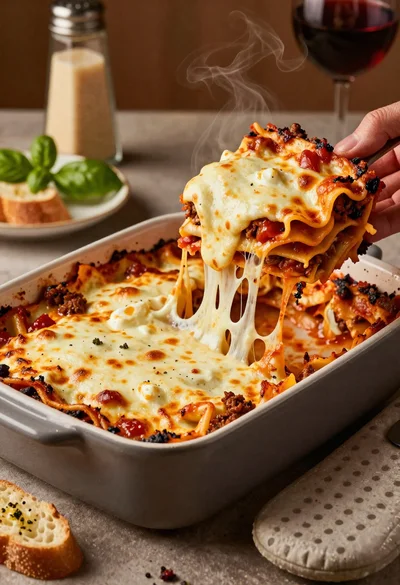
Close up of cheesy lasagna pull on rustic italian kitchen table

Close up of crispy chicken nuggets dipped in honey mustard sauce

Close up overhead view of bread sushi rolls with colorful fillings
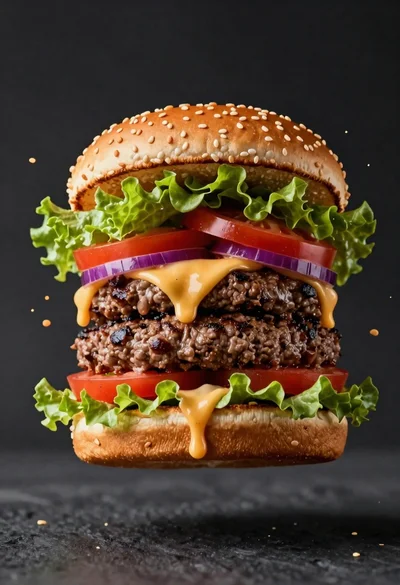
Hyperrealistic close up of a double patty burger mid air
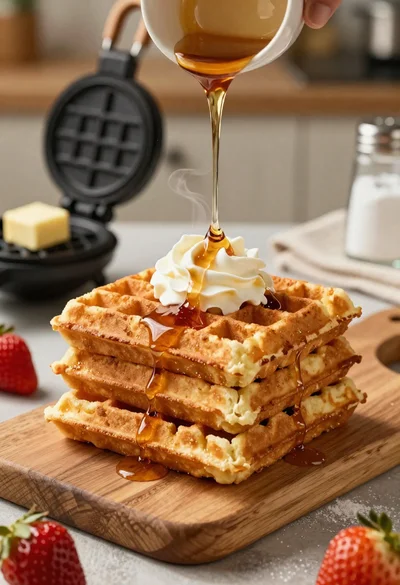
Close up of golden belgian waffles with maple syrup and whipped cream