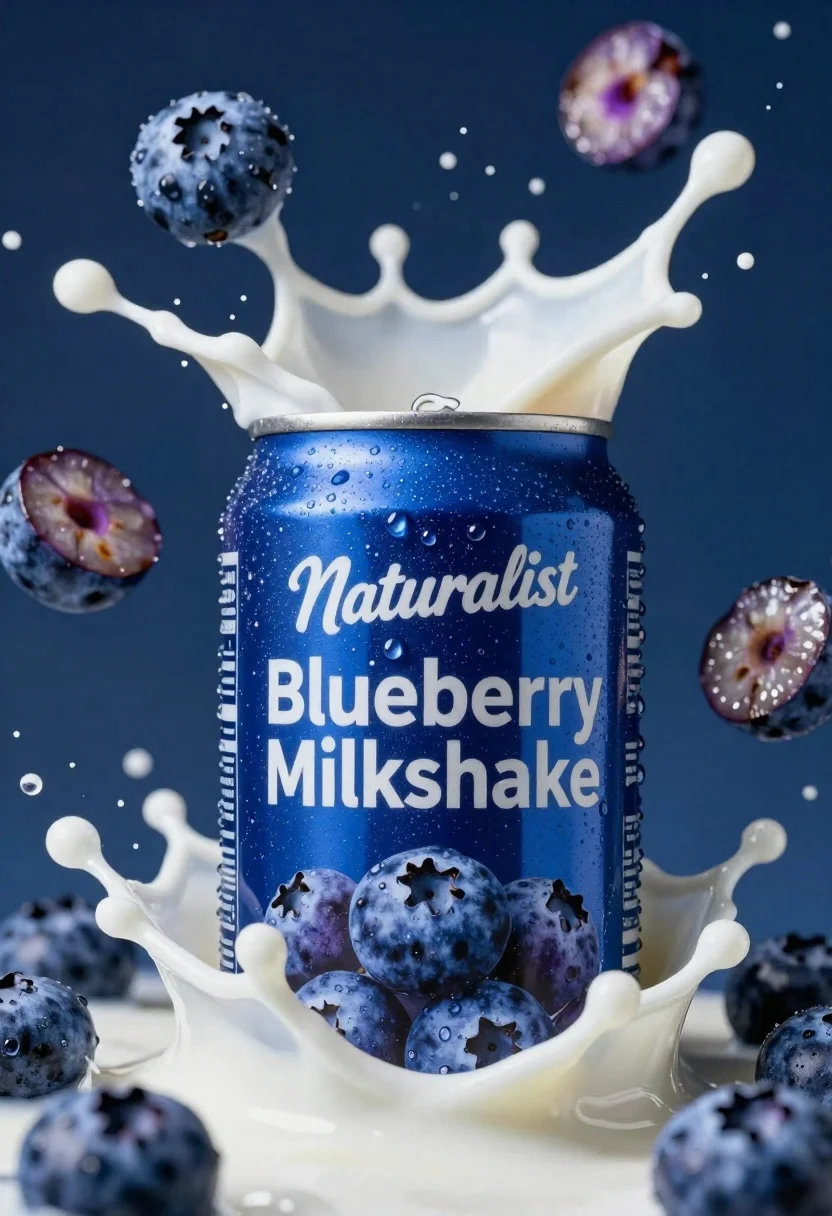
Macro shot of blue beverage can exploding with blueberries and milk
Prompt
A dynamic close-up of a blue beverage can exploding with fresh blueberries and splashing milk against a deep blue background.

Subject: A metallic blue aluminum can serving as the central focal point, covered in condensation droplets that suggest extreme cold.

Clothing: The can features white typography reading "Naturalist" in a script font above "Blueberry Milkshake" in a bold sans-serif font.

Action: An energetic explosion of thick white milk and whole blueberries erupting from the can, with some berries sliced open to reveal their purple interior.

Environment: A dark, deep blue background that matches the can's color, creating a monochromatic theme punctuated by the white liquid and fruit.

Camera: Extreme close-up macro shot with a shallow depth of field that keeps the central can sharp while blurring the outer edges of the splash.

Lighting: High-contrast studio lighting with bright highlights on the wet surfaces of the can and droplets, creating a glossy, refreshing aesthetic.

Style Details: Hyper-realistic commercial product photography style with vibrant saturation and high dynamic range rendering.
Description
This prompt is useful for creating beverage advertisement mockups, food packaging concepts, and editorial refreshment spreads. The combination of 'high-contrast studio lighting' accentuating the condensation droplets and the 'extreme close-up macro shot' ensures that the texture of the splashing milk and blueberries are rendered with intense detail, which is crucial for conveying a sense of immediate, cold refreshment.
Suggestions
- Change 'metallic blue aluminum can' to 'matte cobalt blue can' for a different surface reflection.
- Add 'slow shutter speed effect' to enhance the motion blur of the splash.
- Swap 'deep blue background' for 'slate gray background' to make the blueberries pop more.
Category
Tags
Macro ShotRealisticStudio
Date added
June 19, 2026
Added by
PromptDexter Team
Related Prompts
More prompts with similar categories and tags.
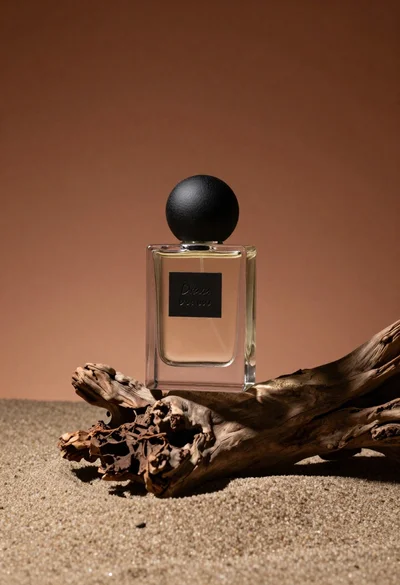
Minimalist perfume bottle on driftwood and sand
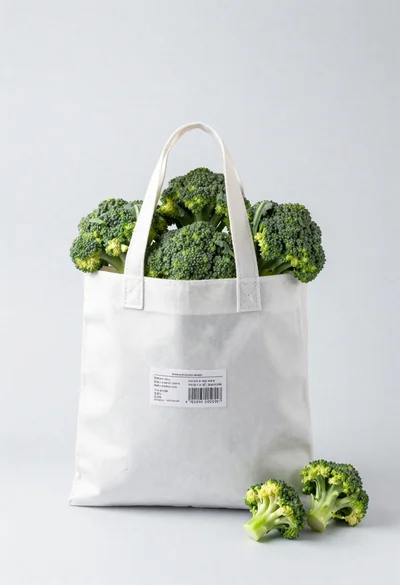
White shopping bag overflowing with fresh broccoli florets

Black makeup tube next to open red pomegranate on beige background
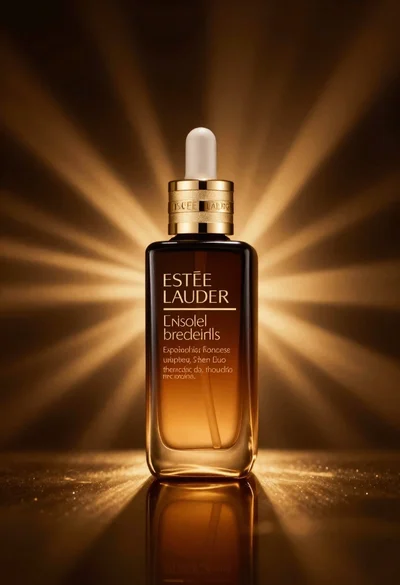
Amber glass bottle with gold pump under dramatic golden light
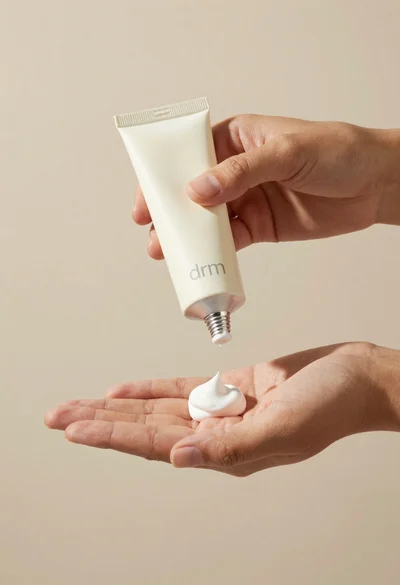
Hands dispensing white cream from a tube into a palm
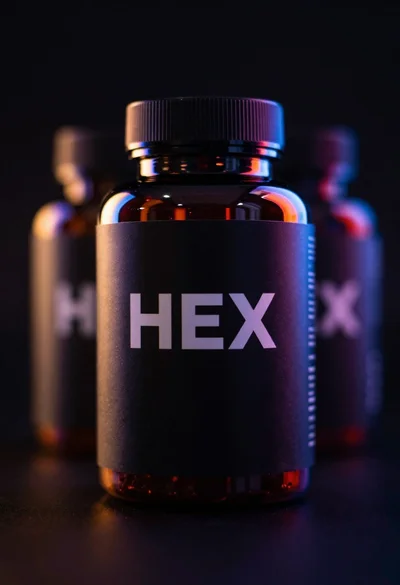
Black supplement bottle with chromatic aberration in void
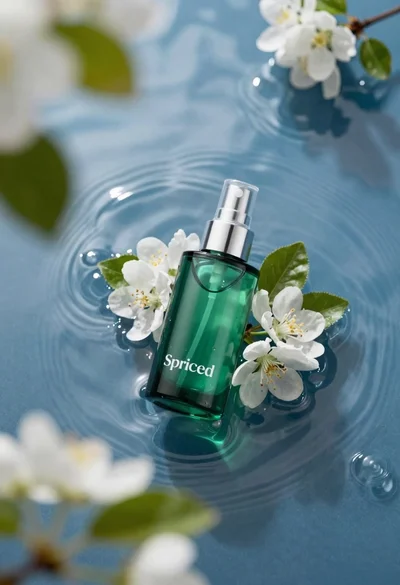
Green skincare bottle floating on rippling blue water
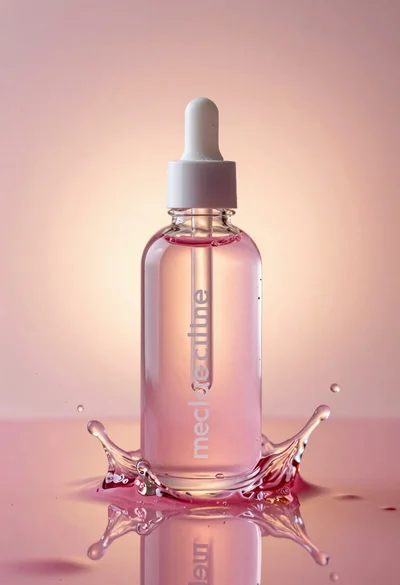
Glass bottle with liquid and water splash photography
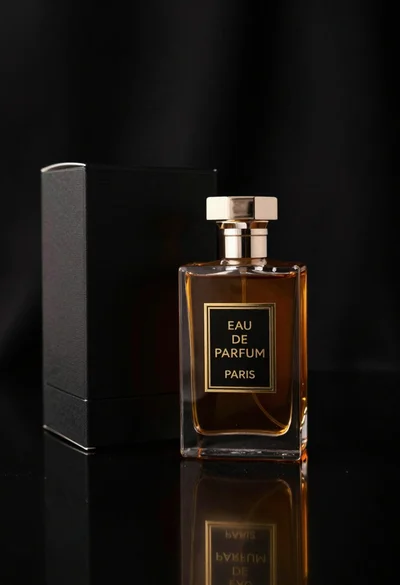
Close up of luxury perfume bottle and black packaging box display
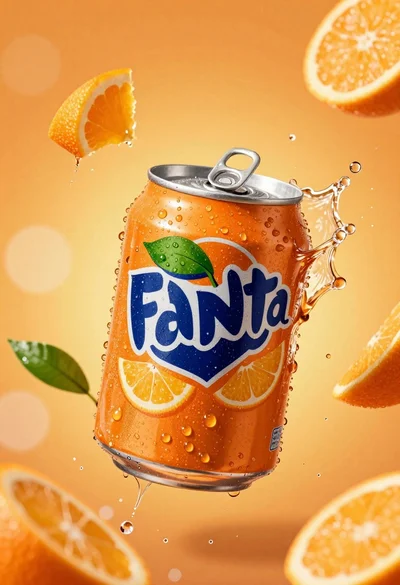
Hyperrealistic close up of orange soda splashing from a floating can