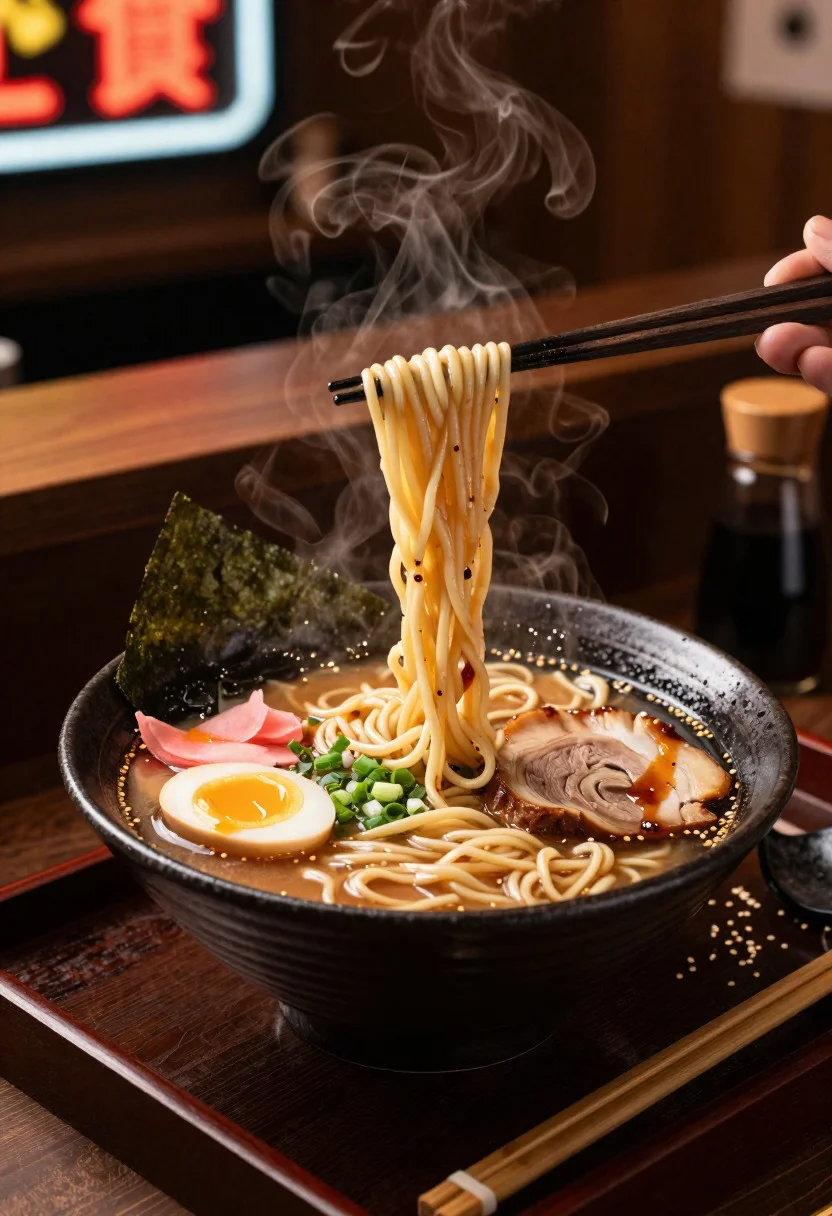
Close up of steaming tonkotsu ramen bowl with noodles being lifted
Prompt
Food photography shot of steaming ramen bowl with rich umami broth appeal and slurpy noodle comfort

Subject: deep bowl of tonkotsu ramen with glossy pork broth, tangled wheat noodles, soft boiled egg halved, chashu pork slices, green onions, and nori sheets

Action: chopsticks lifting glossy noodles with broth dripping, steam rising thickly from the hot surface

Environment: cozy ramen shop counter setting with a dark wooden tray, blurred neon sign background, and intimate late-night atmosphere

Camera: close-up three-quarter angle, tight dynamic composition focused on the noodle lift, premium editorial food photography framing

Lighting: warm low overhead light, steam glow, highlights on broth surface and egg yolk, moody savory contrast

Objects: black ceramic bowl, pink ginger slices, bamboo chopsticks, chili oil drizzle, sesame seeds, and soy sauce bottle

Style Details: ultra-realistic professional food photography, steamy broth texture detail, authentic Japanese styling, deep warm tones, and polished ramen shop presentation
Description
This prompt is useful for creating restaurant menu visuals, culinary blog features, and high-end advertising campaigns for noodle dishes. The combination of 'warm low overhead light' and the focus on 'steam glow' directs attention precisely to the action—the chopsticks lifting glossy noodles—while the 'dark wooden tray' grounds the composition in an authentic, intimate setting.
Suggestions
- Change 'tonkotsu ramen' to 'miso ramen' for a different broth color.
- Swap 'black ceramic bowl' for 'rustic stoneware bowl' to alter the material feel.
- Add 'shallow depth of field' to enhance the background blur.
Category
Tags
Close UpFoodMacro ShotRealistic
Date added
June 19, 2026
Added by
PromptDexter Team
Related Prompts
More prompts with similar categories and tags.
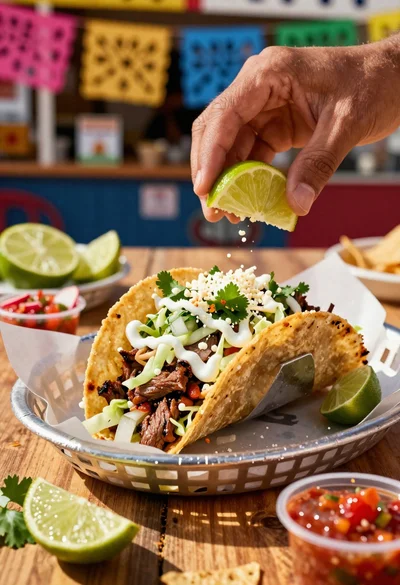
Close up of loaded street tacos with fresh mexican flavors
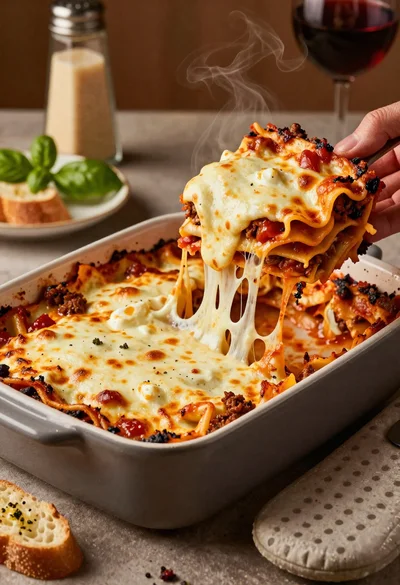
Close up of cheesy lasagna pull on rustic italian kitchen table

Close up of sizzling fajitas on a rustic wooden restaurant table

Close up of crispy chicken nuggets dipped in honey mustard sauce
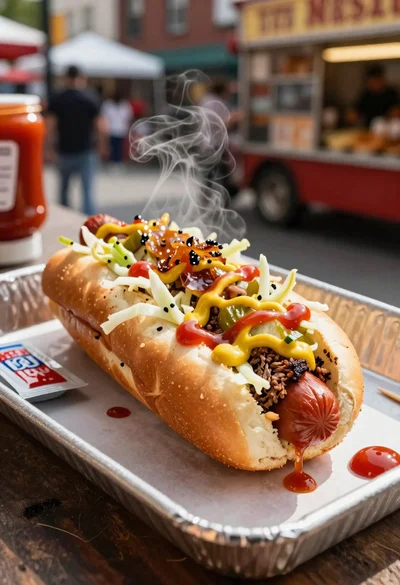
Close up of loaded hotdog with slaw mustard ketchup and onions

Close up overhead view of bread sushi rolls with colorful fillings
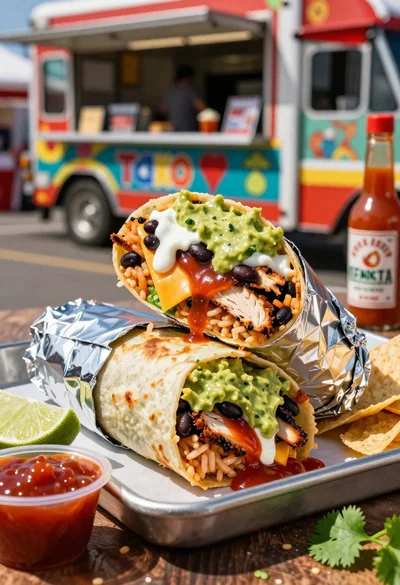
Close up of massive cross cut burrito with colorful tex mex fillings

Ginger cat dressed as fast food worker holding cheeseburger