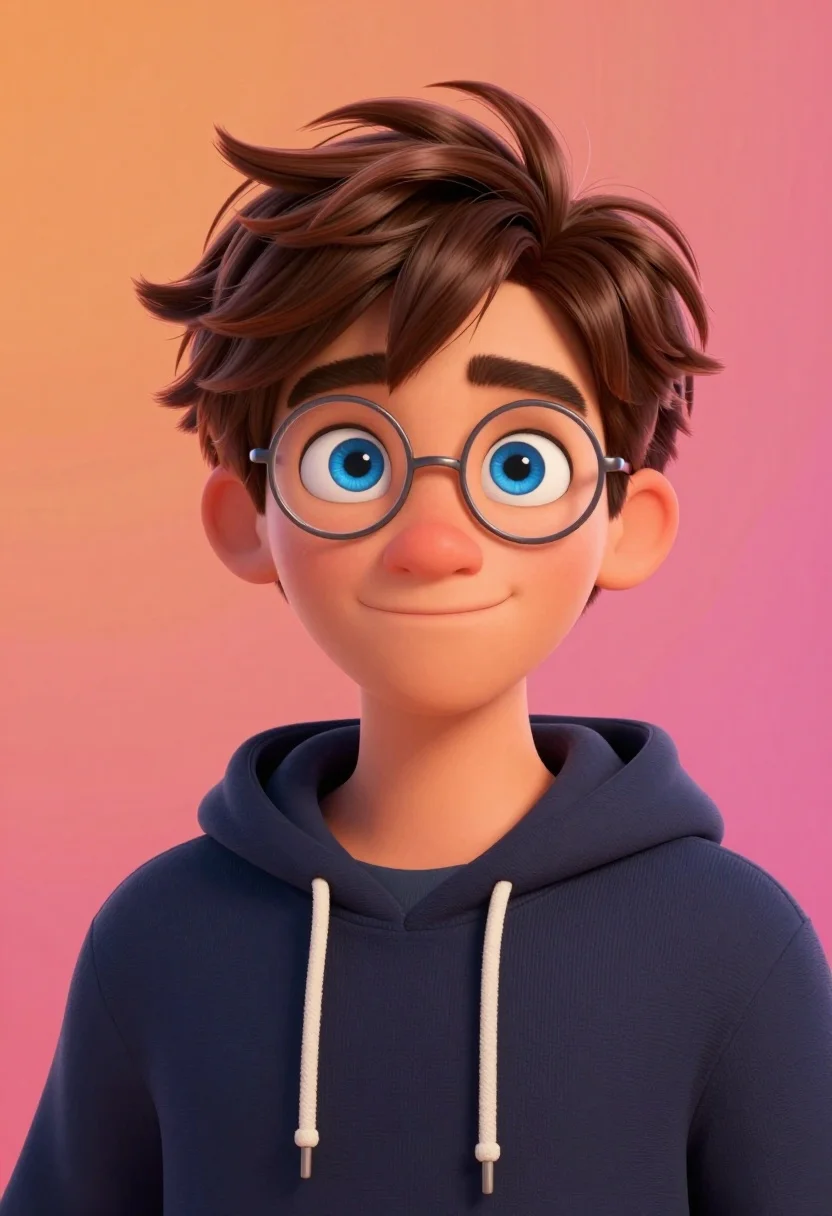
Close up portrait of young man with blue eyes in dark hoodie
Prompt
A vibrant portrait of a young man with expressive blue eyes and messy brown hair wearing round wire-rimmed glasses and a dark blue hoodie against a warm gradient background.

Subject: A young male character with large expressive blue eyes, thick eyebrows, and tousled short brown hair that catches the light.

Clothing: He wears a dark navy blue hooded sweatshirt with white drawstrings hanging down the front.

Action: The subject is looking directly at the viewer with a gentle, closed-mouth smile and a slight tilt of the head.

Environment: A smooth gradient background transitioning from bright orange on the left to deep pink and magenta on the right.

Camera: Close-up portrait shot with a shallow depth of field that keeps the face in sharp focus while softening the edges.

Lighting: Soft, warm studio lighting illuminates the face from the front-left, creating gentle highlights on the hair and cheekbones.

Style Details: High-quality 3D animated render style resembling modern Pixar or Disney animation with smooth textures and vibrant colors.
Description
This prompt is useful for creating character concept art for animated films, stylized profile portraits, and digital avatar mockups. The combination of 'Soft, warm studio lighting' and the 'Pixar or Disney animation' style ensures that the face remains highly detailed while the shallow depth of field prevents the vibrant background from distracting from the subject's expressive blue eyes.
Suggestions
- Change 'dark navy blue' to 'charcoal grey' for a more muted tone.
- Swap 'bright orange on the left to deep pink and magenta on the right' for 'teal to violet' for a cooler gradient.
- Add 'octane render, subsurface scattering' to enhance skin realism.
Category
Tags
3dBrown HairClose UpMalePortrait ShotStudio
Date added
August 5, 2026
Added by
PromptDexter Team
Related Prompts
More prompts with similar categories and tags.
Hyperrealistic caricature sculpture of a man sitting
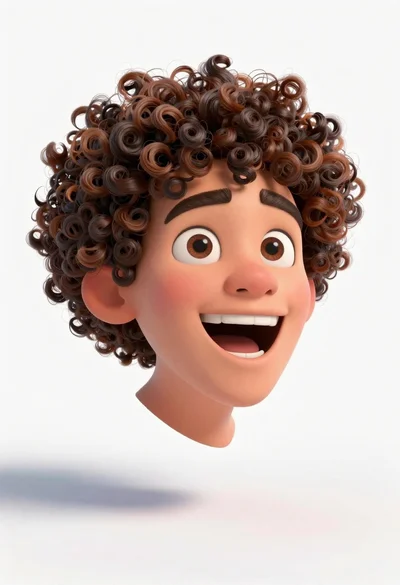
Floating 3d animated head of young man with curly brown hair
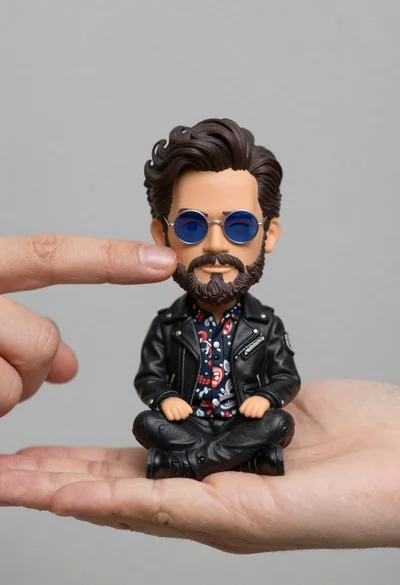
Hyperrealistic close up of bobblehead figure in an open hand
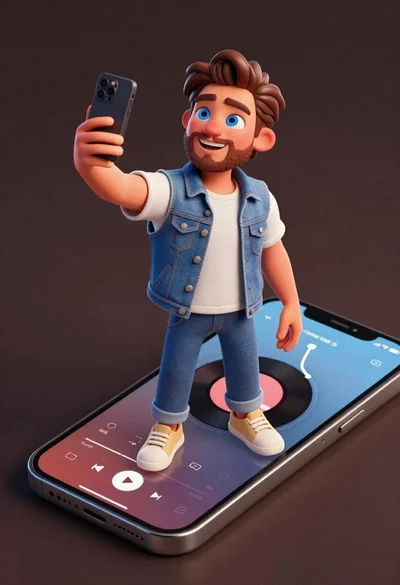
Cheerful young man taking selfie while standing on giant smartphone screen
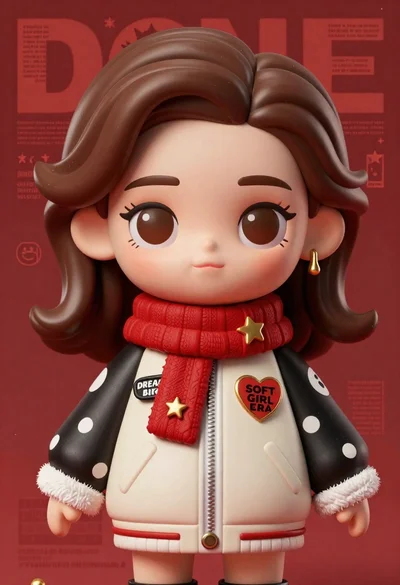
Closeup portrait of stylized female art doll figure with brown hair
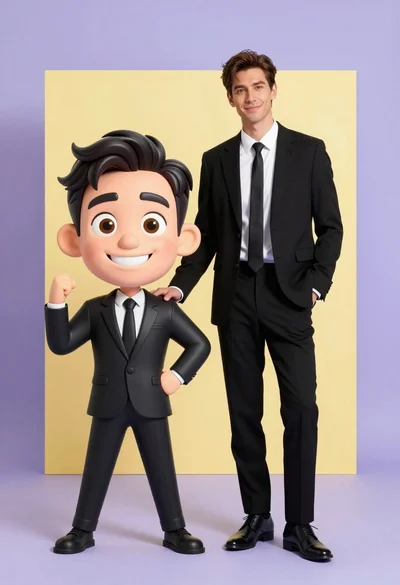
Photorealistic man next to large caricature in black suits studio setting

Stylized 3d portrait of young man in black suit against deep blue
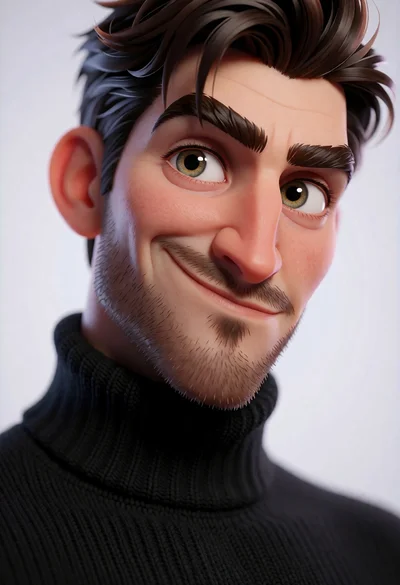
Hyperrealistic 3d portrait of stylized male character in black turtleneck
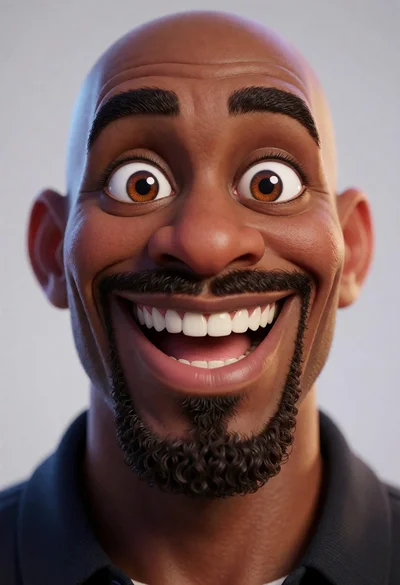
Close up portrait of bald black man with wide smile and expressive
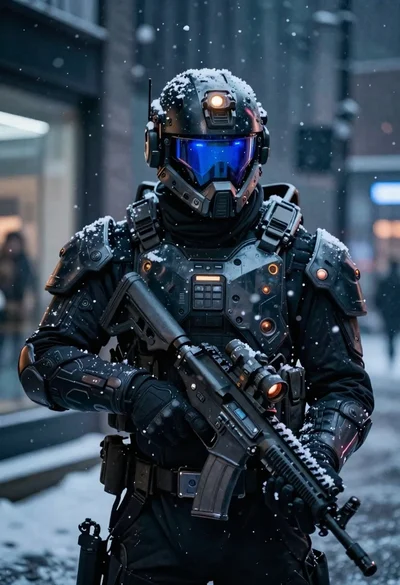
Futuristic soldier in heavy snowfall on an urban street