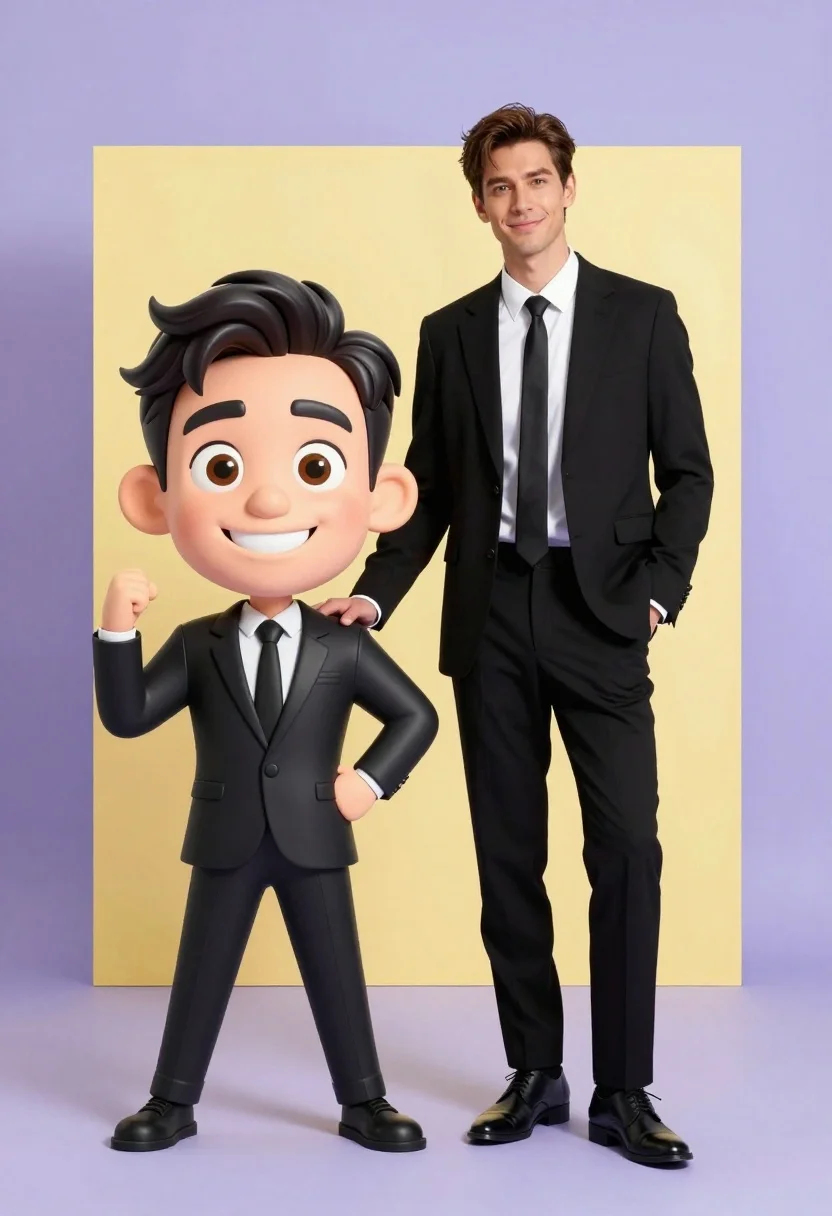
Photorealistic man next to large caricature in black suits studio setting
Prompt
A stylized promotional portrait featuring a realistic full-body man standing next to a large caricature version of himself in the foreground.

Subject: A tall man with short brown hair and a slight smile stands on the right, while a large-headed cartoon caricature of him with wide eyes and a broad grin stands on the left.

Clothing: Both figures wear matching black business suits, white dress shirts, and black ties.

Action: The realistic figure leans casually with one hand in his pocket and the other resting on the shoulder of the caricature, while the caricature strikes a playful pose with arms bent.

Environment: A minimalist studio setting with a solid light purple floor and background accented by a large yellow rectangular shape behind the figures.

Camera: Eye-level medium shot capturing both full figures with a clean, graphic composition.

Lighting: Bright, even studio lighting that minimizes shadows and highlights the subjects clearly against the flat background colors.

Style Details: A blend of photorealism and 3D cartoon animation, featuring smooth textures, vibrant pastel color grading, and a polished commercial aesthetic.
Description
This prompt is useful for creating promotional advertising materials, character concept art pairings, and stylized corporate branding visuals. The combination of 'photorealism' with '3D cartoon animation' allows the model to balance believable human anatomy with exaggerated features, while the 'bright, even studio lighting' ensures both figures are clearly visible against the contrasting 'light purple floor and background'.
Suggestions
- Change 'large yellow rectangular shape' to a more abstract geometric element.
- Swap 'black business suits' for deep navy suits to complement the purple tones.
- Adjust 'slight smile' to a confident smirk for a stronger brand presence.
Category
Tags
3dBrown HairFull BodyMaleMedium ShotPortrait ShotRealisticStudio
Date added
July 3, 2026
Added by
PromptDexter Team
Related Prompts
More prompts with similar categories and tags.
Handsome man in suede shirt sitting at desk in art studio

Woman in police uniform stands with fox wearing shirt against white studio

Cheerful chibi pirate character standing on treasure chest in studio
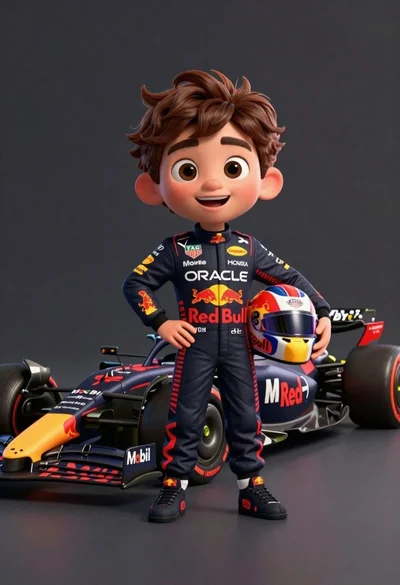
Cheerful cartoon boy in racing suit standing next to formula one car
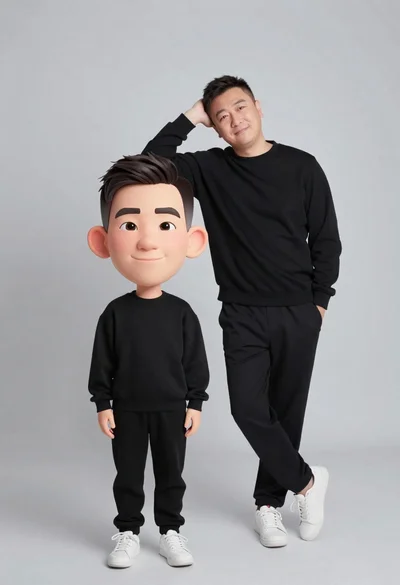
Large headed cartoon caricature standing in front of real life man in
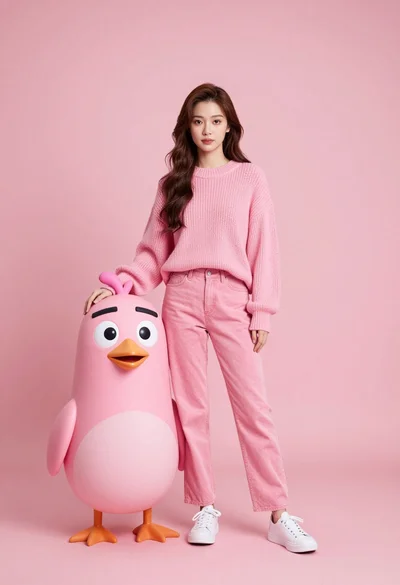
Full body portrait of woman with pink sweater next to animated bird

Full body studio portrait of woman with two animated animal friends
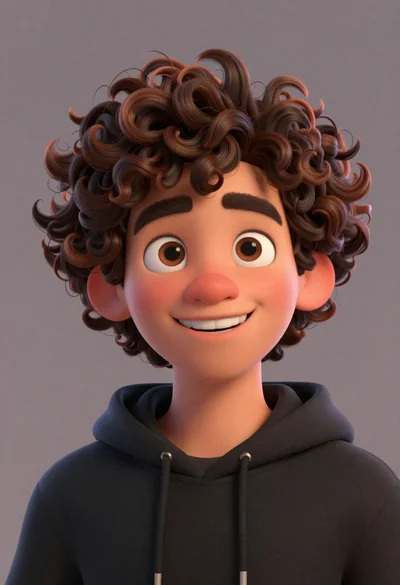
Close up portrait of cheerful young man with curly brown hair
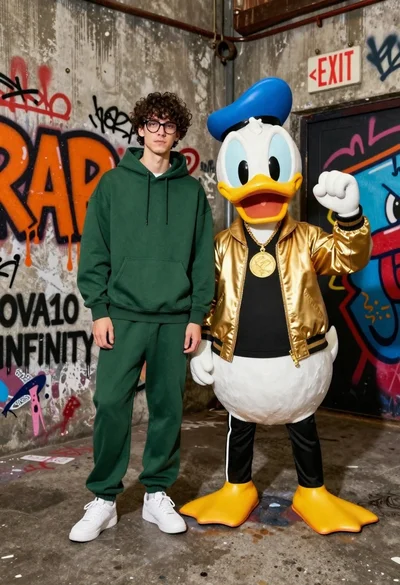
Young man in hoodie next to donald duck mascot in graffiti alleyway
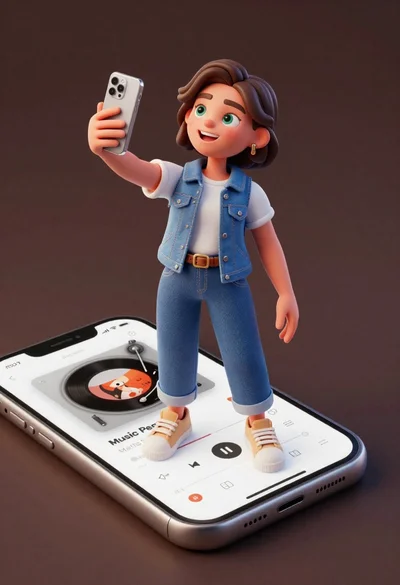
Cheerful young woman taking selfie while standing on giant smartphone screen