
Close up portrait of young woman with pink bob hair in nightclub
Prompt
A close-up shot of a young woman with vibrant pink bobbed hair and bangs looking intently at someone off-screen to the right.

Subject: A young woman with fair skin, large dark eyes, and a bright pink bob haircut with straight bangs covering her forehead. Her expression is serious and focused as she looks slightly upward and to the side.

Clothing: She wears a sparkly purple strap top that reveals her shoulders and collarbone. The fabric appears to have a sequined or glittery texture catching the light.

Action: She is leaning forward slightly, engaging in an intense conversation with a man whose profile is partially visible on the right edge of the frame. Her mouth is slightly open as if she is speaking or reacting emotionally.

Environment: The background is a dark, out-of-focus setting illuminated by blue and purple lights, suggesting a nightclub or party atmosphere with diamond-patterned lighting effects.

Lighting: The scene is lit with cool blue ambient light mixed with pink highlights on her hair and skin, creating a dramatic, cinematic mood typical of a music video or film set.

Camera: A tight close-up framing that emphasizes the subject's face and upper body, with a shallow depth of field blurring the background to isolate the character.

Style Details: The image has a high-contrast, saturated color palette with a glossy, cinematic film look reminiscent of 2000s pop culture aesthetics.
Description
This prompt is useful for creating music video stills, dramatic portrait photography, and editorial features capturing nightlife energy. The combination of 'cool blue ambient light mixed with pink highlights' against the 'sparkly purple strap top' ensures that the subject pops dramatically from the dark background, while the 'shallow depth of field' keeps the focus intensely on her expression as if she is reacting to an unseen presence.
Suggestions
- Change 'vibrant pink bobbed hair' to 'magenta curtain bangs' for a more dramatic effect.
- Swap 'sparkly purple strap top' for 'black velvet corset' to deepen the contrast.
- Adjust 'blue and purple lights' to 'neon cyan and magenta' for a specific 80s vibe.
Category
Tags
BlondeBrown HairCasual WearClose UpFair SkinFemalePortrait ShotRealistic
Date added
June 19, 2026
Added by
PromptDexter Team
Related Prompts
More prompts with similar categories and tags.
Joyful couple laughing under bright sunlight filtering through green forest canopy
Young woman blonde hair leaning from vintage maroon car window at golden
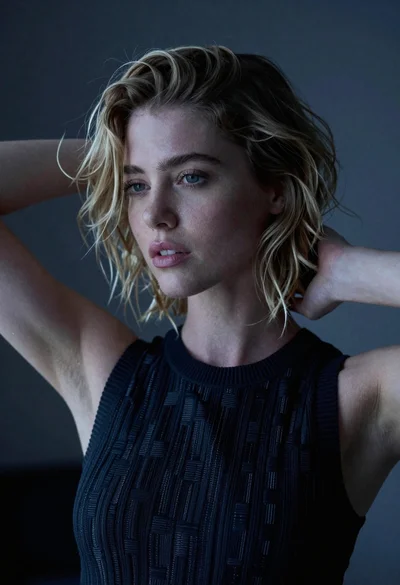
Close up portrait of blonde woman with wavy hair in dark top
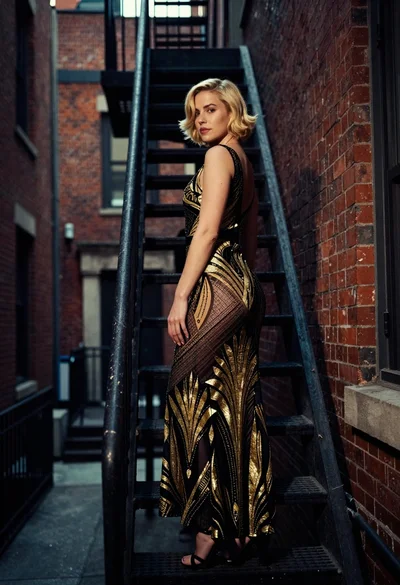
Woman in art deco gown on fire escape looking back over shoulder
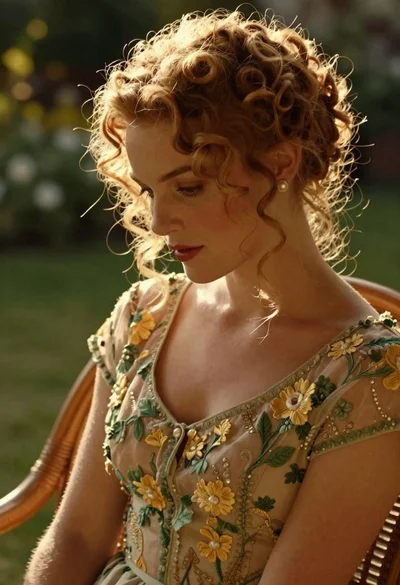
Woman with reddish blonde curly hair in vintage dress garden setting

Woman in green satin slip dress standing in sunlit elegant interior room
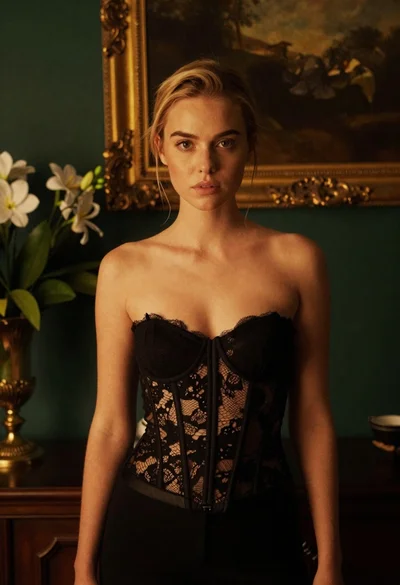
Blonde woman in black lace corset top against dark green wall
Young woman with dark hair looking over shoulder in alleyway
Closeup portrait of young woman with brown hair and green eyes in

Blonde woman in black gown posing on city street near ritz london