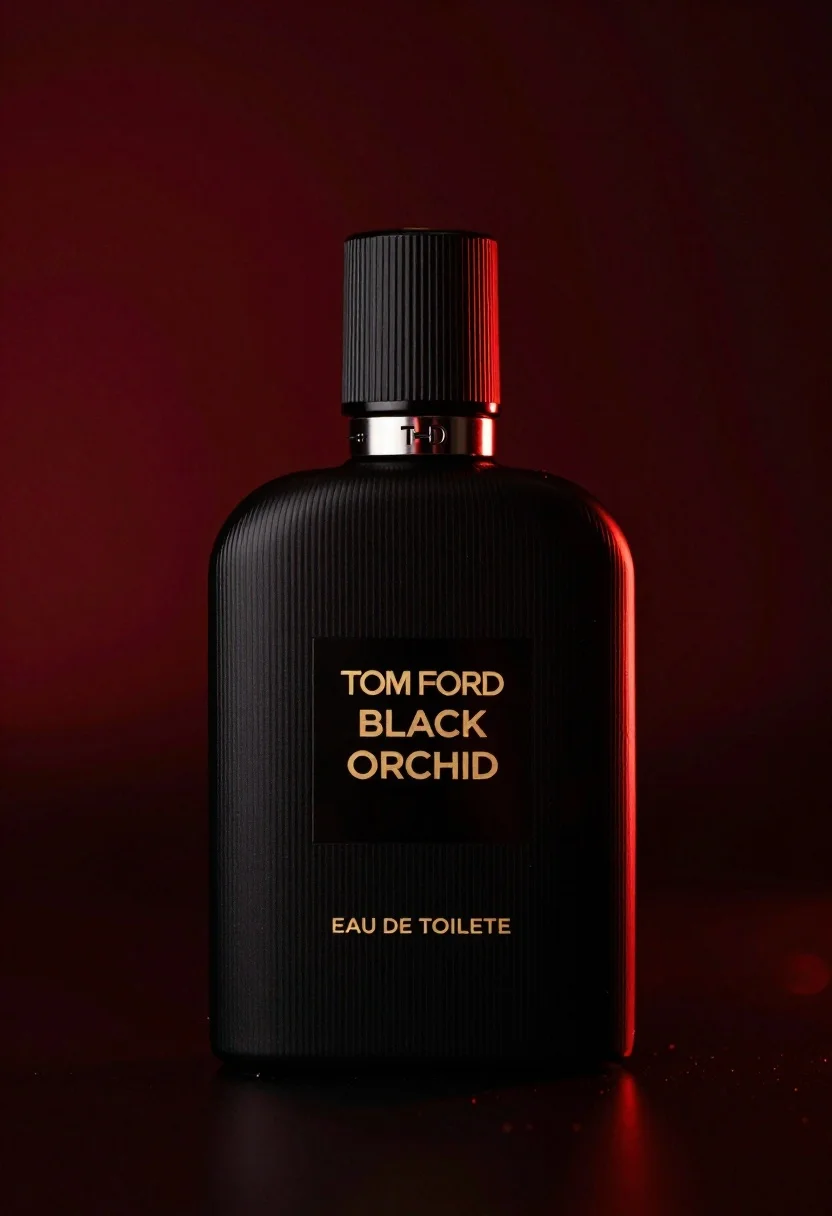
Close up product shot of black perfume bottle with gold lettering
Prompt
A sleek black perfume bottle with vertical ribbed texture stands centered on a dark surface against a deep red background.

Subject: A matte black glass perfume bottle featuring a rounded rectangular body and a tall cylindrical cap with vertical ridges.

Clothing: The bottle has a small silver tag near the neck displaying the letters TF, attached by thin black strings.

Text/Graphics: Gold lettering on the front label reads TOM FORD BLACK ORCHID in uppercase, followed by EAU DE TOILETTE below it.

Lighting: Dramatic red backlighting creates a glowing rim light along the right edge and behind the bottle, casting deep shadows and emphasizing the dark silhouette.

Environment: The bottle rests on a smooth, dark surface that reflects the ambient red glow, set against a seamless black-to-red gradient background.

Camera: Close-up product shot with shallow depth of field focusing sharply on the label and upper body while softly blurring the edges.

Style Details: High-end commercial photography style with rich color grading, high contrast, and a luxurious, moody atmosphere.
Description
This prompt is useful for creating luxury cosmetic advertisements, perfume branding mockups, and editorial still life arrangements. The combination of 'dramatic red backlighting' and the 'smooth, dark surface that reflects the ambient red glow' ensures the product appears highly valuable by emphasizing deep shadows and controlled reflections, which are key to a moody, high-contrast commercial aesthetic.
Suggestions
- Change 'deep red background' to 'oxblood velvet' for a richer texture.
- Swap 'matte black glass' for 'smoked obsidian crystal' to alter reflectivity.
- Adjust the lighting by adding 'soft fill light from the front left' to reveal more detail on the label.
Category
Tags
Close UpFemaleRealisticStudio
Date added
June 19, 2026
Added by
PromptDexter Team
Related Prompts
More prompts with similar categories and tags.

Black makeup tube next to open red pomegranate on beige background
Black supplement bottle with chromatic aberration in void
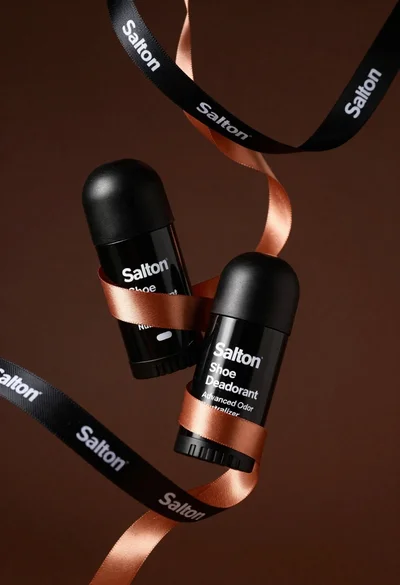
Two black deodorant bottles wrapped in a flowing black ribbon

Hyperrealistic close up of orange soda splashing from a floating can
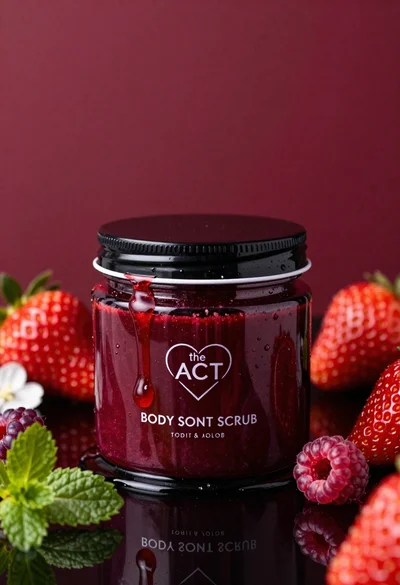
Glossy black jar of deep red body salt scrub surrounded by fresh
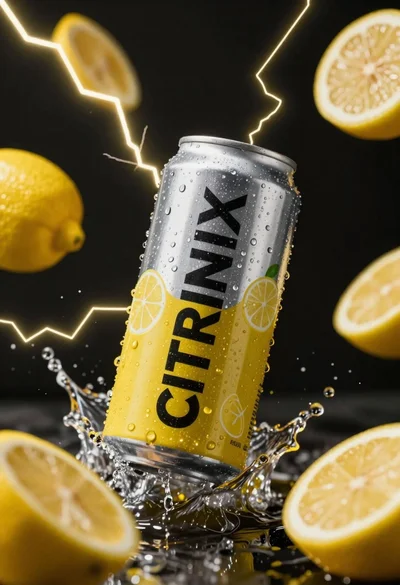
Silver and yellow aluminum beverage can suspended in water splash against dark

Closeup product shot of hand holding frosted glass spray bottle with colorful

Clear glass serum bottle with lemons and water splashes in studio
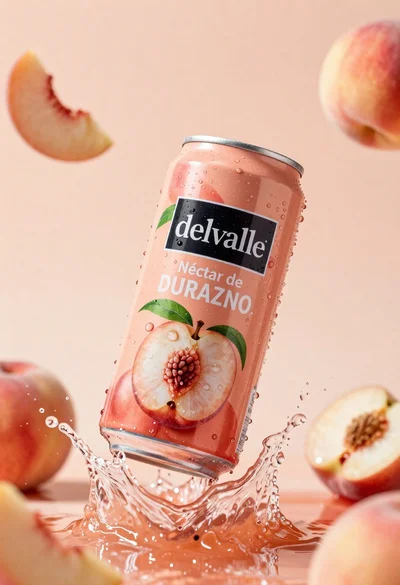
Refreshing peach nectar can suspended in midair with water splash
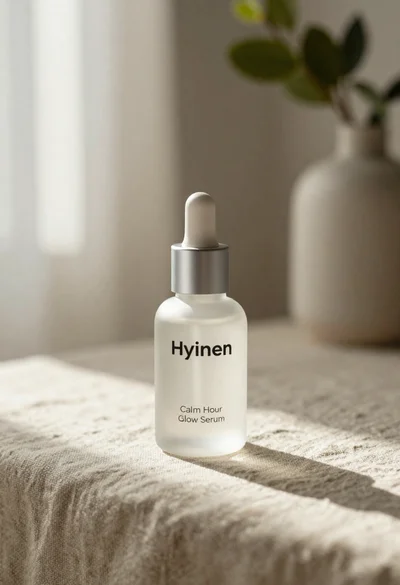
Frosted glass serum bottle with silver pump on beige linen cloth