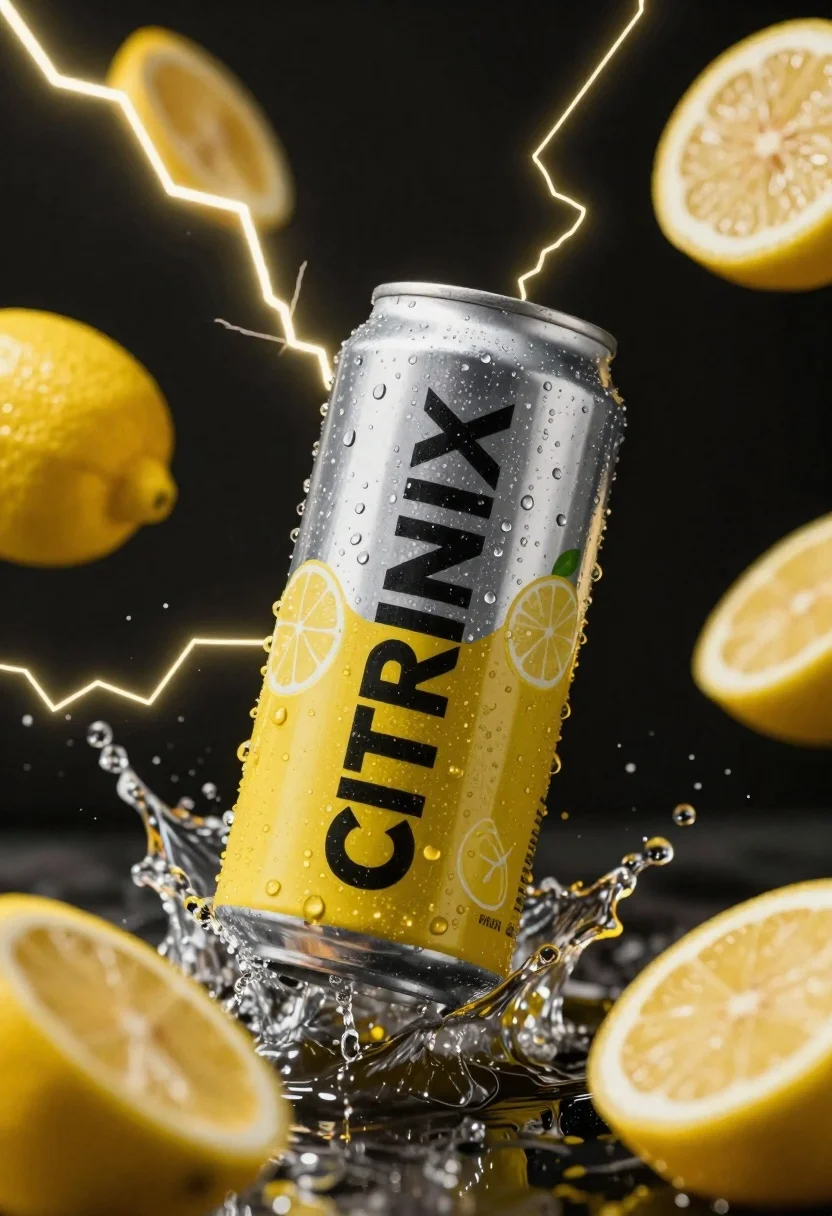
Silver and yellow aluminum beverage can suspended in water splash against dark
Prompt
A silver and yellow aluminum beverage can suspended in mid-air against a dark background.

Subject: A tall aluminum beverage can with a silver top half and a bright yellow bottom half featuring the brand name "CITRINX" in large black letters, covered in realistic condensation water droplets.

Clothing: N/A.

Action: The can is captured in a dynamic splash of clear water, appearing to be frozen in motion as if it has just been dropped or hit by liquid.

Environment: A stark black void background filled with jagged, glowing yellow lightning bolts and floating cross-sections of lemons.

Camera: Close-up product shot with a shallow depth of field that blurs the foreground lemon and background elements to emphasize the central can.

Lighting: High-contrast studio lighting that creates sharp highlights on the wet metal surface and illuminates the water droplets, set against a dark backdrop to enhance the glowing yellow accents.
Second

Subject: N/A.

Objects: Several bright yellow lemon slices are floating in the air around the can, some in focus and others blurred.

Interaction: The can is interacting with a splash of liquid that surrounds its midsection, while lightning bolts appear to strike through the scene.

Text/Graphics: The word "CITRINX" is printed vertically on the side of the can in bold black font, accompanied by faint line drawings of lemons and mint leaves.

Style Details: Hyper-realistic commercial photography with high saturation, vibrant color grading, and a dramatic, energetic mood.
Description
This prompt is useful for creating high-impact beverage advertising campaigns, dynamic product splash visuals, and stylized brand concept art. The combination of 'high-contrast studio lighting' emphasizing sharp highlights on the wet metal surface, paired with the 'jagged, glowing yellow lightning bolts,' ensures the central can remains the focal point while the surrounding elements provide necessary visual energy for commercial impact.
Suggestions
- Change 'bright yellow' to 'metallic gold' for a premium feel.
- Add 'macro lens perspective' to intensify the condensation droplets.
- Swap 'lightning bolts' for 'splashing liquid trails' to keep the focus purely on water dynamics.
Category
Tags
Close UpDark SkinRealisticStudio
Date added
June 23, 2026
Added by
PromptDexter Team
Related Prompts
More prompts with similar categories and tags.
Luxurious chanel perfume bottle on reflective surface with swirling smoke

Black perfume bottle on driftwood surrounded by pink cosmos flowers in purple

Black makeup tube next to open red pomegranate on beige background
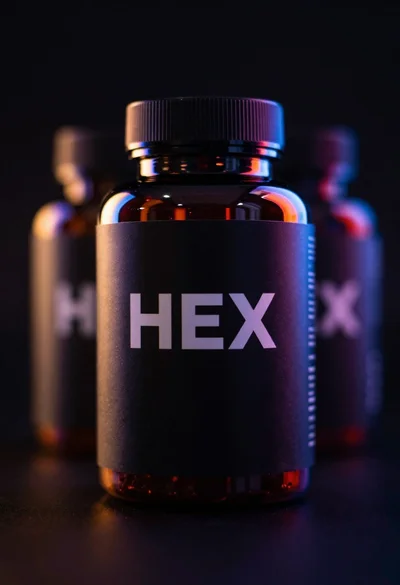
Black supplement bottle with chromatic aberration in void
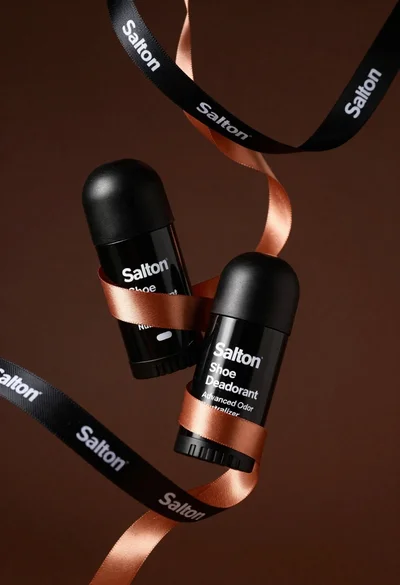
Two black deodorant bottles wrapped in a flowing black ribbon
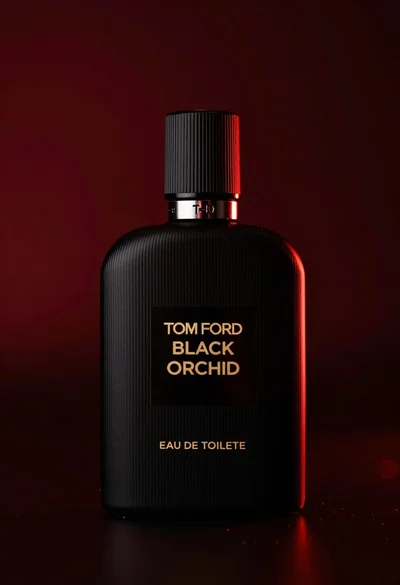
Close up product shot of black perfume bottle with gold lettering

Hyperrealistic close up of orange soda splashing from a floating can
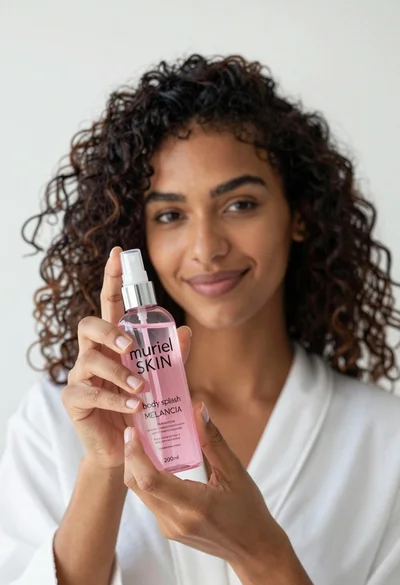
Close up of woman holding pink body splash bottle in bright white