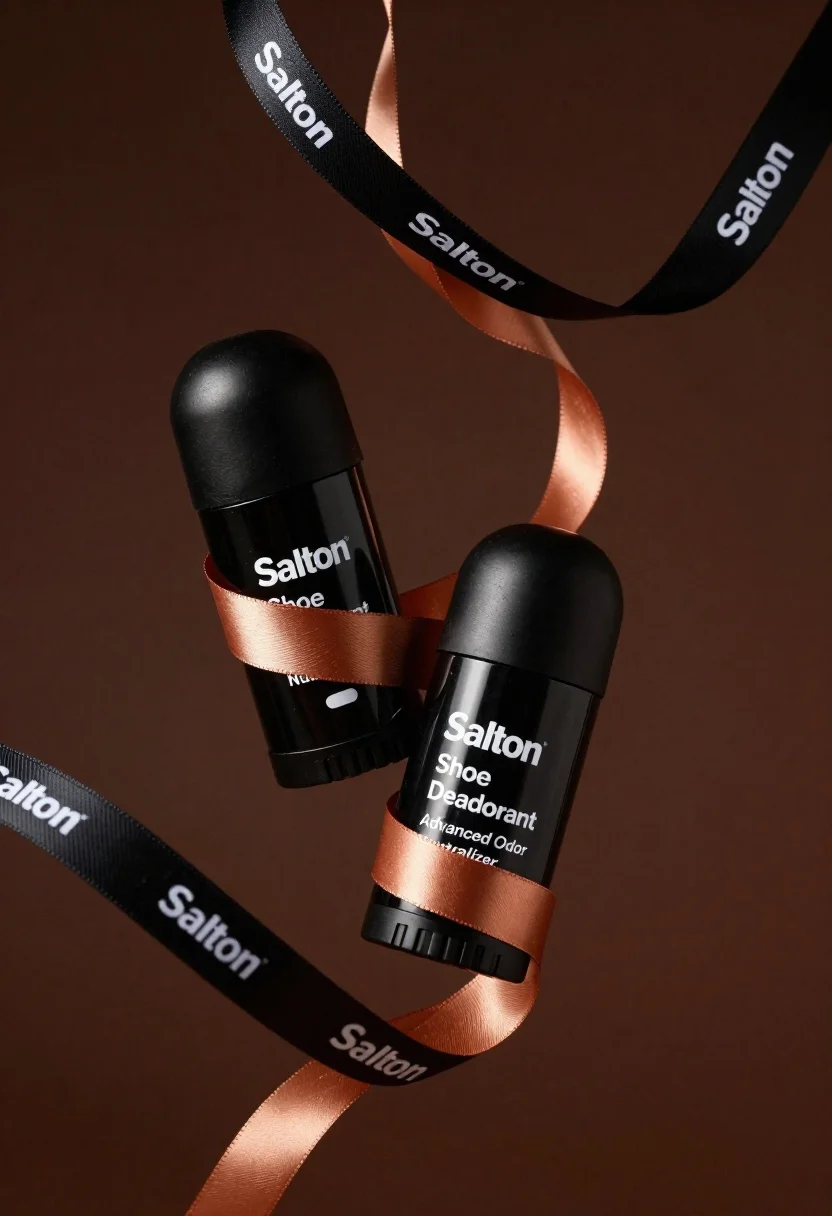
Two black deodorant bottles wrapped in a flowing black ribbon
Prompt
Two sleek black cylindrical bottles of Salton Shoe Deodorant float diagonally against a smooth dark brown background.

Subject: Two matte black cylindrical aerosol cans labeled "Salton Shoe Deodorant" with white text reading "Advanced Odor Neutralizer".

Clothing: Not applicable.

Action: The bottles are suspended in mid-air, angled slightly towards each other as if floating or falling gently.

Environment: A solid dark brown background that fades subtly into a lighter shade at the edges.

Camera: Close-up product shot with shallow depth of field emphasizing the bottles and ribbons.

Lighting: Soft directional lighting from the upper left creating gentle highlights on the curved surfaces and casting subtle shadows.
Second

Subject: Not applicable.

Objects: A flowing ribbon made of black fabric with white "Salton" text and a copper-colored inner layer wraps around both bottles in an elegant spiral pattern.

Interaction: The ribbon elegantly intertwines around both bottles, creating a dynamic visual connection between them.

Text/Graphics: White sans-serif typography reading "Salton Shoe Deodorant" and "Advanced Odor Neutralizer" on the bottle labels; repeating "Salton" text along the black ribbon with visible copper inner layer.

Style Details: High-end commercial product photography with clean lines, sophisticated color palette of black, brown, and copper, premium material textures, and minimalist aesthetic.
Description
This prompt is useful for creating high-end cosmetic packaging mockups, luxury retail advertising, and e-commerce banner assets requiring a sophisticated feel. The combination of 'matte black cylindrical' subjects against the 'dark brown background' with 'soft directional lighting' ensures that the product remains the focus while the copper accents catch light to suggest premium quality, preventing the entire composition from looking flat or dull.
Suggestions
- Change 'dark brown background' to 'charcoal gray concrete' for a more industrial feel.
- Swap 'copper-colored inner layer' for 'brushed gold' to increase perceived luxury.
- Adjust 'soft directional lighting' to 'hard side light' for sharper edges.
Category
Tags
Black HairClose UpRealisticStudio
Date added
June 19, 2026
Added by
PromptDexter Team
Related Prompts
More prompts with similar categories and tags.
Black supplement bottle with chromatic aberration in void
Close up product shot of black perfume bottle with gold lettering
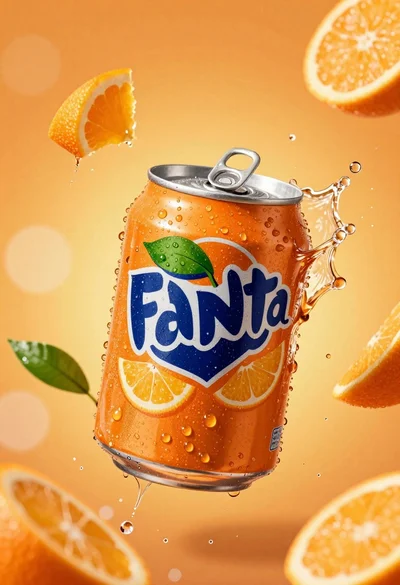
Hyperrealistic close up of orange soda splashing from a floating can
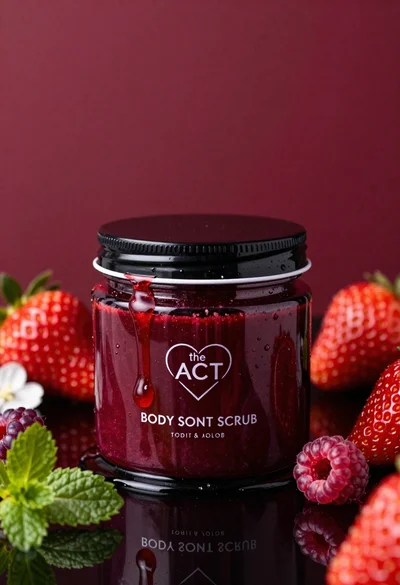
Glossy black jar of deep red body salt scrub surrounded by fresh
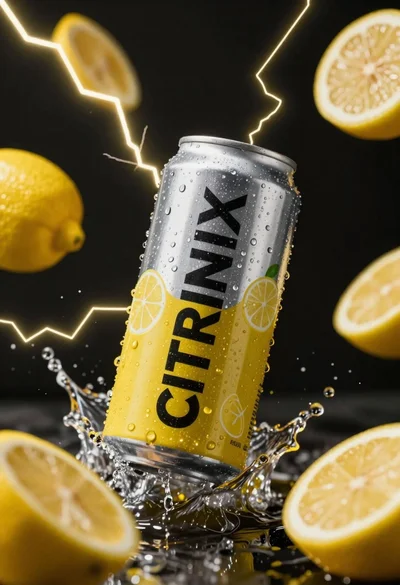
Silver and yellow aluminum beverage can suspended in water splash against dark
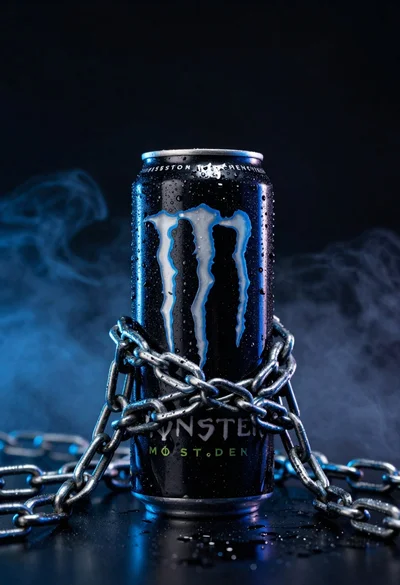
Black monster energy can wrapped in metal chains on reflective floor

Closeup product shot of hand holding frosted glass spray bottle with colorful

Clear glass serum bottle with lemons and water splashes in studio
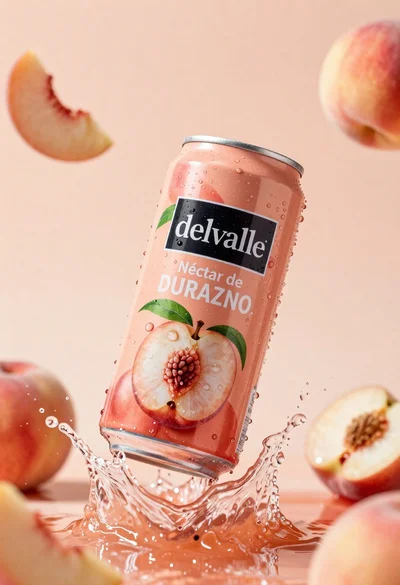
Refreshing peach nectar can suspended in midair with water splash
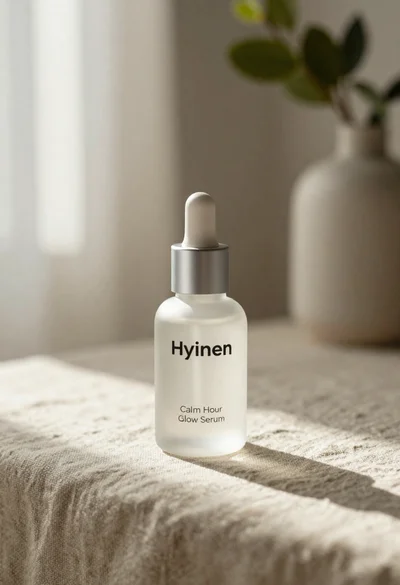
Frosted glass serum bottle with silver pump on beige linen cloth