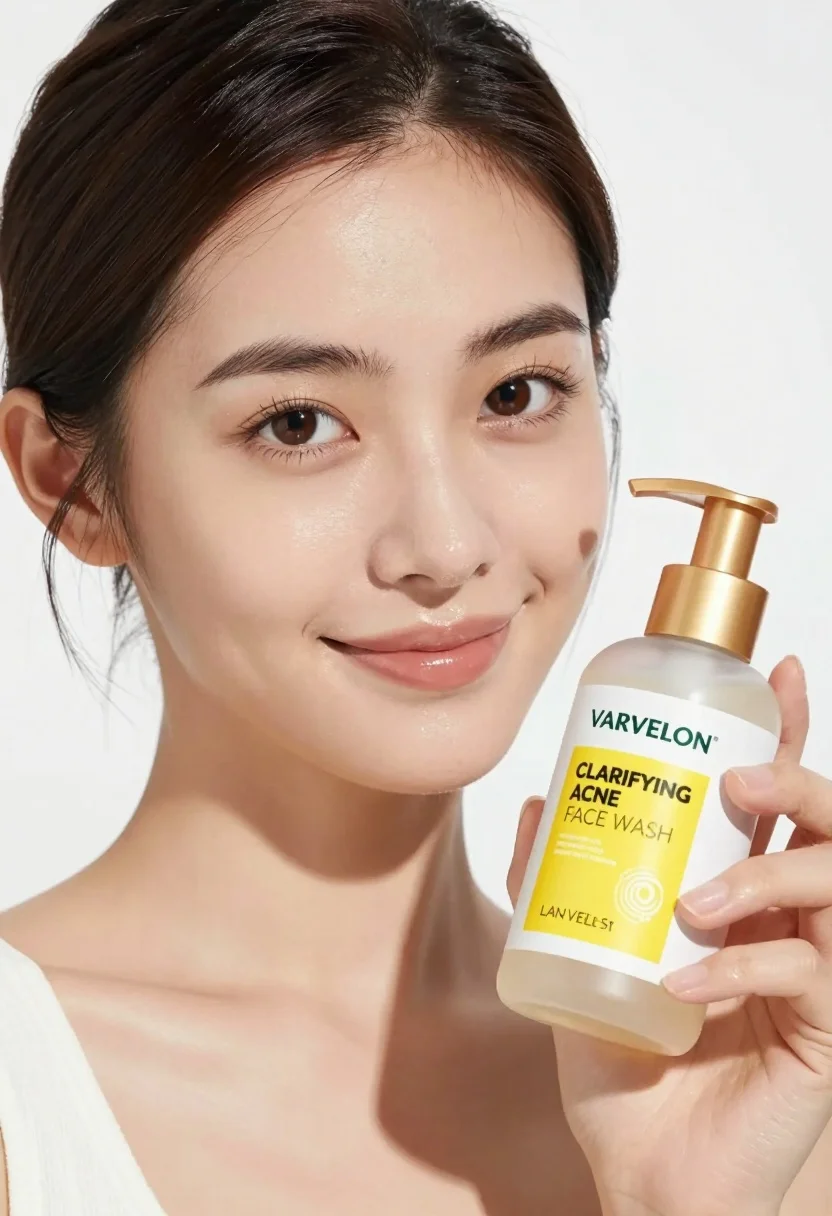
Medium close up portrait of woman holding face wash bottle in white
Prompt
A close-up portrait of a woman with glowing skin holding a bottle of face wash.

Subject: A young woman with dark brown hair pulled back, featuring defined eyebrows and warm brown eyes looking directly at the camera.

Clothing: She wears a simple white top with a visible neckline.

Action: She holds a pump bottle in her right hand near her chest, displaying it to the viewer with a soft, confident smile.

Environment: The background is a seamless, bright white studio backdrop.

Camera: Shot with a medium close-up framing that emphasizes facial features and the product, utilizing a shallow depth of field to keep the subject sharp while softly blurring the edges.

Lighting: Bright, high-key lighting creates a clean, commercial look with soft shadows and highlights on her skin.

Objects: A clear pump bottle with a gold cap and a white label featuring yellow text that reads "VARVELON" and "CLARIFYING ACNE FACE WASH".

Text/Graphics: The product label displays the brand name "VARVELON" in green, followed by "CLARIFYING ACNE FACE WASH" in bold black letters on a yellow background.

Style Details: High-definition commercial photography with a polished, glossy finish and vibrant color saturation.
Description
This prompt is useful for creating e-commerce product listings, beauty brand advertising campaigns, and skincare editorial spreads. The combination of 'bright, high-key lighting' and the 'seamless, bright white studio backdrop' ensures maximum product visibility by eliminating distracting environmental context, while the 'shallow depth of field' keeps focus tightly on both the subject's face and the specific details of the bottle.
Suggestions
- Change 'yellow text' to 'black text' for a more clinical feel.
- Swap 'gold cap' for 'matte silver cap' to update the product aesthetic.
- Adjust 'soft, confident smile' to 'neutral expression' if the focus needs to be purely on the product.
Category
Tags
Close UpFemaleMedium ShotPortrait ShotRealisticStudio
Date added
July 3, 2026
Added by
PromptDexter Team
Related Prompts
More prompts with similar categories and tags.
Woman in light green bathrobe holding cucumber face mask tube
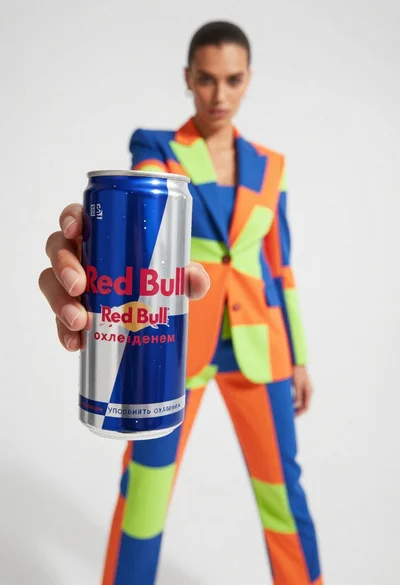
Closeup of red bull can held by hand with fashion model in
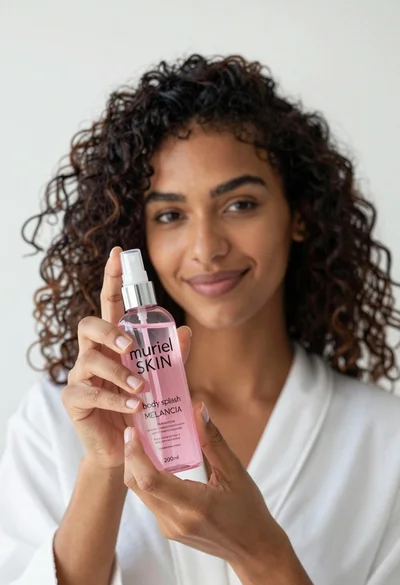
Close up of woman holding pink body splash bottle in bright white

Young woman holding energy drink can making kissy face in studio setting
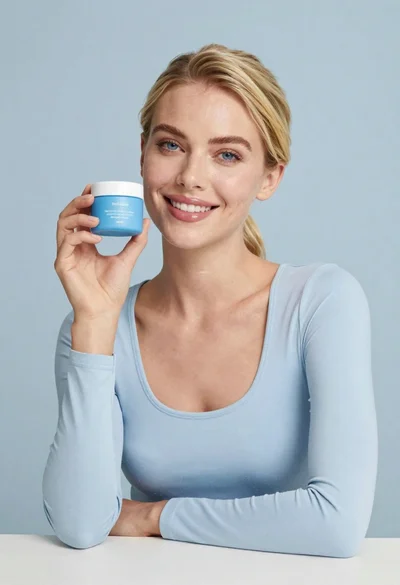
Smiling blonde woman holding a blue jar in a minimalist studio setting
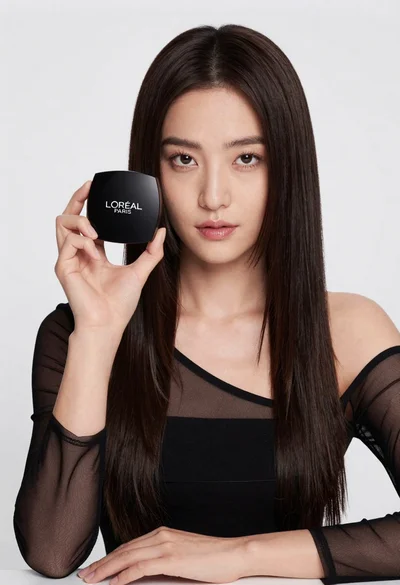
Medium close up portrait of woman holding makeup compact in studio
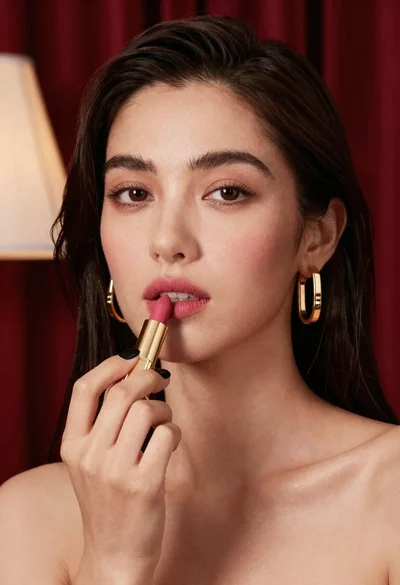
Close up portrait of woman applying pink lipstick against red curtains

Woman leaning on silver sports car in showroom
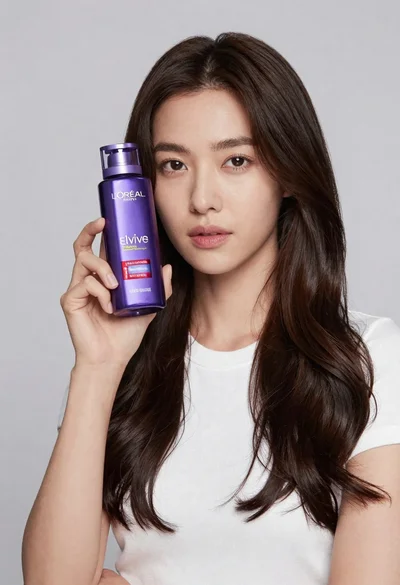
Woman holding purple hair product against cheek in studio setting

Young woman in red sweatshirt holding pepperoni pizza box against collage background