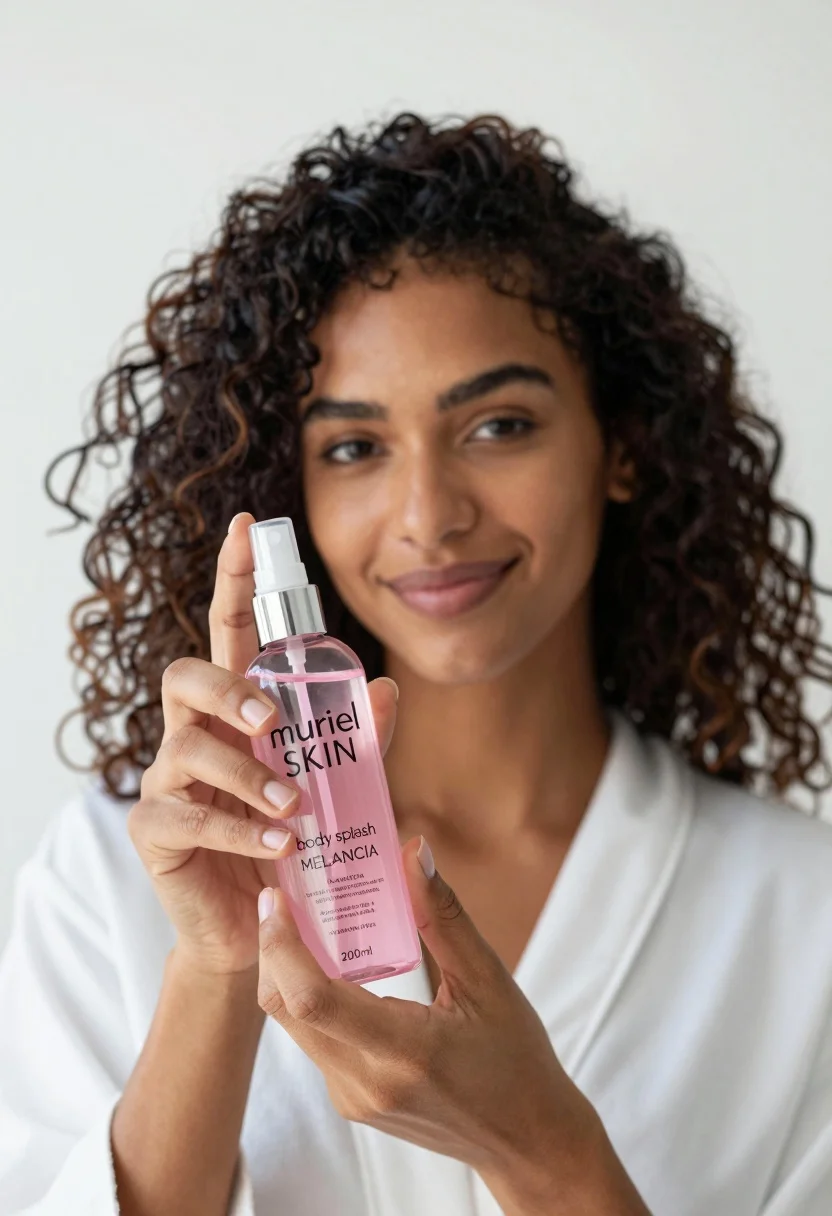
Close up of woman holding pink body splash bottle in bright white
Prompt
A woman with voluminous dark curly hair holds a pink spray bottle in the foreground while smiling softly at the camera.

Subject: A woman with deep skin tone and voluminous dark curly hair framing her face.

Clothing: She wears a white robe or top with a visible collar.

Action: She holds a transparent bottle filled with pink liquid up to the camera, cradling it in both hands with a gentle smile.

Environment: The background is a clean, bright white studio setting that keeps the focus on the product and subject.

Camera: A close-up shot with a shallow depth of field blurs the woman's face slightly to emphasize the bottle held in the foreground.

Lighting: Bright and even studio lighting illuminates the scene from the front, creating soft highlights on her skin and the liquid inside the bottle.

Objects: A transparent spray bottle containing pink liquid labeled "muriel SKIN body splash MELANCIA" with a silver pump top.

Text/Graphics: The label reads "muriel SKIN body splash MELANCIA COM BOSA MOSQUETA SNA HIDRATAÇÃO & PONTA NATURAL 200ml".

Style Details: High-key commercial photography style with sharp focus on the product and a soft, blurred background for depth.
Description
This prompt is useful for creating e-commerce beauty advertisements, cosmetic catalog shots, and lifestyle brand campaigns requiring clean visual merchandising. The combination of 'bright and even studio lighting' with a 'clean, bright white studio setting' ensures that the product remains the primary focal point, while the 'shallow depth of field blurs the woman's face slightly' directs the viewer's eye immediately to the labeled bottle in the foreground.
Suggestions
- Change 'pink liquid' to 'iridescent pink liquid' for more visual interest.
- Swap 'white robe or top' for 'silk slip' to suggest luxury.
- Adjust 'close-up shot' to 'macro close-up' to emphasize product details.
Category
Tags
Brown HairClose UpDark SkinFemalePortrait ShotRealisticStudio
Date added
July 12, 2026
Added by
PromptDexter Team
Related Prompts
More prompts with similar categories and tags.
Close up portrait of woman applying pink lipstick against red curtains
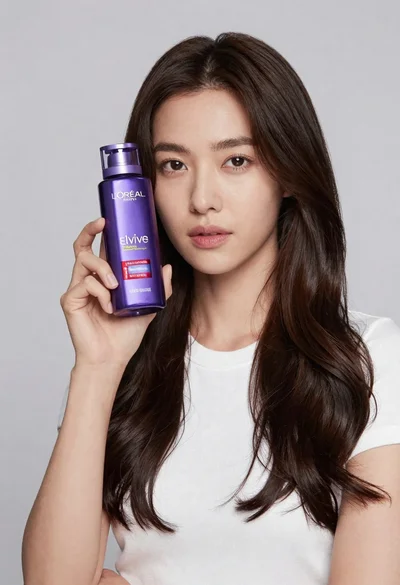
Woman holding purple hair product against cheek in studio setting
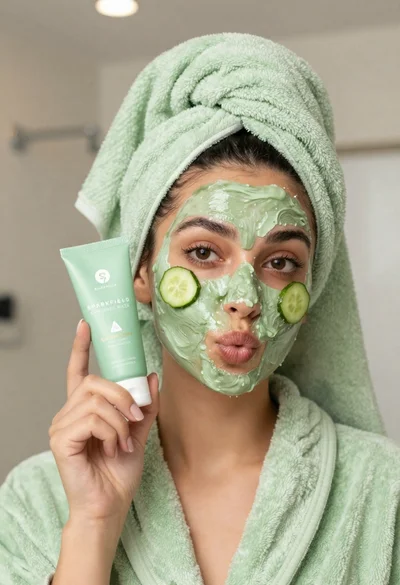
Woman in light green bathrobe holding cucumber face mask tube
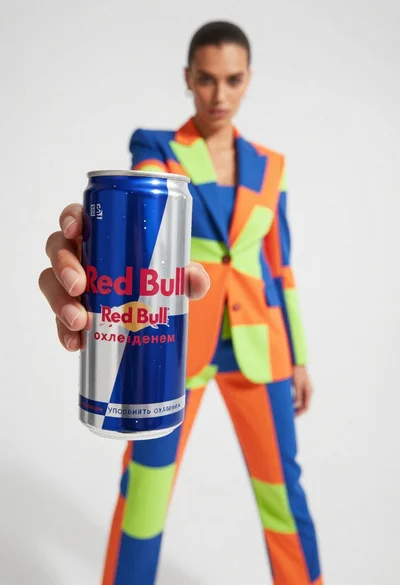
Closeup of red bull can held by hand with fashion model in
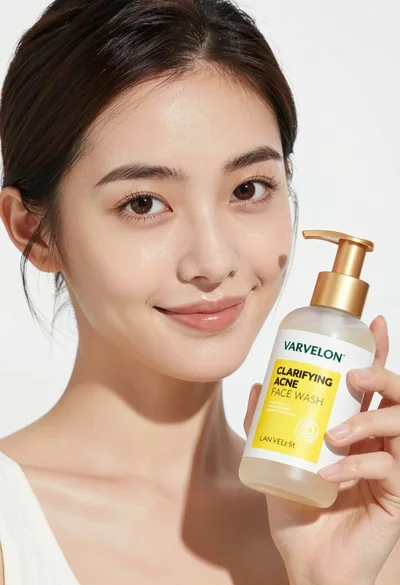
Medium close up portrait of woman holding face wash bottle in white
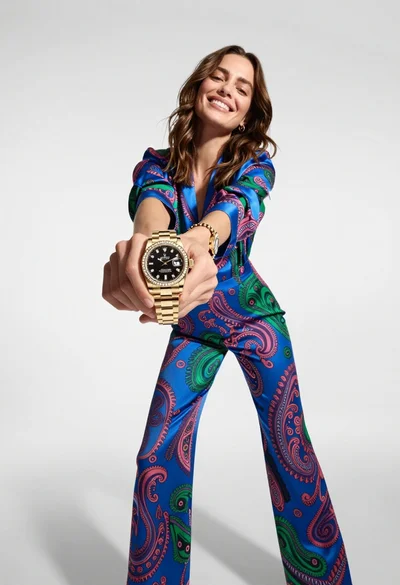
Woman in blue paisley jumpsuit presenting diamond wristwatch against white studio backdrop
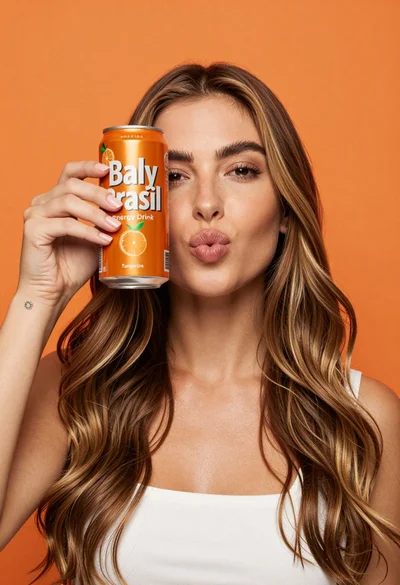
Young woman holding energy drink can making kissy face in studio setting
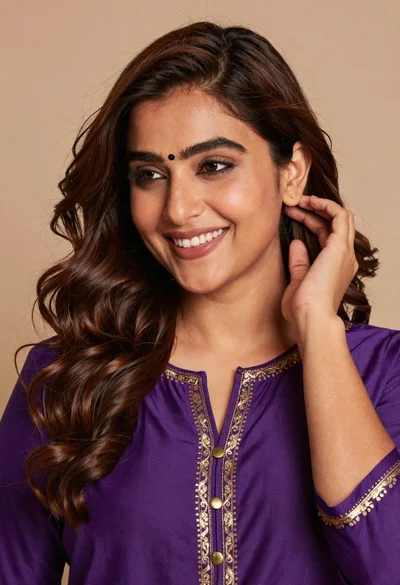
Close up portrait of smiling woman with brown hair wearing purple embroidered
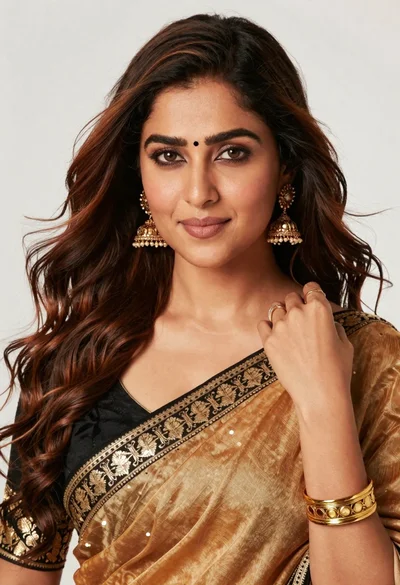
Close up portrait of woman in sari touching dark brown wavy hair
Close up portrait of woman with brown hair holding black lipstick indoors