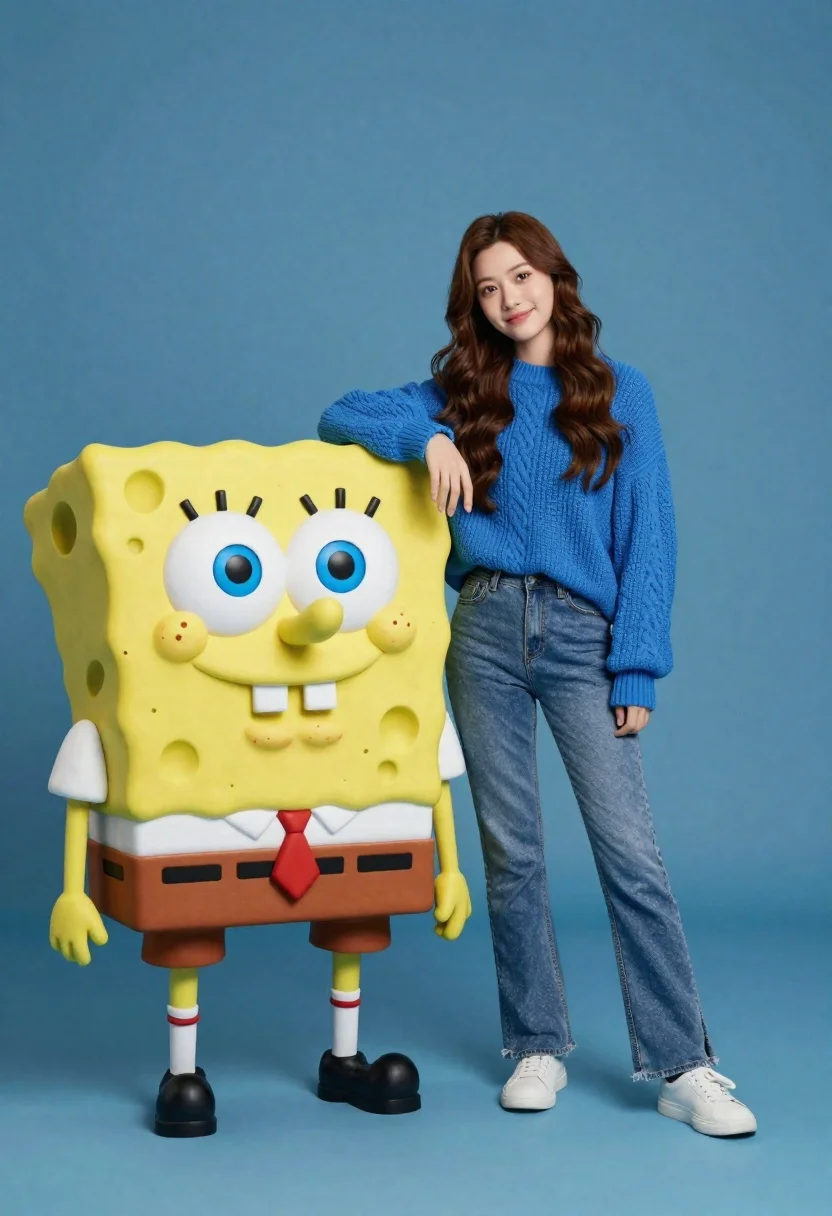
Young woman in blue sweater standing next to spongebob statue on blue
Prompt
A young woman with long wavy brown hair stands casually next to a large SpongeBob SquarePants statue against a solid blue background.

Subject: A young woman with long wavy brown hair and a gentle smile standing beside a life-sized yellow sponge character.

Clothing: She wears a textured blue knit sweater, fitted blue jeans, and white sneakers.

Action: She leans her left arm on the character's shoulder while looking directly at the camera with a relaxed posture.

Environment: A seamless solid blue studio background that matches the tone of her sweater.

Camera: Full-body shot with a straight-on angle capturing both figures clearly in a medium-wide frame.

Lighting: Soft even studio lighting with minimal shadows and a clean, bright appearance.
Second

Subject: A large yellow sponge character resembling SpongeBob SquarePants wearing his signature white shirt, red tie, brown pants, and black shoes.

Objects: None visible beyond the character's costume elements.

Interaction: The woman rests her arm on the character's shoulder in a friendly pose.

Text/Graphics: No text or logos are present.

Style Details: High-quality 3D render with smooth textures and vibrant colors.
Description
This prompt is useful for creating quirky character merchandise mockups, themed promotional posters, and playful lifestyle advertising featuring pop culture crossovers. The combination of 'soft even studio lighting' and the 'seamless solid blue studio background' ensures that both the subject and the statue maintain vibrant colors without harsh shadows, which keeps the focus squarely on the interaction between the woman and the recognizable character.
Suggestions
- Change 'textured blue knit sweater' to 'oversized cream cardigan' for a softer contrast.
- Swap 'solid blue studio background' for 'pastel cyan gradient' to give more depth.
- Adjust 'full-body shot' to 'waist up portrait' to focus more on the interaction.
Category
Tags
Brown HairCasual WearFemaleFull BodyOutdoorsStudio
Date added
June 23, 2026
Added by
PromptDexter Team
Related Prompts
More prompts with similar categories and tags.

Cheerful chibi pirate character standing on treasure chest in studio
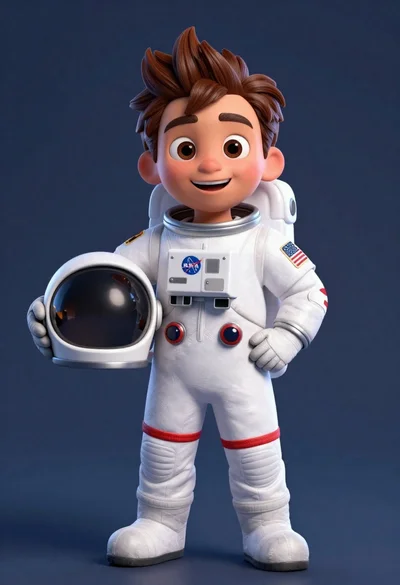
Cheerful cartoon astronaut boy holding helmet in dark blue studio

Full body studio shot of woman standing between large mario and luigi

Full body studio shot of woman and anthropomorphic fox character
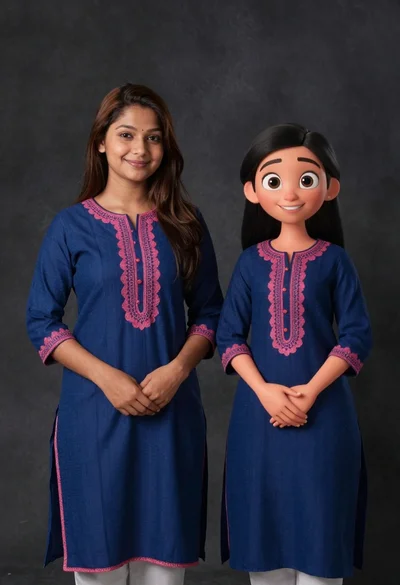
Young woman in blue traditional outfit standing next to her animated 3d
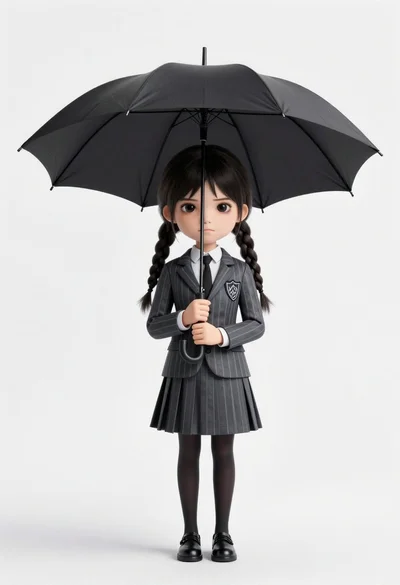
Chibi girl in grey pinstriped school uniform holding black umbrella against white
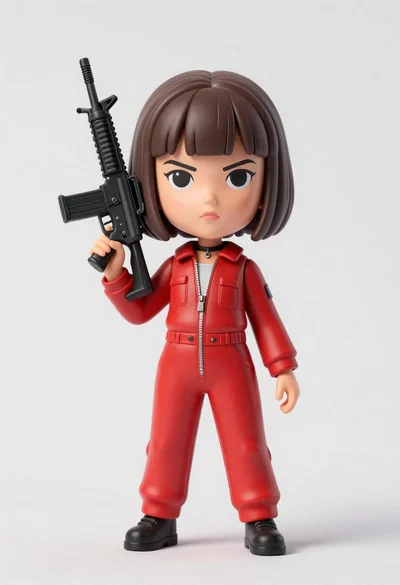
Stylized bobblehead figure of young woman holding black assault rifle in red

Young woman sitting among colorful clothes in minimalist studio setting