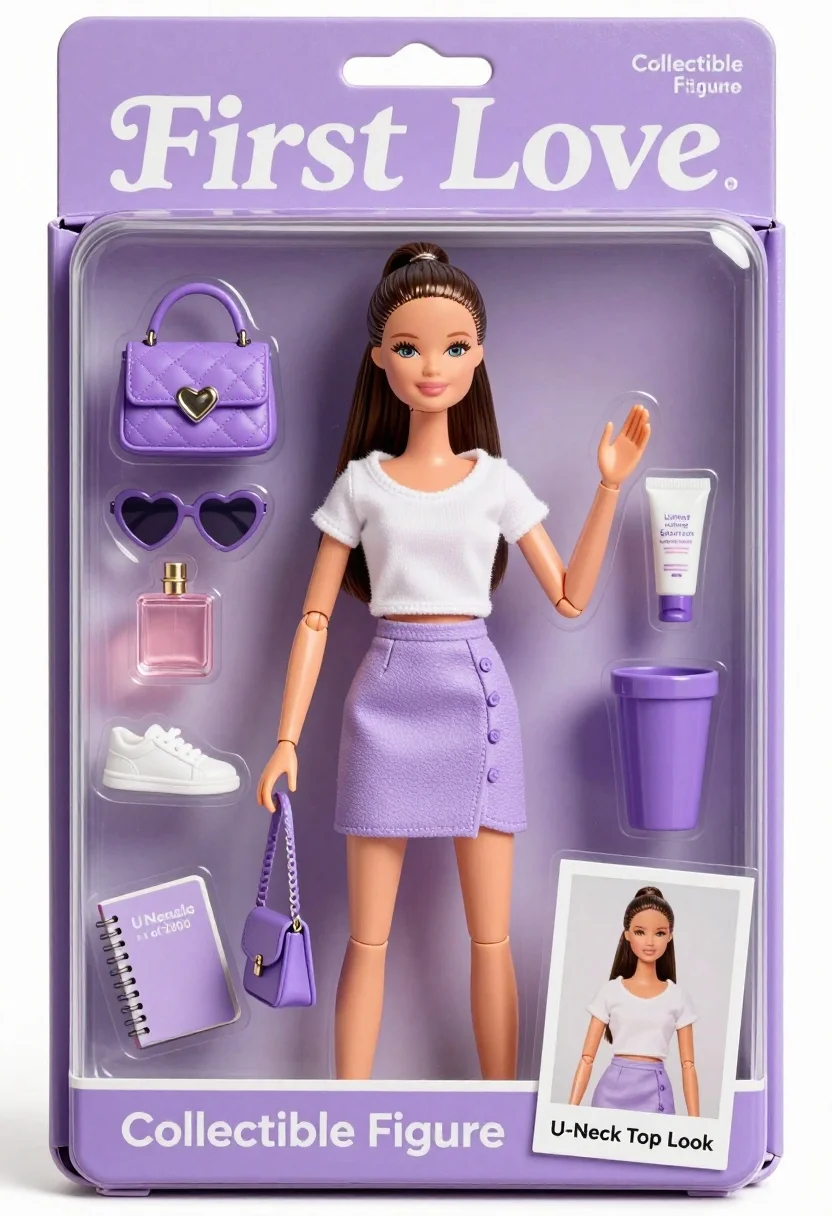
Collectible figure doll packaging displaying woman in white top and lavender skirt
Prompt
A collectible figure doll displayed inside a clear plastic packaging box with purple branding and text.

Subject: A young woman with long dark hair tied in a high ponytail, fair skin, and a gentle smile looking forward.

Clothing: She wears a white U-neck short-sleeved crop top and a lavender asymmetrical mini skirt with a button detail on the side.

Action: Standing upright with her left hand raised slightly near her shoulder and her right arm hanging by her side holding a small bag strap.

Environment: The figure is encased in a molded clear plastic blister pack attached to a cardboard backing card.

Camera: Eye-level medium shot capturing the full figure within the packaging frame.

Lighting: Bright, even studio lighting with soft shadows highlighting the smooth skin and glossy packaging surfaces.

Subject: A small inset photo of the same woman appears on an outfit card in the bottom right corner.

Objects: Accessories include a lavender quilted handbag with a heart clasp, white sneakers, heart-shaped sunglasses, a perfume bottle, a tube of cream, a purple cup, and a notebook, all arranged in molded compartments.

Text/Graphics: The packaging features text reading "First Love," "Collectible Figure," "Limited Edition 1 of 2000," and an outfit card labeled "U-Neck Top Look."

Style Details: High-gloss commercial product photography with clean lines, pastel color palette, and elegant typography.
Description
This prompt is useful for creating mockups for toy or collectible merchandise listings, e-commerce product detail pages, and mood boards for character goods design. The combination of 'bright, even studio lighting' and the 'clear plastic packaging box' ensures that every accessory and garment detail remains visible without harsh reflections, which is crucial for conveying the intended quality of a manufactured item.
Suggestions
- Change 'lavender asymmetrical mini skirt' to 'pale lilac pleated skirt' for a different drape.
- Swap 'heart-shaped sunglasses' for 'cat-eye sunglasses' to update the accessory feel.
- Adjust 'bright, even studio lighting' to 'softbox diffused light' for less harsh highlights.
Category
Tags
3dFair SkinFemaleMedium ShotStudio
Date added
July 3, 2026
Added by
PromptDexter Team
Related Prompts
More prompts with similar categories and tags.
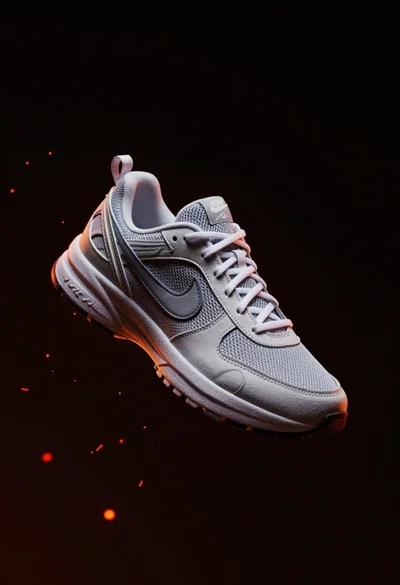
Nike sneaker floating in dark void with embers
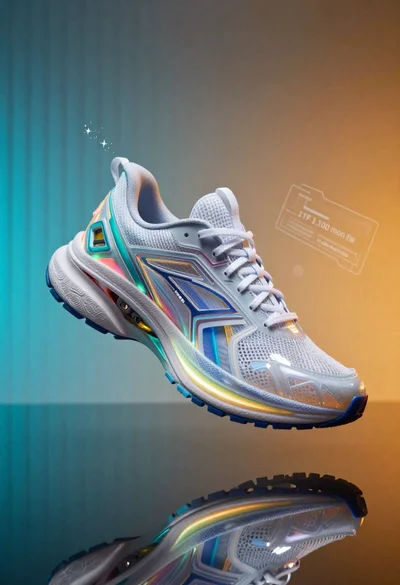
Futuristic running shoe on a split color surface
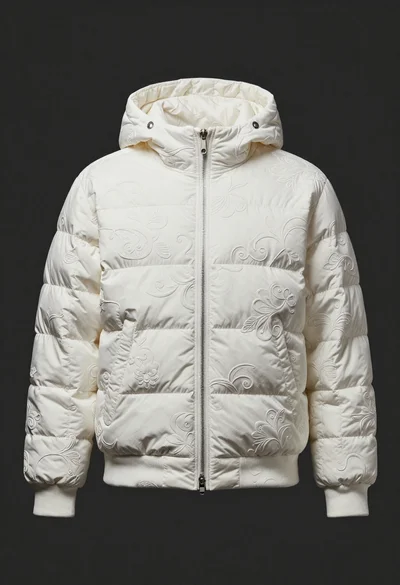
White puffer jacket displayed on a dark gray background
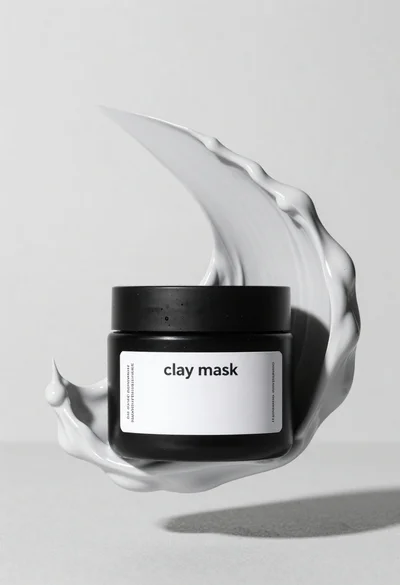
Black jar of clay mask with swirling white cream
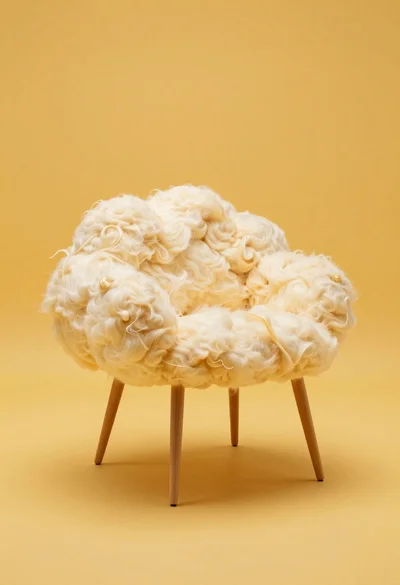
Cloud shaped chair on a yellow background
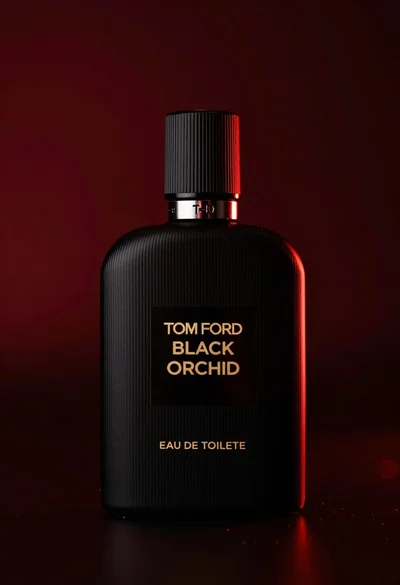
Close up product shot of black perfume bottle with gold lettering
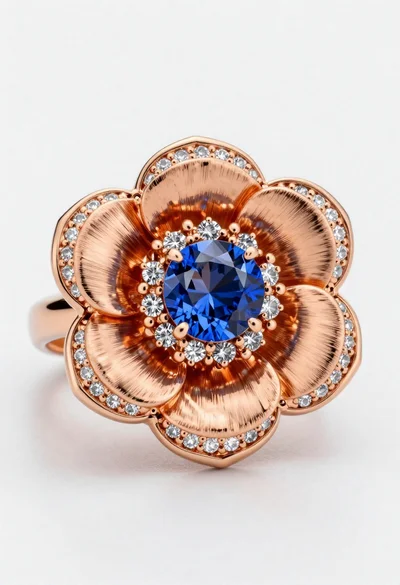
Macro shot of a floral ring with blue sapphire
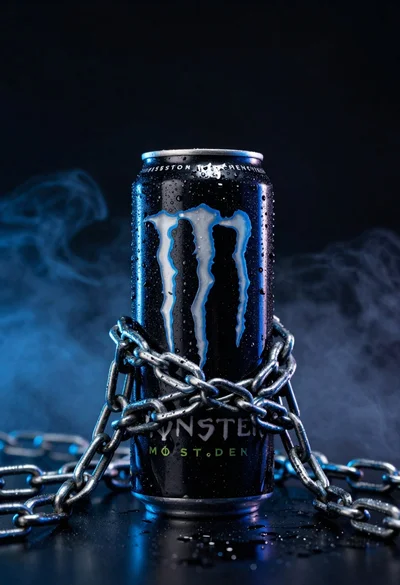
Black monster energy can wrapped in metal chains on reflective floor

Closeup product shot of hand holding frosted glass spray bottle with colorful
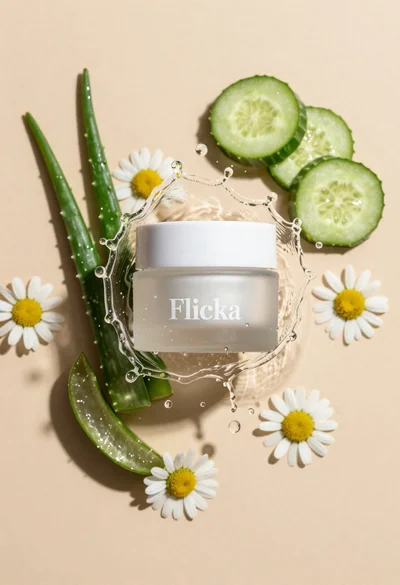
Top down studio shot of skincare product jar surrounded by fresh botanical