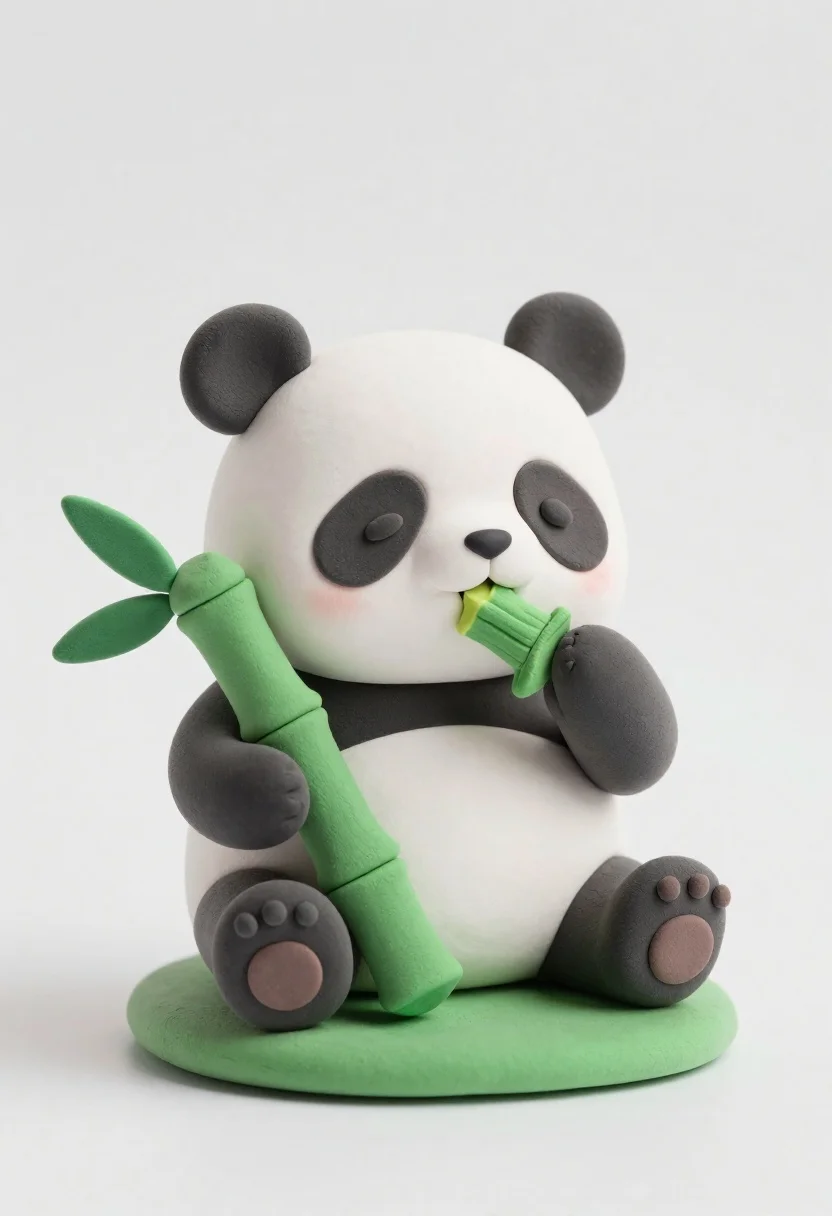
Cute clay panda figurine eating bamboo on a green base
Prompt
A cute clay panda figurine sitting on a small green base while holding and eating bamboo.

Subject: A chubby, stylized panda with large black ears, black eye patches, black limbs, and a cream-colored face and belly.

Clothing: The figure has no clothing, but the texture resembles smooth, matte modeling clay or soft plasticine.

Action: The panda is sitting upright, holding a long green bamboo stalk in its left paw and nibbling on a piece of bamboo held in its right paw near its mouth.

Environment: A plain white background with a seamless studio setting that isolates the subject.

Camera: A straight-on eye-level shot with soft focus to emphasize the figurine's rounded features.

Lighting: Soft, diffused lighting from the front that creates gentle shadows and highlights the smooth texture of the clay material.

Objects: A large green bamboo stalk with leaves held by the panda and a small, flat green base it sits upon.

Style Details: 3D render or physical model style with a cute, chibi aesthetic, emphasizing rounded shapes and soft colors.
Description
This prompt is useful for creating product photography mockups, whimsical nursery decor concepts, and character design sheets for animated shorts. The combination of 'matte modeling clay' texture, 'chibi aesthetic', and 'soft, diffused lighting from the front' ensures that the figurine retains a tactile, toy-like quality while preventing harsh shadows that would make the plasticine look cheap or overly rigid.
Suggestions
- Change 'plain white background' to 'light wood grain surface' for more context.
- Swap 'matte modeling clay' for 'unglazed ceramic' to suggest a different material feel.
- Adjust 'soft focus' to 'shallow depth of field' to isolate the panda even further.
Category
Tags
AnimalFull BodyOutdoorsRealisticStudio
Date added
June 26, 2026
Added by
PromptDexter Team
Related Prompts
More prompts with similar categories and tags.

Full body studio shot of woman and anthropomorphic fox character
Cute round 3d animated bee character floating in midair against solid yellow

Full body studio portrait of woman with two animated animal friends

Woman in police uniform stands with fox wearing shirt against white studio
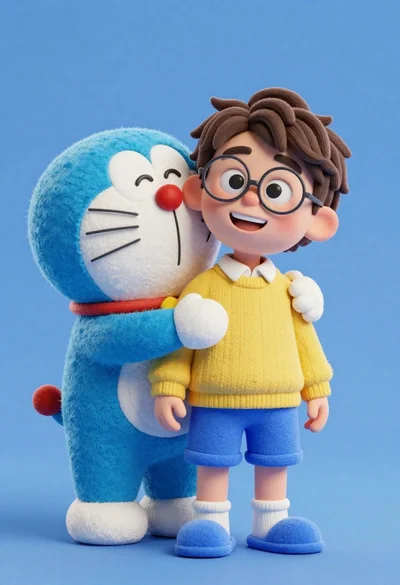
Young boy in yellow sweater hugged by blue robotic cat on blue
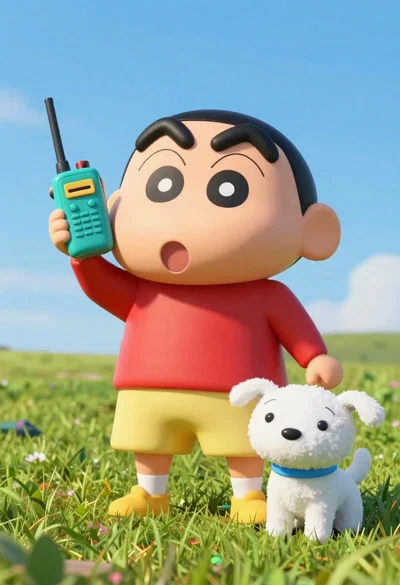
Cheerful plush toy boy holding a teal walkie talkie on a grassy

Three animated characters standing together against a solid blue background
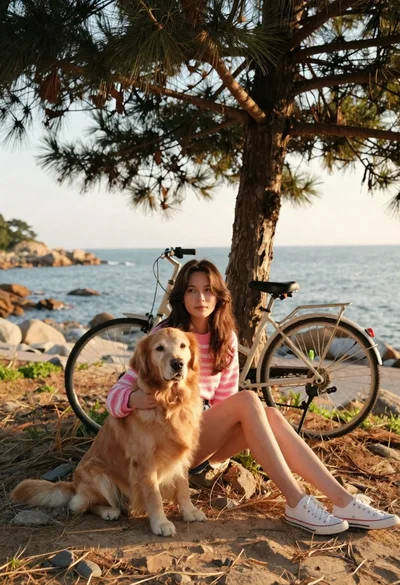
Young woman with brown hair and golden retriever under pine tree