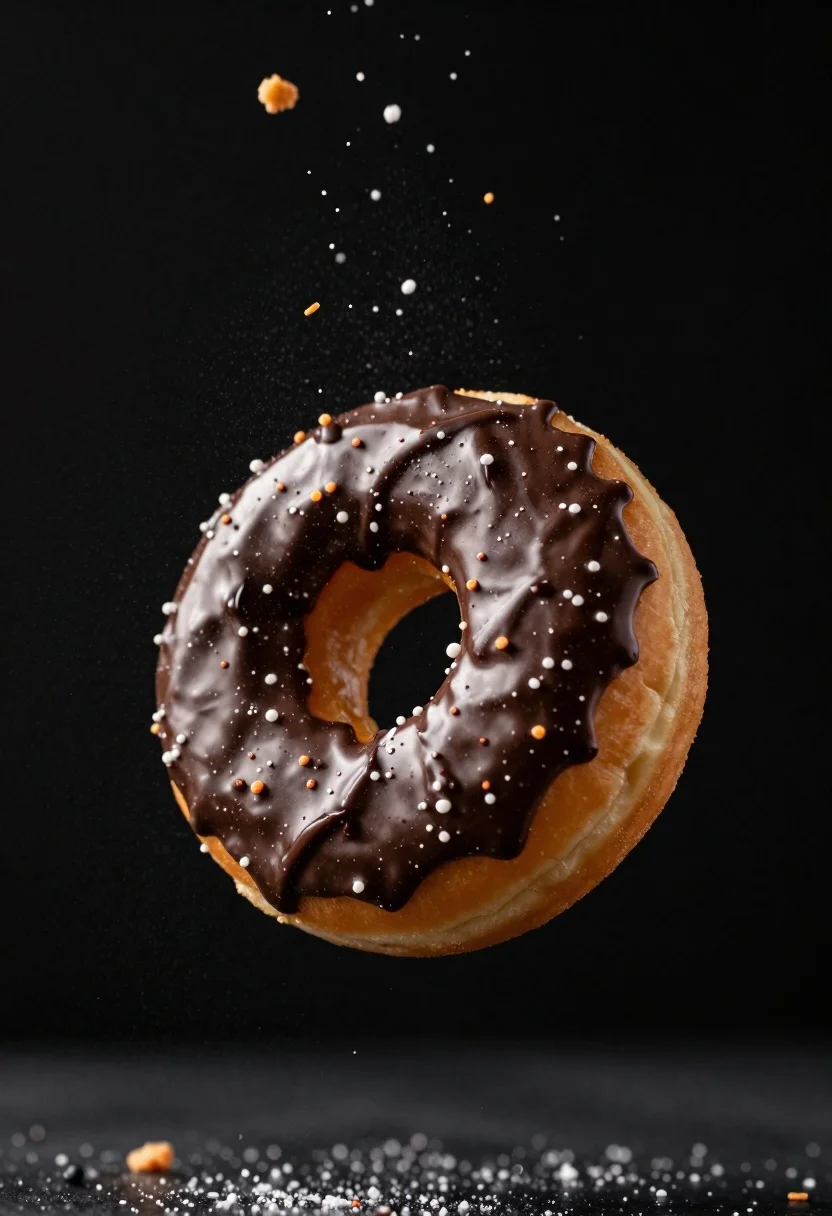
Delicious glazed donut suspended in midair with flying crumbs against black background
Prompt
A delicious glazed donut suspended in mid-air against a deep black background.

Subject: A golden-brown fried dough ring with a glossy chocolate glaze coating the top surface.

Clothing: None.

Action: The donut is frozen in a dynamic moment of suspension, surrounded by a cloud of flying crumbs and sugar particles that appear to be exploding outward from its surface.

Environment: A stark, featureless black void that emphasizes the subject and the flying debris.

Camera: Close-up macro shot with shallow depth of field, focusing sharply on the texture of the glaze and sprinkles while softly blurring the distant particles.

Lighting: Dramatic studio lighting highlighting the glossy sheen of the chocolate and the golden crust, creating deep shadows that enhance the three-dimensional form.
Second

Subject: None.

Objects: None.

Interaction: The flying crumbs and sugar granules are interacting with the donut, appearing to bounce off or fall away from it in slow motion.

Text/Graphics: None.

Style Details: High-end commercial food photography style with hyper-realistic textures, vibrant colors, and a sense of motion captured through high-speed shutter simulation.
Description
This prompt is useful for creating high-end advertising campaigns for pastry brands, editorial dessert spreads, and visually dramatic menu mockups. The combination of 'glossy chocolate glaze' under 'dramatic studio lighting' ensures the surface reflectivity pops against the 'deep black background,' while specifying a 'shallow depth of field' isolates the crisp texture of the flying crumbs from any distracting elements.
Suggestions
- Change 'glossy chocolate glaze' to 'powdered sugar dusting' for a softer look.
- Add 'bokeh effect' to enhance the blurred particles.
- Swap 'dramatic studio lighting' for 'rim lighting' to emphasize the donut's edges.
Category
Tags
Close UpFoodMacro ShotOutdoorsRealistic
Date added
June 26, 2026
Added by
PromptDexter Team
Related Prompts
More prompts with similar categories and tags.
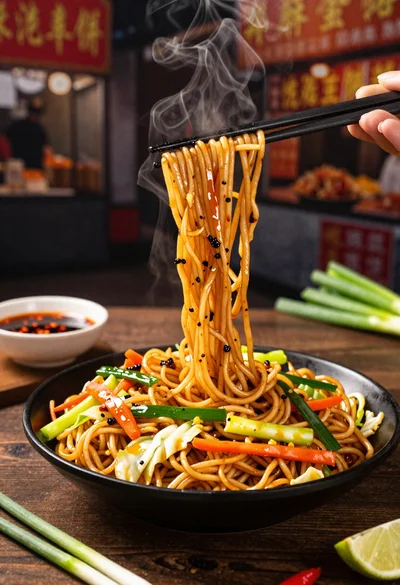
Close up shot of sizzling hakka noodles being lifted with chopsticks
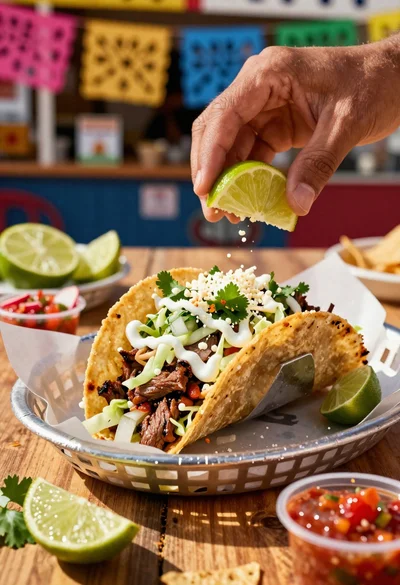
Close up of loaded street tacos with fresh mexican flavors
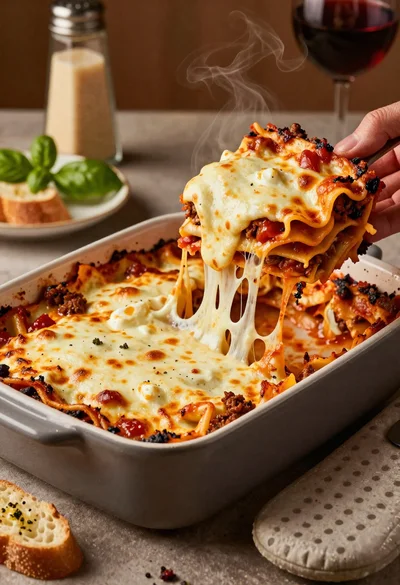
Close up of cheesy lasagna pull on rustic italian kitchen table

Close up of sizzling fajitas on a rustic wooden restaurant table

Close up of crispy chicken nuggets dipped in honey mustard sauce
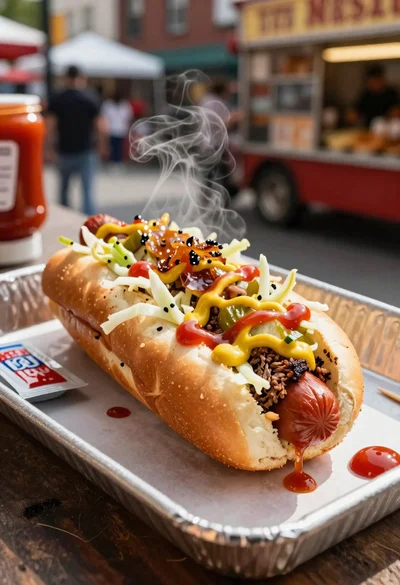
Close up of loaded hotdog with slaw mustard ketchup and onions

Close up overhead view of bread sushi rolls with colorful fillings

Ginger cat dressed as fast food worker holding cheeseburger