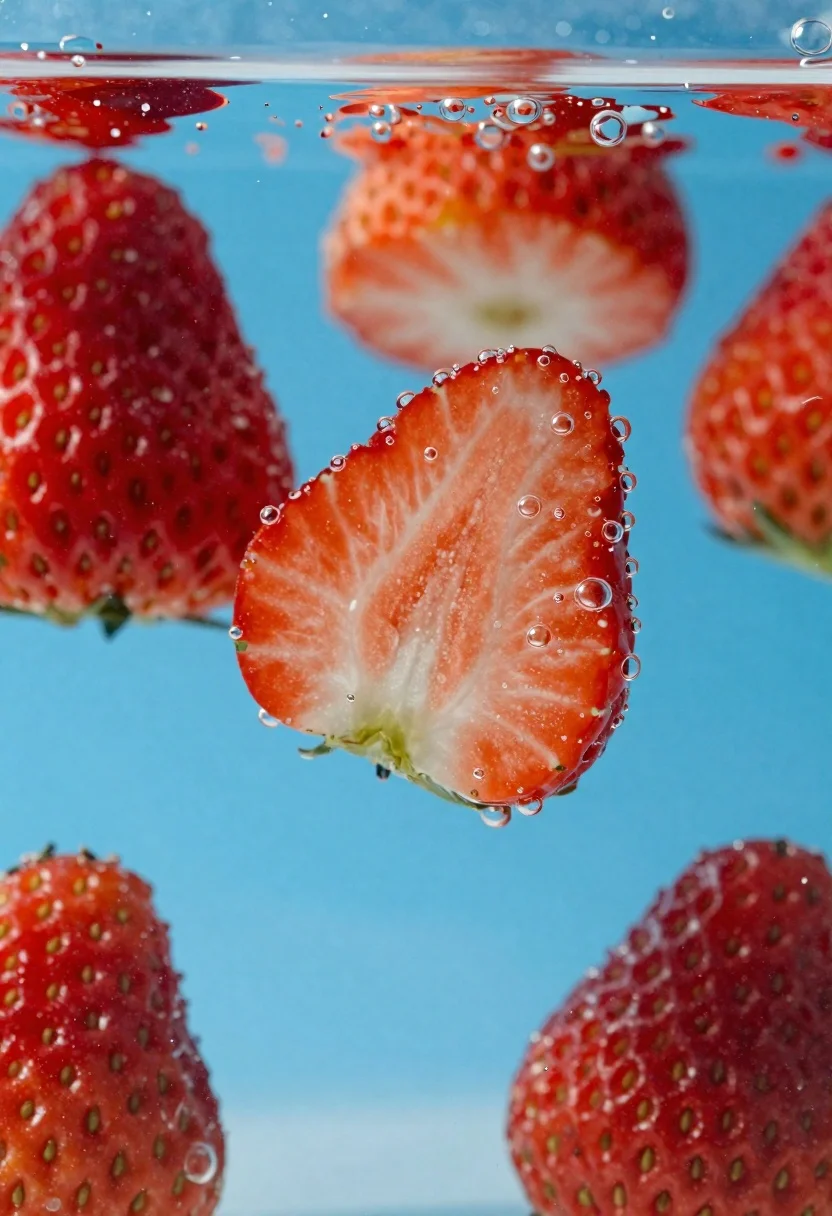
Fresh red strawberries sliced in half suspended underwater with rising bubbles
Prompt
Fresh red strawberries sliced in half are suspended underwater in a clear blue liquid with rising bubbles clinging to their surfaces.

Subject: Vibrant red strawberries, some whole and several cut in half revealing pale white interiors with visible seeds on the outer skin.

Clothing: N/A

Action: Strawberries are floating or sinking through water, surrounded by numerous small air bubbles adhering to their textured surfaces.

Environment: Clear blue liquid background suggesting a tank or glass container filled with water.

Camera: Close-up macro shot with shallow depth of field blurring foreground and background elements while keeping central strawberry sharply in focus.

Lighting: Bright even illumination highlighting the glossy wet texture of fruit and bubbles, creating soft highlights on curved surfaces.
Second

Subject: N/A

Objects: N/A

Interaction: Bubbles clinging to strawberry surfaces indicate movement through liquid medium.

Text/Graphics: None visible.

Style Details: High-resolution food photography style with vibrant color saturation and crisp detail emphasizing freshness and texture.
Description
This prompt is useful for creating high-end gourmet advertising, botanical science illustrations, and artistic still life compositions. The combination of 'bright even illumination' and the focus on 'glossy wet texture' ensures that the strawberries appear hyper-fresh and appetizing, while the 'shallow depth of field' isolates the subject against the blue liquid to prevent visual clutter.
Suggestions
- Change 'clear blue liquid' to 'deep emerald liquid' for a more dramatic contrast.
- Add 'macro lens perspective' to enhance the sense of immersion.
- Swap 'vibrant red strawberries' for 'mixed berries' to increase compositional variety.
Category
Tags
Close UpFoodMacro ShotOutdoorsRealistic
Date added
June 26, 2026
Added by
PromptDexter Team
Related Prompts
More prompts with similar categories and tags.
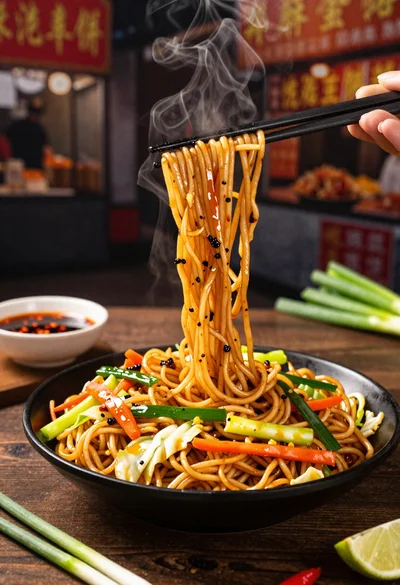
Close up shot of sizzling hakka noodles being lifted with chopsticks
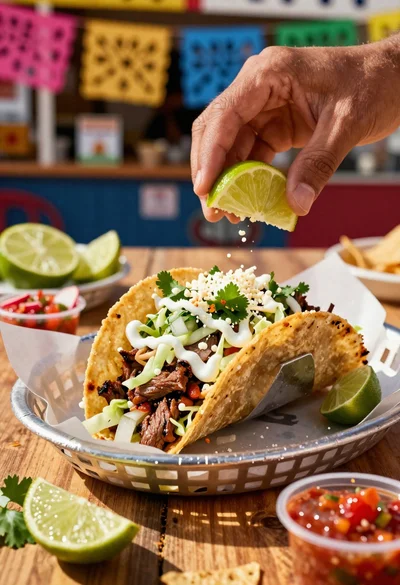
Close up of loaded street tacos with fresh mexican flavors
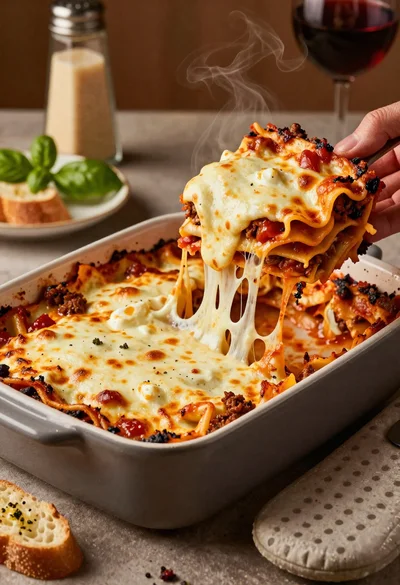
Close up of cheesy lasagna pull on rustic italian kitchen table

Close up of sizzling fajitas on a rustic wooden restaurant table

Close up of crispy chicken nuggets dipped in honey mustard sauce
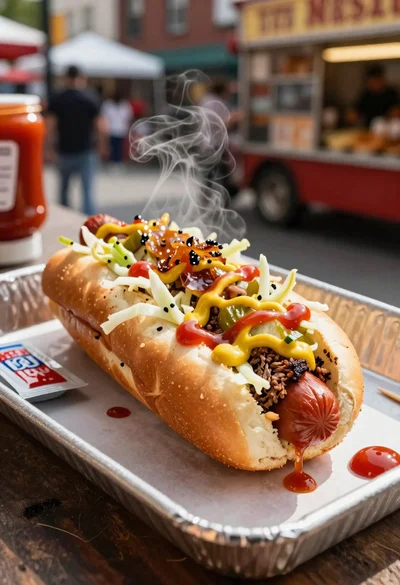
Close up of loaded hotdog with slaw mustard ketchup and onions

Close up overhead view of bread sushi rolls with colorful fillings

Ginger cat dressed as fast food worker holding cheeseburger