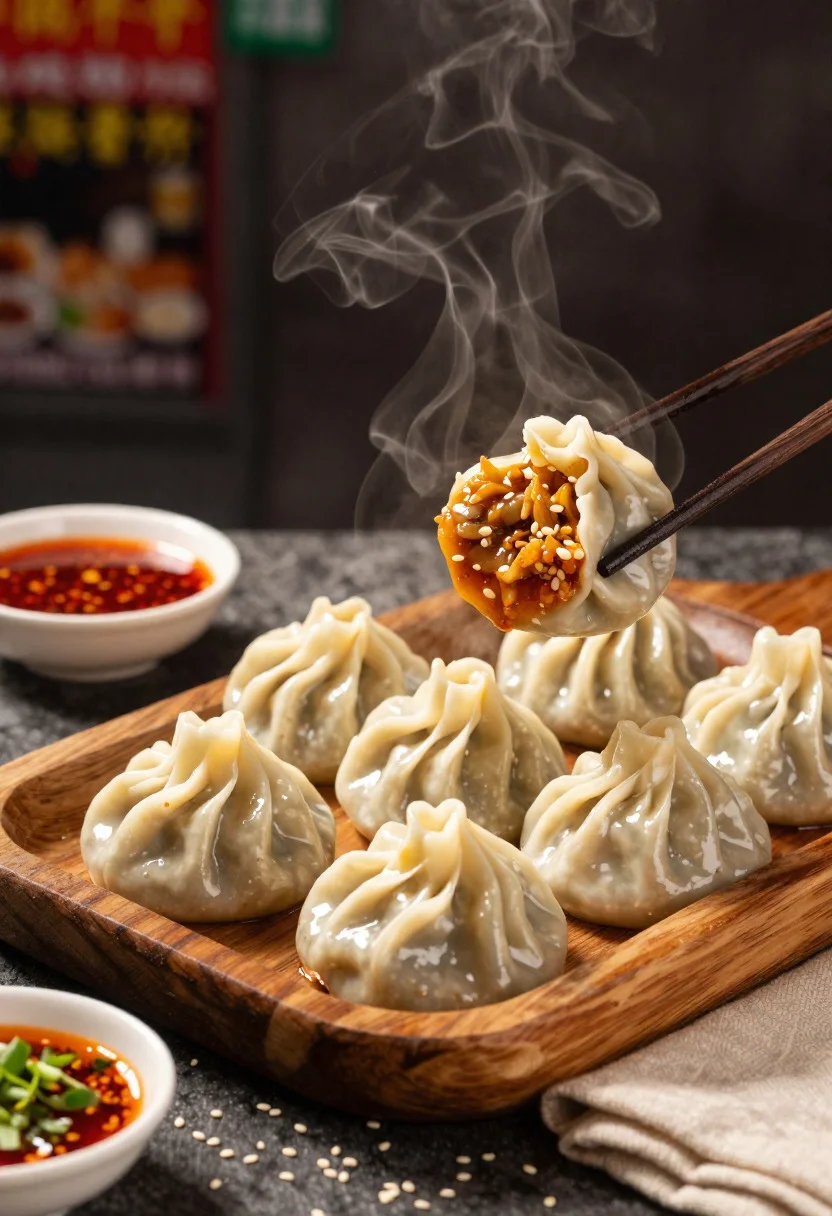
Close up view of steamed momos on rustic wooden tray with dipping
Prompt
Food photography shot of freshly steamed momos with irresistible street-food appeal and rich savory warmth

Subject: plump handmade momos with delicate pleated folds, glossy steamed surface, and soft dough texture, served fresh and hot

Action: steam rising from the momos as one dumpling is lifted slightly to reveal its juicy filling and handmade detail

Environment: rustic street-food table setting with a dark textured background, subtle evening market atmosphere, and a cozy authentic food-stall mood

Camera: close-up three-quarter angle, tight editorial composition focused on the dumplings and their texture, premium commercial food photography framing

Lighting: warm side lighting with soft shadows, gentle highlights on the steamed surface, and a moody appetizing glow

Objects: wooden serving tray, small bowls of red chili sauce and creamy dip, chopped herbs, scattered sesame seeds, and a folded napkin

Style Details: ultra-realistic professional food photography, rich texture detail, mouthwatering presentation, warm earthy tones, and polished restaurant advertisement aesthetic
Description
This prompt is useful for creating commercial menu advertisements, artisanal snack packaging mockups, and high-end culinary blog features. The combination of 'warm side lighting with soft shadows' and the focus on 'glossy steamed surface' ensures that the food appears immediately appetizing by emphasizing texture over flat color, while the 'rustic street-food table setting' grounds the otherwise polished look in an authentic context.
Suggestions
- Change 'red chili sauce' to 'tamarind dipping sauce' for a different color contrast.
- Add 'shallow depth of field' to blur the background more intensely.
- Swap 'wooden serving tray' for 'slate stone platter' to alter the material feel.
Category
Tags
Close UpFoodMacro ShotRealisticStudio
Date added
June 19, 2026
Added by
PromptDexter Team
Related Prompts
More prompts with similar categories and tags.

Close up of crispy chicken nuggets dipped in honey mustard sauce

Close up overhead view of bread sushi rolls with colorful fillings
Close up of layered italian hoagie sandwich on butcher paper
Hyperrealistic close up of a double patty burger mid air
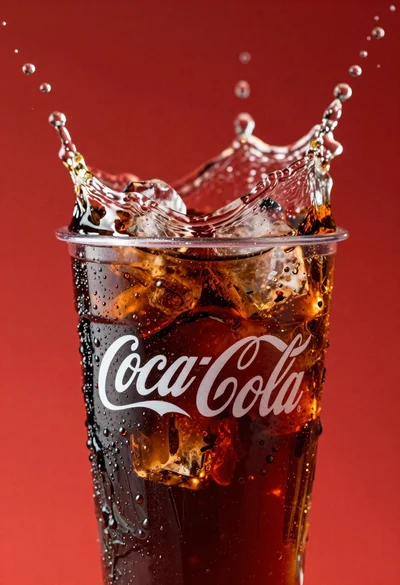
Refreshing coca cola glass with ice cubes splashing against red background
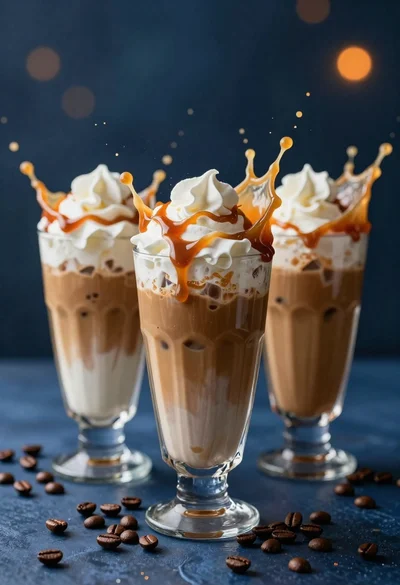
Three tall glasses of iced coffee with whipped cream and caramel drizzle
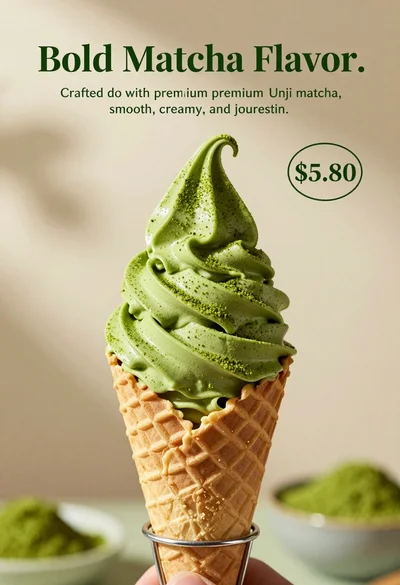
Close up shot of matcha soft serve ice cream in waffle cone
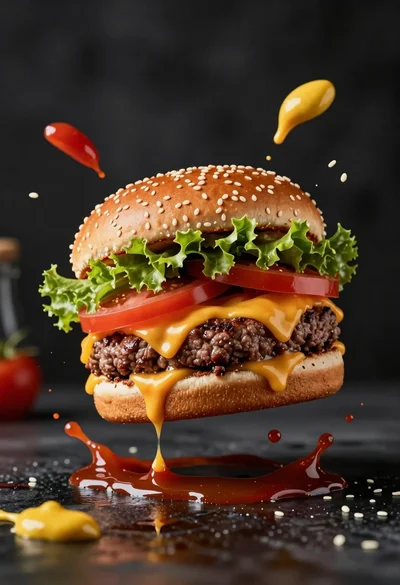
Hyperrealistic close up of cheeseburger exploding with condiments on wet surface
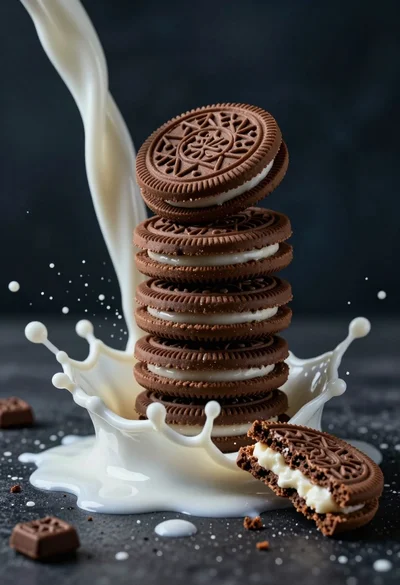
Macro photograph of chocolate cookie tower hit by dramatic milk splash
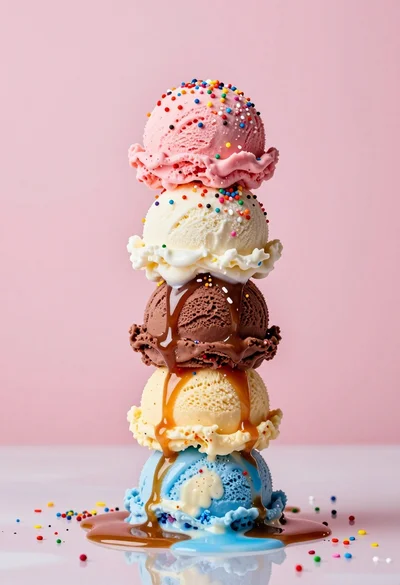
Hyperrealistic close up of melting ice cream tower with rainbow sprinkles