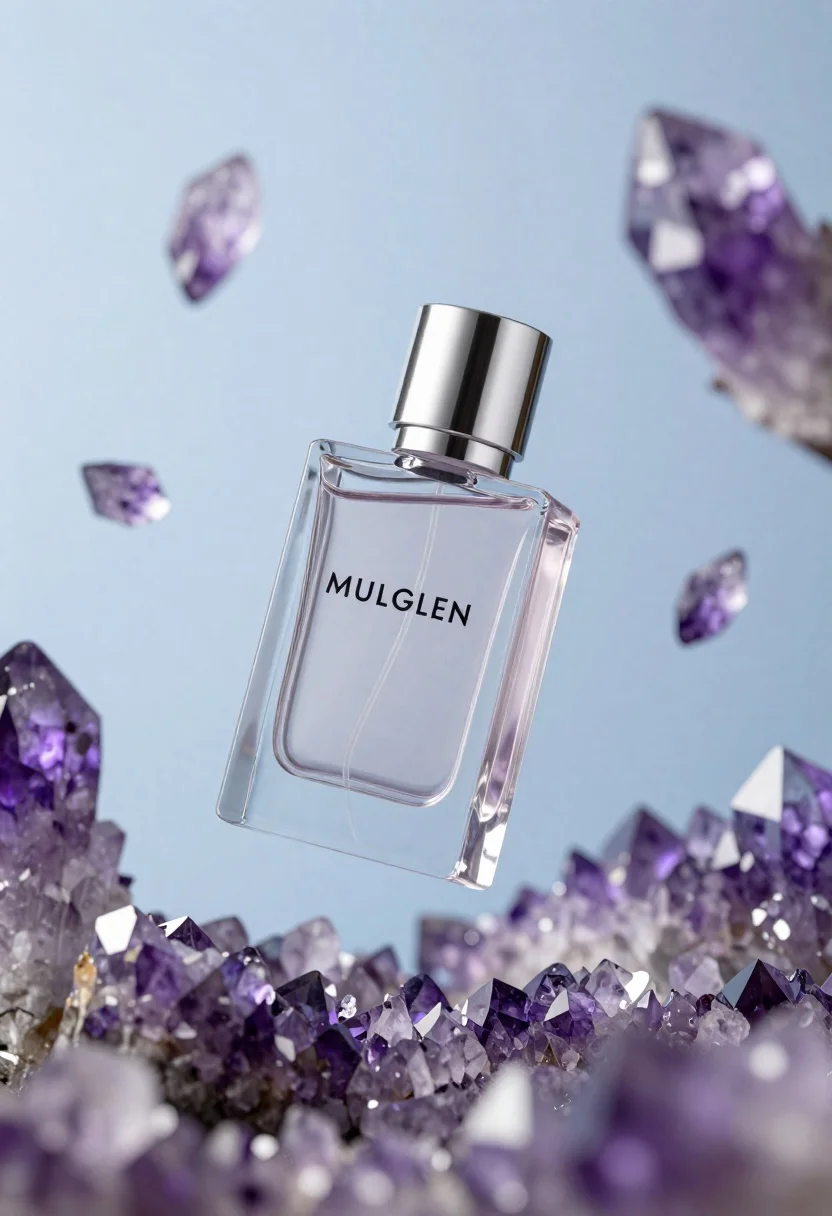
Floating transparent glass perfume bottle with silver cap and purple amethyst crystals
Prompt
A floating transparent glass perfume bottle with a silver cap surrounded by suspended purple amethyst crystals against a soft blue background.

Subject: A clear rectangular glass perfume bottle with sharp geometric edges and a faceted design.

Clothing: Not applicable.

Action: The bottle is suspended in mid-air, appearing to float weightlessly among the crystals.

Environment: An ethereal space filled with floating purple amethyst crystal shards of various sizes and shapes.

Camera: Close-up product shot with a shallow depth of field that blurs the background crystals while keeping the bottle sharp.

Lighting: Soft, diffused studio lighting that creates gentle highlights on the glass facets and casts subtle shadows within the crystals.
Second

Subject: Not applicable.

Objects: Floating purple amethyst crystal shards.

Interaction: The bottle is centrally positioned amidst the floating crystals, creating a sense of harmony between the product and the natural elements.

Text/Graphics: The brand name "MULGLEN" is printed in black capital letters on the front face of the bottle.

Style Details: High-end commercial photography style with hyper-realistic rendering, vibrant color grading, and a dreamy atmosphere.
Description
This prompt is useful for creating high-end cosmetic advertisements, luxury jewelry catalog mockups, and editorial mood boards for metaphysical themes. The combination of 'transparent glass perfume bottle' with 'soft, diffused studio lighting' ensures that the sharp geometric edges are visible without harsh reflections, while the shallow depth of field isolates the product against the ethereal crystal environment.
Suggestions
- Change 'purple amethyst crystals' to 'clear quartz points' for a more neutral feel.
- Adjust 'soft, diffused studio lighting' to 'rim lighting' to emphasize bottle contours.
- Swap 'black capital letters' for 'gold foil embossing' for increased luxury.
Category
Tags
Close UpOutdoorsRealisticStudio
Date added
June 26, 2026
Added by
PromptDexter Team
Related Prompts
More prompts with similar categories and tags.

Closeup product shot of hand holding frosted glass spray bottle with colorful

Clear glass serum bottle with lemons and water splashes in studio
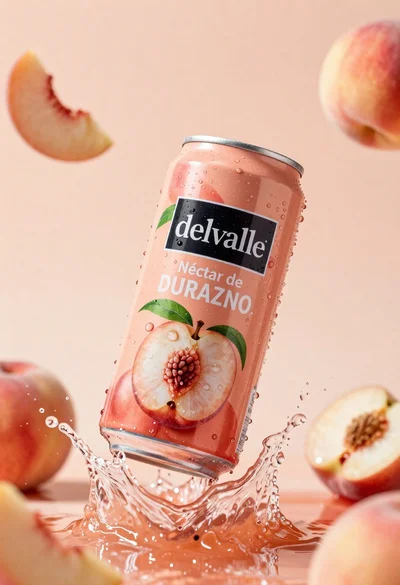
Refreshing peach nectar can suspended in midair with water splash
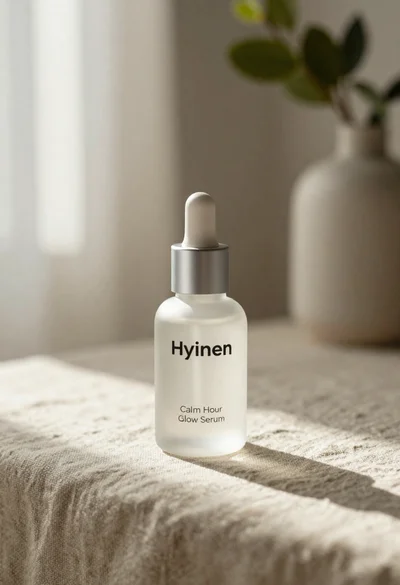
Frosted glass serum bottle with silver pump on beige linen cloth
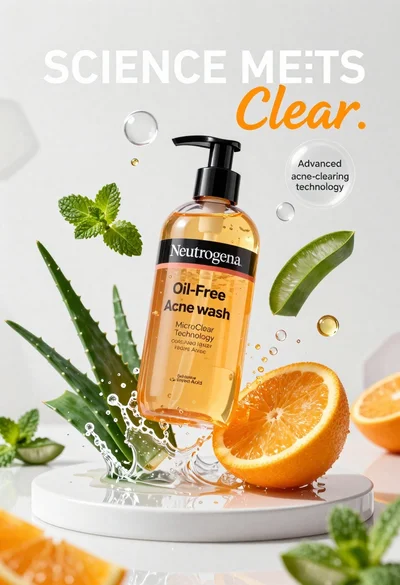
Neutrogena acne wash bottle suspended in midair with splashing liquid
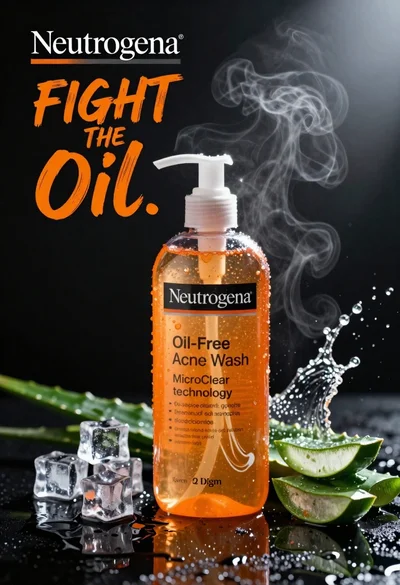
Commercial advertisement for orange facial cleanser bottle on wet black surface
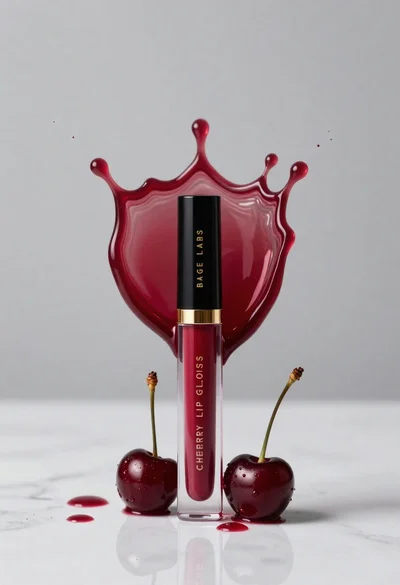
Cherry lip gloss tube on white marble with red liquid splash crown
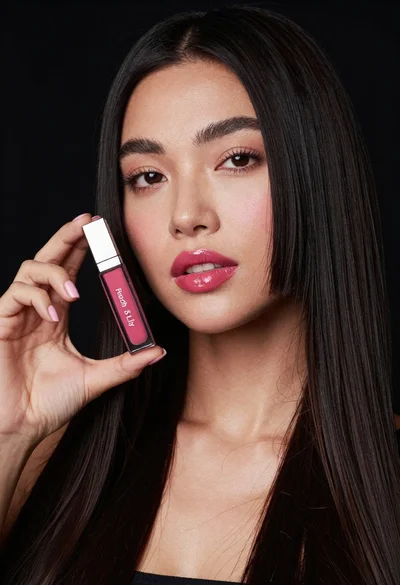
Woman holding lip gloss tube against black background in closeup