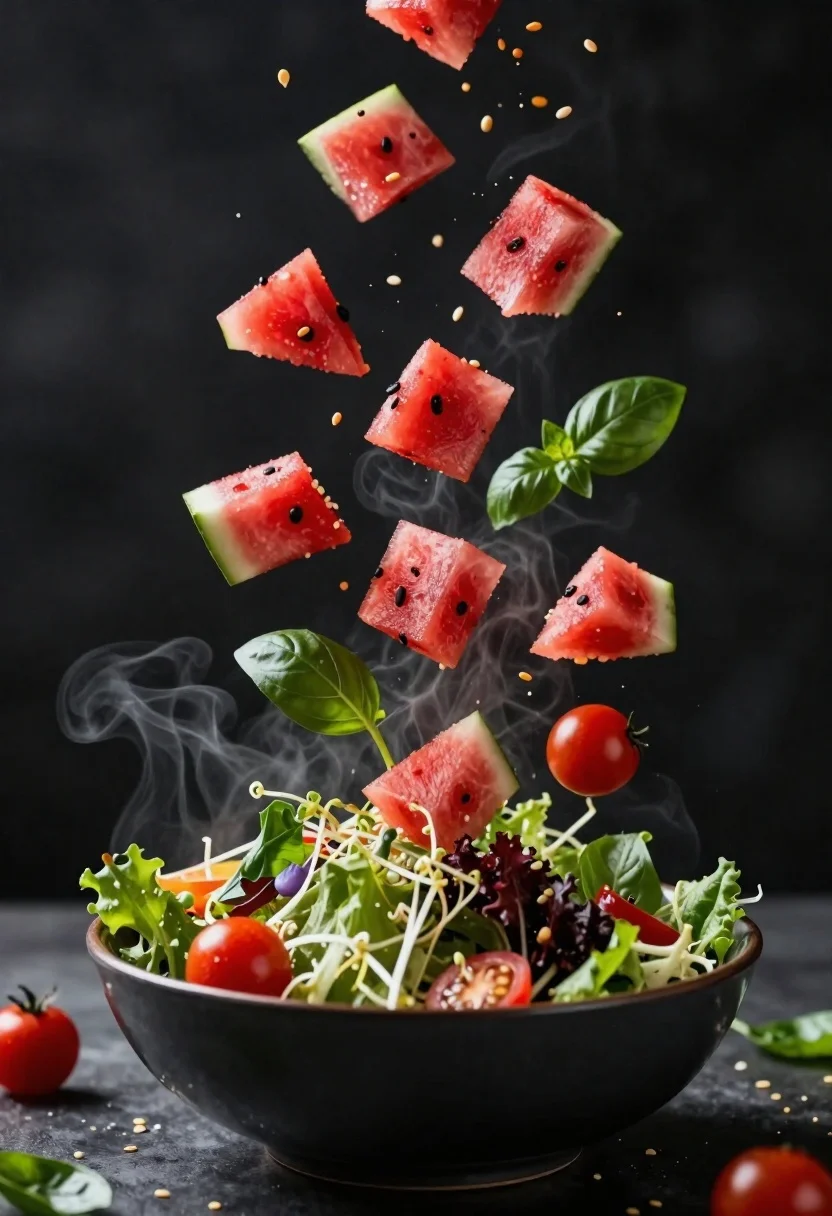
Fresh salad ingredients exploding upward from dark bowl in steam
Prompt
A dynamic slow-motion shot of fresh salad ingredients exploding upward from a dark bowl in a burst of steam and motion blur.

Subject: A vibrant mound of mixed greens, sprouts, and colorful vegetables contained within a dark ceramic bowl at the bottom center.

Clothing: Not applicable.

Action: Cubes of red watermelon, cherry tomatoes, basil leaves, and seeds are suspended in mid-air, exploding upward from the bowl with high energy.

Environment: A dark, moody setting with a deep black background that emphasizes the bright colors of the food and the white steam.

Camera: Close-up framing with a shallow depth of field that keeps the foreground ingredients sharp while blurring the distant particles and background.

Lighting: Dramatic side lighting that highlights the texture of the watermelon cubes and creates strong contrast against the dark surroundings.
Second

Subject: Not applicable.

Objects: A matte black bowl serving as the base for the exploding salad.

Interaction: The food ingredients are interacting with the air, creating a chaotic but appetizing upward trajectory filled with flying seeds and droplets.

Text/Graphics: None visible.

Style Details: High-speed photography aesthetic with vivid color saturation, sharp focus on foreground elements, and a cinematic composition emphasizing motion and freshness.
Description
This prompt is useful for creating high-end culinary advertisements, editorial food photography spreads, and dynamic menu mockups. The combination of 'dramatic side lighting' against the 'deep black background' maximizes contrast, ensuring that the vibrant colors of the ingredients pop while the shallow depth of field isolates the action in mid-air.
Suggestions
- Change 'dark ceramic bowl' to 'rough slate bowl' for a different base texture.
- Add 'macro lens perspective' to emphasize the flying seeds.
- Swap 'vivid color saturation' for 'muted, earthy tones' for a more rustic feel.
Category
Tags
Close UpFoodOutdoorsRealistic
Date added
June 23, 2026
Added by
PromptDexter Team
Related Prompts
More prompts with similar categories and tags.
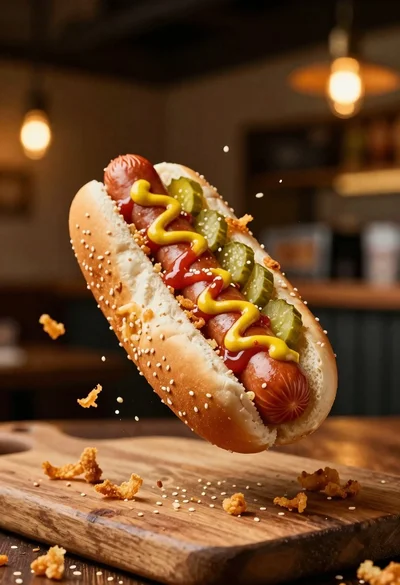
Hot dog suspended in mid air with crispy fried onions exploding around
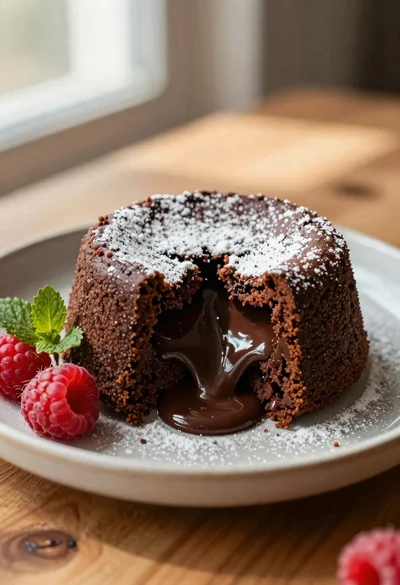
Rich chocolate lava cake with raspberries on wooden table
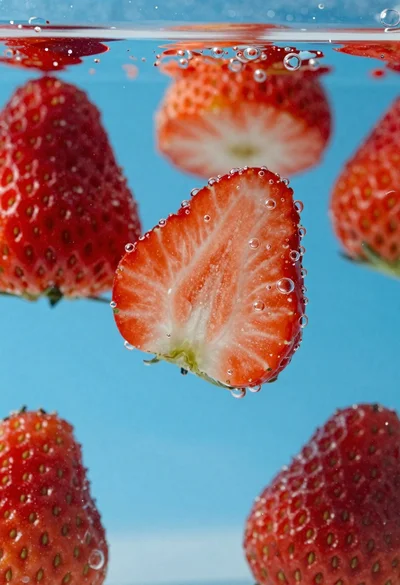
Fresh red strawberries sliced in half suspended underwater with rising bubbles
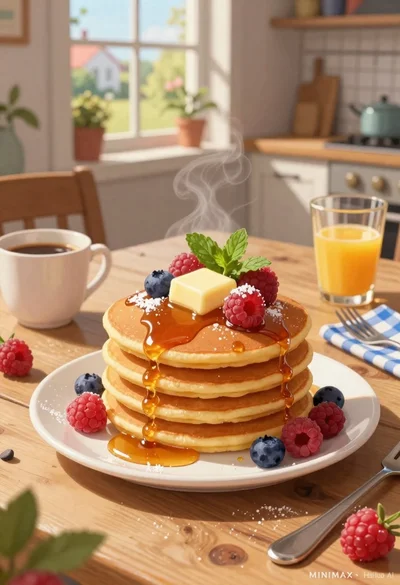
Stack of fluffy pancakes with butter syrup berries on rustic wooden breakfast

Hyper realistic 3d render of pink soft serve ice cream cone with
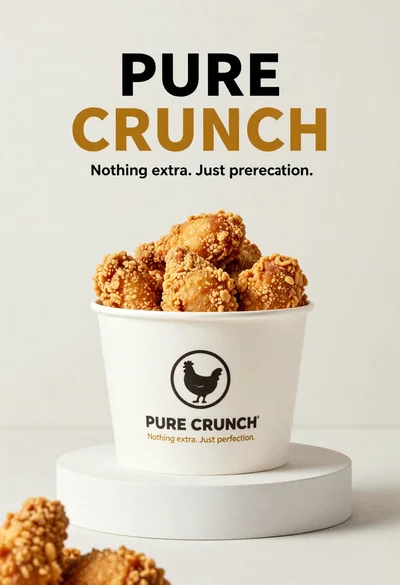
White paper bucket overflowing with fried chicken pieces in studio
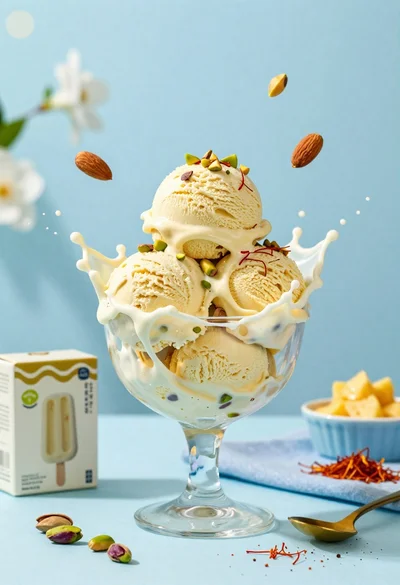
Creamy pistachio ice cream splash in glass bowl with blue background
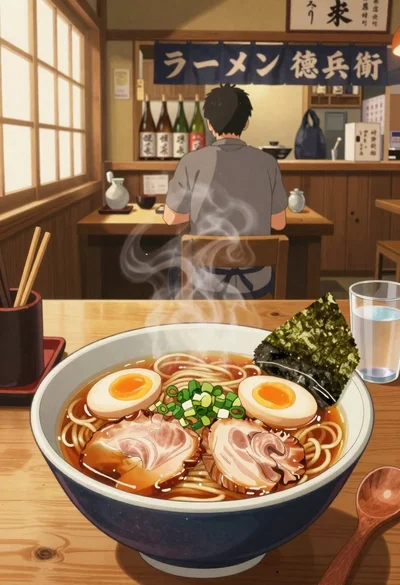
Anime style steaming ramen bowl on wooden table in japanese restaurant
