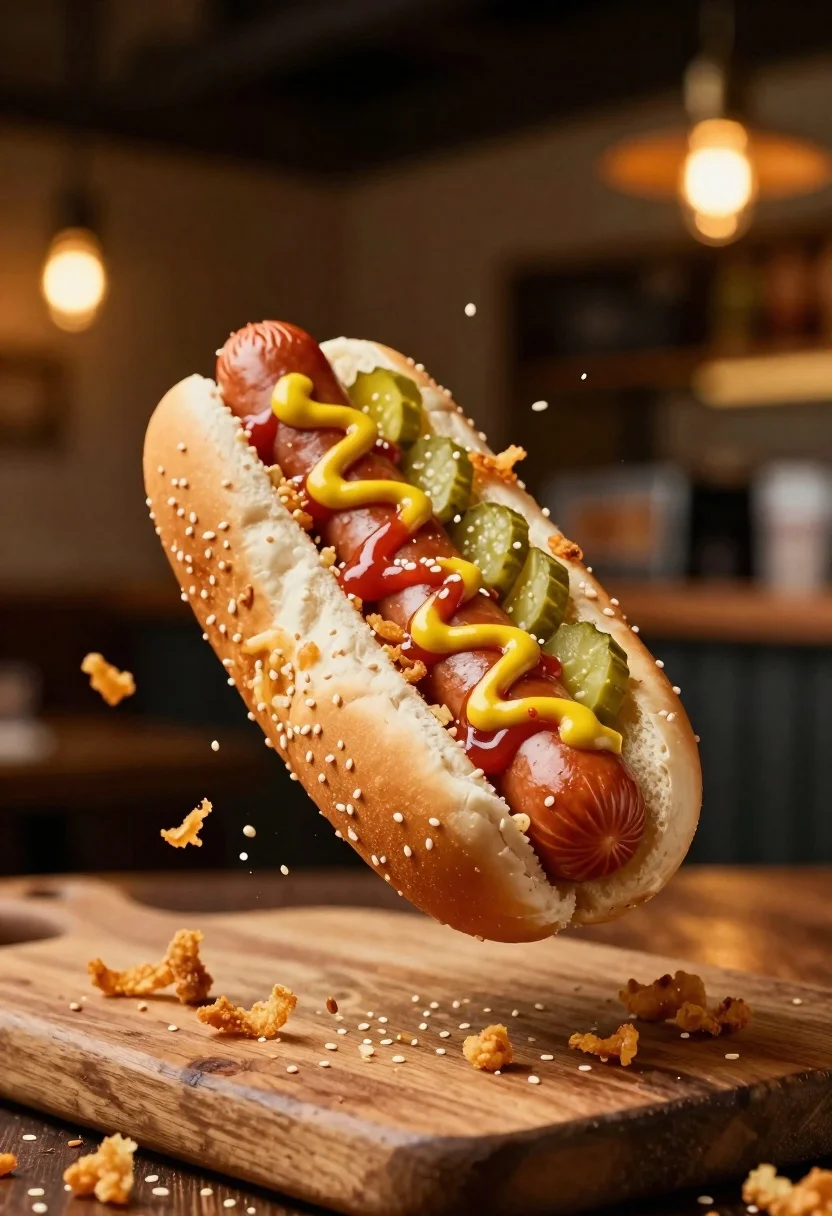
Hot dog suspended in mid air with crispy fried onions exploding around
Prompt
A mouthwatering hot dog suspended in mid-air with crispy fried onions exploding around it.

Subject: A perfectly grilled sausage nestled in a soft, sesame-seed bun, topped with zigzag lines of red ketchup and yellow mustard, along with sliced green pickles.

Clothing: N/A.

Action: The hot dog is captured frozen in a dynamic leap, surrounded by suspended particles of golden fried onions and scattered sesame seeds on the wooden surface below.

Environment: A rustic wooden cutting board sits in the foreground, while the background is a warm, blurred bokeh of hanging lights suggesting a cozy restaurant or bar setting.

Camera: Close-up macro shot with a shallow depth of field that keeps the hot dog sharp while rendering the background into soft, glowing orbs of light.

Lighting: Warm, golden ambient lighting creates appetizing highlights on the bun and sauce, with soft shadows enhancing the three-dimensional texture of the food.
Second

Subject: N/A.

Objects: Fried onion bits and sesame seeds scattered in the air and on the board.

Interaction: The onions are exploding outward from the hot dog, creating a sense of fresh preparation or motion.

Text/Graphics: None.

Style Details: High-end commercial food photography with hyper-realistic textures, vibrant colors, and a cinematic depth-of-field effect.
Description
This prompt is useful for creating high-impact advertising campaigns for gourmet street food, editorial spreads on culinary action, and menu mockups requiring dramatic visual appeal. The combination of 'close-up macro shot' with a 'shallow depth of field' ensures the viewer focuses intensely on the central subject while the 'warm, golden ambient lighting' accentuates the appetizing highlights on the bun and sauce, preventing the entire scene from looking flat.
Suggestions
- Change 'rustic wooden cutting board' to 'slate surface' for a cooler contrast.
- Swap 'golden fried onions' for 'crispy shallots' to alter the texture.
- Adjust 'warm, golden ambient lighting' to 'bright daylight' for a fresher feel.
Category
Tags
Close UpFoodOutdoorsRealistic
Date added
June 26, 2026
Added by
PromptDexter Team
Related Prompts
More prompts with similar categories and tags.
Delicious glazed donut suspended in midair with flying crumbs against black background
Rich chocolate lava cake with raspberries on wooden table
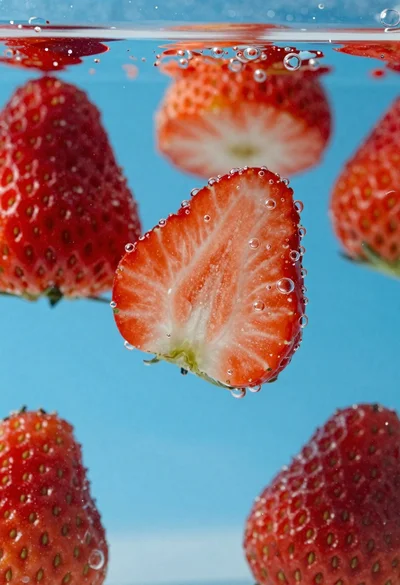
Fresh red strawberries sliced in half suspended underwater with rising bubbles
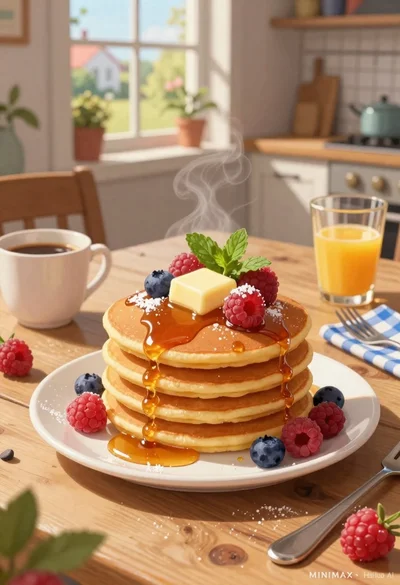
Stack of fluffy pancakes with butter syrup berries on rustic wooden breakfast

Hyper realistic 3d render of pink soft serve ice cream cone with
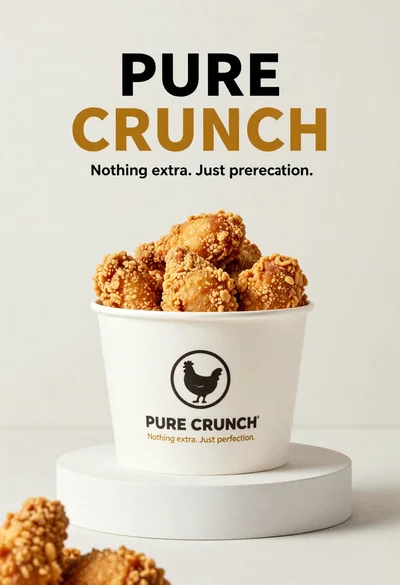
White paper bucket overflowing with fried chicken pieces in studio
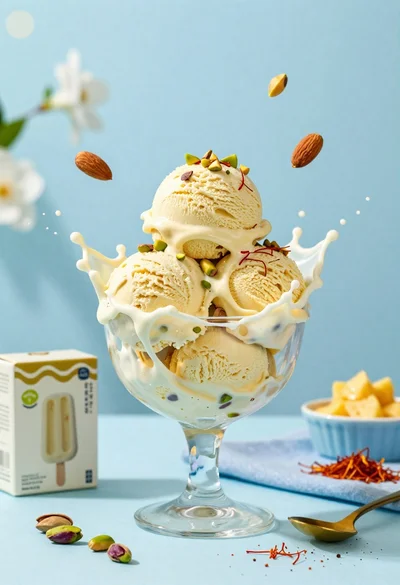
Creamy pistachio ice cream splash in glass bowl with blue background

Anime style steaming ramen bowl on wooden table in japanese restaurant
