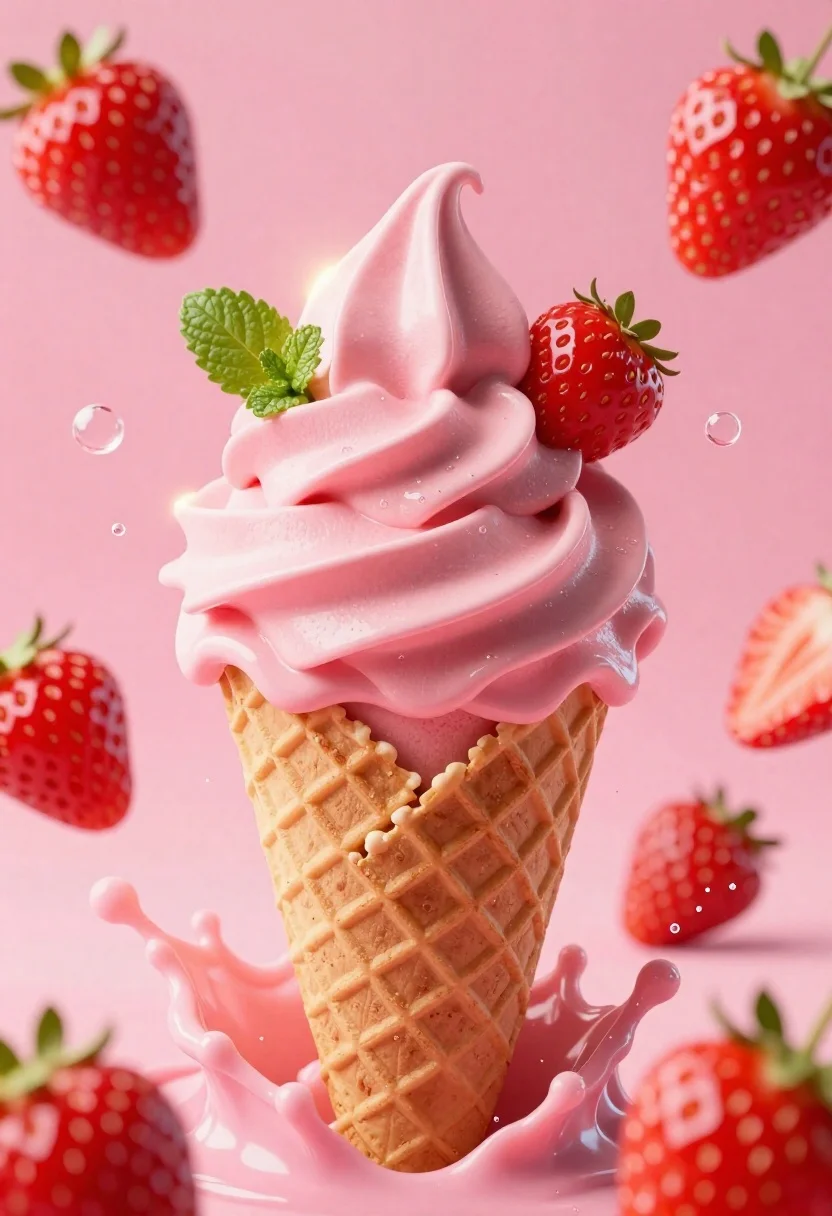
Hyper realistic 3d render of pink soft serve ice cream cone with
Prompt
A dynamic close-up of a pink soft-serve ice cream cone bursting with strawberry splashes and floating fruit pieces.

Subject: A tall swirl of creamy pink soft-serve ice cream served in a golden-brown waffle cone, topped with a whole fresh strawberry and green mint leaves.

Clothing: The waffle cone features a classic grid pattern texture with a warm toasted brown color.

Action: The ice cream is captured mid-explosion, surrounded by dramatic splashes of pink liquid, floating strawberries, and scattered bubbles creating a sense of motion.

Environment: A soft-focus background in varying shades of pink and magenta that complements the subject without distraction.

Camera: Tight vertical framing with a shallow depth of field that keeps the ice cream sharp while blurring the foreground and background elements.

Lighting: Bright, high-key lighting from behind and above creates a glowing rim light on the ice cream swirls and highlights the texture of the splashing liquid.

Style Details: Hyper-realistic 3D render with smooth textures, vibrant saturated colors, and a glossy finish that emphasizes freshness and indulgence.
Description
This prompt is useful for creating high-end food advertising campaigns, dessert menu mockups, and editorial articles about sweet treats. The combination of 'bright, high-key lighting from behind and above' generating a glowing rim light, paired with the 'glossy finish' on the splashes, ensures that the texture of the liquid appears wet and vibrant, which is crucial for making the subject look fresh enough to eat.
Suggestions
- Change 'pink soft-serve' to 'vanilla soft-serve' for contrast.
- Add 'macro lens perspective' to enhance the close-up feel.
- Swap 'strawberry splashes' for 'raspberry nectar drips' for a different color pop.
Category
Tags
Close UpFoodOutdoorsRealistic
Date added
June 26, 2026
Added by
PromptDexter Team
Related Prompts
More prompts with similar categories and tags.
Delicious glazed donut suspended in midair with flying crumbs against black background
Hot dog suspended in mid air with crispy fried onions exploding around
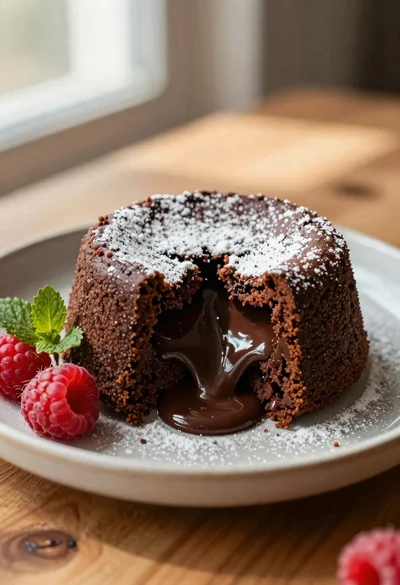
Rich chocolate lava cake with raspberries on wooden table
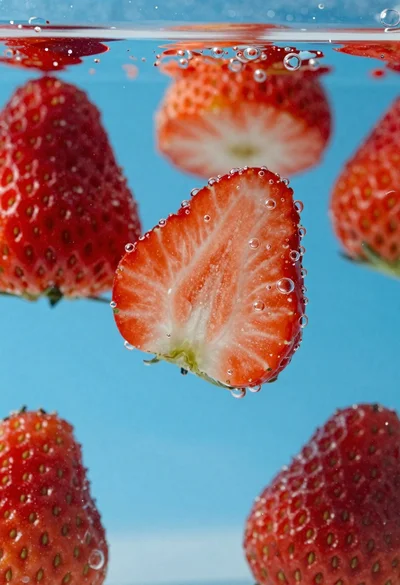
Fresh red strawberries sliced in half suspended underwater with rising bubbles
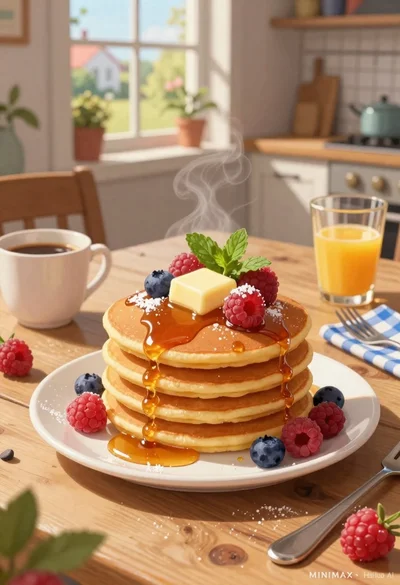
Stack of fluffy pancakes with butter syrup berries on rustic wooden breakfast
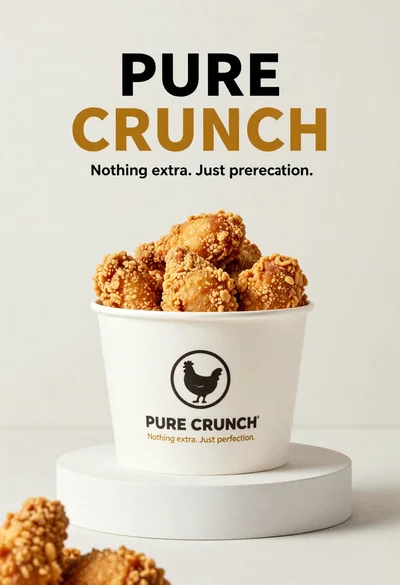
White paper bucket overflowing with fried chicken pieces in studio
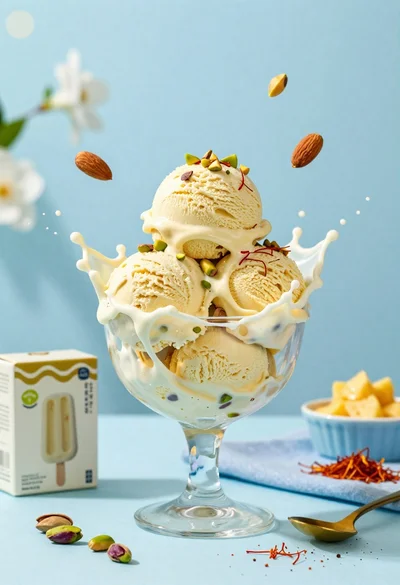
Creamy pistachio ice cream splash in glass bowl with blue background
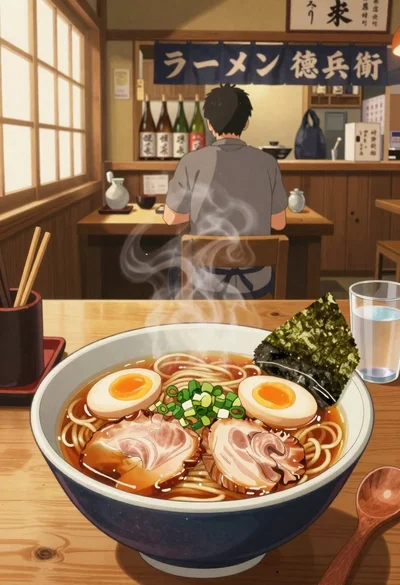
Anime style steaming ramen bowl on wooden table in japanese restaurant
