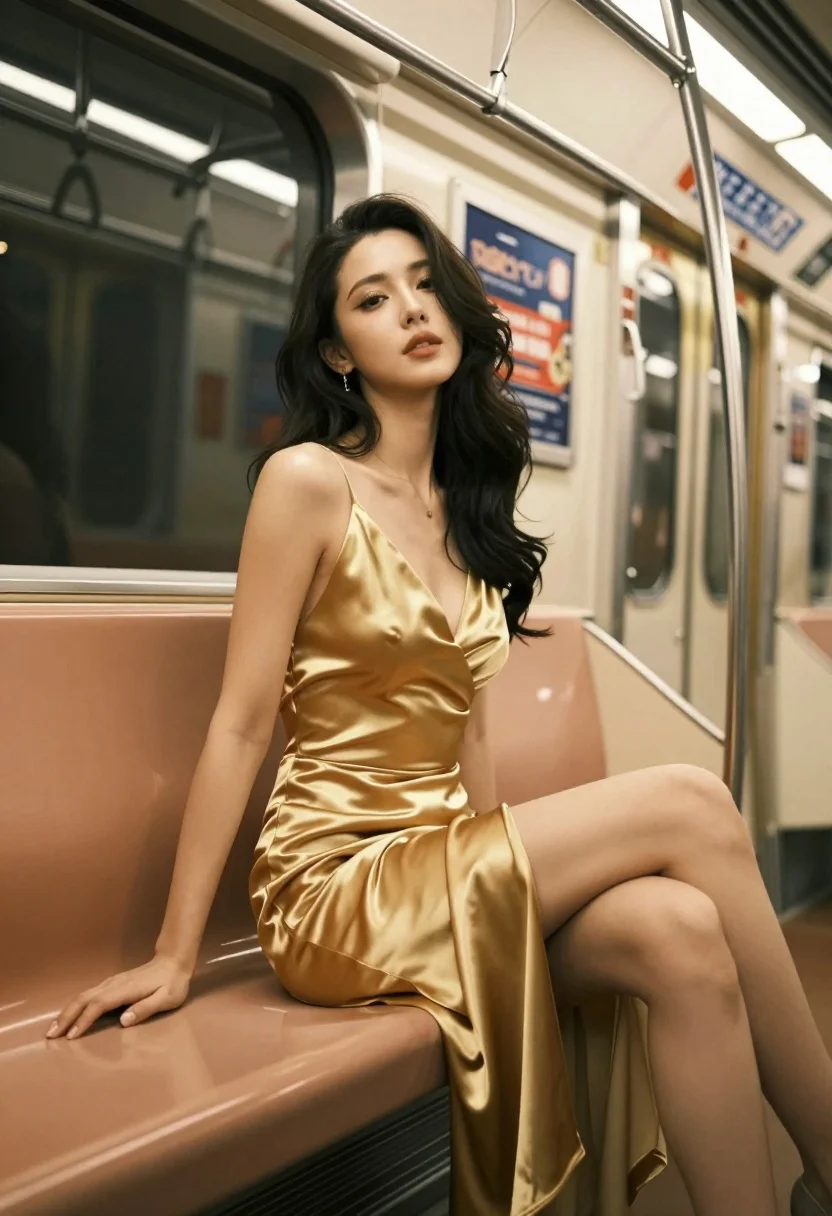
Glamorous woman in gold satin dress seated inside modern subway train car
Prompt
A glamorous woman in a shimmering gold satin dress sits elegantly on a subway seat, her dark hair cascading loosely around her shoulders and face.

Subject: A stunning woman with long, dark, wavy hair that frames her face, featuring a confident expression with soft makeup and defined eyes.

Clothing: She wears a luxurious, deep V-neck gold satin dress with a high slit on the side, showcasing a draped, elegant design that catches the light.

Action: She is seated sideways on a bench seat, leaning back slightly with one hand resting on the seat cushion and her legs crossed at the knee, exuding a relaxed yet poised demeanor.

Environment: The setting is the interior of a modern subway train car, featuring metallic poles, overhead hand grips, and an advertisement window displaying Japanese text for "Shibuya" and "Tokyo."

Camera: Shot from a low angle looking up at the subject, utilizing a shallow depth of field that keeps her in sharp focus while blurring the background elements.

Lighting: The scene is lit with warm, ambient artificial light reflecting off the metallic surfaces and the satin fabric, creating soft highlights on her skin and dress.

Style Details: High-fashion photography aesthetic with rich golden tones, smooth textures, and a cinematic composition that emphasizes elegance and luxury.
Description
This prompt is useful for creating editorial fashion spreads, cinematic character portraits set in urban environments, and high-end advertising campaigns for luxury goods. The combination of 'low angle looking up' with the 'shimmering gold satin dress' ensures the subject dominates the frame while the 'shallow depth of field' isolates her against the detailed background elements like the metallic poles.
Suggestions
- Change 'gold satin dress' to 'emerald velvet gown' for a richer color contrast.
- Specify 'anamorphic lens flare' in the lighting section for more cinematic streaks.
- Adjust the action by having her looking out the window instead of resting her hand on the seat.
Category
Tags
BrunetteFemaleLow AngleRealisticUrban
Date added
July 12, 2026
Added by
PromptDexter Team
Related Prompts
More prompts with similar categories and tags.
Glamorous woman in black gold outfit posing in concrete subway tunnel

Blonde woman in black gown posing on city street near ritz london
Young woman in black dress standing on stone steps before classical building
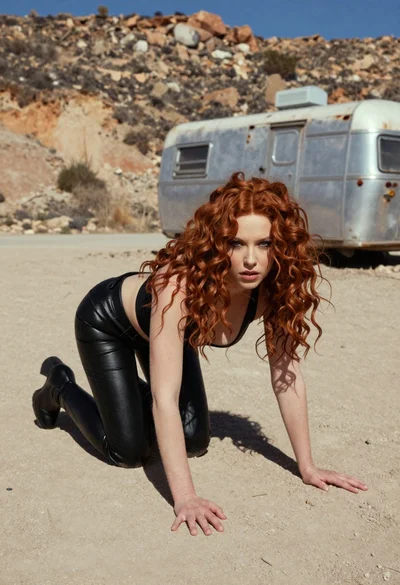
Woman crawling on dusty hillside in black leather outfit low angle
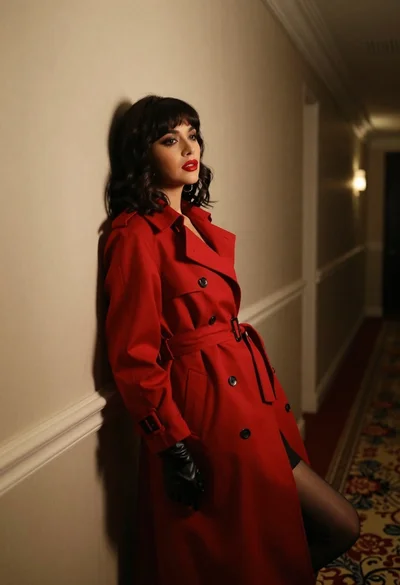
Woman in red trench coat leaning against hallway wall cinematic portrait
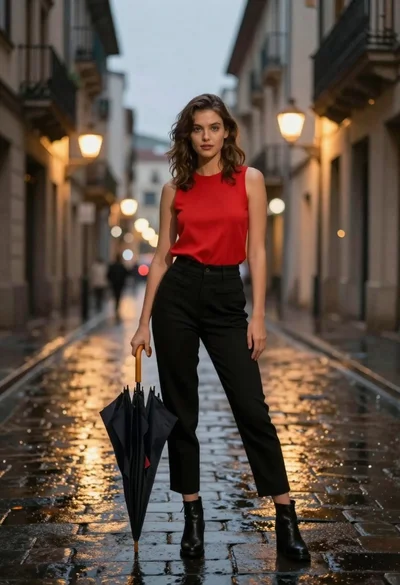
Confident woman in red top standing on wet cobblestone city street
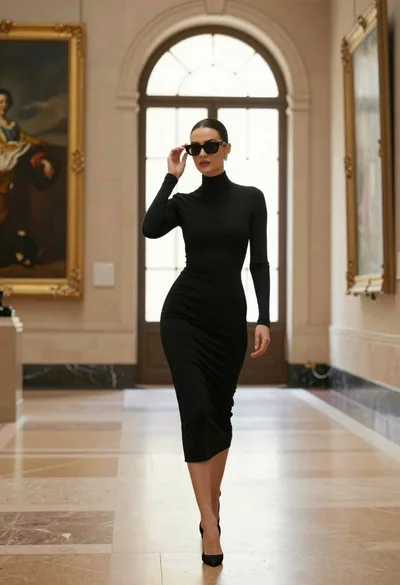
Confident woman in black dress walks through elegant museum hallway adjusting sunglasses
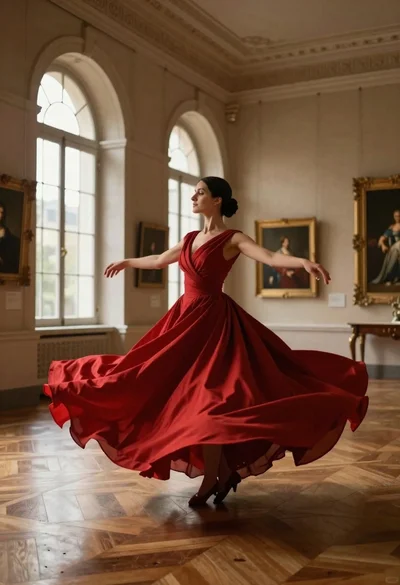
Woman in red ballgown spinning in elegant museum hall
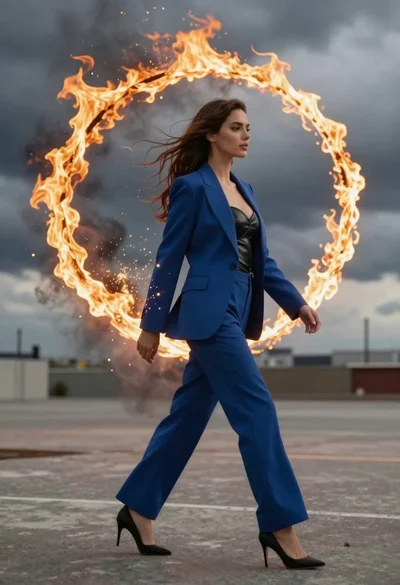
Young woman in blue blazer walking forward in profile against a ring
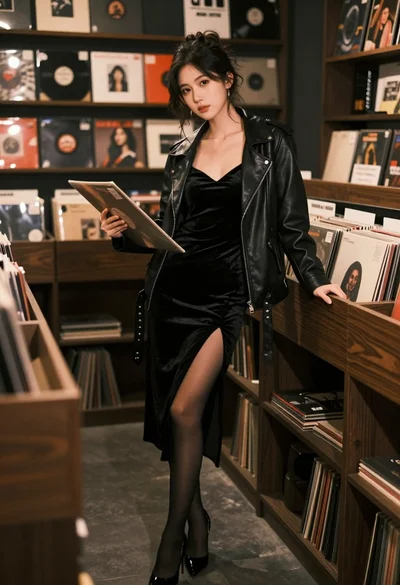
Woman in black velvet dress leaning against record shelf in vintage store