Glamorous woman in pink mini dress against modern white architectural background
Prompt
A glamorous woman with platinum blonde hair styled in a high bouffant and bangs sits on a white surface against a bright white architectural background.

Subject: A woman with fair skin, blue eyes, and voluminous platinum blonde hair featuring a high beehive style at the crown and straight bangs across her forehead.

Clothing: She wears a fitted, long-sleeved pink mini dress with a high neck collar adorned with sparkling rhinestones or sequins; matching embellished cuffs are visible on both wrists.

Action: She leans forward slightly with her left hand resting on the white surface and her right hand placed near her thigh, looking directly at the camera with a soft smile.

Environment: The setting is outdoors in front of a modern white building featuring large glass windows with white frames to the left and clean white walls behind her.

Camera: A medium shot captures her from the thighs up, utilizing a slightly low angle that emphasizes her posture against the bright background.

Lighting: Bright, high-key natural daylight illuminates the scene evenly, creating soft shadows and highlighting the texture of her hair and dress.

Style Details: The image has a vintage 1960s aesthetic with saturated pastel colors, smooth skin tones, and a polished studio-quality finish.
Description
This prompt is useful for creating editorial fashion moodboards, vintage beauty advertisements, and stylized portrait galleries evoking mid-century glamour. The combination of 'high beehive style' hair, 'pink mini dress,' and 'bright, high-key natural daylight' establishes a polished studio-quality finish that mimics the saturated pastel colors favored in 1960s advertising while using the 'low angle' to dramatically emphasize her posture against the stark white architectural backdrop.
Suggestions
- Change 'platinum blonde hair' to 'honey blonde hair' for a warmer tone.
- Swap 'pink mini dress' for 'coral velvet dress' to change the material feel.
- Add 'Kodachrome film grain' to enhance the vintage aesthetic.
Category
Tags
BlondeFair SkinFemaleLow AngleMedium ShotOutdoorsRealisticStudio
Date added
June 19, 2026
Added by
PromptDexter Team
Related Prompts
More prompts with similar categories and tags.

Blonde woman in victorian steampunk attire portrait
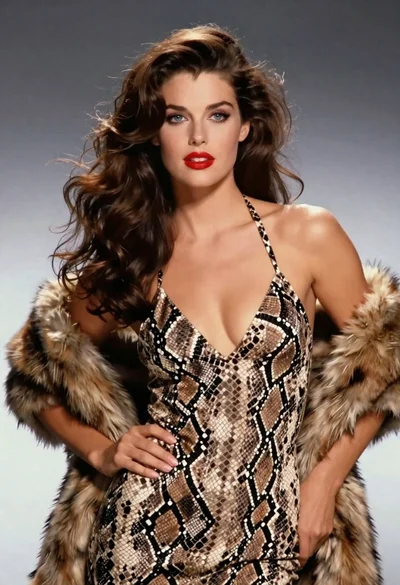
Glamorous woman in snakeskin dress with fur stole studio portrait
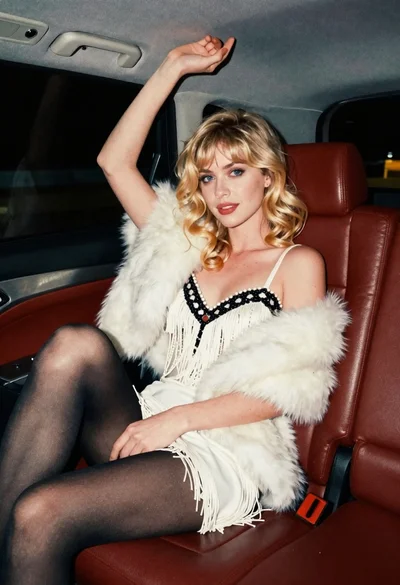
Glamorous blonde woman in white dress seated inside a vintage car
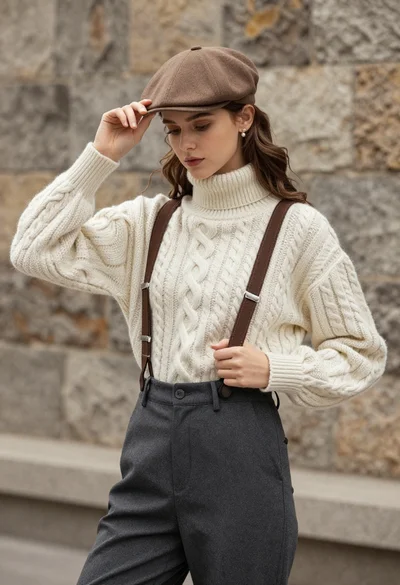
Young woman in cable knit sweater by blurred textured stone wall background

Blonde woman on black motorcycle on sunny dirt path in desert

Smiling blonde woman in sports bra sitting on outdoor lounge chair

Blonde woman in swimsuit by yacht window overlooking blue sea
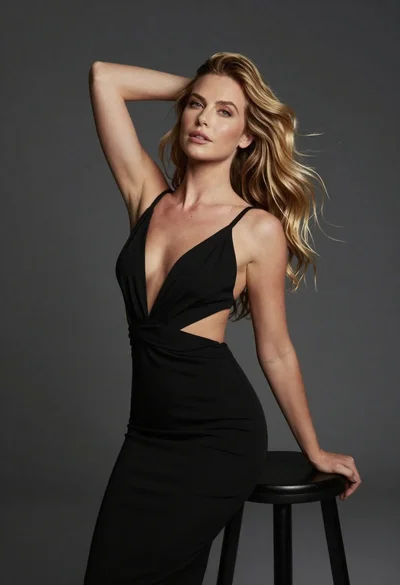
Fair blonde woman in black dress posing against dark gray studio background
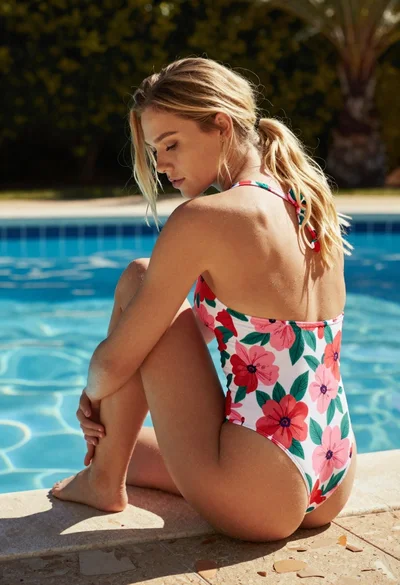
Blonde woman sitting by blue swimming pool with floral swimsuit
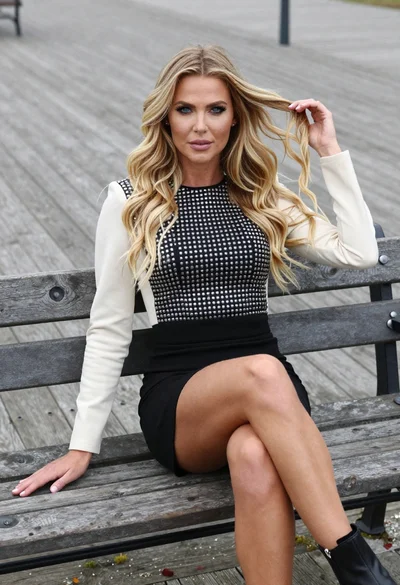
Stylish blonde woman sitting on wooden park bench in fashion setting