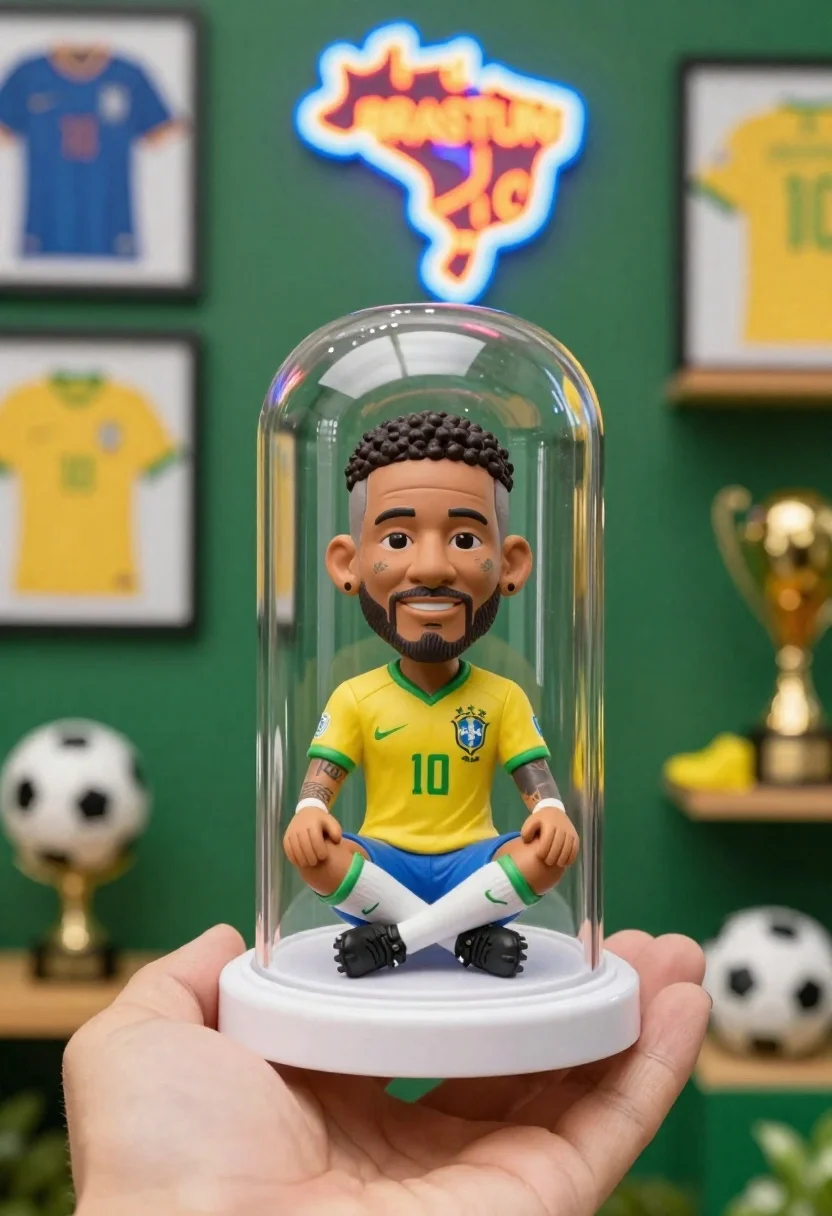
Hand holding clear capsule with miniature bobblehead soccer player
Prompt
A hand holds a clear plastic capsule containing a miniature bobblehead figure of a soccer player sitting cross-legged on a white base.

Subject: A miniature bobblehead figure of a male soccer player with short curly hair, a beard, and facial tattoos, wearing a yellow jersey with the number 10.

Clothing: The figure wears a yellow Brazil national team jersey with green trim, blue shorts, and white socks with green stripes.

Action: The figure is seated in a cross-legged meditation pose with hands resting on its knees, looking forward with a slight smile.

Environment: A blurred background featuring a green wall with shelves displaying framed jerseys, neon signs shaped like a map of Brazil and text, soccer balls, trophies, and yellow cleats.

Camera: Close-up shot focusing on the hand and capsule, with a shallow depth of field blurring the background elements to emphasize the subject.

Lighting: Bright and even lighting illuminates the figure inside the clear sphere, creating soft reflections on the plastic surface.

Style Details: High-quality product photography with vibrant colors, sharp focus on the miniature subject, and a clean, commercial aesthetic.
Description
This prompt is useful for creating e-commerce product listings, sports memorabilia advertisements, and conceptual character merchandise displays. The combination of 'bright and even lighting' and 'shallow depth of field' ensures the miniature subject remains sharply visible against a deliberately blurred background, which prevents distracting details from competing with the primary focus on the hand and capsule.
Suggestions
- Change 'yellow Brazil national team jersey' to 'red soccer jersey' for an alternate team feel.
- Swap 'miniature bobblehead figure' for 'highly detailed vinyl figurine' to adjust the material expectation.
- Add 'macro lens perspective' to enhance the close-up focus on the capsule.
Category
Tags
3dClose UpFull BodyMaleOutdoorsStudio
Date added
June 26, 2026
Added by
PromptDexter Team
Related Prompts
More prompts with similar categories and tags.
Joyful young female tennis player celebrates victory on green court holding racket
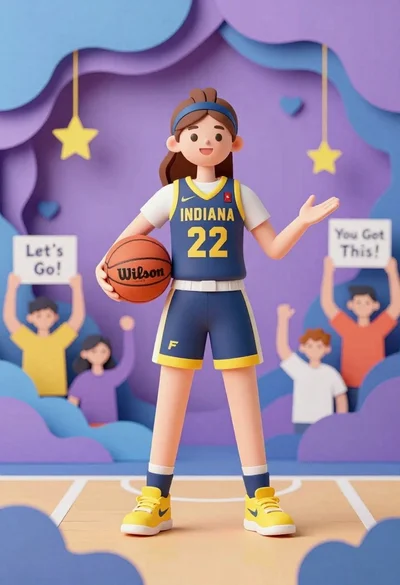
Cheerful female basketball player in navy jersey holding orange ball on court
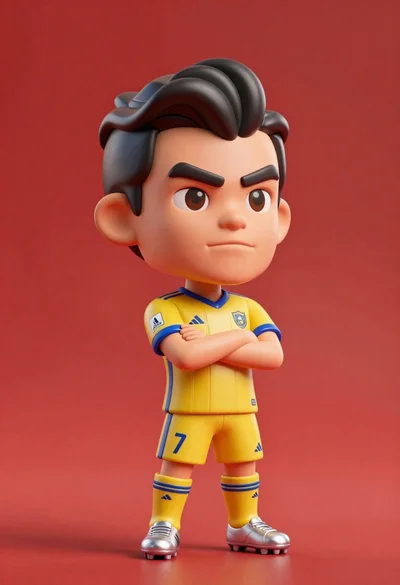
Stylized bobblehead soccer player in yellow jersey standing confidently against red background
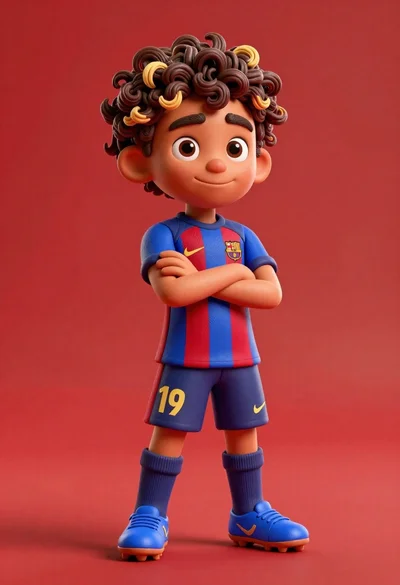
Young boy in blue soccer jersey standing confidently against red background

Three animated characters standing together against a solid blue background

Cheerful chibi pirate character standing on treasure chest in studio
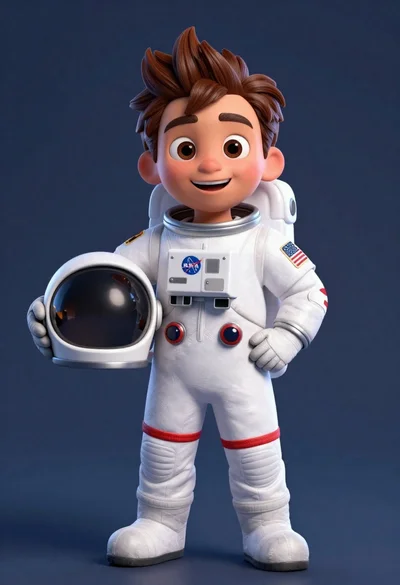
Cheerful cartoon astronaut boy holding helmet in dark blue studio
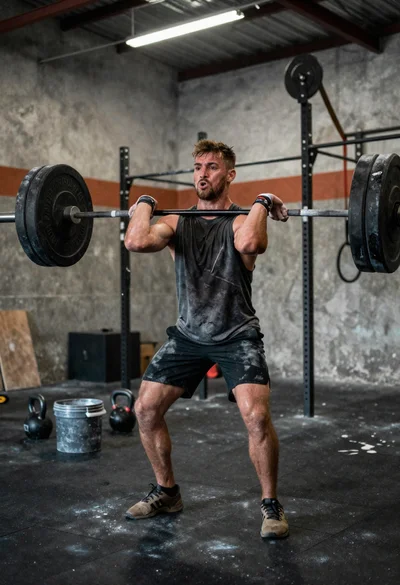
Low angle close shot of male athlete deadlifting in gritty gym