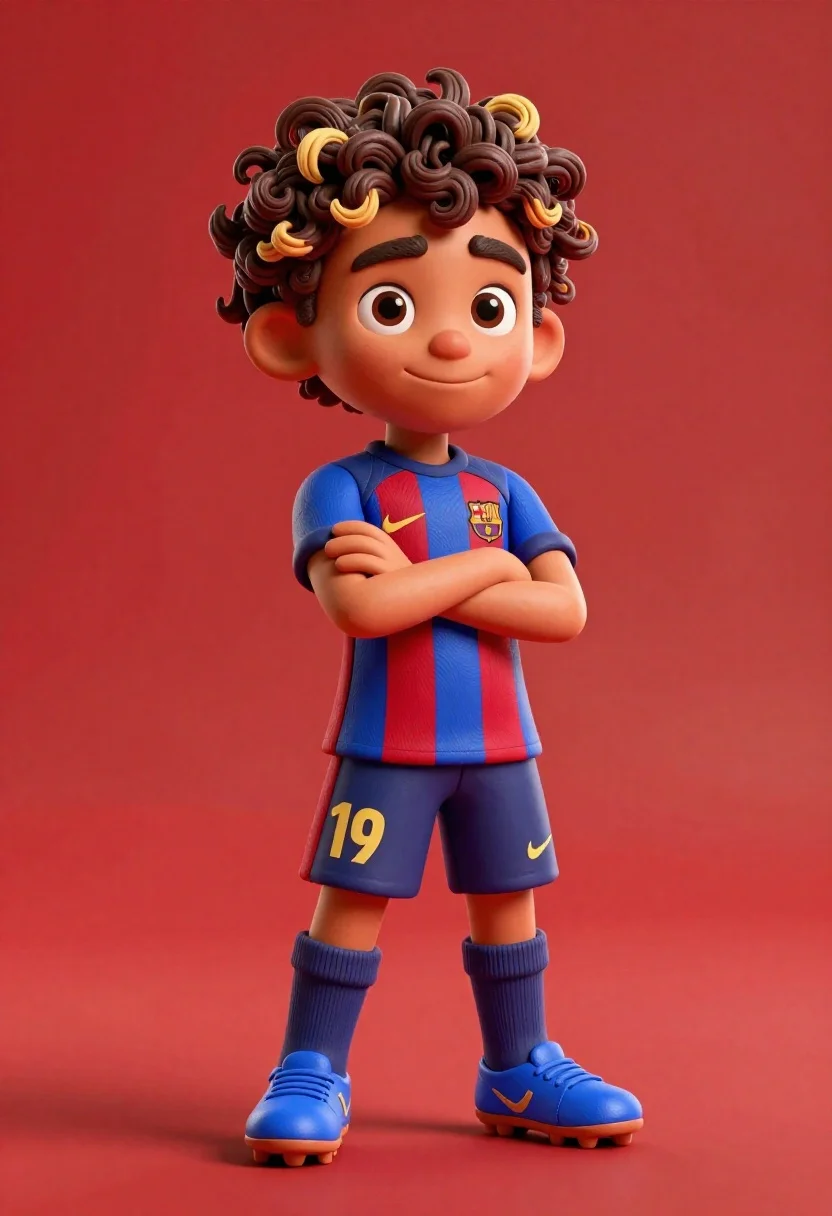
Young boy in blue soccer jersey standing confidently against red background
Prompt
A stylized 3D animated portrait of a young boy with curly hair and dark skin standing confidently against a solid red background.

Subject: A young boy with curly brown hair featuring blonde tips, large expressive eyes, thick eyebrows, and a confident smirk.

Clothing: He wears a blue and red vertical striped soccer jersey with the FC Barcelona crest on the left chest, a yellow Nike swoosh on the right chest, and a yellow Spotify logo in the center. The kit includes matching blue shorts with the number 19 in yellow on the left leg, blue socks with yellow swooshes, and bright blue cleats.

Action: He stands with his arms crossed over his chest, looking directly at the viewer with a relaxed posture.

Environment: A seamless solid red background that fills the entire frame behind the subject.

Camera: Medium full-body shot with a slight low angle emphasizing the character's stature, utilizing soft studio lighting to create gentle shadows and highlights on the 3D model.

Lighting: Soft, diffused studio lighting coming from the front-left, casting subtle shadows under the arms and chin to define the form.

Style Details: High-quality 3D render with a smooth, polished texture resembling claymation or high-end CGI animation, featuring vibrant saturated colors and clean edges.
Description
This prompt is useful for creating character concept art for animated sports teams, promotional merchandise mockups, and stylized profile portraits. The combination of 'soft studio lighting' with a 'solid red background' ensures the subject pops forward from the backdrop while the specified 'smooth, polished texture resembling claymation' keeps the overall aesthetic playful yet professional enough for commercial use.
Suggestions
- Change 'FC Barcelona crest' to a generic team logo for broader use.
- Swap 'blue and red vertical striped soccer jersey' for a solid color kit to simplify branding.
- Adjust 'low angle' to 'eye-level shot' if you want a more direct, less imposing portrait.
Category
Tags
3dBrown HairDark SkinFull BodyLow AngleMaleOutdoorsSportswearStudio
Date added
June 23, 2026
Added by
PromptDexter Team
Related Prompts
More prompts with similar categories and tags.
Handsome man in suede shirt sitting at desk in art studio
Cheerful cartoon boy in racing suit standing next to formula one car
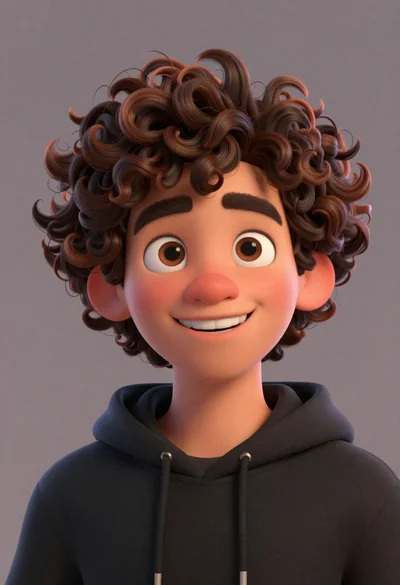
Close up portrait of cheerful young man with curly brown hair
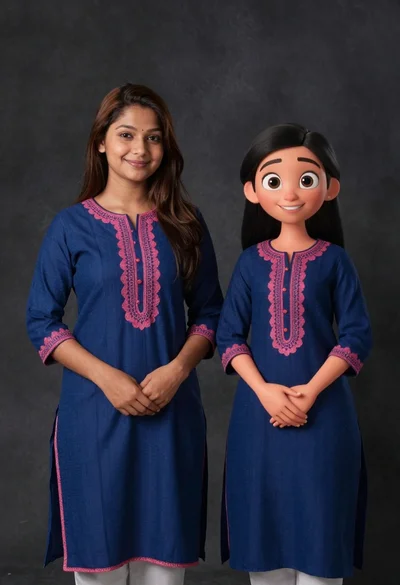
Young woman in blue traditional outfit standing next to her animated 3d
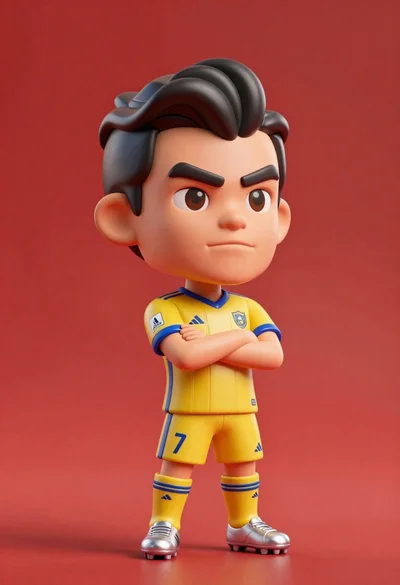
Stylized bobblehead soccer player in yellow jersey standing confidently against red background

Cheerful cartoon astronaut boy holding helmet in dark blue studio
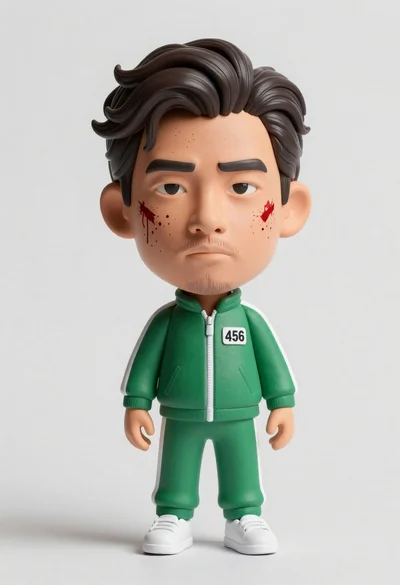
Hyper realistic 3d bobblehead figure of asian man in green tracksuit with

Man in pinstripe suit on vintage green sedan outdoors