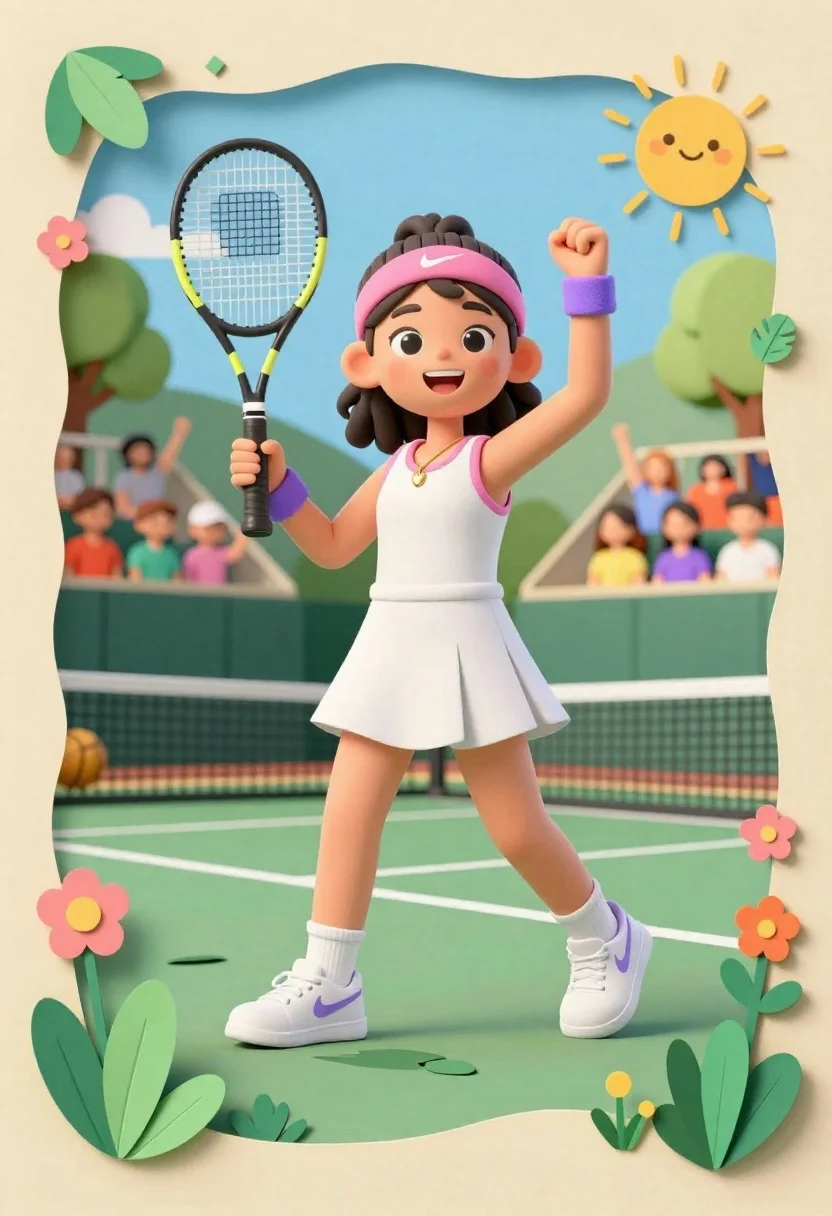
Joyful young female tennis player celebrates victory on green court holding racket
Prompt
A joyful young female tennis player stands triumphantly on a green court, holding a Wilson racket in one hand and pumping her fist with the other, framed within a whimsical paper-cutout style border.

Subject: A cheerful young girl with dark curly hair tied back by a pink headband featuring a white swoosh logo, large expressive eyes, and a bright smile.

Clothing: She wears a white sleeveless tennis dress with pink trim at the neckline, white socks, and white sneakers accented with purple swooshes; she also wears a gold heart necklace and purple wristbands.

Action: The character is captured in a dynamic pose of celebration, holding a black and yellow Wilson racket upright in her right hand while raising her left fist in victory.

Environment: The scene is set on a green tennis court surrounded by stylized paper leaves and flowers at the edges, with a crowd of cheering spectators seated in tiered stands behind her under a blue sky with a smiling sun.

Camera: Framed within a thick beige border resembling a paper cutout frame, utilizing a slightly low angle to emphasize the subject's height and energy.

Lighting: Bright and even lighting mimics a sunny day, casting soft shadows consistent with a cheerful outdoor atmosphere.

Style Details: The image is rendered in a charming 3D paper-cutout aesthetic with layered textures, vibrant pastel colors, and a playful, storybook illustration quality.
Description
This prompt is useful for creating whimsical children's book illustrations, themed sports posters, and celebratory greeting cards. The combination of '3D paper-cutout aesthetic with layered textures' and the 'whimsical paper-cutout style border' ensures that the dynamic action remains charmingly stylized rather than photorealistic, which is ideal for a storybook feel.
Suggestions
- Change 'pink headband featuring a white swoosh logo' to 'yellow ribbon' for color variation.
- Swap 'Wilson racket' for 'wooden tennis racket' to adjust the material feel.
- Adjust 'blue sky with a smiling sun' to 'pastel watercolor sky' for a softer background.
Category
Tags
3dCasual WearFemaleFull BodyLow AngleOutdoorsSportswearWide Shot
Date added
June 26, 2026
Added by
PromptDexter Team
Related Prompts
More prompts with similar categories and tags.
Cheerful female basketball player in navy jersey holding orange ball on court

Hand holding clear capsule with miniature bobblehead soccer player
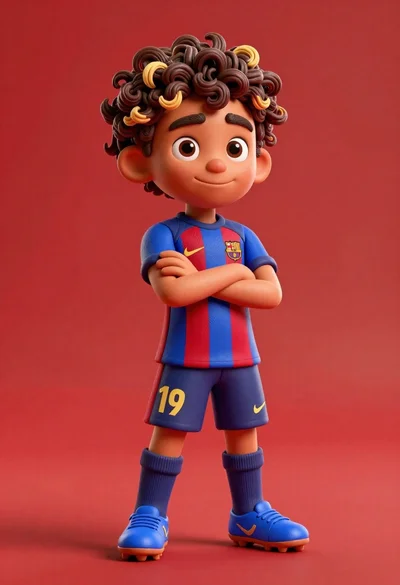
Young boy in blue soccer jersey standing confidently against red background

Cheerful chibi pirate character standing on treasure chest in studio

Full body studio shot of woman standing between large mario and luigi

Full body studio shot of woman and anthropomorphic fox character
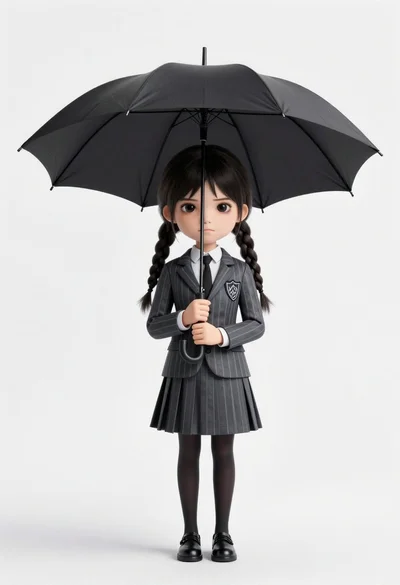
Chibi girl in grey pinstriped school uniform holding black umbrella against white
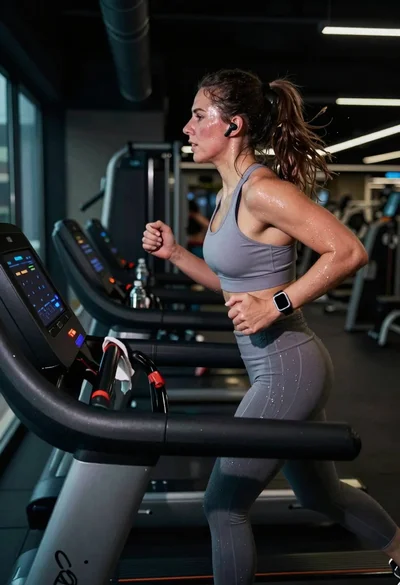
Exhausted female athlete sprinting on treadmill in dim modern gym