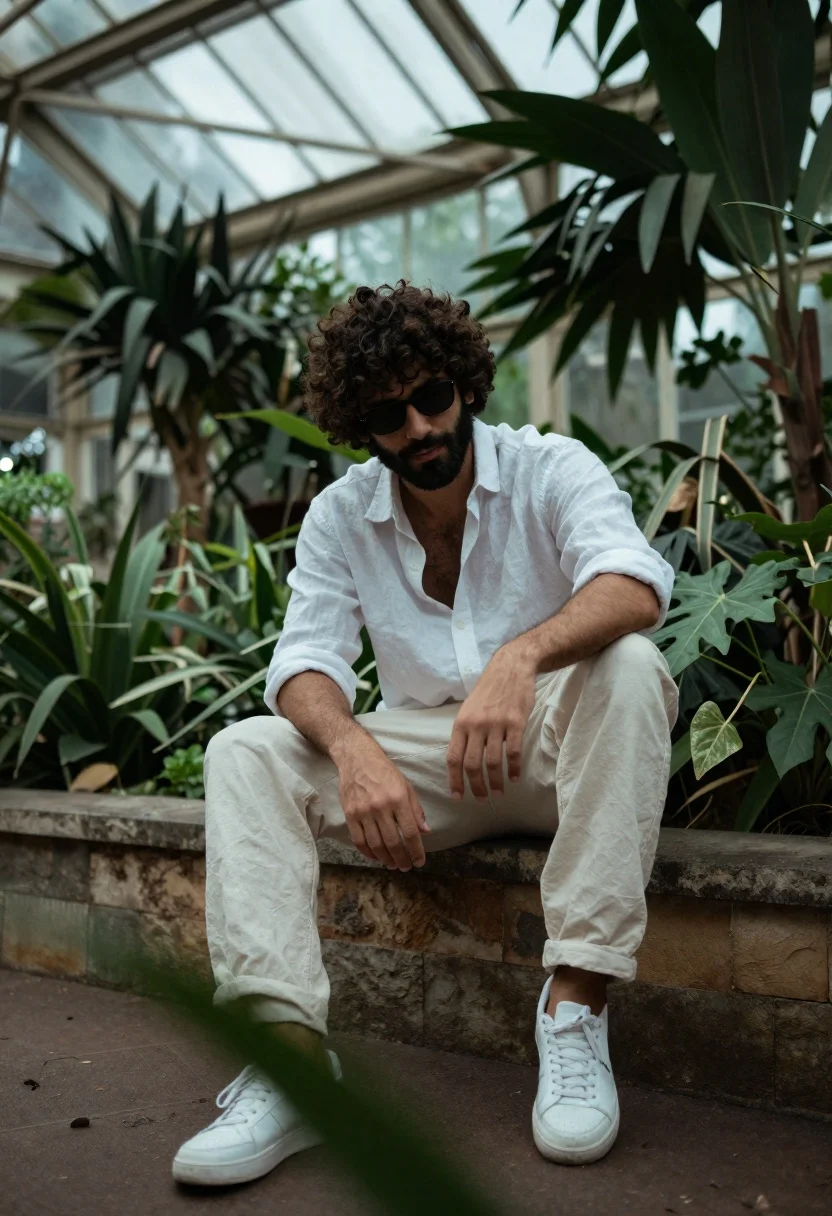
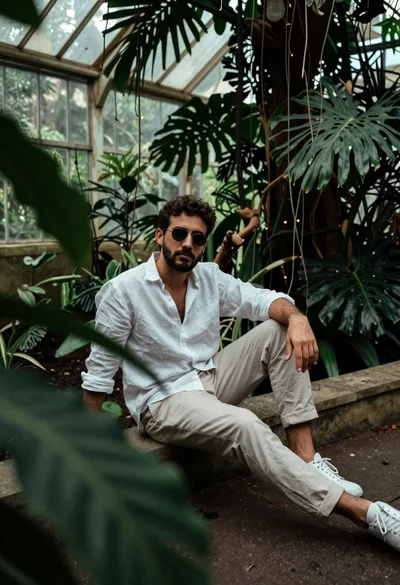
Handsome man with curly dark hair and beard sitting on stone ledge
Prompt
A man with curly dark hair and a beard sits casually on a stone ledge in a lush greenhouse.

Subject: A handsome man with thick curly dark hair, a well-groomed beard, and dark sunglasses resting on his face.

Clothing: He wears an unbuttoned white linen shirt revealing part of his chest, loose-fitting cream trousers, and clean white sneakers.

Action: He is seated in a relaxed pose with one arm resting on his knee and the other hanging down, looking slightly downward with a calm expression.

Environment: The setting is a vibrant indoor garden or conservatory filled with dense green foliage, large leaves in the foreground, and a glass arched ceiling structure visible above.

Camera: Shot from a low angle with a shallow depth of field that blurs the surrounding plants to focus on the man.

Lighting: Soft natural light filters through the glass roof, creating a cool, diffused atmosphere with gentle shadows.

Style Details: High-definition photography with a cinematic color grade emphasizing deep greens and muted whites for a moody aesthetic.
Description
This prompt is useful for creating editorial portraiture for lifestyle magazines, mood boards featuring natural textures, and high-end menswear lookbooks. The combination of 'low angle' perspective with the 'shallow depth of field' directs all focus onto the subject while using the dense green foliage to frame him naturally, preventing the background from becoming a distracting mess.
Suggestions
- Change 'cream trousers' to 'dark grey chinos' for more contrast against the white shirt.
- Add 'rim lighting on hair' to enhance the texture of the curly dark hair.
- Swap 'soft natural light' for 'dappled sunlight' to add more visual interest.
Category
Tags
Casual WearIndoorsLow AngleMaleRealistic
Date added
June 26, 2026
Added by
PromptDexter Team
Related Prompts
More prompts with similar categories and tags.
Studio portrait of man in armchair against gray background
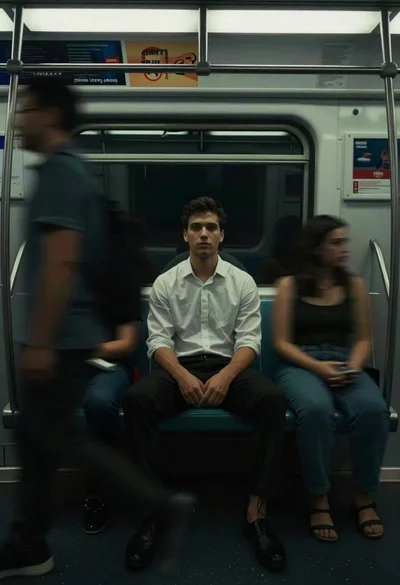
Man sitting on subway seat surrounded by motion blur
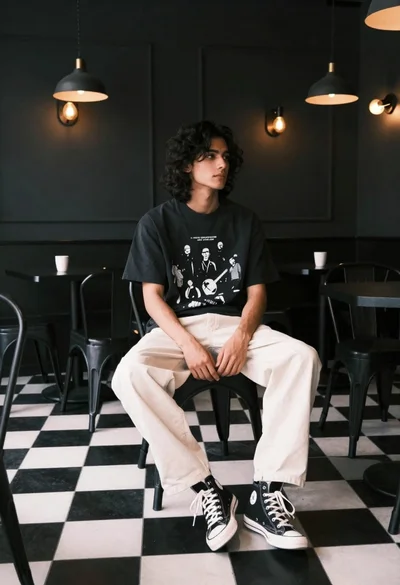
Young man with dark wavy hair sitting in dimly lit cafe interior
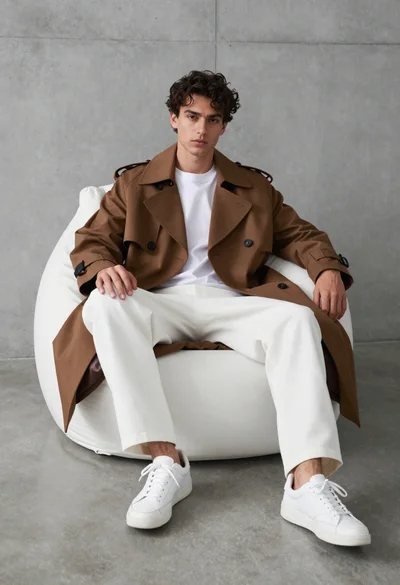
Young man in trench coat sitting on white beanbag chair against grey
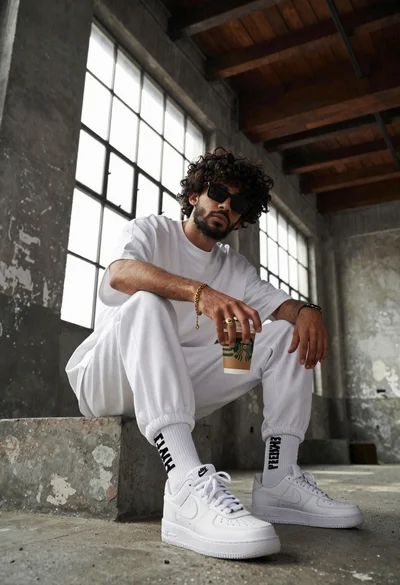
Young man with curly black hair and beard sits on concrete ledge
Young man in white linen shirt sitting on stone ledge in lush
Man in patterned shirt sitting casually with vintage telephone receiver in studio
Black and white portrait of man in classroom setting