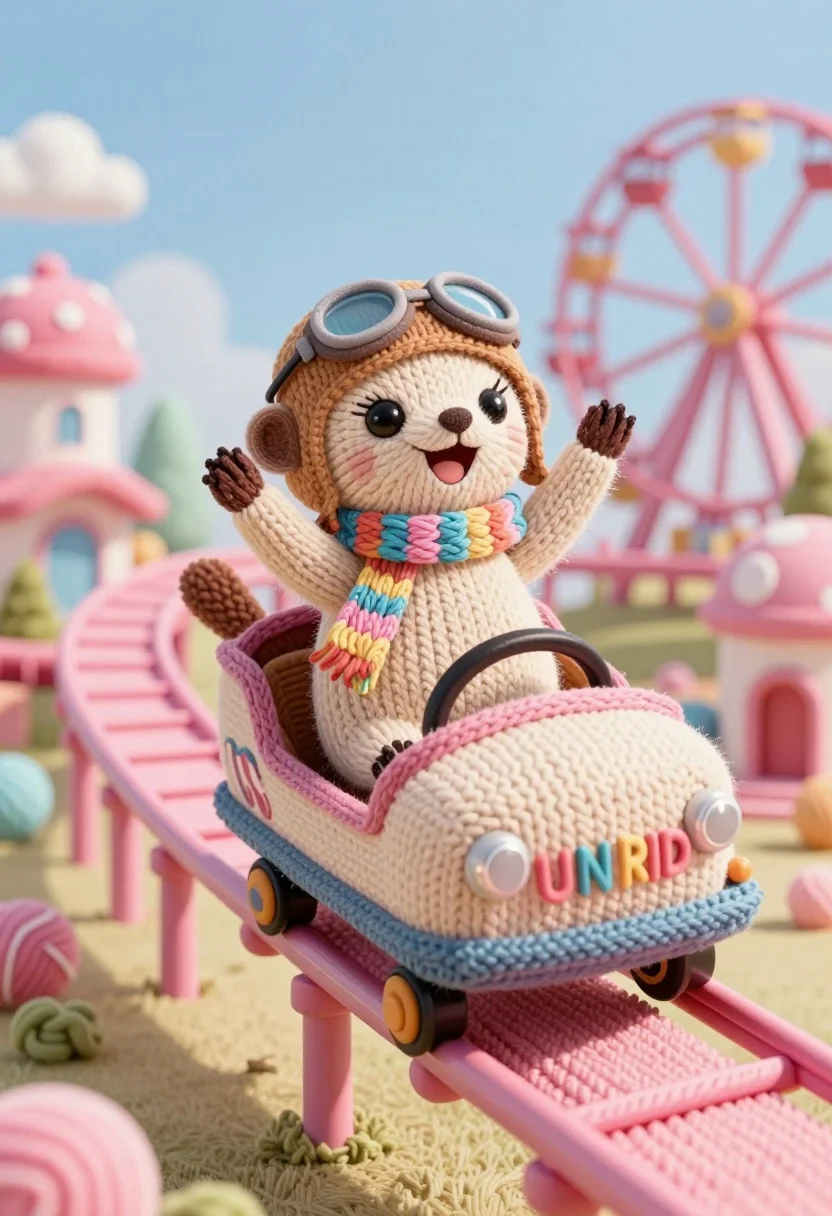
Knitted meerkat pilot riding roller coaster in whimsical yarn amusement park
Prompt
A joyful knitted meerkat wearing a pilot helmet and scarf rides a roller coaster car labeled "FUN RIDE" down a pink track in a whimsical yarn world.

Subject: A happy, smiling meerkat with large dark eyes and a brown nose, crafted entirely from beige and tan yarn stitches.

Clothing: The meerkat wears a light brown aviator helmet with goggles resting on the forehead and a colorful striped scarf around its neck.

Action: The character is seated in an open car, leaning forward slightly with both arms raised high in excitement as it descends the track.

Environment: A fantastical amusement park setting constructed from soft yarn textures, featuring pink roller coaster tracks, a distant Ferris wheel, and pastel-colored buildings resembling candy or spun sugar.

Camera: Low angle shot looking up at the coaster car to emphasize the height of the drop, with a shallow depth of field blurring the background slightly.

Lighting: Bright, soft daylight illuminating the scene from above, casting gentle shadows within the folds of the knitted textures and creating a cheerful atmosphere.

Style Details: 3D rendered style mimicking hand-knitted wool textures, pastel color palette with pinks and blues, toy-like aesthetic, high detail on yarn stitches, dreamy and playful mood.
Description
This prompt is useful for creating whimsical children's book illustrations, themed party decorations, or character concept art for animated shorts. The combination of 'knitted meerkat' subject matter with the 'low angle shot looking up at the coaster car' exaggerates the thrill and scale, while the 'pastel color palette with pinks and blues' ensures a consistently sweet and playful mood suitable for young audiences.
Suggestions
- Change 'beige and tan yarn stitches' to include specific accent colors like turquoise or yellow.
- Swap 'roller coaster car labeled "FUN RIDE"' for one featuring more whimsical text like "JOY RIDE".
- Adjust the lighting by adding 'rim light from below' to enhance the toy-like texture.
Category
Tags
3dAnimalLow AngleOutdoors
Date added
July 12, 2026
Added by
PromptDexter Team
Related Prompts
More prompts with similar categories and tags.
Vivid chameleon on dark pipe in neon lit futuristic city street
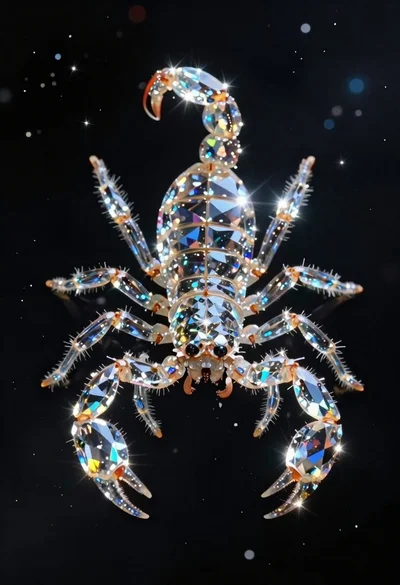
Crystalline scorpion suspended in deep space dust
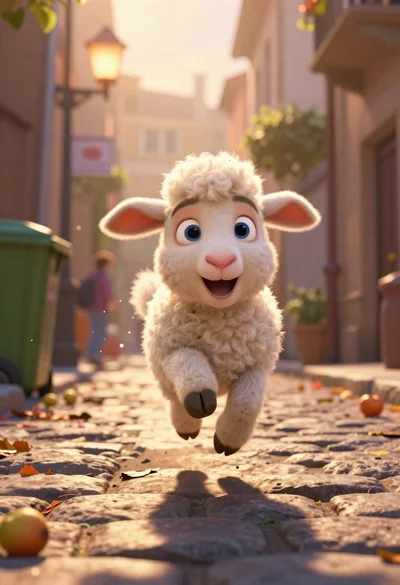
Animated lamb running down a sunlit european alleyway
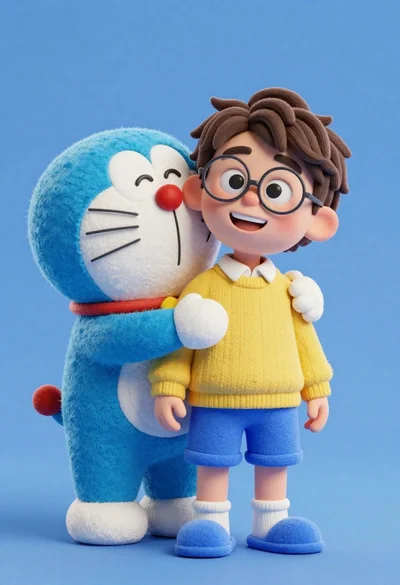
Young boy in yellow sweater hugged by blue robotic cat on blue
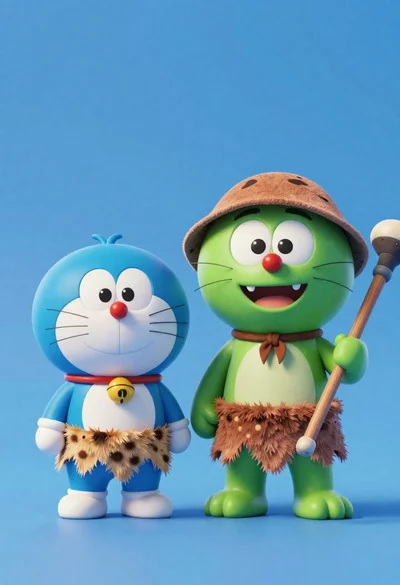
Two friendly cartoon cats standing side by side against a blue background
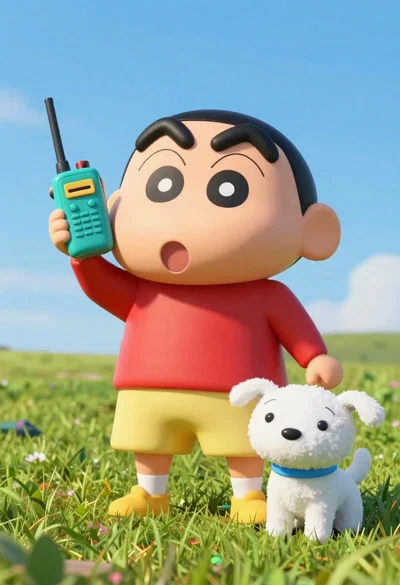
Cheerful plush toy boy holding a teal walkie talkie on a grassy
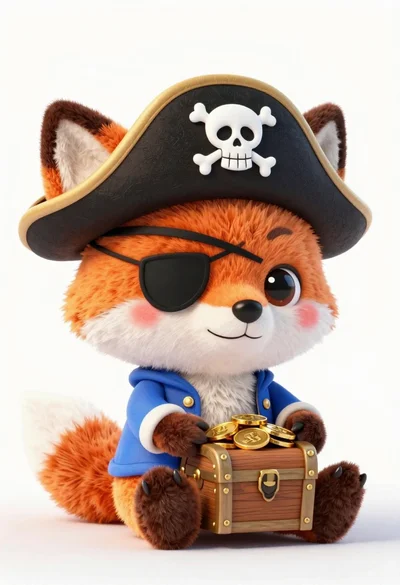
Cute orange and white plush fox dressed as a pirate holding treasure
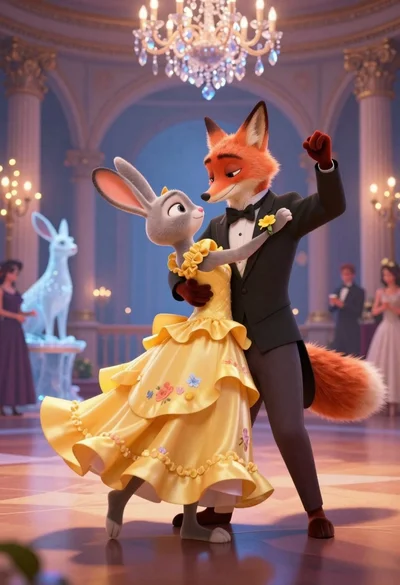
Anthropomorphic fox in tuxedo dances with rabbit in yellow dress under crystal
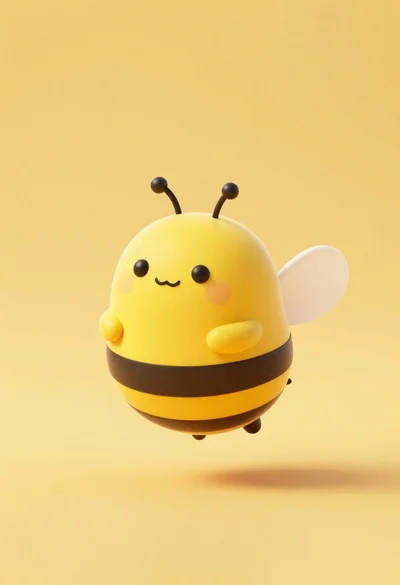
Cute round 3d animated bee character floating in midair against solid yellow
Cute chubby penguin floating in mid air against solid pastel blue background