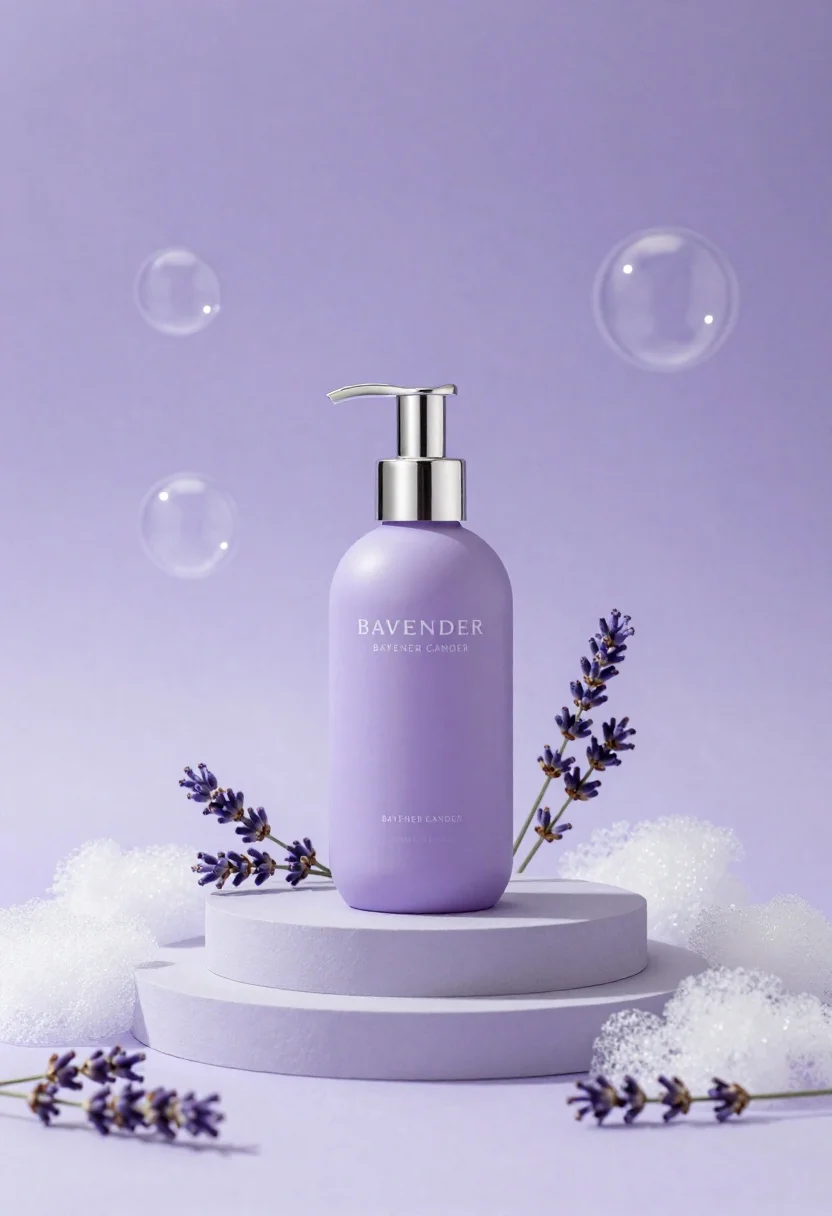
Lavender pump bottle on tiered pedestal surrounded by foam and sprigs
Prompt
A lavender pump bottle sits centrally on a tiered circular pedestal surrounded by white foam and sprigs of fresh lavender against a soft purple background with floating bubbles.

Subject: A matte lavender pump bottle with a silver dispenser head, featuring the text "BAVENDER" and "BAYENER CANDER" in white serif font on its front surface.

Clothing: N/A.

Action: The bottle stands upright and static on the pedestal.

Environment: A soft-focus studio setting with a gradient purple background, floating translucent soap bubbles of varying sizes, and scattered loose lavender sprigs on the floor.

Camera: Eye-level medium shot with shallow depth of field that keeps the bottle in sharp focus while blurring the background bubbles and foreground foam.

Lighting: Soft, diffused lighting from the front and top creating gentle highlights on the silver pump and soft shadows beneath the pedestal.
Second

Subject: N/A.

Objects: White textured foam pieces arranged around the base of the bottle and sprigs of purple lavender flowers.

Interaction: The bottle rests on a two-tiered light grey circular platform, with foam and plants decorating its immediate surroundings.

Text/Graphics: Visible text on the bottle reads "BAVENDER", "BAYENER CANDER", and smaller illegible script below that appears to say "COAL GRAND".

Style Details: High-end commercial product photography style with a pastel color palette, clean composition, and a dreamy, spa-like aesthetic.
Description
This prompt is useful for creating high-end cosmetic advertising visuals, luxury spa branding materials, and e-commerce lifestyle shots. The combination of 'matte lavender pump bottle' against the 'soft purple background' and 'floating translucent soap bubbles' establishes a dreamy, spa-like aesthetic that immediately signals gentle self-care products to the viewer.
Suggestions
- Change 'lavender' to 'iris' for a different floral tone.
- Swap 'silver dispenser head' for 'gold dispenser head' to increase perceived luxury.
- Adjust 'shallow depth of field' to 'bokeh effect' for more pronounced background separation.
Category
Tags
Black HairCasual WearFemaleMedium ShotOutdoorsRealisticRooftop
Date added
June 26, 2026
Added by
PromptDexter Team
Related Prompts
More prompts with similar categories and tags.
Black monster energy can wrapped in metal chains on reflective floor
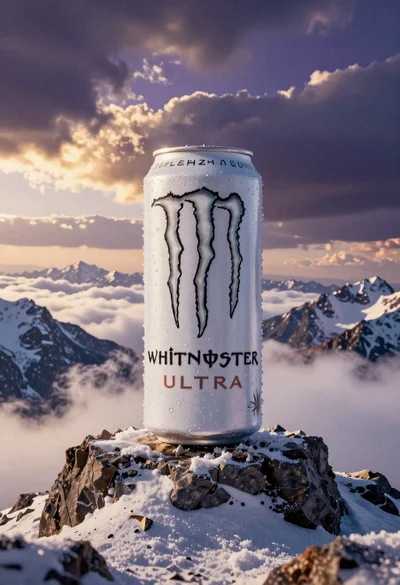
Giant white energy drink can on snowy mountain peak above sea of
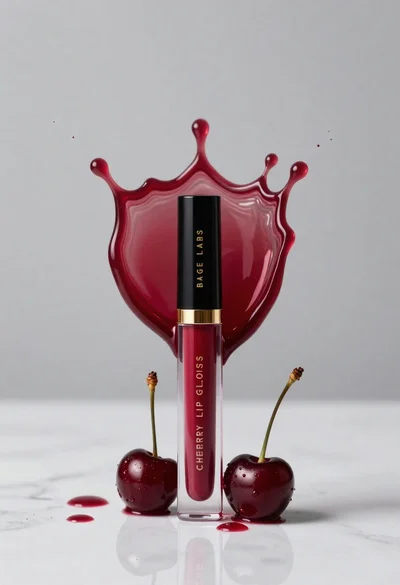
Cherry lip gloss tube on white marble with red liquid splash crown
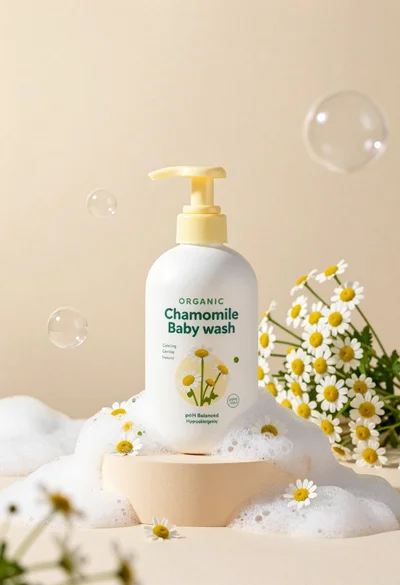
White pump bottle of organic chamomile baby wash on beige pedestal
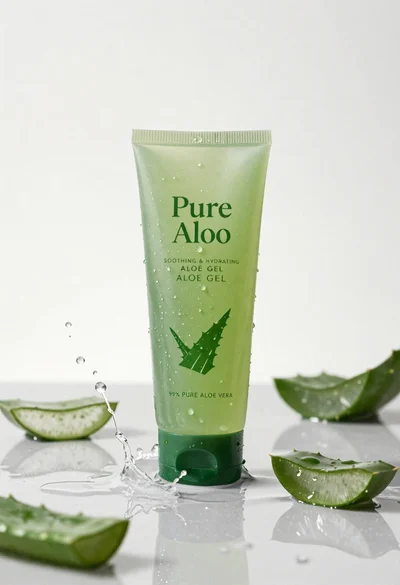
Pure aloe gel tube on wet reflective surface with water splash
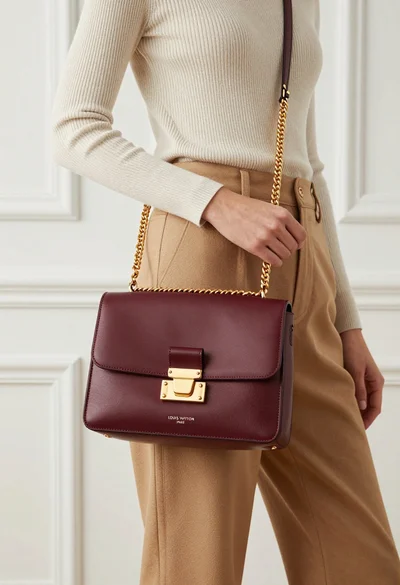
Stylish woman holding burgundy louis vuitton handbag against white paneled wall
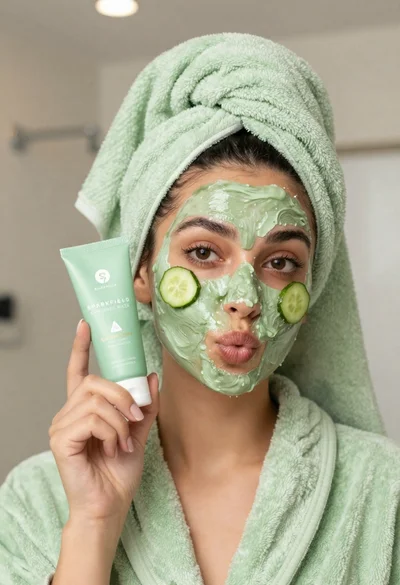
Woman in light green bathrobe holding cucumber face mask tube
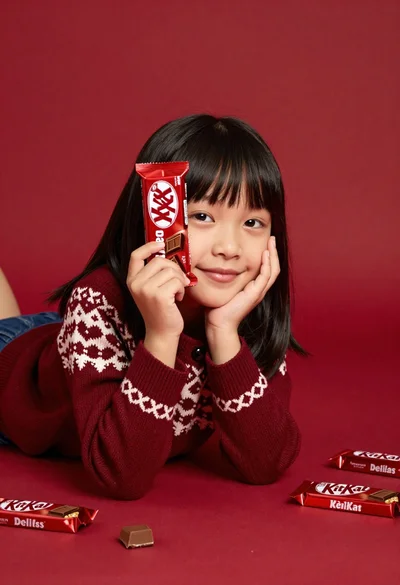
Young girl with black hair holding kitkat chocolate bar against red backdrop