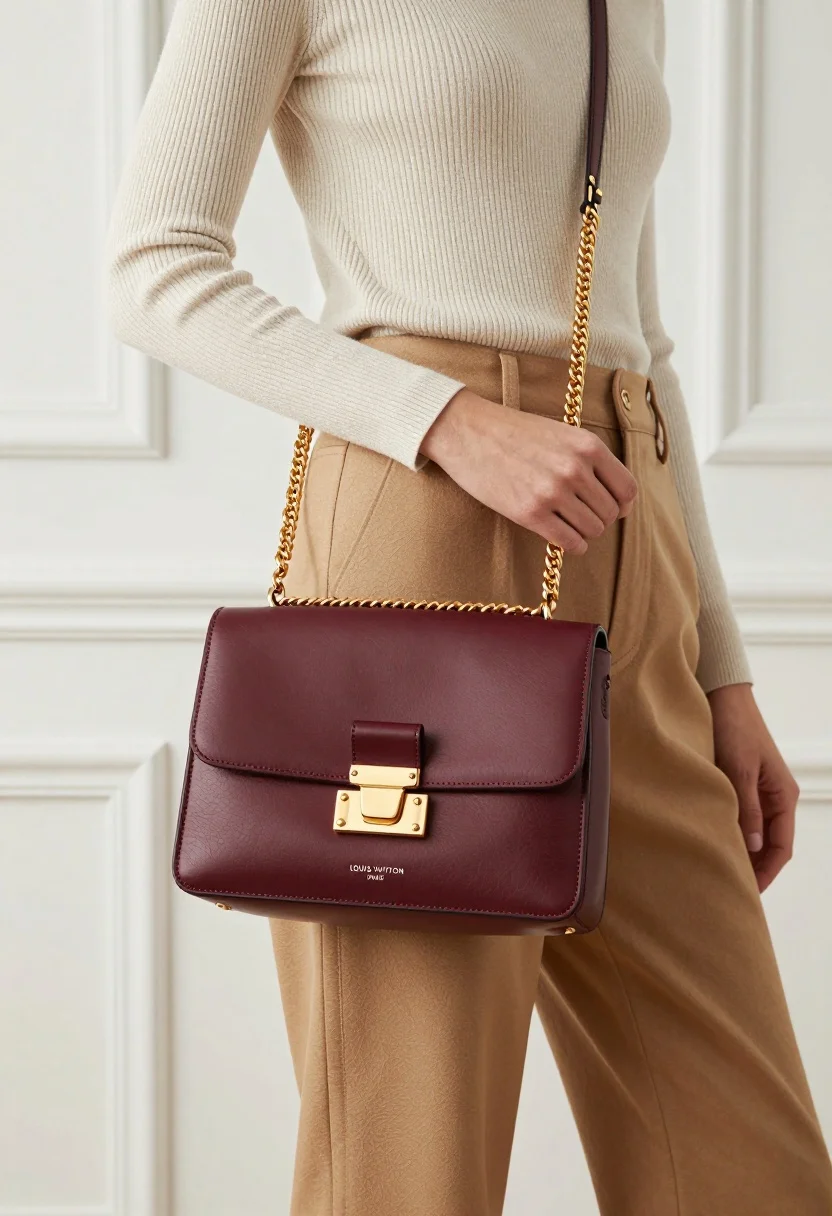
Stylish woman holding burgundy louis vuitton handbag against white paneled wall
Prompt
A stylish woman holds a burgundy leather handbag with a gold chain strap against a bright white paneled wall.

Subject: A cropped view of a woman wearing a beige ribbed long-sleeve top and tan trousers, holding a structured burgundy handbag in front of her waist.

Clothing: The model wears a cream-colored ribbed knit sweater tucked into high-waisted camel-colored trousers with belt loops.

Action: The woman stands facing forward with one hand resting near her hip while the other supports the handbag strap.

Environment: A bright white interior wall with raised rectangular molding panels serves as the background.

Camera: Medium shot framing the torso and handbag, utilizing a shallow depth of field to keep the subject sharp while softening the background slightly.

Lighting: Soft natural light illuminates the scene from the left, casting gentle shadows and highlighting the texture of the leather and fabric.

Objects: A burgundy Louis Vuitton handbag featuring a gold-tone buckle closure, a gold chain strap, and embossed text reading "LOUIS VUITTON PARIS" on the front flap.

Text/Graphics: The words "LOUIS VUITTON" and "PARIS" are visible in small silver lettering on the lower center of the handbag's front flap.

Style Details: High-end commercial photography style with clean lines, neutral color palette, and a focus on luxury fashion aesthetics.
Description
This prompt is useful for creating high-end e-commerce product listings, luxury brand lookbooks, and editorial flat-lay inspiration shots. The combination of 'soft natural light' and the 'bright white interior wall with raised rectangular molding panels' ensures that the focus remains entirely on the rich texture of the burgundy leather and the visible details of the handbag hardware, preventing any distracting background clutter.
Suggestions
- Change 'beige ribbed long-sleeve top' to 'ivory silk blouse' for a more luxurious feel.
- Swap 'camel-colored trousers' for 'cream wide-leg pants' to match the sweater better.
- Adjust 'soft natural light' to 'directional studio strobe' for sharper product highlights.
Category
Tags
Brown HairCasual WearMedium ShotRealisticStudio
Date added
July 12, 2026
Added by
PromptDexter Team
Related Prompts
More prompts with similar categories and tags.
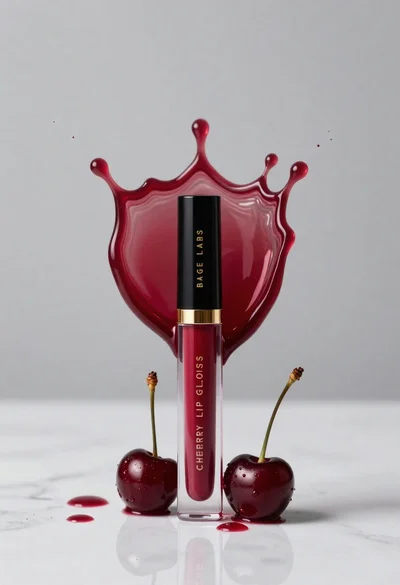
Cherry lip gloss tube on white marble with red liquid splash crown
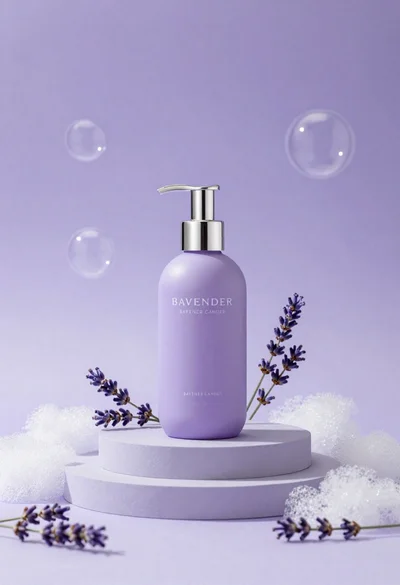
Lavender pump bottle on tiered pedestal surrounded by foam and sprigs
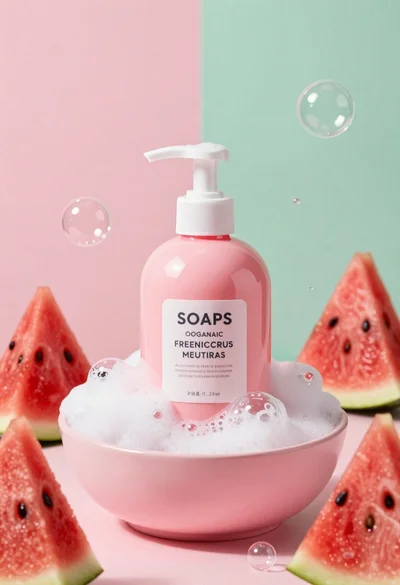
Pink pump bottle of body wash in foam surrounded by watermelon slices
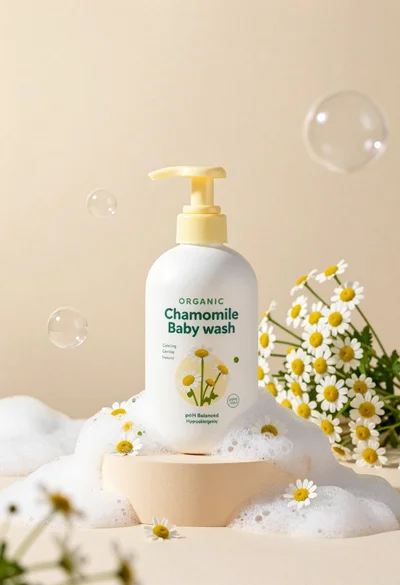
White pump bottle of organic chamomile baby wash on beige pedestal
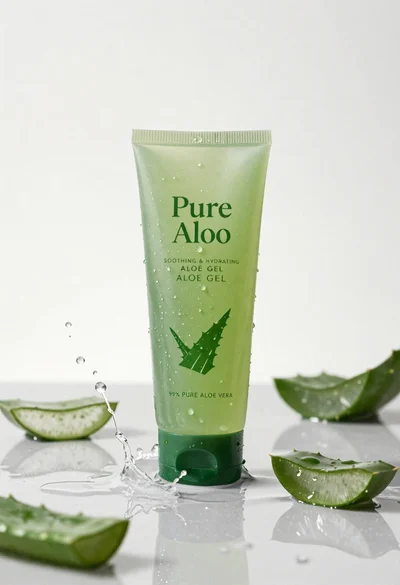
Pure aloe gel tube on wet reflective surface with water splash
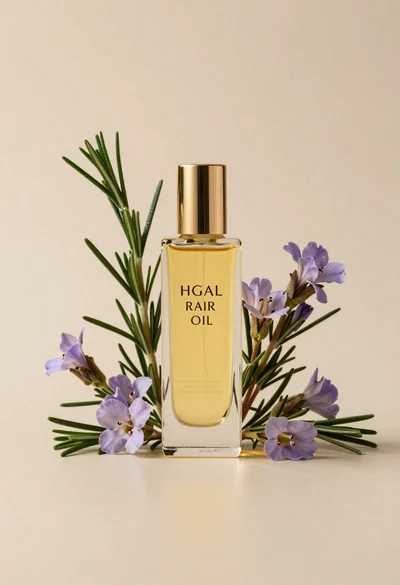
Glass bottle of oil with rosemary and purple flowers
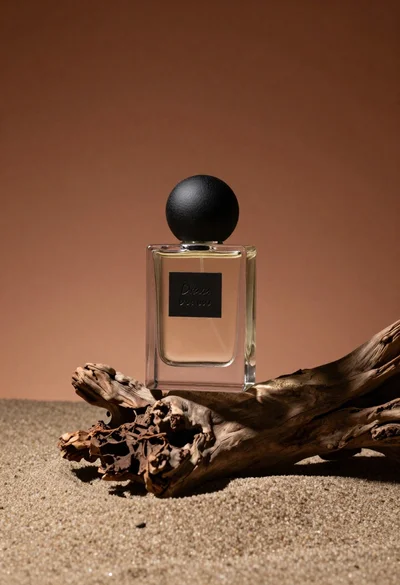
Minimalist perfume bottle on driftwood and sand
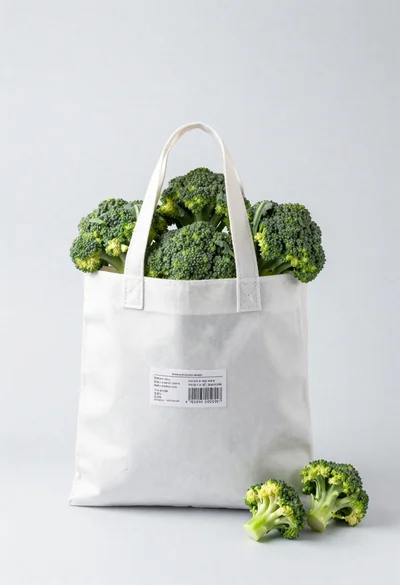
White shopping bag overflowing with fresh broccoli florets
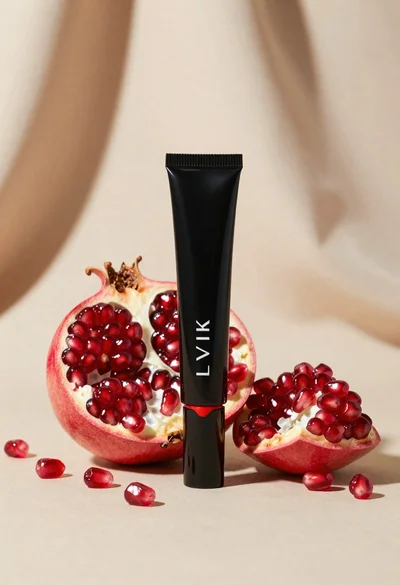
Black makeup tube next to open red pomegranate on beige background
Amber glass bottle with gold pump under dramatic golden light