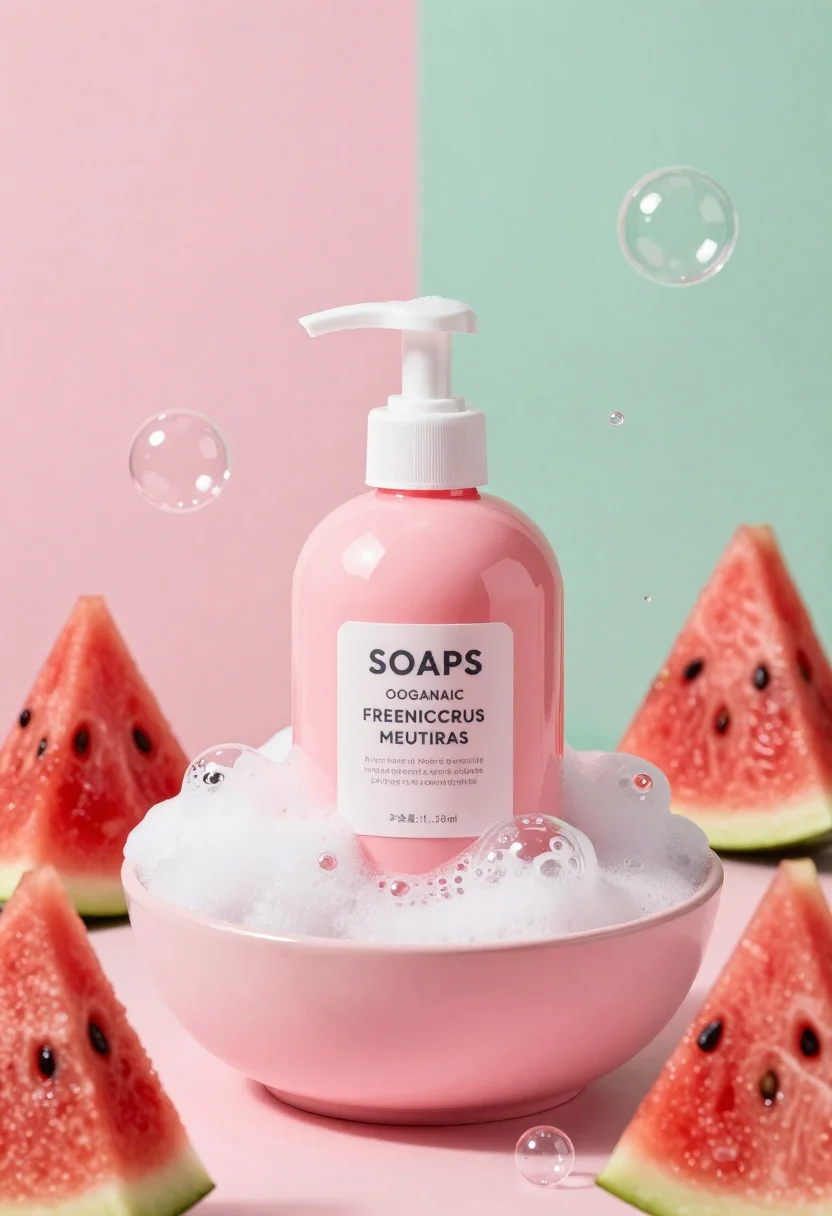
Pink pump bottle of body wash in foam surrounded by watermelon slices
Prompt
A vibrant pink pump bottle of body wash sits in a mound of white foam inside a shallow pink bowl.

Subject: A glossy pink plastic bottle with a white pump dispenser and a label featuring the text "SOAPS" and "OOGANAIC FREENICCRUS MEUTIRAS".

Clothing: None.

Action: The bottle stands upright, surrounded by floating bubbles and resting in foam.

Environment: A split background of soft pink on the left and mint green on the right, with a shallow depth of field blurring the backdrop.

Camera: Close-up product shot with a wide-angle lens feel to capture the surrounding bubbles and watermelon slices.

Lighting: Bright, high-key studio lighting that creates soft reflections on the bottle and bubbles, casting minimal shadows for a clean look.
Second

Subject: None.

Objects: Several triangular slices of red watermelon arranged around the bowl, and numerous iridescent soap bubbles floating in the air.

Interaction: The foam surrounds the base of the bottle, and the watermelon slices frame the composition.

Text/Graphics: Readable text on the bottle label includes "SOAPS", "OOGANAIC FREENICCRUS MEUTIRAS", and smaller descriptive lines.

Style Details: 3D render style with hyper-realistic textures, vibrant saturated colors, and a clean commercial aesthetic.
Description
This prompt is useful for creating e-commerce product listings, beauty brand advertising campaigns, and lifestyle flat lays featuring bath products. The combination of 'bright, high-key studio lighting' and the 'shallow depth of field blurring the backdrop' ensures that the glossy pink plastic bottle remains the sharp focal point while the surrounding elements like the watermelon slices provide necessary visual context without distracting from the product itself.
Suggestions
- Change 'vibrant pink pump bottle' to a specific shade like 'coral pink pump bottle' for brand consistency.
- Replace 'mint green on the right' with 'soft blush pink on the right' to unify the color palette.
- Add 'macro lens perspective' to emphasize the texture of the foam and bubbles.
Category
Tags
Black HairCasual WearFemaleMedium ShotOutdoorsRealisticRooftop
Date added
June 26, 2026
Added by
PromptDexter Team
Related Prompts
More prompts with similar categories and tags.
Black monster energy can wrapped in metal chains on reflective floor
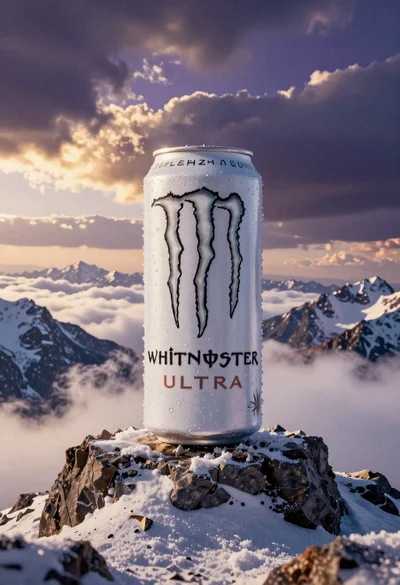
Giant white energy drink can on snowy mountain peak above sea of
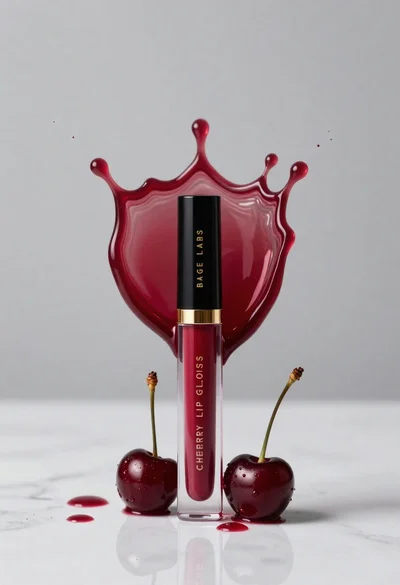
Cherry lip gloss tube on white marble with red liquid splash crown
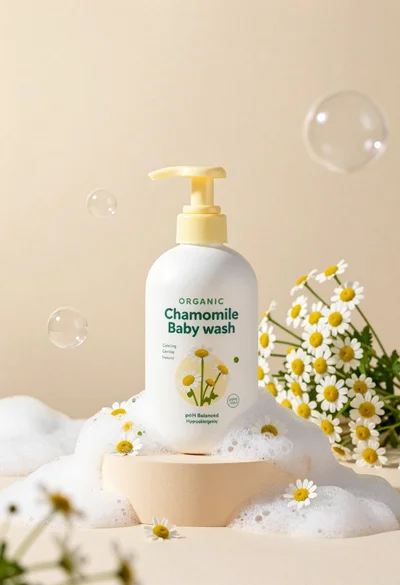
White pump bottle of organic chamomile baby wash on beige pedestal
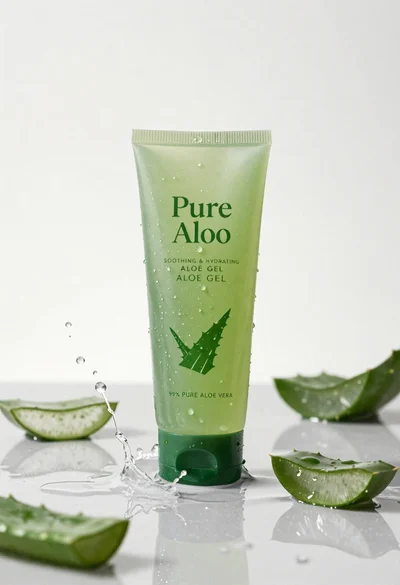
Pure aloe gel tube on wet reflective surface with water splash
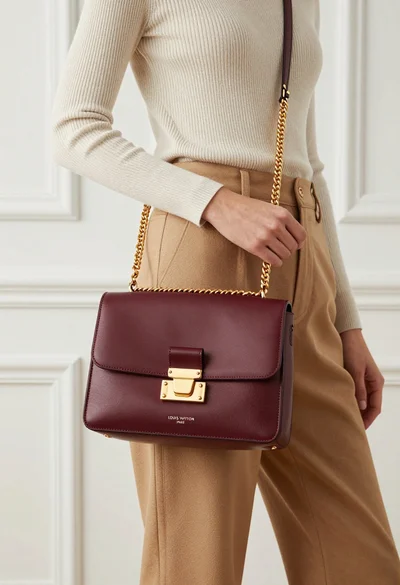
Stylish woman holding burgundy louis vuitton handbag against white paneled wall
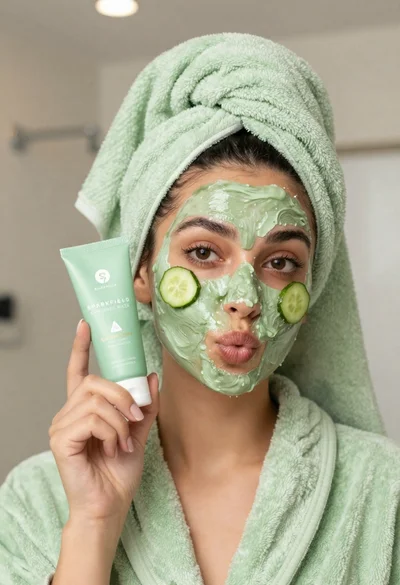
Woman in light green bathrobe holding cucumber face mask tube
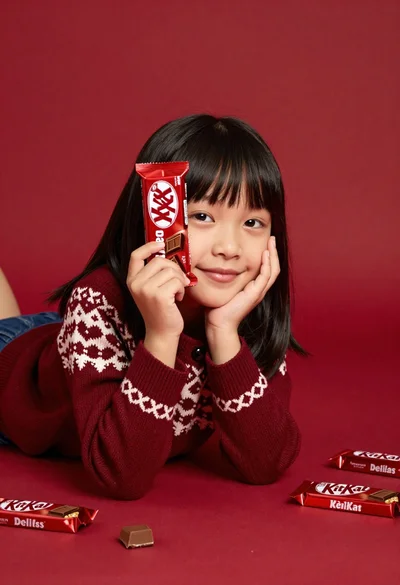
Young girl with black hair holding kitkat chocolate bar against red backdrop