
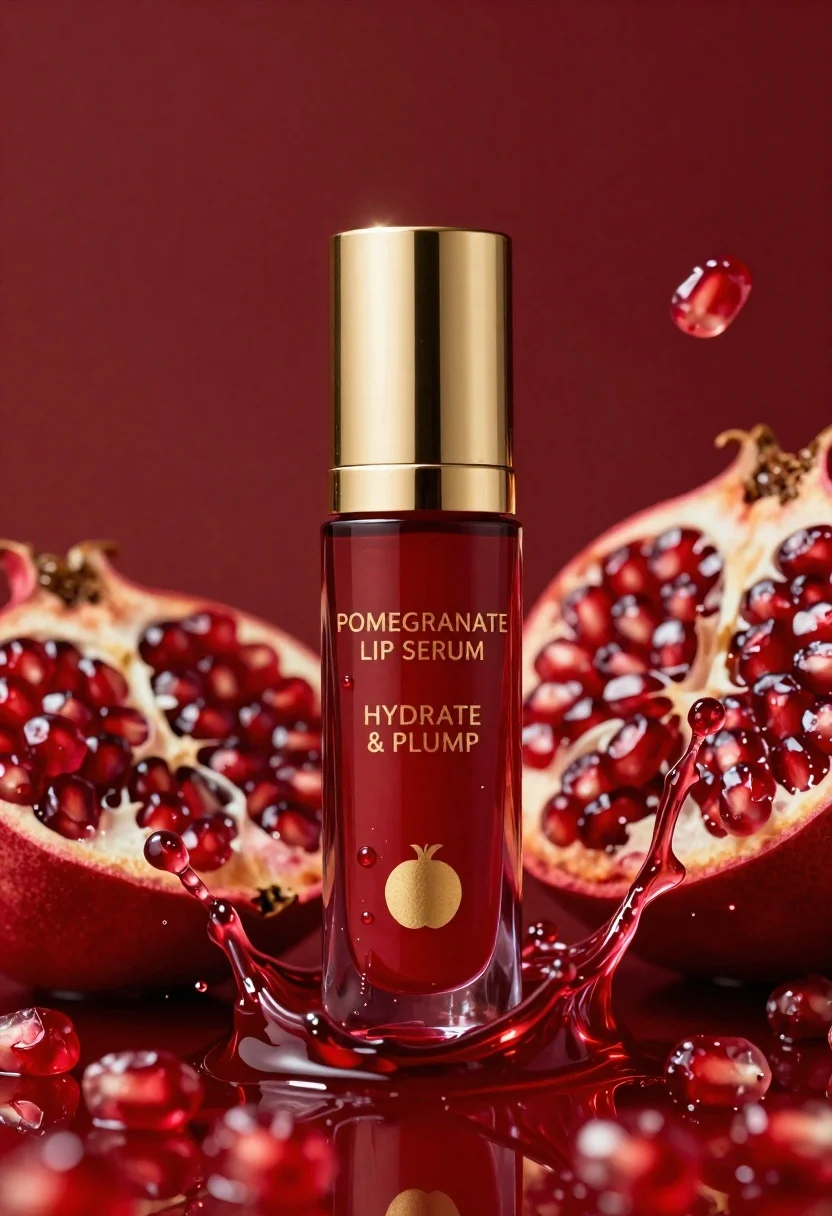
Luxurious cosmetic bottle of pomegranate lip serum with deep red liquid splash
Prompt
A luxurious cosmetic bottle of pomegranate lip serum stands centrally amidst a dynamic splash of deep red liquid and fruit segments.

Subject: A tall, cylindrical glass bottle filled with translucent ruby-red liquid, capped with a polished gold lid featuring a reflective vertical stripe.

Clothing: Not applicable.

Action: The bottle is static while the surrounding liquid splashes upward in an energetic arc, frozen in mid-motion.

Environment: A rich, monochromatic deep red background that blends seamlessly with the liquid splash to create a unified color palette.

Camera: Close-up product shot with shallow depth of field, focusing sharply on the bottle label and cap while slightly softening the edges of the fruit splashes.

Lighting: High-key studio lighting that creates bright specular highlights on the gold cap and glass surface, emphasizing the glossy texture of the liquid and the wetness of the scene.
Second

Subject: Not applicable.

Objects: Halved pomegranate fruits with visible seeds are integrated into the liquid splash surrounding the bottle.

Interaction: The liquid appears to be bursting outward from behind the bottle, creating a sense of freshness and hydration.

Text/Graphics: Gold lettering on the front reads "POMEGRANATE LIP SERUM" followed by "HYDRATE & PLUMP", with a gold pomegranate icon below the text.

Style Details: Commercial product photography style with hyper-realistic rendering, vibrant saturation, and high contrast between the metallic gold and deep red tones.
Description
This prompt is useful for creating beauty advertisement mockups, e-commerce product listings, and luxury brand campaign visuals. The combination of 'high-key studio lighting' emphasizing specular highlights on the 'polished gold lid' ensures that the bottle appears premium and wet, while the 'shallow depth of field' directs the viewer's eye immediately to the sharp label details against the softer background elements.
Suggestions
- Change 'deep red background' to 'black velvet backdrop' for a more dramatic contrast.
- Add 'macro lens perspective' to intensify the close-up focus on the liquid splash.
- Swap 'translucent ruby-red liquid' for 'viscous garnet serum' to suggest higher density.
Category
Tags
Close UpRealisticStudio
Date added
June 26, 2026
Added by
PromptDexter Team
Related Prompts
More prompts with similar categories and tags.
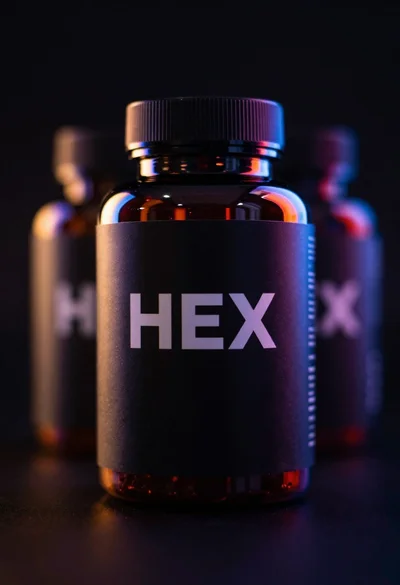
Black supplement bottle with chromatic aberration in void
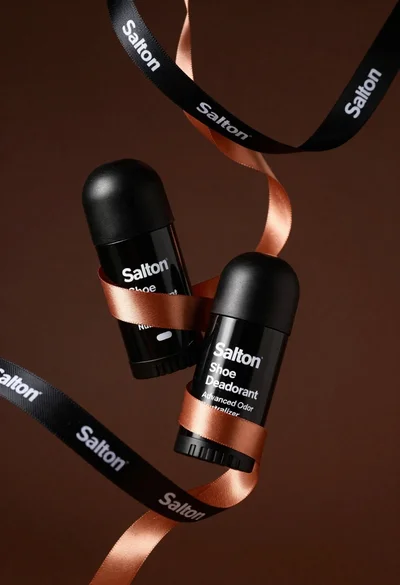
Two black deodorant bottles wrapped in a flowing black ribbon
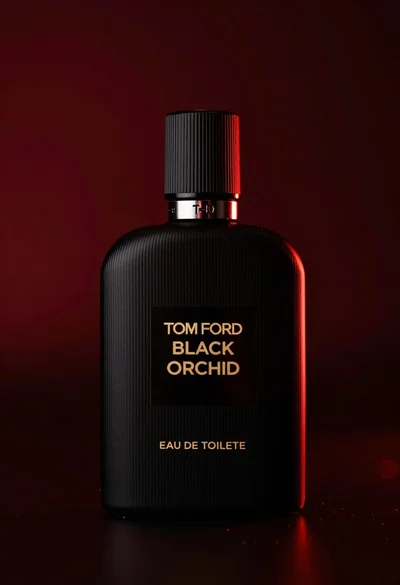
Close up product shot of black perfume bottle with gold lettering

Hyperrealistic close up of orange soda splashing from a floating can
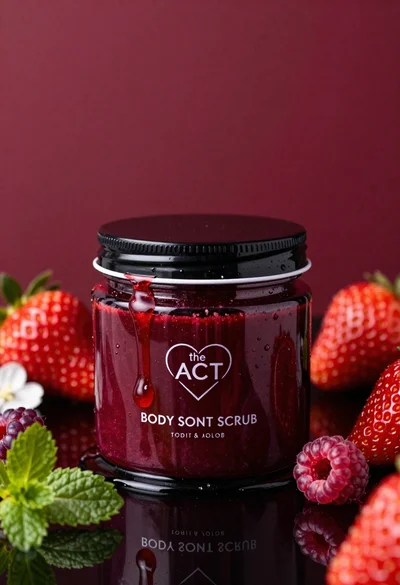
Glossy black jar of deep red body salt scrub surrounded by fresh
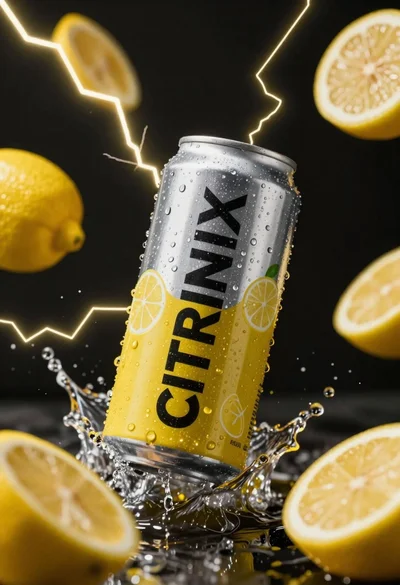
Silver and yellow aluminum beverage can suspended in water splash against dark

Closeup product shot of hand holding frosted glass spray bottle with colorful
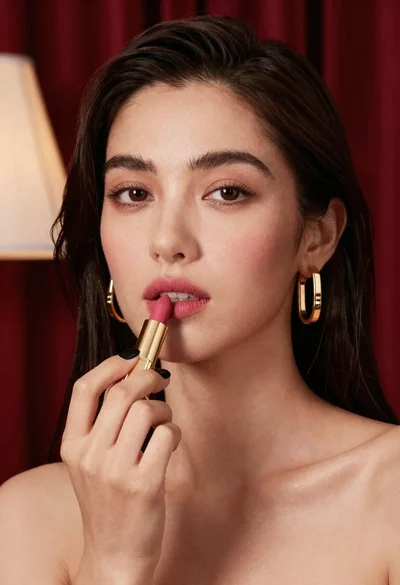
Close up portrait of woman applying pink lipstick against red curtains
