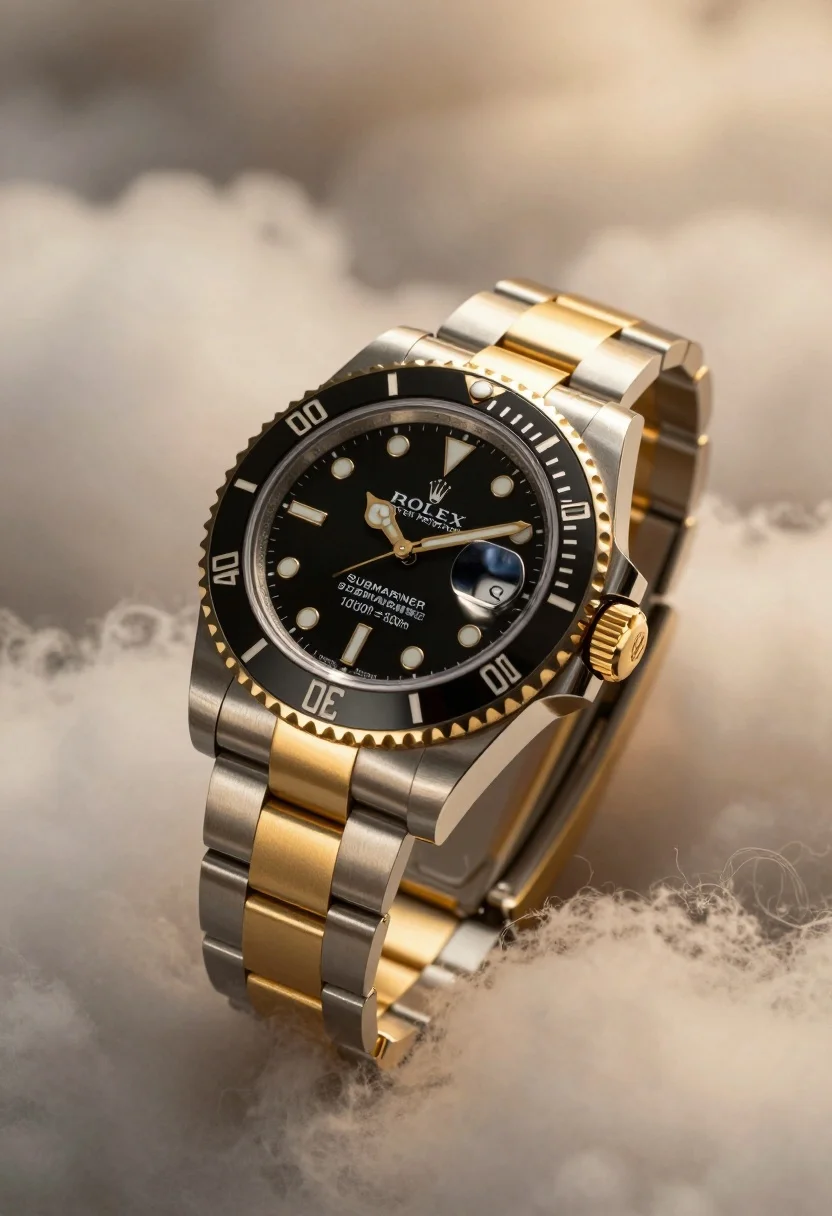
Macro close up of luxury rolex submariner watch floating in soft golden
Prompt
A luxury Rolex Submariner wristwatch with a black dial and two-tone steel and gold bracelet rests amidst soft clouds.

Subject: A high-end Rolex Submariner watch featuring a black dial, gold hour markers, and a date window at the three o'clock position.

Clothing: The timepiece features a polished stainless steel and yellow gold Oyster bracelet with a fluted bezel insert.

Action: The watch is positioned diagonally in a floating pose, appearing to drift through a misty atmosphere.

Environment: The background consists of soft, out-of-focus clouds illuminated by warm golden light, creating an ethereal setting.

Camera: A macro close-up shot with a shallow depth of field that blurs the background while keeping the watch face sharp and detailed.

Lighting: Dramatic side lighting casts a warm glow on the gold elements and creates deep shadows on the black dial to emphasize texture.

Objects: The fluted bezel, crown, and bracelet links are prominent physical details contributing to the object's form.

Text/Graphics: The dial displays the Rolex crown logo, text reading "ROLEX OYSTER PERPETUAL", "SUBMARINER", and depth ratings of "1000ft = 500m".

Style Details: High-end commercial product photography with a cinematic color palette, sharp focus on the subject, and a dreamy, high-contrast aesthetic.
Description
This prompt is useful for creating luxury advertisement mockups, high-end watch collector content, and editorial jewelry spreads that require an aspirational feel. The combination of 'dramatic side lighting' emphasizing the gold elements against deep shadows on the black dial ensures the watch maintains visual weight while the 'soft, out-of-focus clouds' provide a non-distracting, ethereal backdrop suitable for luxury branding.
Suggestions
- Change 'yellow gold' to 'rose gold' for a warmer metallic tone.
- Add 'bokeh effect' to enhance the cloud background blur.
- Swap 'macro close-up shot' for 'ultra macro shot' to emphasize minute details.
Category
Tags
Macro ShotOutdoorsRealisticStudio
Date added
July 12, 2026
Added by
PromptDexter Team
Related Prompts
More prompts with similar categories and tags.
Clear glass serum bottle with lemons and water splashes in studio
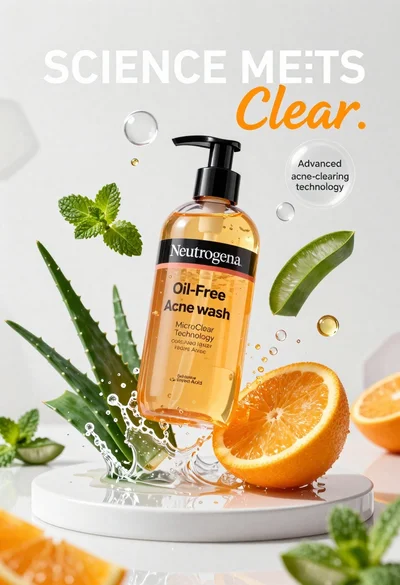
Neutrogena acne wash bottle suspended in midair with splashing liquid
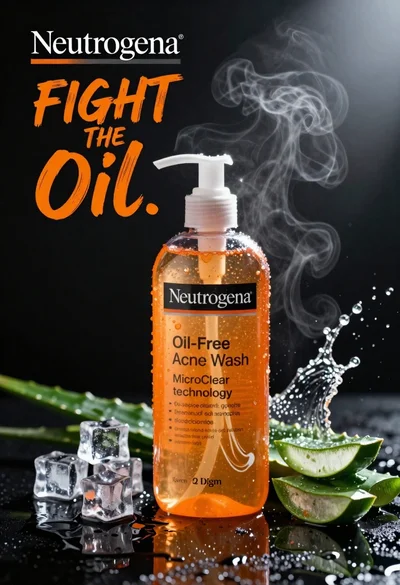
Commercial advertisement for orange facial cleanser bottle on wet black surface
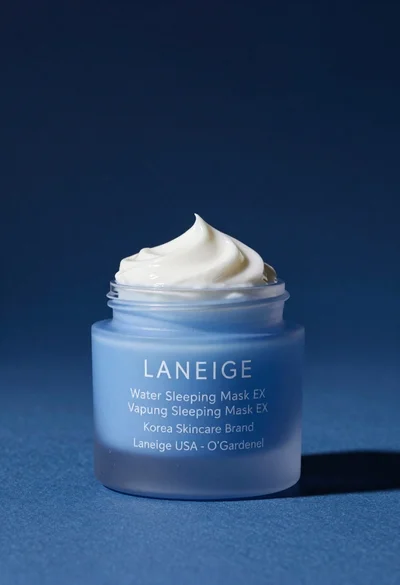
Light blue frosted glass jar of sleeping mask with creamy white swirl
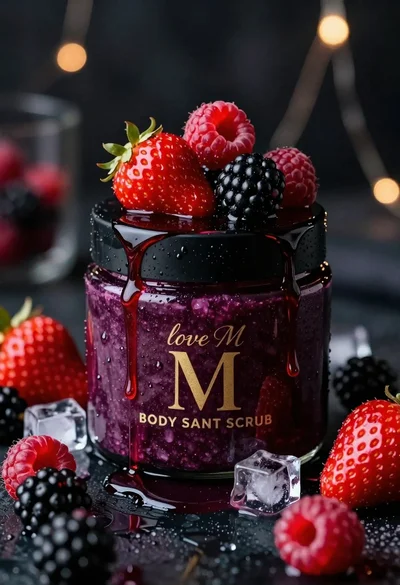
Luxurious dark berry body salt scrub jar with fresh strawberries and raspberries
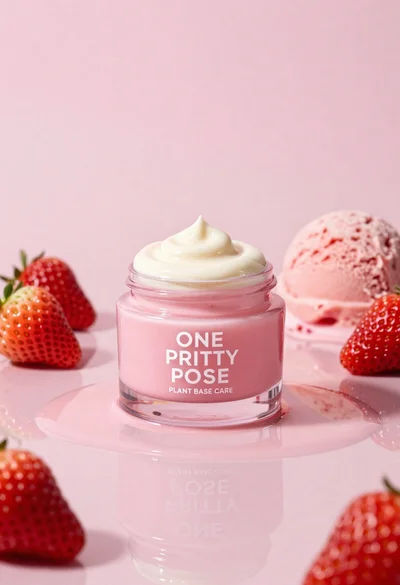
Glossy pink cosmetic jar with cream surrounded by strawberries and ice cream
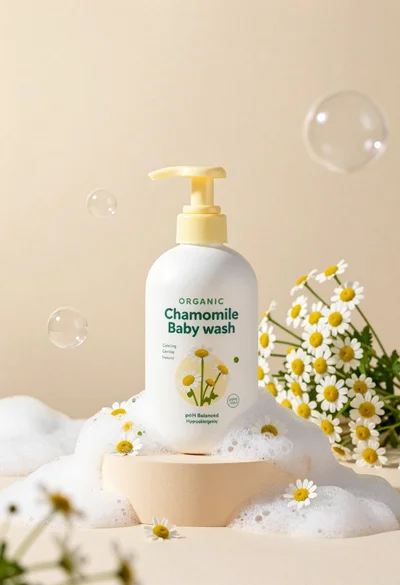
White pump bottle of organic chamomile baby wash on beige pedestal
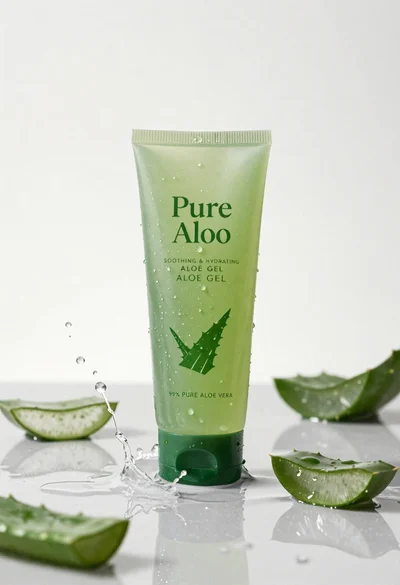
Pure aloe gel tube on wet reflective surface with water splash
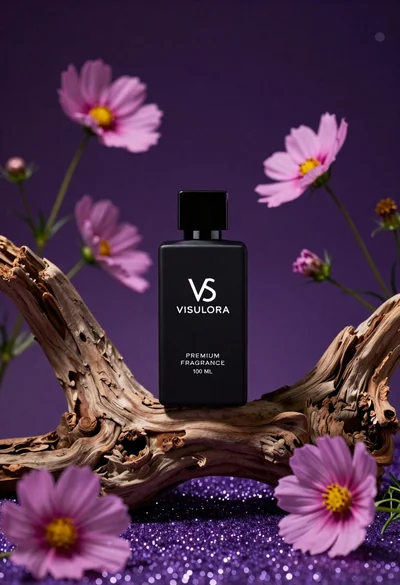
Black perfume bottle on driftwood surrounded by pink cosmos flowers in purple
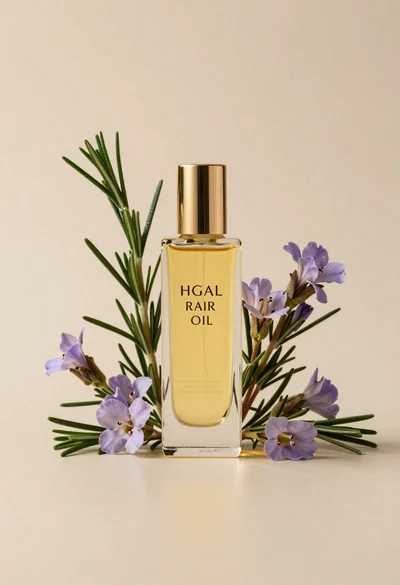
Glass bottle of oil with rosemary and purple flowers