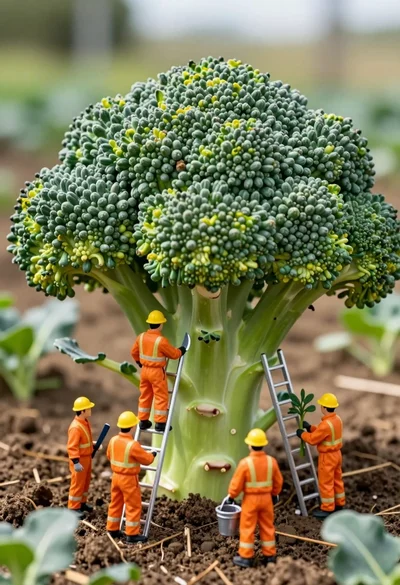
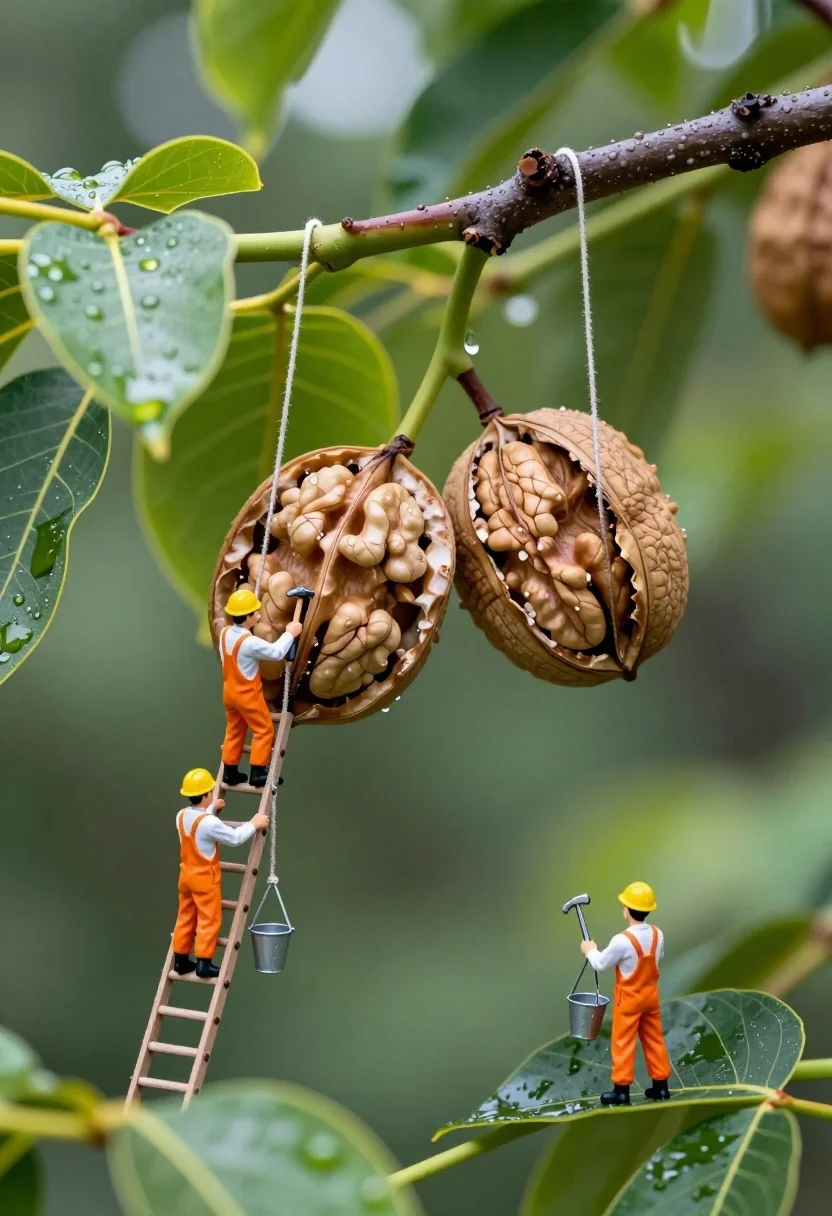
Macro photograph of miniature workers tending giant walnuts in lush forest
Prompt
A whimsical macro scene featuring miniature construction workers in orange jumpsuits and hard hats tending to giant walnuts hanging from a tree branch.

Subject: Two large, open walnut shells with pinkish-beige kernels hanging from a dark brown tree branch, surrounded by vibrant green leaves with water droplets.

Clothing: Miniature figures wearing bright orange coveralls, white shirts, black boots, and yellow hard hats.

Action: Tiny workers are climbing a wooden ladder, swinging on ropes, holding tools like hammers and buckets, and standing on leaves to inspect the nuts.

Environment: A lush green forest setting with a blurred background of foliage and bokeh light spots, suggesting a rainy or dewy day.

Camera: Macro photography style with shallow depth of field focusing sharply on the workers and walnuts while blurring the background.

Lighting: Soft, diffused natural lighting with highlights on wet leaves and water droplets, creating a fresh and moist atmosphere.

Objects: A wooden ladder leaning against the branch, thin ropes suspending figures, a small metal bucket hanging from a rope, and various hand tools.

Style Details: Photorealistic miniature photography with high detail, vibrant colors, and a dreamlike fantasy aesthetic blending nature with tiny human activity.
Description
This prompt is useful for creating whimsical storybook illustrations, conceptual food advertising, and detailed diorama concept art. The combination of 'soft, diffused natural lighting' and the 'shallow depth of field focusing sharply on the workers and walnuts' directs the viewer's eye immediately to the miniature activity against a blurred backdrop, enhancing the dreamlike fantasy aesthetic needed for these imaginative settings.
Suggestions
- Change 'orange jumpsuits' to 'khaki overalls' for a more earthy tone.
- Swap 'pinkish-beige kernels' for 'deep brown kernels' to contrast with the foliage.
- Add 'bokeh light spots' to the environment description for more visual interest.
Category
Tags
3dFoodForestMacro ShotOutdoors
Date added
July 3, 2026
Added by
PromptDexter Team
Related Prompts
More prompts with similar categories and tags.

Miniature baristas working around giant coffee cup on rustic wooden table
Woman resting in meadow with white rabbit at golden hour
Three disney characters on a tropical grassy rock

Golden origami boat on clear blue water
Girl in green robes with mushroom creature in fuzzy forest

Cyborg woman in hoodie with glowing amber circuitry amidst floating autumn leaves
Animated lamb running down a sunlit european alleyway

Lego minifigure pilot inside transparent orange submarine exploring coral reef underwater

Minecraft style pixelated girl in beige dress and blue jacket on blocky

Miniature blonde doll hugging kitkat bar held by giant thumb