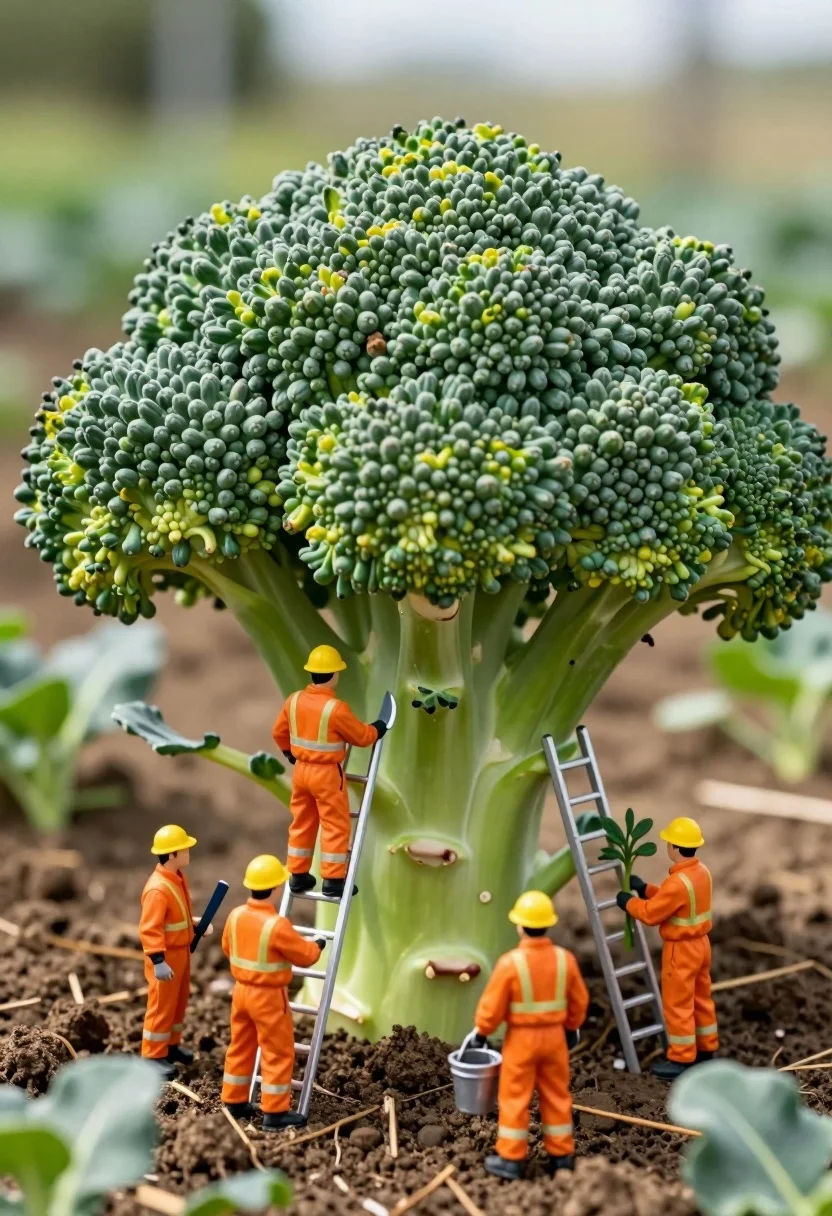
Miniature construction crew working on giant broccoli in a lush garden setting
Prompt
A miniature construction crew works around a giant head of broccoli in a garden setting.

Subject: A massive, detailed head of green broccoli with a thick stalk serves as the central structure for tiny workers.

Clothing: Four miniature figures wear bright orange high-visibility jumpsuits with reflective stripes and yellow hard hats.

Action: One worker stands on a ladder pruning the broccoli florets, another stands on a platform holding a tool, a third carries a bucket of soil or fertilizer, and a fourth holds a small plant while standing on a ladder.

Environment: The scene is set in a garden with rich brown soil, scattered green leaves, and blurred background foliage suggesting an outdoor field.

Camera: Close-up macro shot with shallow depth of field blurring the background to emphasize the miniature workers and broccoli texture.

Lighting: Natural daylight with soft shadows highlighting the textures of the broccoli florets and the reflective surfaces of the workers' suits.

Objects: Two silver ladders, a metal bucket, and gardening tools are used by the miniature figures.

Style Details: Macro photography aesthetic with high detail on small subjects, vibrant colors, and a whimsical scale contrast between the tiny humans and the large vegetable.
Description
This prompt is useful for creating whimsical editorial spreads, imaginative children's book illustrations, and detailed product concept art featuring unexpected scales. The combination of 'macro photography aesthetic' with 'natural daylight' ensures that the minute details on the workers' reflective stripes contrast sharply against the rich texture of the broccoli florets, preventing the scene from looking flat or overly staged.
Suggestions
- Change 'bright orange high-visibility jumpsuits' to 'deep navy overalls' for a more muted palette.
- Replace 'garden setting' with 'mossy forest floor' to alter the environment.
- Adjust 'shallow depth of field' to 'bokeh effect' for an even softer background blur.
Category
Tags
3dClose UpFoodFull BodyMacro Shot
Date added
July 3, 2026
Added by
PromptDexter Team
Related Prompts
More prompts with similar categories and tags.

Miniature baristas working around giant coffee cup on rustic wooden table

Woman resting in meadow with white rabbit at golden hour
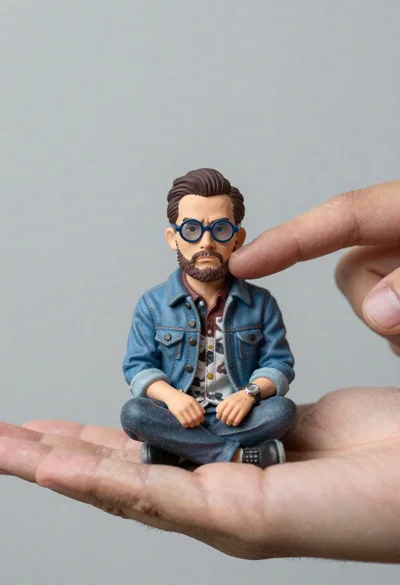
Macro photograph of miniature man seated in palm hand

Miniature blonde doll hugging kitkat bar held by giant thumb

Three disney characters on a tropical grassy rock

Futuristic soldier in heavy snowfall on an urban street
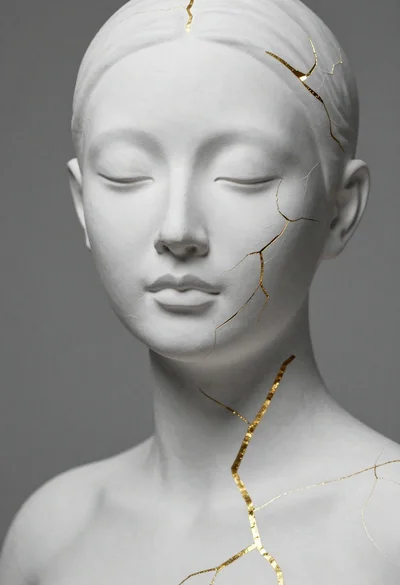
Close up portrait of serene bust with gold kintsugi cracks
Macro shot of miniature forest inside a medical capsule
Two reptilian aliens in a worn spacecraft cockpit
Hyperrealistic caricature sculpture of a man sitting