
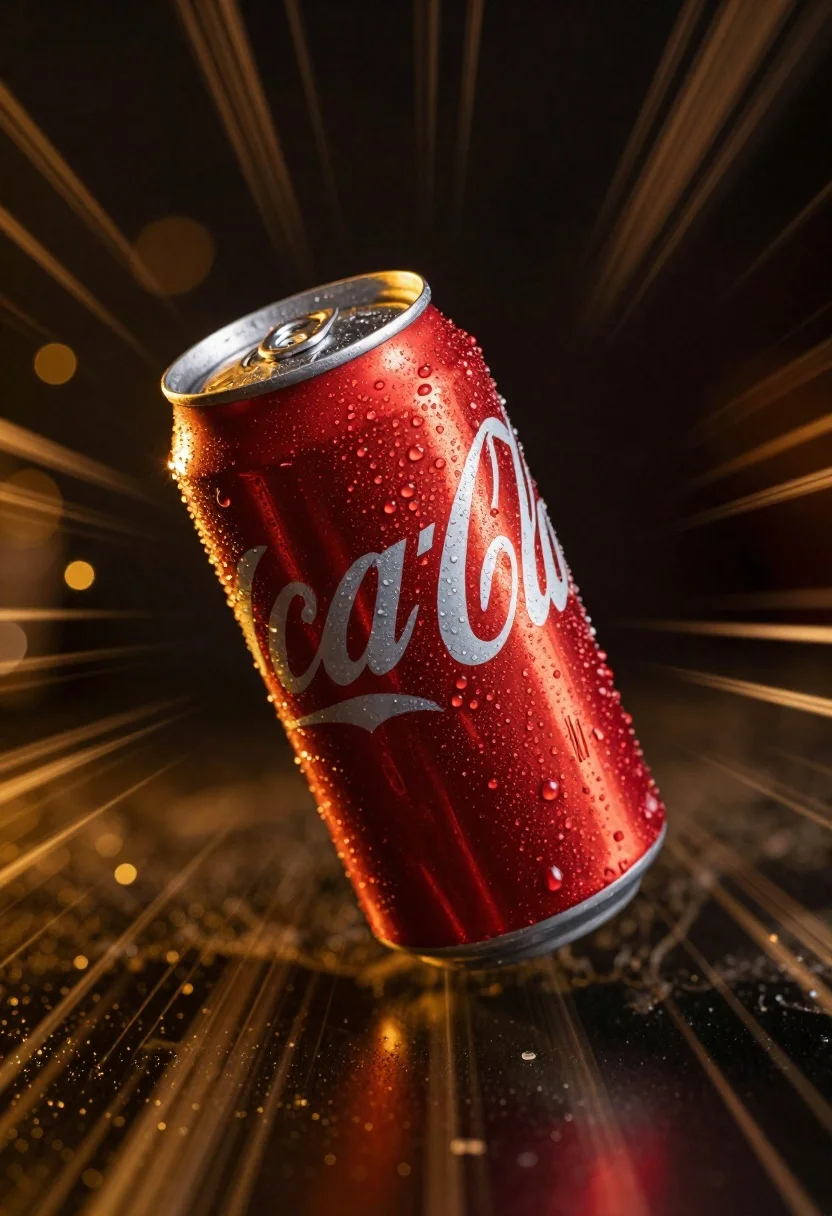
Red aluminum soda can tumbling through space with radial blur
Prompt
A red aluminum soda can with condensation droplets is captured mid-motion against a dynamic radial blur background.

Subject: A classic red aluminum beverage can featuring the iconic white cursive logo script running diagonally across its surface.

Clothing: The can has a silver metallic top with a pull-tab mechanism visible, and the body is covered in glistening water droplets indicating it is cold.

Action: The can appears to be tumbling or rolling rapidly through space, emphasized by the intense radial motion blur radiating from the center of the frame.

Environment: The background consists of a dark void filled with out-of-focus golden bokeh lights and streaks that suggest speed and energy.

Camera: Shot with a strong radial zoom burst effect to simulate high velocity, utilizing a shallow depth of field that keeps the can relatively sharp while blurring the surroundings.

Lighting: Dramatic lighting highlights the wet texture of the can, reflecting warm golden tones from the background lights against the cool silver rim and red body.

Style Details: High-contrast commercial photography style with hyper-realistic textures on the condensation and a vibrant color palette dominated by deep reds and glowing golds.
Description
This prompt is useful for creating dynamic product advertisements, abstract motion graphics assets, and high-energy beverage packaging mockups. The combination of 'dramatic lighting' highlighting the wet texture against the 'radial blur background' ensures that the can appears both tangible and impossibly fast, which is crucial for conveying refreshment in a commercial context.
Suggestions
- Change 'red aluminum soda can' to 'matte black aluminum soda can' for a more modern feel.
- Replace 'golden bokeh lights' with 'cyan neon streaks' for an alternative energy source.
- Adjust the action by adding 'slow-motion arc' to suggest controlled movement.
Category
Tags
Close UpRealistic
Date added
June 26, 2026
Added by
PromptDexter Team
Related Prompts
More prompts with similar categories and tags.
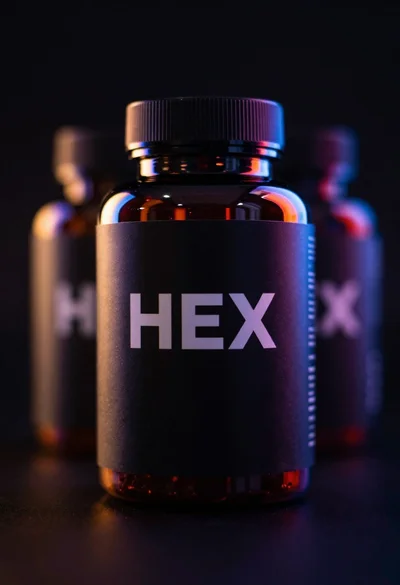
Black supplement bottle with chromatic aberration in void
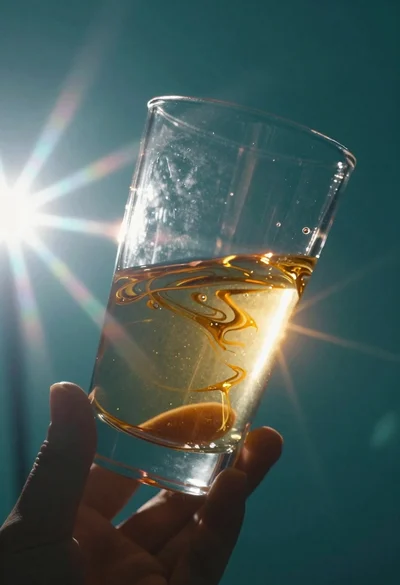
Abstract close up of glass vessel against teal background
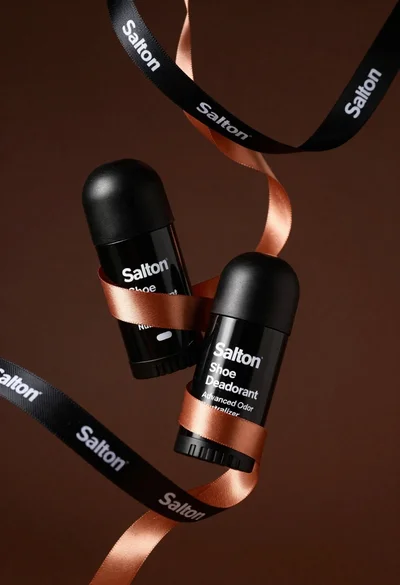
Two black deodorant bottles wrapped in a flowing black ribbon
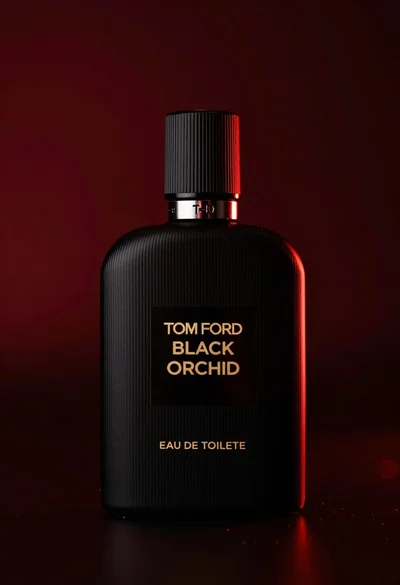
Close up product shot of black perfume bottle with gold lettering
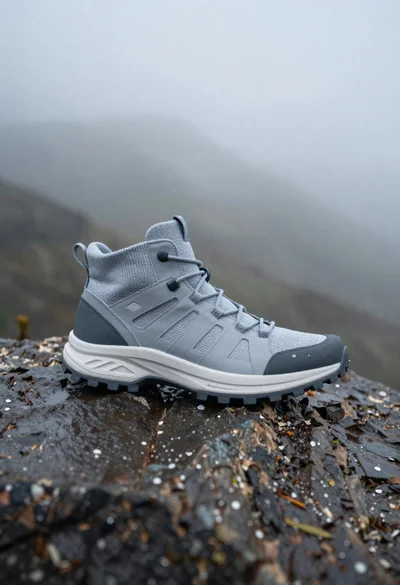
Grey and white hiking boot on wet rocky ground
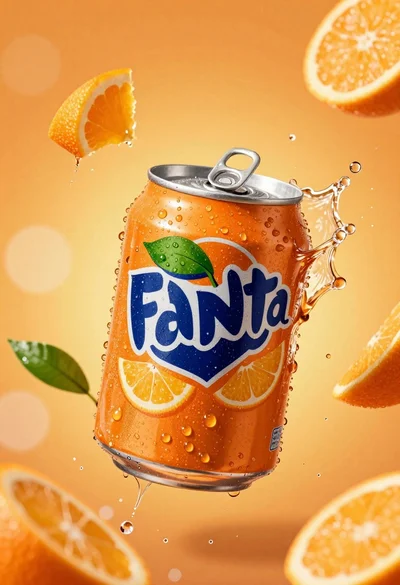
Hyperrealistic close up of orange soda splashing from a floating can
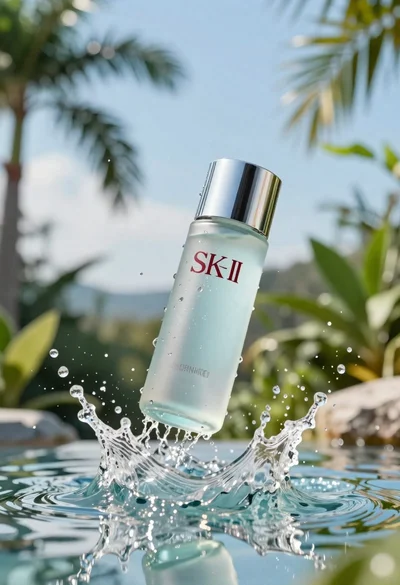
Clear glass skincare bottle suspended in water splash outdoors
Close up portrait of woman applying pink lipstick against red curtains
