
Santa claus and six elves in a festive snow globe setting
Prompt
A festive Christmas snow globe scene featuring Santa Claus surrounded by six cheerful elves inside a glass dome resting on a wooden base with snow-covered ground and colorful gift boxes scattered around.

Subject: A jolly Santa Claus with a white beard, red suit, and hat stands in the center holding a scroll, flanked by six small green-clad elves with pointed ears, each holding toys or gifts.

Clothing: Santa wears a traditional red suit with white fur trim; elves wear green tunics, red pants, green hats, and brown boots.

Action: Santa gestures with one hand while reading from a scroll; elves smile broadly, hold teddy bears, toy planes, and wrapped presents, standing in a semi-circle around him.

Environment: Inside the globe is a cozy workshop filled with shelves of toys, Christmas trees, and bunting flags; outside the globe is snowy ground with falling snowflakes and warm bokeh lights in the background.

Camera: Close-up view centered on the snow globe with shallow depth of field blurring distant lights and emphasizing foreground details like gift boxes and snow texture.

Lighting: Warm golden glow emanates from within the globe, contrasting with cool blue tones outside; soft shadows enhance depth, and gentle highlights reflect off the glass dome.

Style Details: 3D animated style with smooth textures, vibrant colors, cinematic lighting, and a magical holiday atmosphere reminiscent of high-end animation films.
Description
This prompt is useful for creating whimsical holiday greeting cards, festive product advertisements, and stylized seasonal storybook illustrations. The combination of 'warm golden glow' emanating from within the globe contrasting with 'cool blue tones outside' establishes a clear visual separation that draws focus to the central figures while using the shallow depth of field to keep the viewer's eye on the foreground details like the gift boxes.
Suggestions
- Change 'jolly Santa Claus' to 'stoic Santa Claus' for a more dramatic feel.
- Swap 'green tunics' for 'deep emerald velvet' to increase richness.
- Adjust 'warm golden glow' to 'soft incandescent light' for a different warmth.
Category
Tags
3dAnimalClose UpFemaleMaleNatureStudioTraditional Wear
Date added
August 5, 2026
Added by
PromptDexter Team
Related Prompts
More prompts with similar categories and tags.
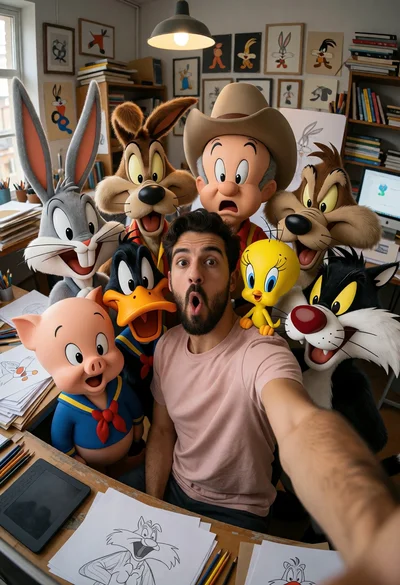
Man taking wide angle selfie with looney tunes characters in studio
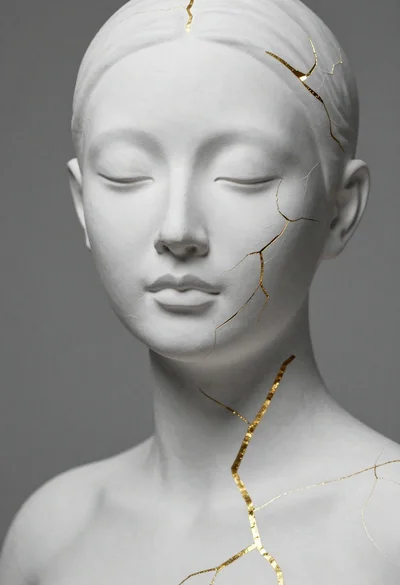
Close up portrait of serene bust with gold kintsugi cracks
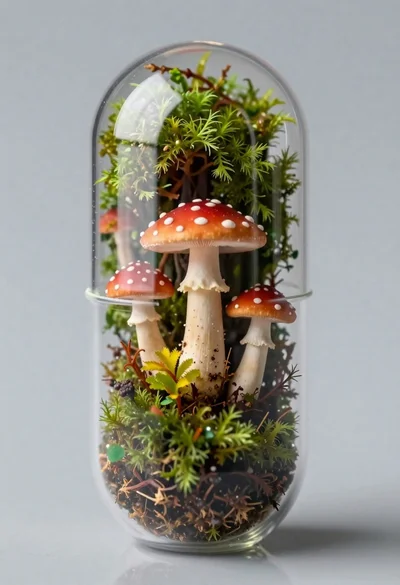
Macro shot of miniature forest inside a medical capsule
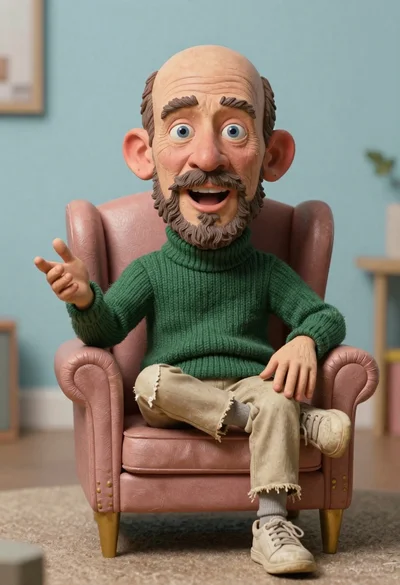
Hyperrealistic caricature sculpture of a man sitting

Astronaut portrait against pale blue sky background
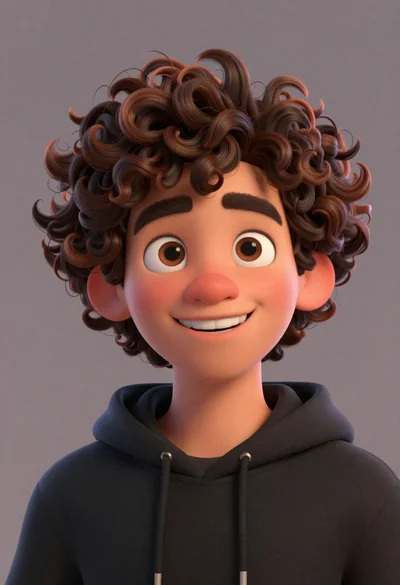
Close up portrait of cheerful young man with curly brown hair

Close up portrait of caricatured man in santa hat and sweater
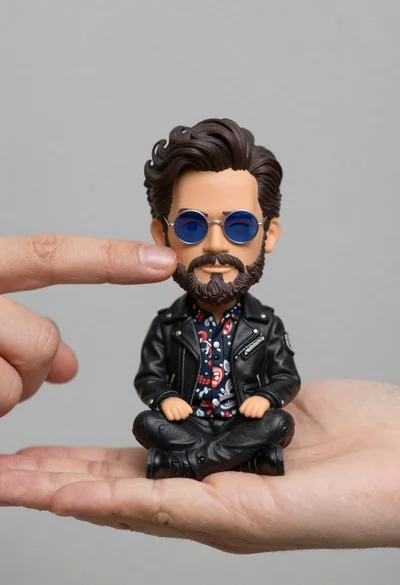
Hyperrealistic close up of bobblehead figure in an open hand
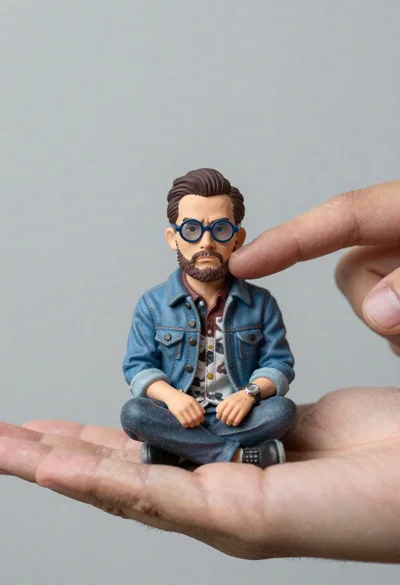
Macro photograph of miniature man seated in palm hand
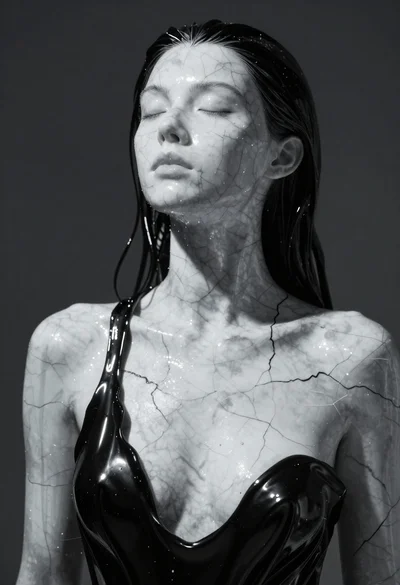
Closeup portrait of woman with white marble skin and glossy black liquid