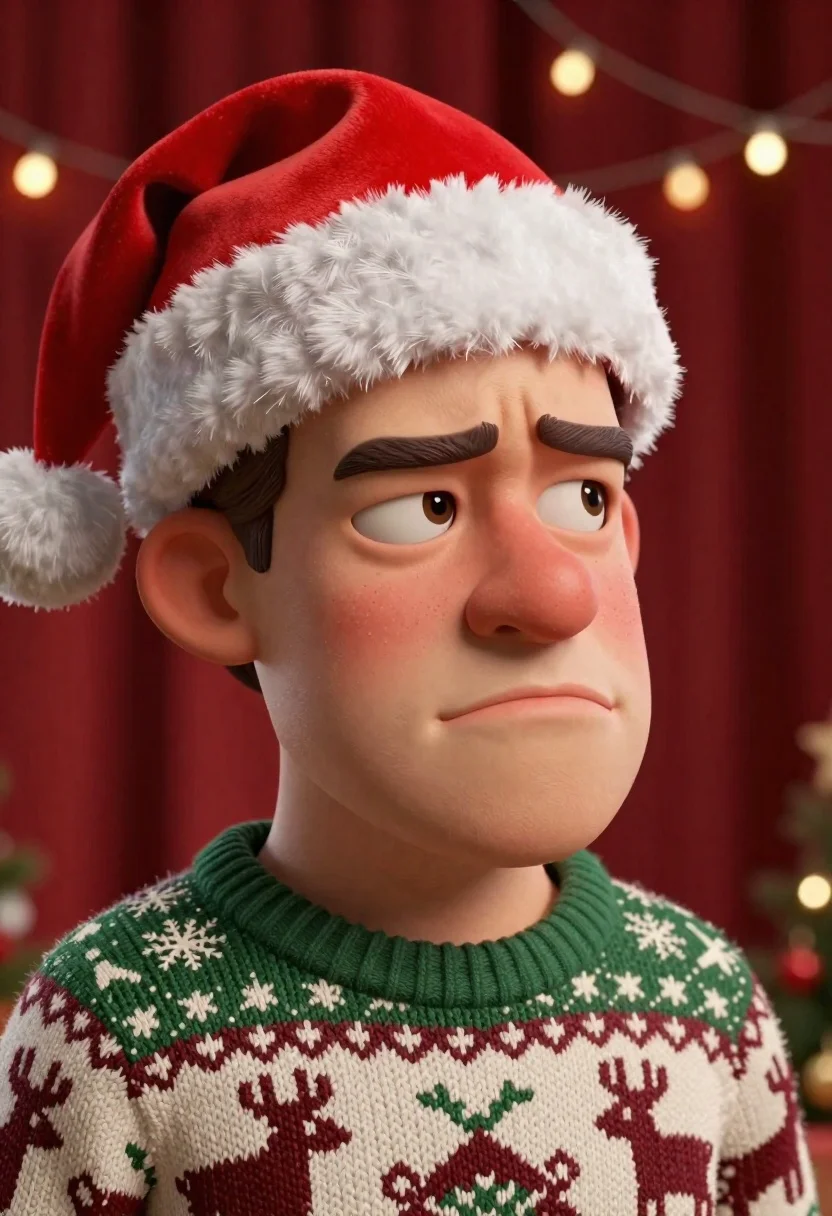
Close up portrait of caricatured man in santa hat and sweater - AI Image Prompt
Generates a realistic close up portrait of caricatured man in santa hat and sweater image with natural body language, soft environmental lighting, and human-accurate proportions. Works best in Gemini, ChatGPT, Grok, Flux, Z-Image and other models that prefer natural language prompts.
Prompt
A close-up portrait of a caricatured man with exaggerated facial features wearing festive holiday attire.

Subject: A cartoonish male character with a large bulbous nose, thick lips, and a skeptical expression looking sideways to the right. He has a round face with visible skin texture and freckles.

Clothing: He wears a red Santa hat with a fluffy white brim and pom-pom, and a chunky knit sweater featuring a green collar and a pattern of reindeer and snowflakes in cream and maroon colors.

Action: The character is posed in a head-and-shoulders shot with his eyes narrowed and lips pursed in a look of suspicion or disapproval.

Environment: The background consists of a deep red curtain texture with a string of warm, glowing Christmas lights blurred in the distance.

Lighting: Soft studio lighting illuminates the front of the face, creating gentle shadows that emphasize the exaggerated features and skin folds.

Style Details: High-quality 3D render with hyper-realistic textures, cinematic depth of field, and a polished digital art style.
Tags
3dClose UpMaleStudio
How to use
Generate a new image
- Copy the prompt and paste it into your preferred image model.
- Adjust details like subject, lighting, or style if needed.
- Generate and iterate to refine the result.
- Works best with models that support detailed natural language prompts, such as Gemini, Grok, ChatGPT, Flux, or Z-Image.
Edit your uploaded image
- Upload your image in a model like Gemini, Grok or ChatGPT.
- Paste the edit prompt into the text box and submit.
- Review the result, most edit prompts work out of the box.
- If needed, tweak the prompt and repeat until you get the desired output.
- Note: In our testing, Gemini and Grok tend to give better results for edits.
Related Prompts
More prompts with similar categories and tags.
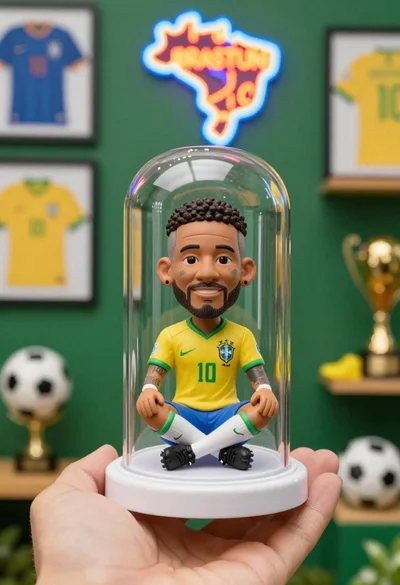
Hand holding clear capsule with miniature bobblehead soccer player
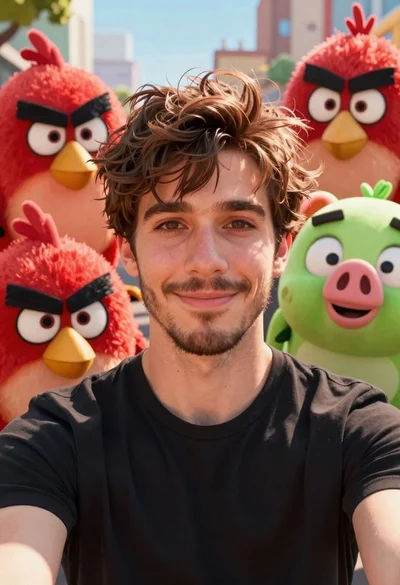
Young man smiling selfie surrounded by colorful angry birds characters
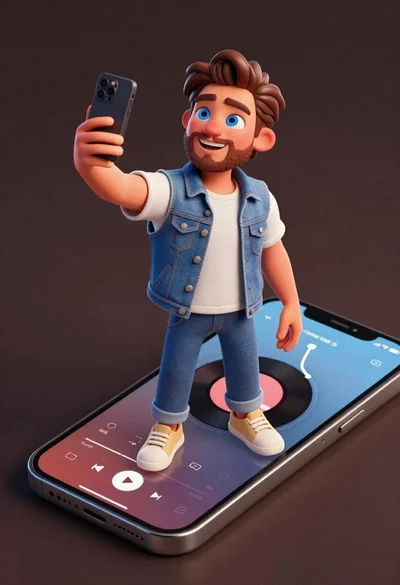
Cheerful young man taking selfie while standing on giant smartphone screen
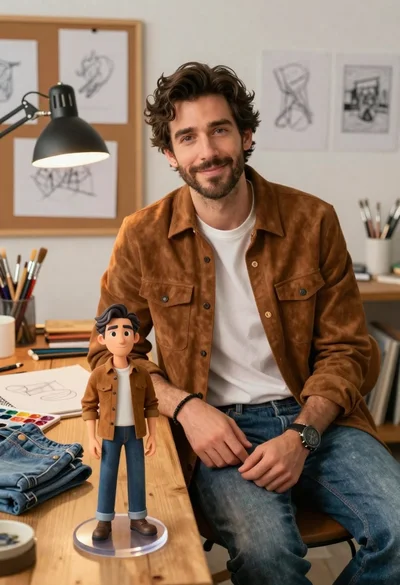
Handsome man in suede shirt sitting at desk in art studio
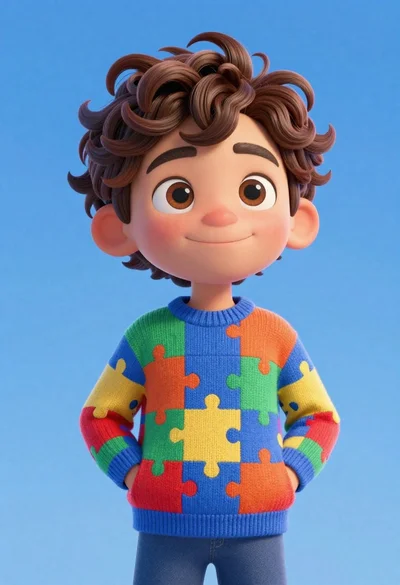
Cheerful young boy in colorful puzzle sweater standing against blue background
Stylized bobblehead soccer player in yellow jersey standing confidently against red background
Full body shot of cartoonish bobblehead football player in real madrid kit
Portrait of person with dark hair against red background